










 Posted 01/02/2016 11:09 pm


Hi Jo,
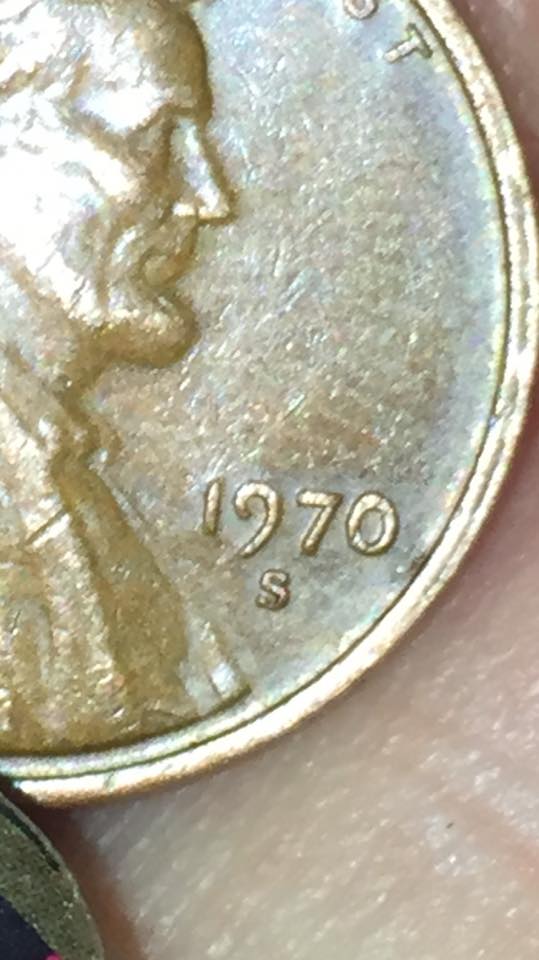
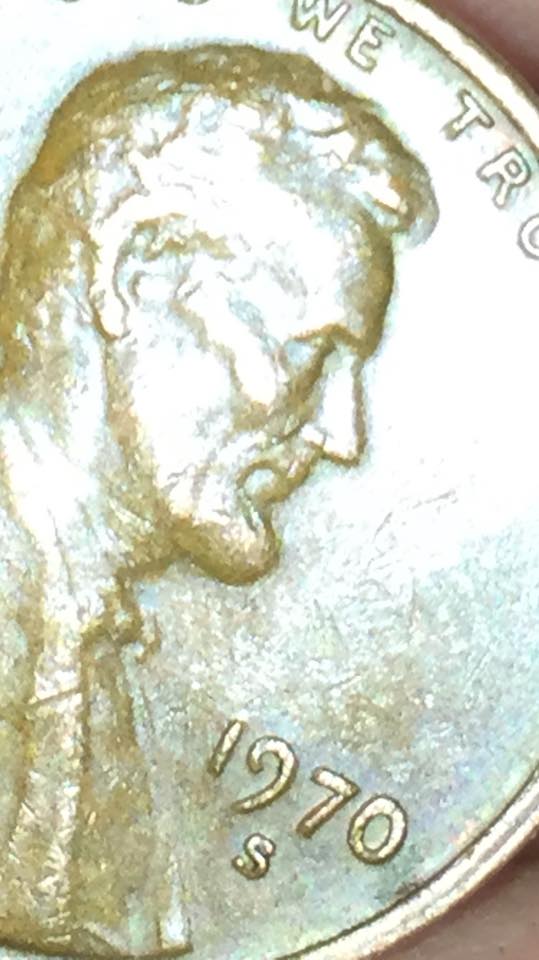
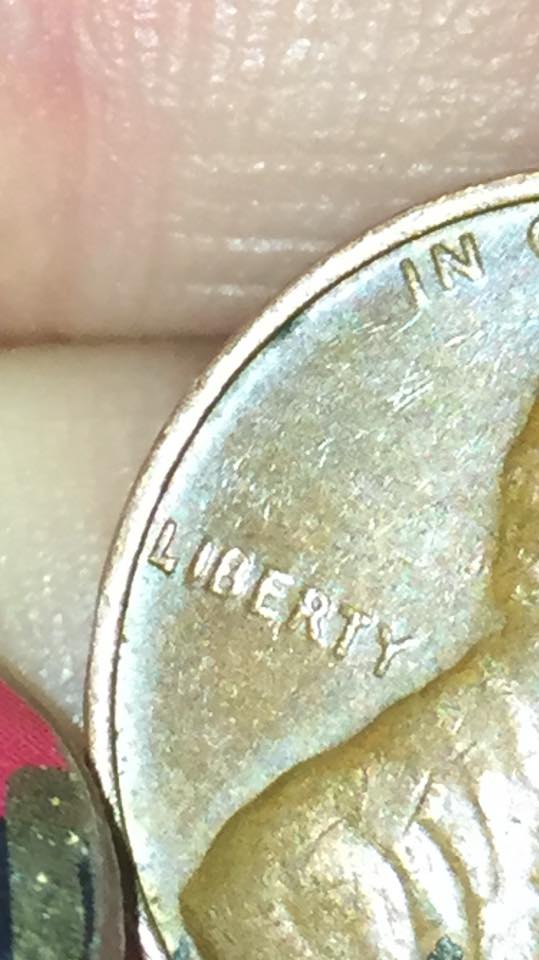
Hard to say what if anything is going on in the mint mark. A bit out of focus and plenty of glare. Don't worry: with time your pictures will improve. Spend some time in the photography forum for tips on picture taking.
Some quick tips:
- Use a proper backdrop: light colors for dark coins (cents) and dark colors for light coins (silver/nickel)
- Lie the subject coin on a flat surface and angle lighting appropriately trying to limit shadows and glare (NOTE: for some pictures, shadow/glare is important to accentuate a feature/anomaly such as a clash)
- Rest the camera/camera phone on a solid object of mass preferably at a fixed distance optimal for your camera in order to reduce/eliminate movement
- Use a photo editor on your computer to optimize your pictures: crop, lighting, color, shadow, saturation, etc.
- Use the Free Image Optimizer to reduce your photos for posting
It'll come with practice and you can set up a cost effective photo station at your desk. Coop always tosses out the most economical light diffuser; a standard white plastic bag from your grocer. This will keep the direct light from casting excessive glare on your subject item.
Good luck...and have fun with the process! And be safe: light bulbs throw off heat and plastic/paper burns.
Hard to say what if anything is going on in the mint mark. A bit out of focus and plenty of glare. Don't worry: with time your pictures will improve. Spend some time in the photography forum for tips on picture taking.
Some quick tips:
- Use a proper backdrop: light colors for dark coins (cents) and dark colors for light coins (silver/nickel)
- Lie the subject coin on a flat surface and angle lighting appropriately trying to limit shadows and glare (NOTE: for some pictures, shadow/glare is important to accentuate a feature/anomaly such as a clash)
- Rest the camera/camera phone on a solid object of mass preferably at a fixed distance optimal for your camera in order to reduce/eliminate movement
- Use a photo editor on your computer to optimize your pictures: crop, lighting, color, shadow, saturation, etc.
- Use the Free Image Optimizer to reduce your photos for posting
It'll come with practice and you can set up a cost effective photo station at your desk. Coop always tosses out the most economical light diffuser; a standard white plastic bag from your grocer. This will keep the direct light from casting excessive glare on your subject item.
Good luck...and have fun with the process! And be safe: light bulbs throw off heat and plastic/paper burns.
Edited by Rackster
01/02/2016 11:12 pm
01/02/2016 11:12 pm


