| Author |
 Replies: 7 / Views: 854 Replies: 7 / Views: 854 |
|
|
Pillar of the Community
United States
3656 Posts |
I was working on this one last night, but just as before I can't seem to figure these out. I did a number of side-by-sides for the ones I thought were a match. I will include those images in my post here. coop, I was using all the new images that you put up in your post from a couple of weeks ago (that was really handy - thanks for doing it) https://goccf.com/t/267139Thanks for helping out. I still have a lot more as far as photo's. Let me see what you think of these so far. 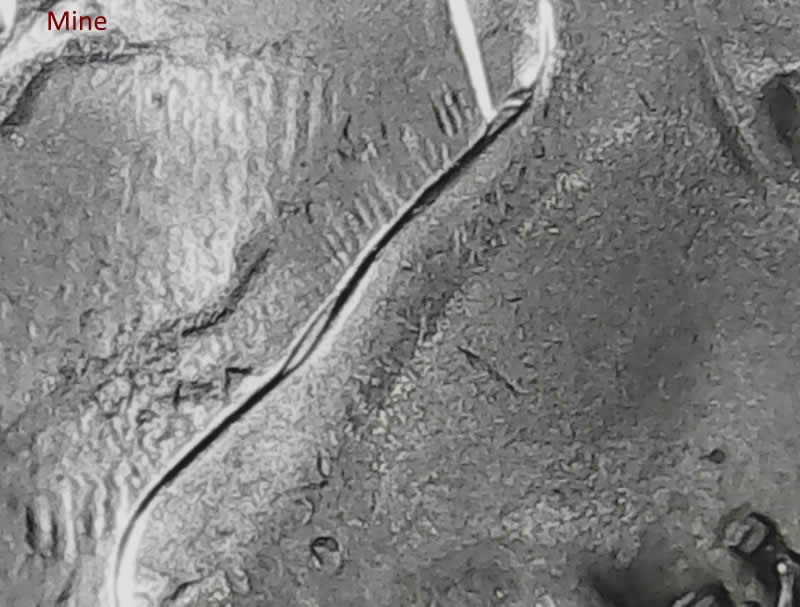 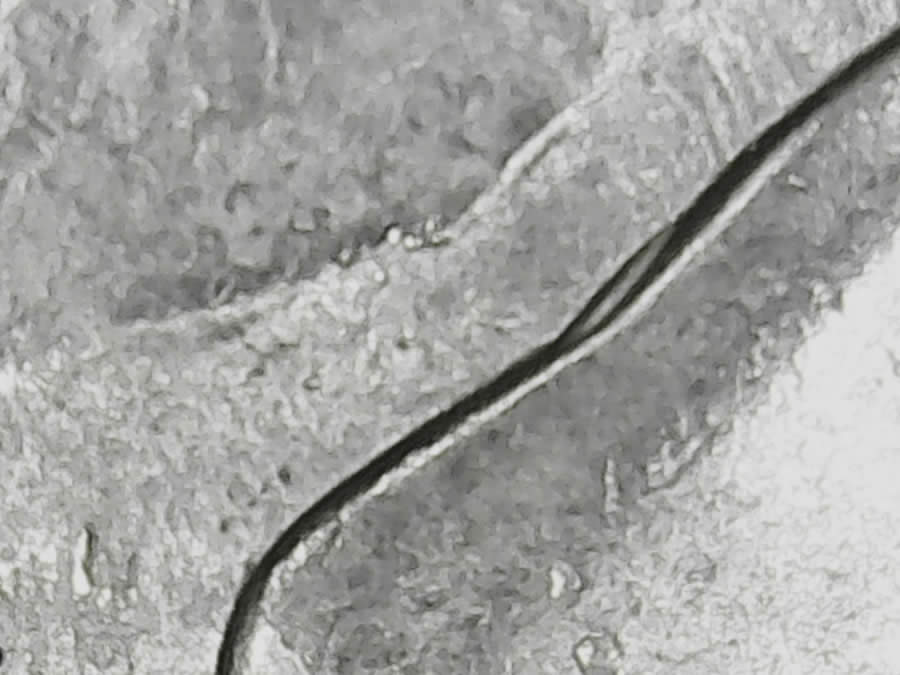 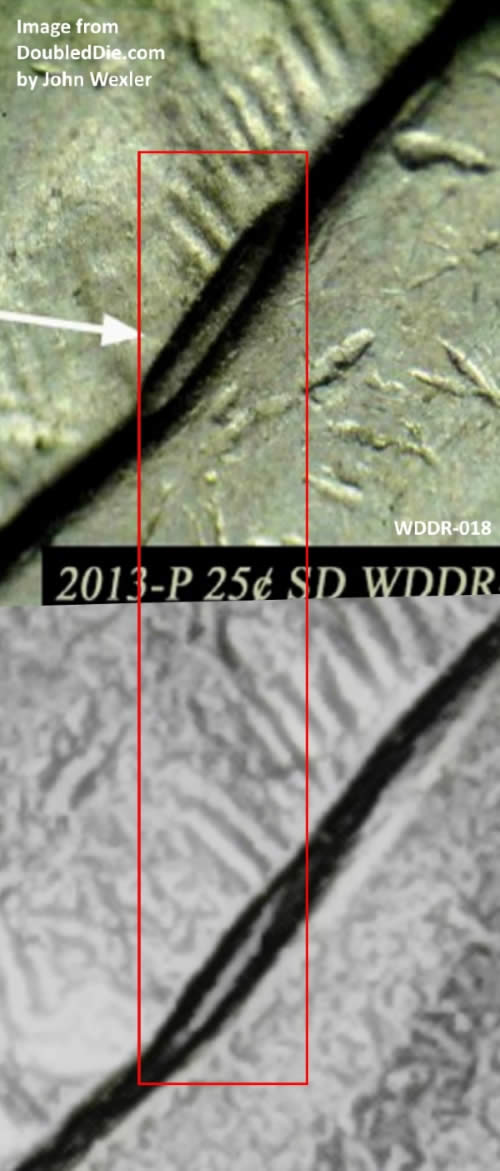 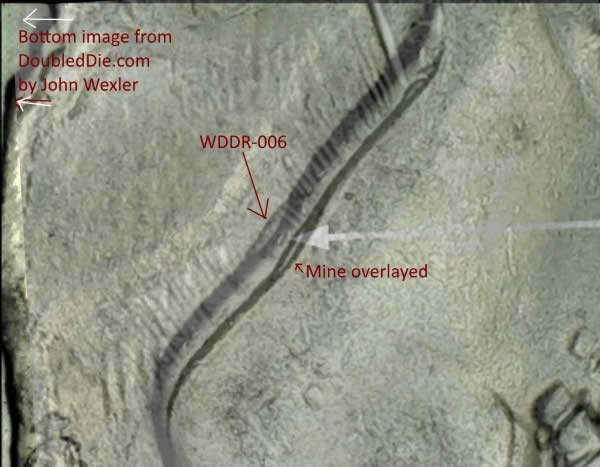 |
|
|
|
Bedrock of the Community
United States
62064 Posts |
Well I just spent some time trying to figure out how to make the location a bit easier with the lines on the valley next to. I noticed that the locations can vary a bit, as well as the shape of the hub doubling. But it just get harder. LOL 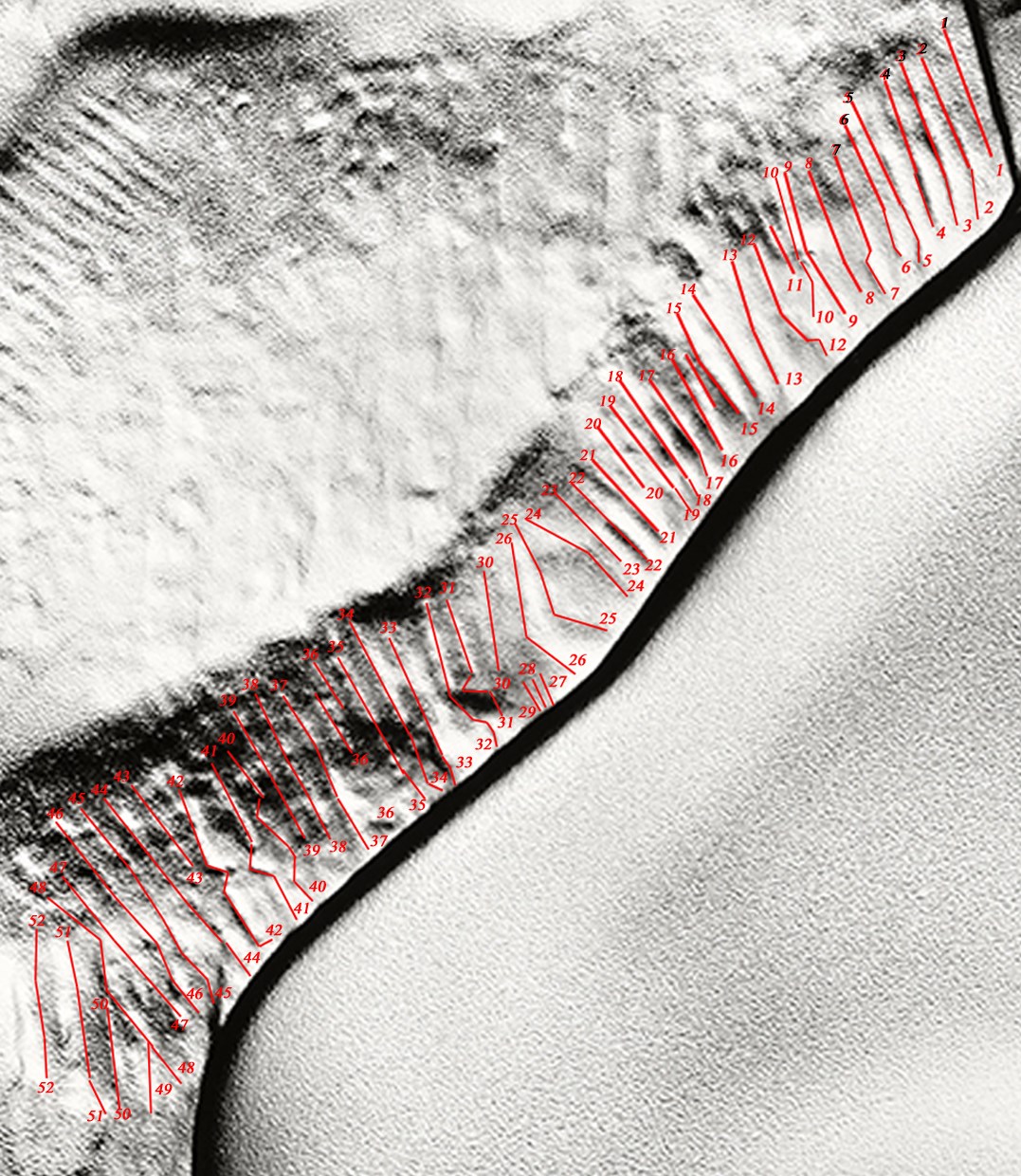 Then I noticed the numbers look too small. So I figured we only need a certain area a bit larger: 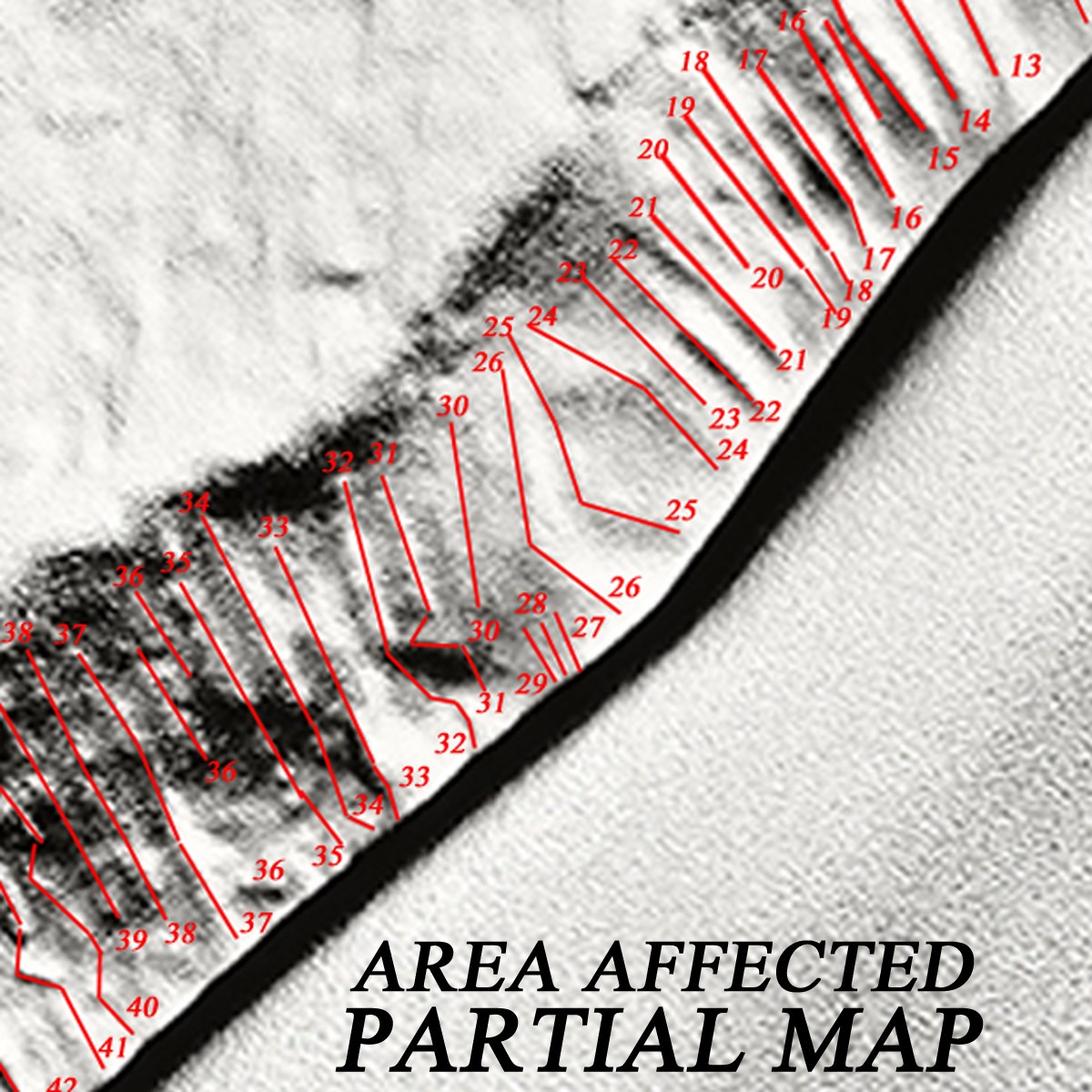 Still seemed to small, so I zoomed a bit more: 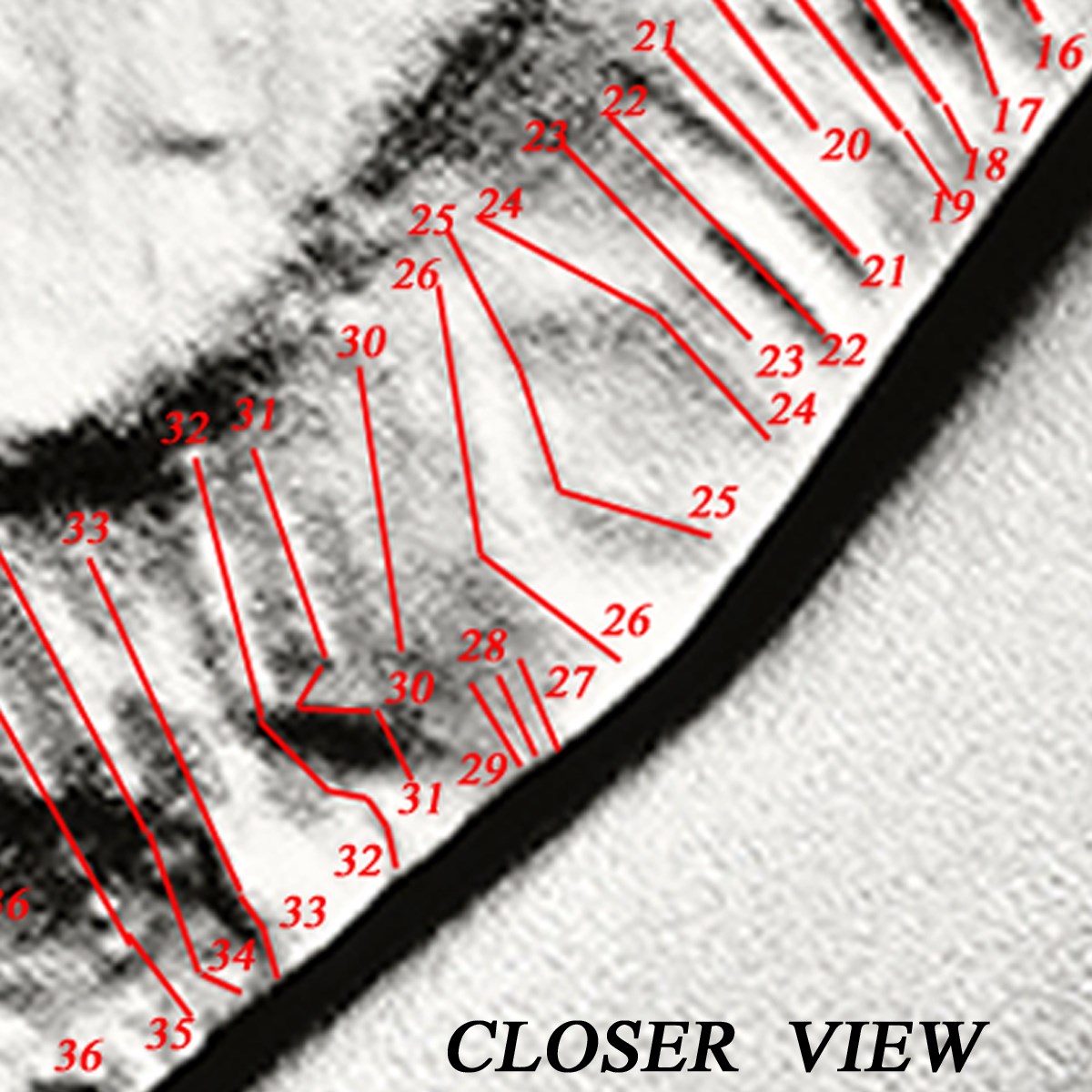 I think we can see the differences between the different lines better. What do you think? |
|
Pillar of the Community
 United States
3656 Posts |
Jeez coop these are incredible - I don't even know what to say except WOW. This must have taken a lot of time and patience. How do you do this stuff?
It is a huge help, because like you said the placement of the DD on the nose varies.
I am going to work on some overlays now and see what I come up with.
Thanks Sooooooo much :)
|
|
Bedrock of the Community
United States
62064 Posts |
I've been in a kick lately with working my images up better. I found a site that has not only images of very nice coins, but I also figure a few thing about the site that makes my editing a lot easier. They have the largest images I've ever seen. It is not unusual to see pixels in the almost 6,000 thousand area. With the large images, you can take a coin that is a doubled die and make a great layout of a full coin shot.  With the larger and better quality images it make editing a lot better. |
|
Pillar of the Community
United States
3656 Posts |
Okay, so my first round the close-up was too close for me to start with, so I choose the middle graphic and did an overlay. Did I get my positioning correct? 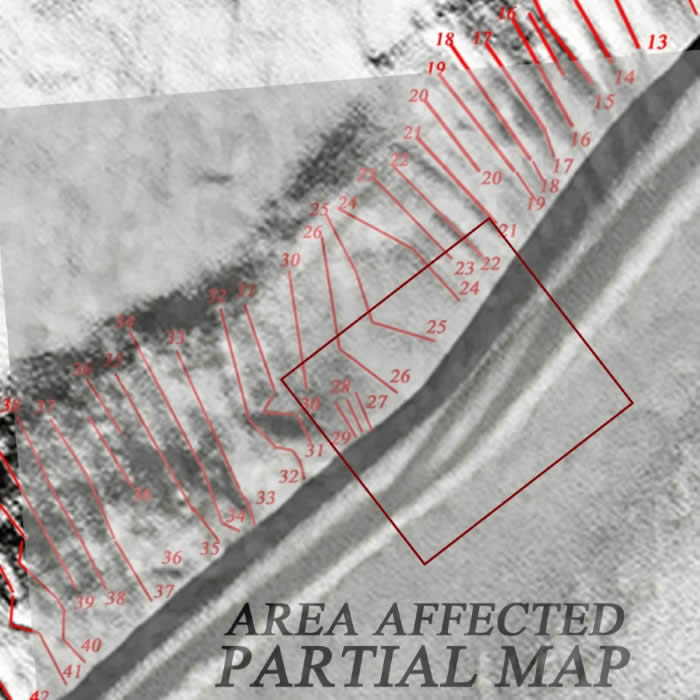 Here is Step 2 that I just did Here is Step 2 that I just did 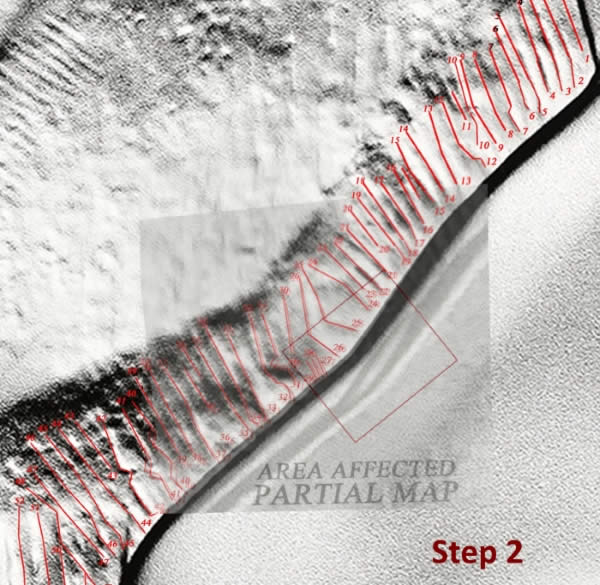 Edited by CoinCents
09/05/2016 5:04 pm
|
|
Pillar of the Community
United States
3656 Posts |
Using your new tool coop - I want to make sure I am doing it correctly. I used your middle image with the ddr-001 from wexlers this DD is between lines 23 and 32-33. On my photo above mine is from 21 to 29-30. So just based on that it is not a match correct? the other thing is that I really had to rotate the image from wexlers to get the correct slope of the nose - does this part mean that they are different reverse dies? 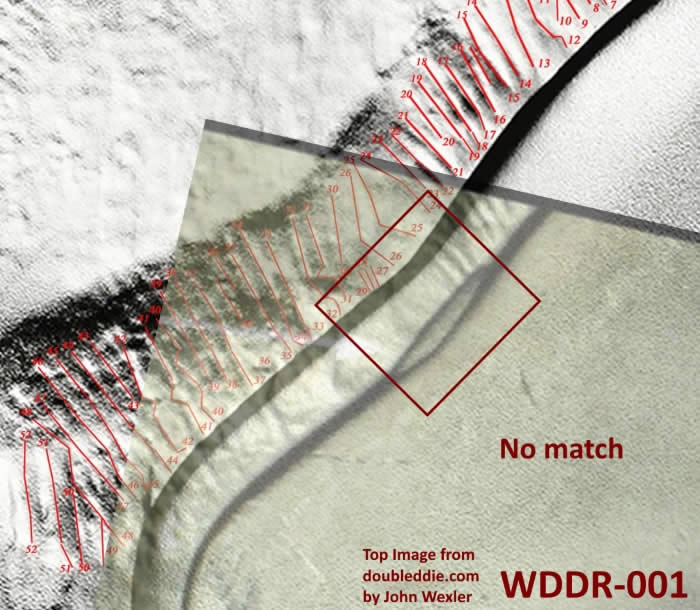 Here is the next comparison I did Here is the next comparison I did 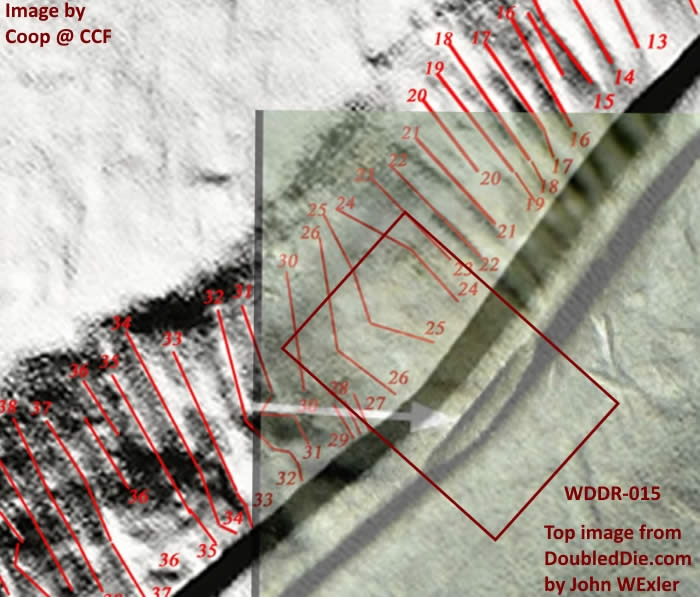 Edited by CoinCents
09/05/2016 8:38 pm
|
|
Pillar of the Community
United States
3656 Posts |
I find no match to mine (provided I am using the new tool correctly)
|
|
Bedrock of the Community
United States
62064 Posts |
What would probably help most is to not where the three lines: 27,28,29 fall. Also the 24,25,26 pattern area is different. The 31,32,33 area is another area to match up to. When the lines are so different, lining up two of these patterns will help you see the distance between them and then you will know what size to adjust to. Also if the hub doubling in on one of those areas, it will help to see if it matches an attributed die location.
|
| |
Replies: 7 / Views: 854 |
|








 Posted 09/05/2016 4:01 pm


