| Author |
 Replies: 17 / Views: 5,394 Replies: 17 / Views: 5,394 |
|
New Member
United States
22 Posts |
Hi Just came across this dime today in my pocket change. I don't know if this was a post damage or if it was struck wrong. Looks like 2004 D to me, but not sure. 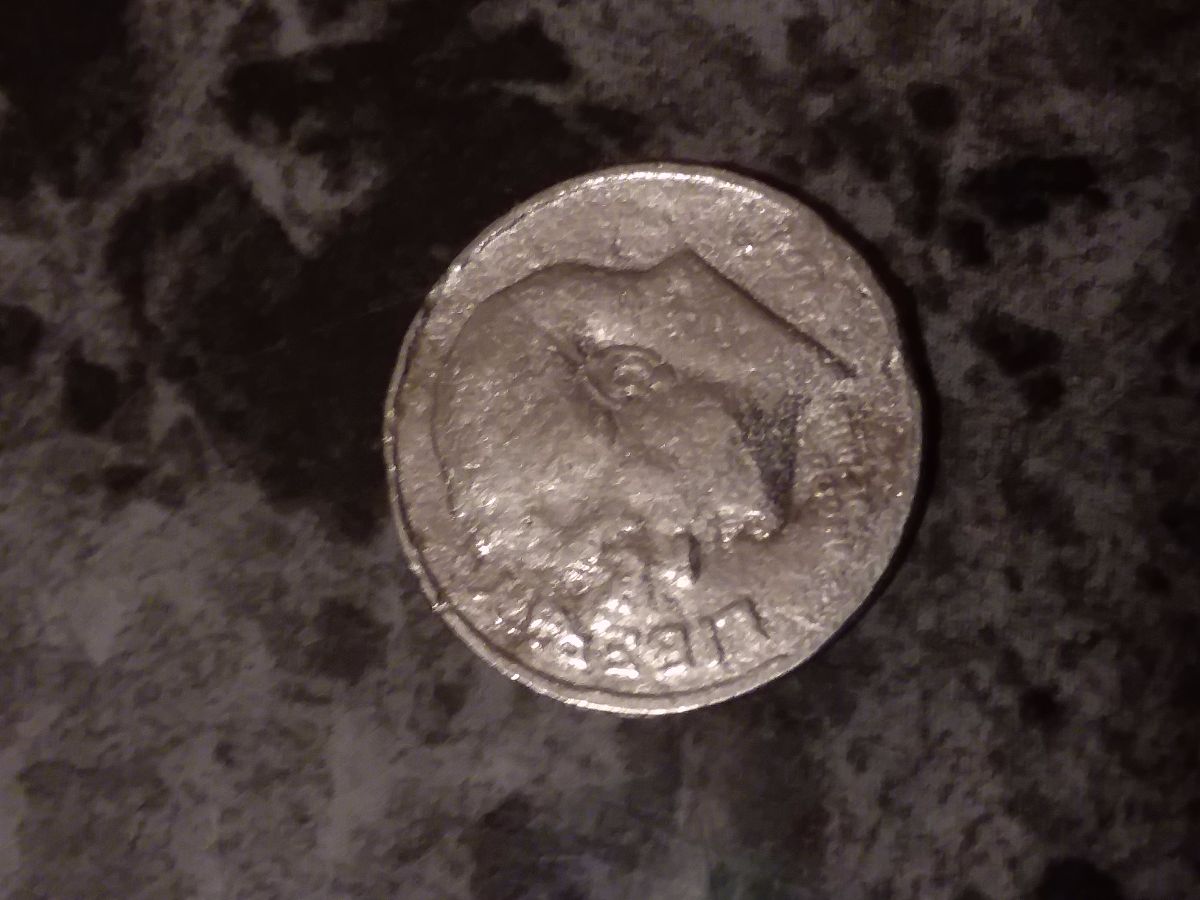 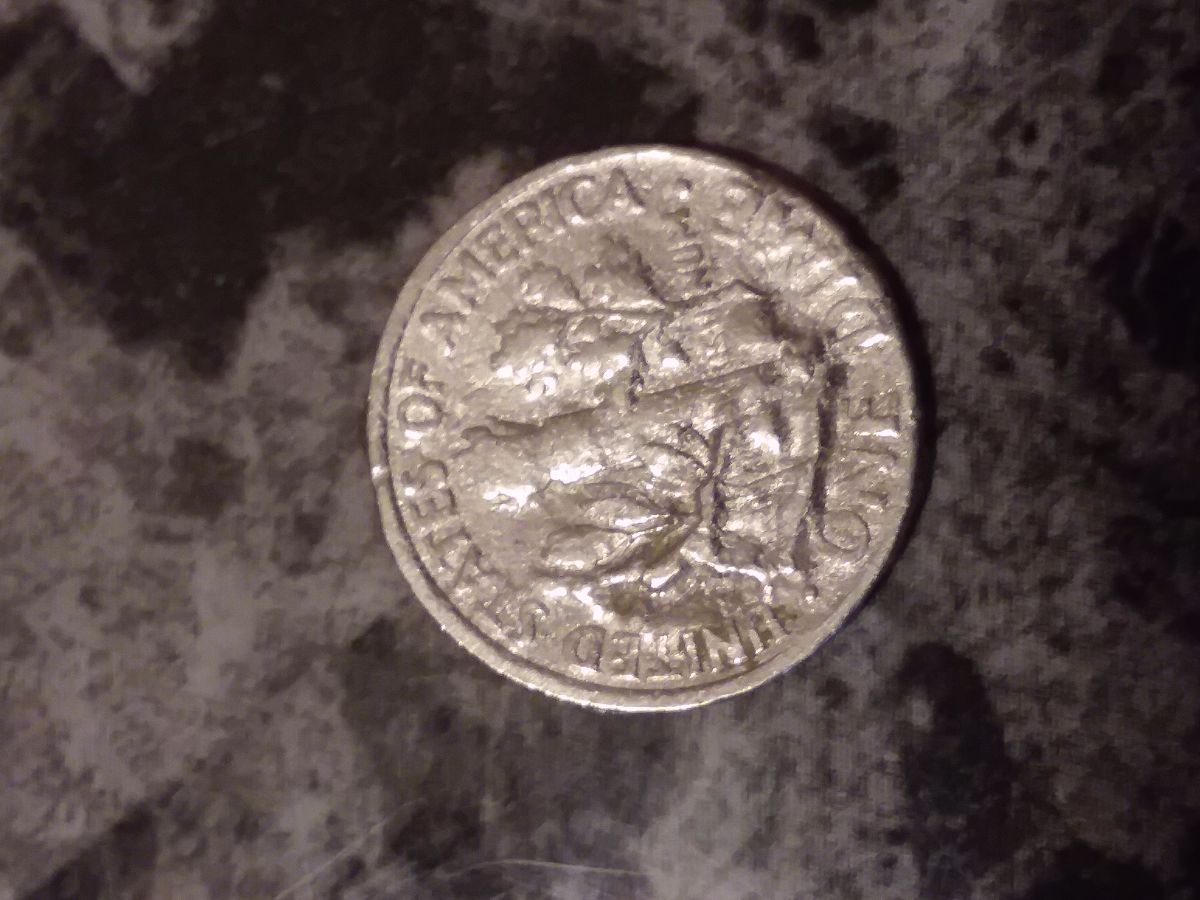 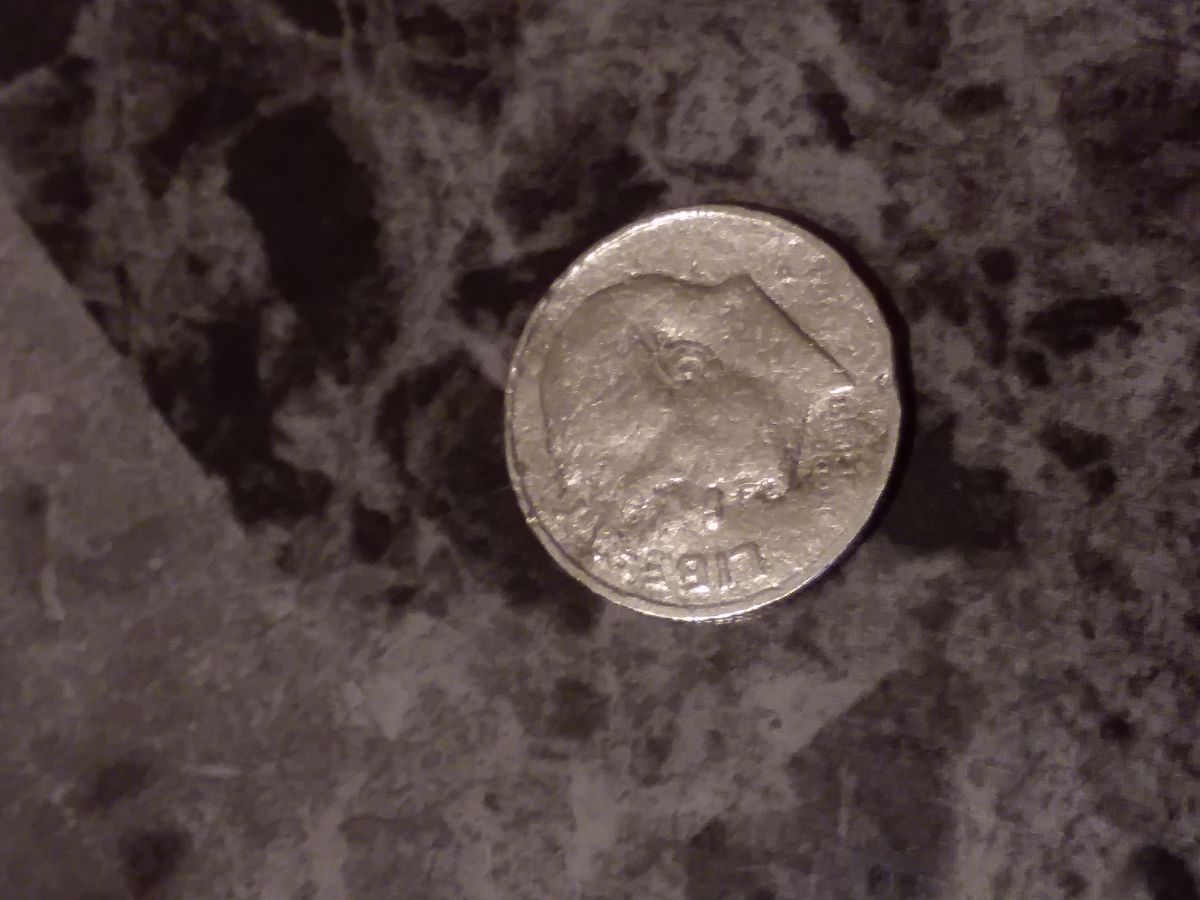 |
|
|
|
Moderator
 United States
14463 Posts |
doesn't look like an error, more likely road rash or in someone's pocket too much, PMD Looks like 2004 P, and a spender |
|
New Member
 United States
22 Posts |
|
|
Rest in Peace
10197 Posts |
A bit bent isn't it? Not too many coins get bent at the mint...
|
|
New Member
United States
22 Posts |
I finally got my scanner fixed. - So I scanned this same dime.. and it looks totally different than the pictures that I took with my Samsung phone. I had a hard time looking through the magnifying glass with this coin. It is much better by using the scanner. Originally I scanned both sides using 2400 DPI - then compressed it to a little less than 300kb worth of data - as required by this forum site. What threw me off, is the "additional" looking lines on this. First thought is that someone soldered it or something... it couldn't be just pocket damage from that... even though it's banged up and is possible from pocket damage, etc ... The luster is not showing anything that is "soldered" to this coin. Can solder stick to a dime? Hmm... either way, I find it fascinating even though it's just a spender. 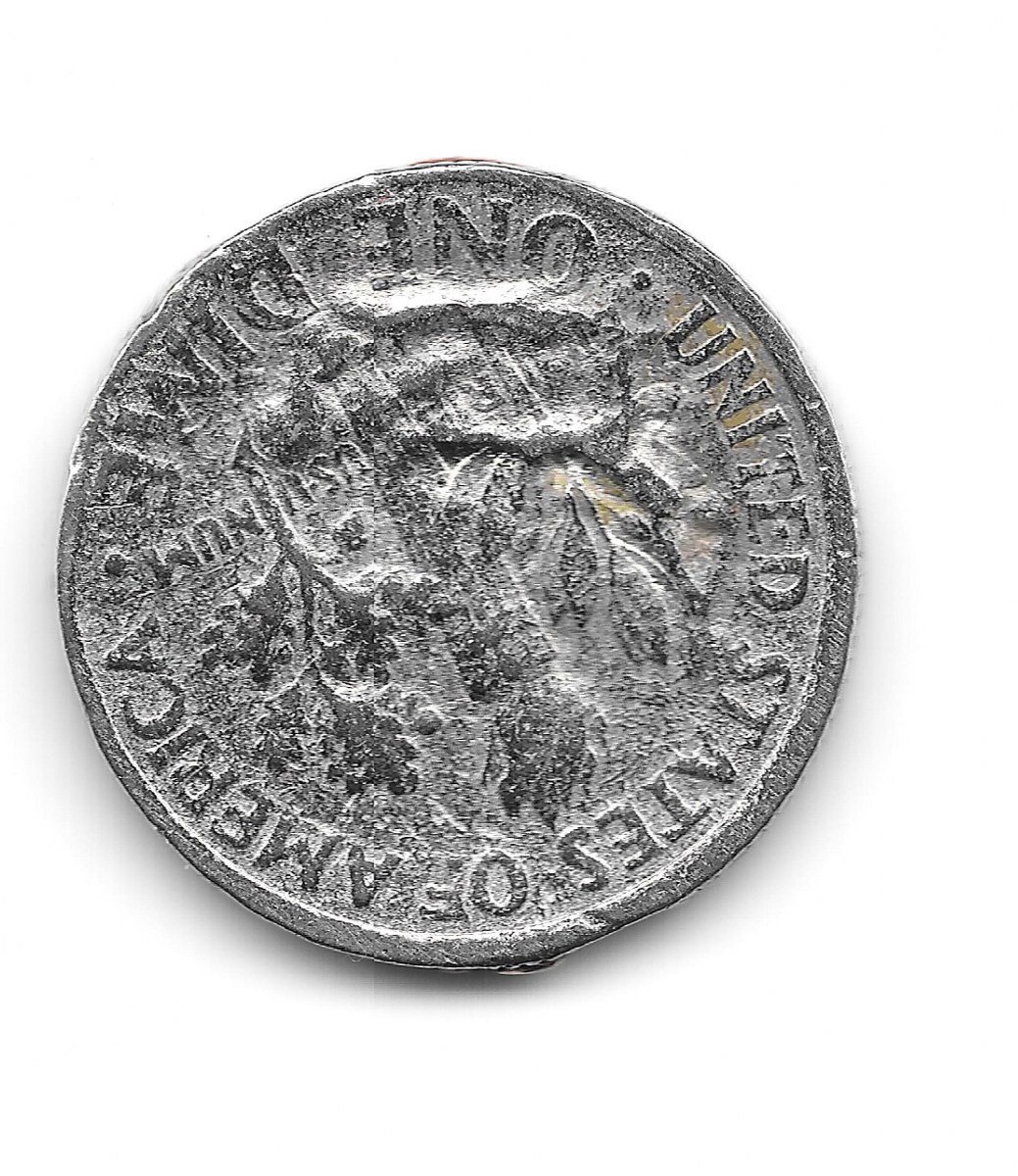 |
|
New Member
United States
22 Posts |
ugh - sorry guys, the picture is upside down.. tried to get it rotated.. it's not working right.. hmm
|
|
New Member
United States
22 Posts |
testing - front again - 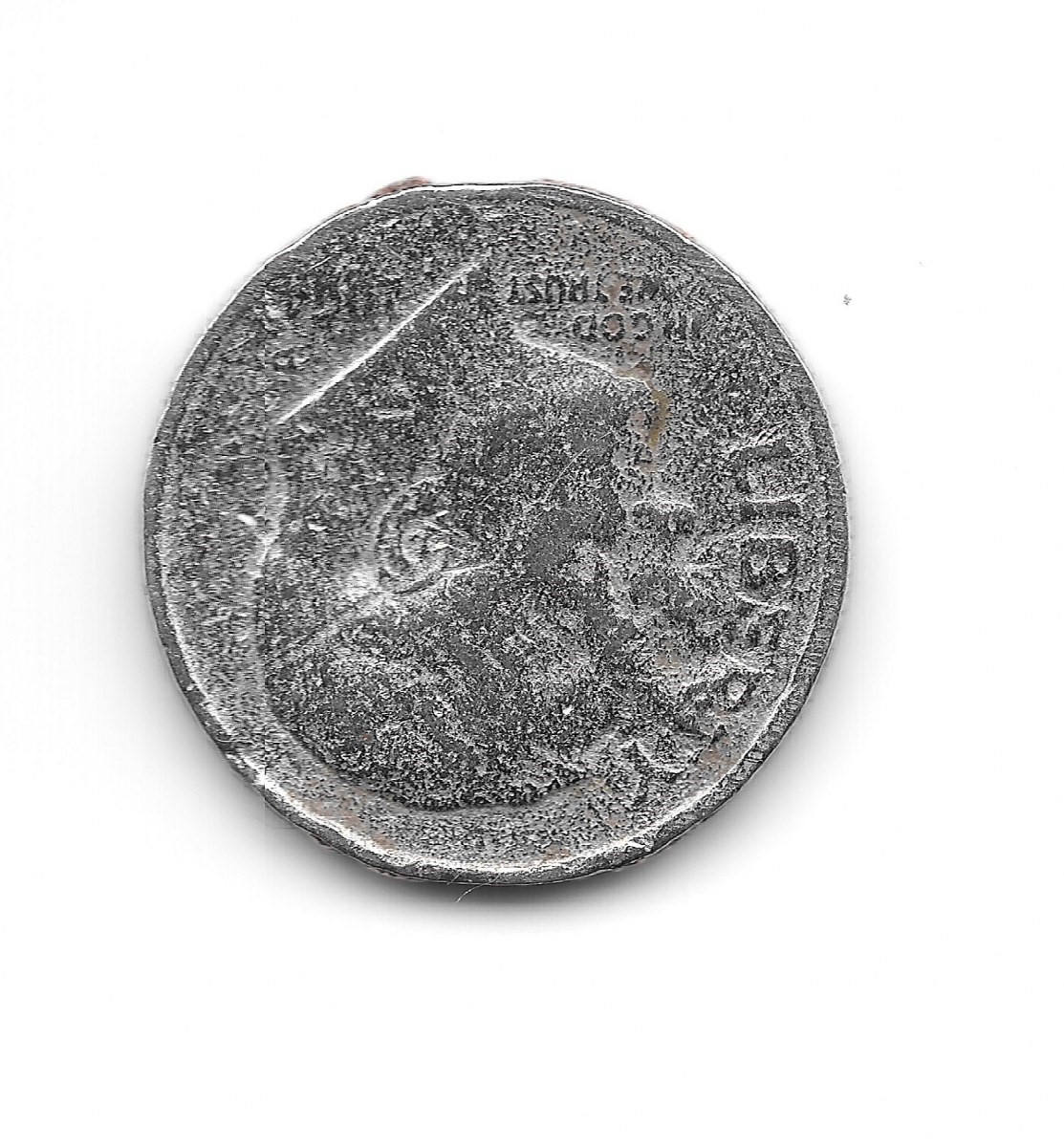 |
|
New Member
United States
22 Posts |
sigh.. this website wont let me rotate the picture. I rotated it perfectly on my computer and yet it shows it's upside down on here. Is there something wrong with the uploader?
|
|
New Member
United States
22 Posts |
this time I had to screen shot this picture - hope it works. 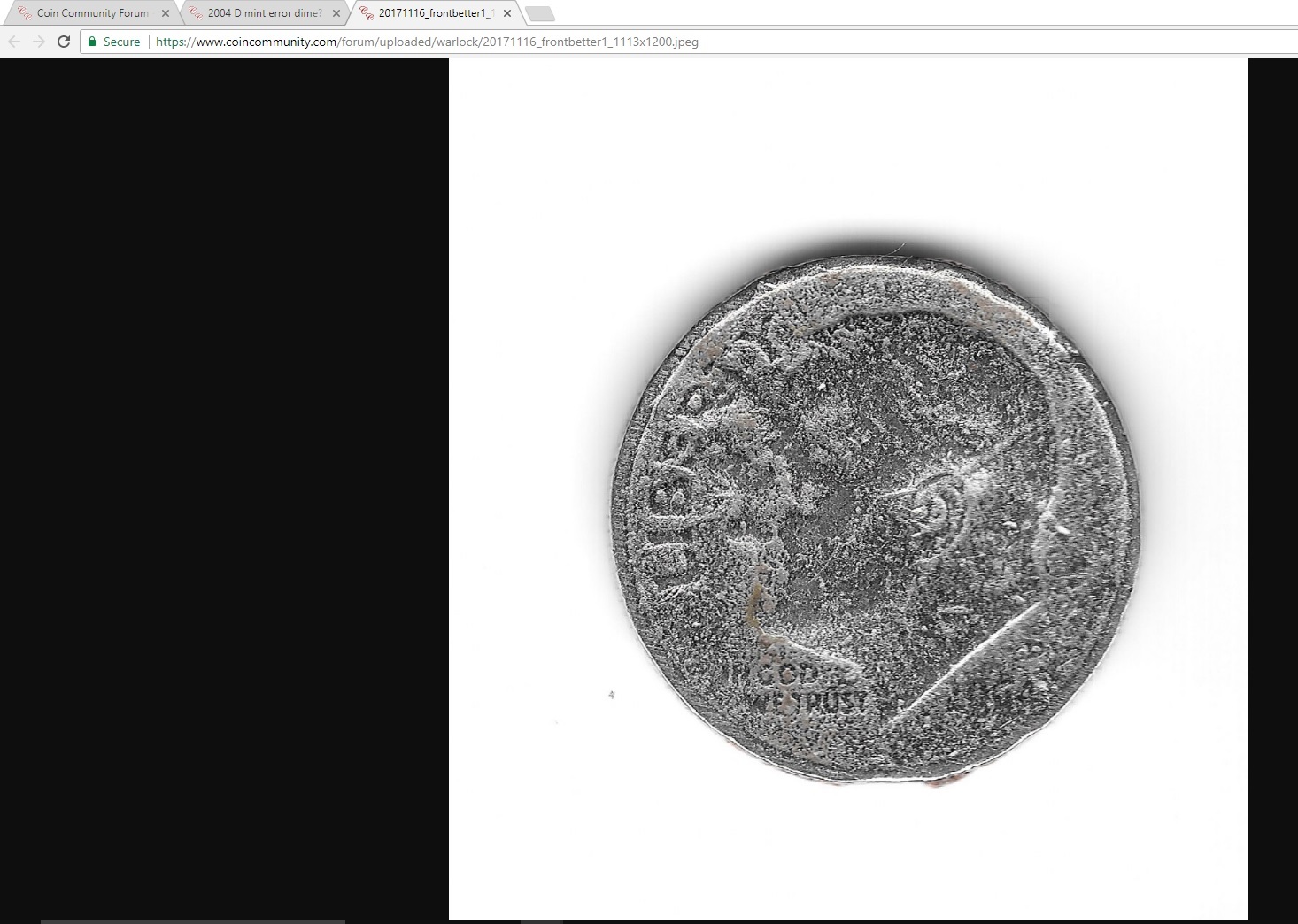 |
|
Moderator
United States
14463 Posts |
|
|
New Member
United States
22 Posts |
CrazyBo - yea it is bent a bit. The reams at that bent point look like if it was torn off a little bit. If you look at the front just above rosevelt's head - there's something there, as if part of the head is sticking out - etc.. and also the luster is too shiny.. not typical for a circulated coin from what I know.. it looks more like a proof coin that went into circulation. Anyways - here's another screen shot of the back - 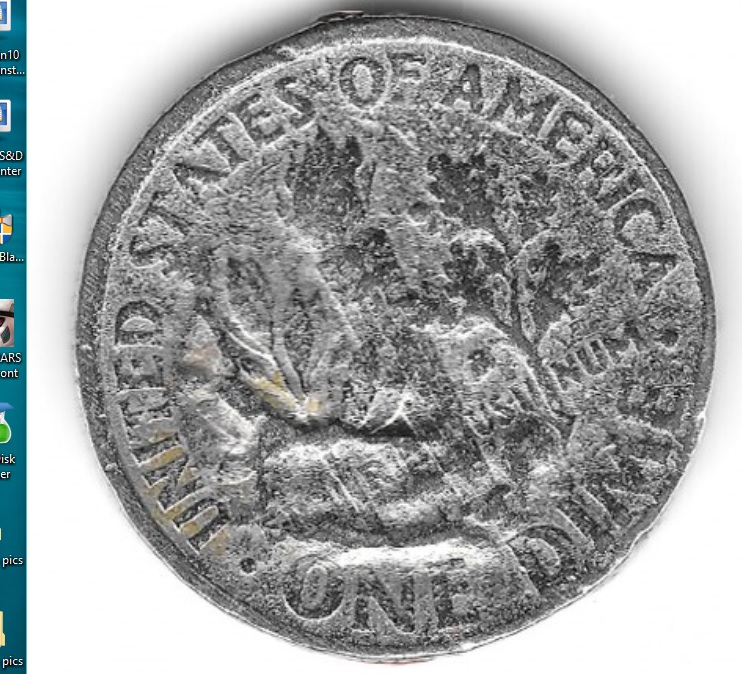 |
|
New Member
United States
22 Posts |
Fuzzy - how do I rotate it on that ?
it shows nothing how to rotate.
Edited by warlock
11/16/2017 02:02 am
|
|
Moderator
United States
14463 Posts |
sorry, I haven't used it in a while, apparently it only rotates in 90 degree increments.
Edit - Place your mouse over the image, and a rotate left or right icon will show on top left of image.
|
|
New Member
United States
22 Posts |
Ahhh.. it showed up on top left of image - I was able to rotate it.. now testing - 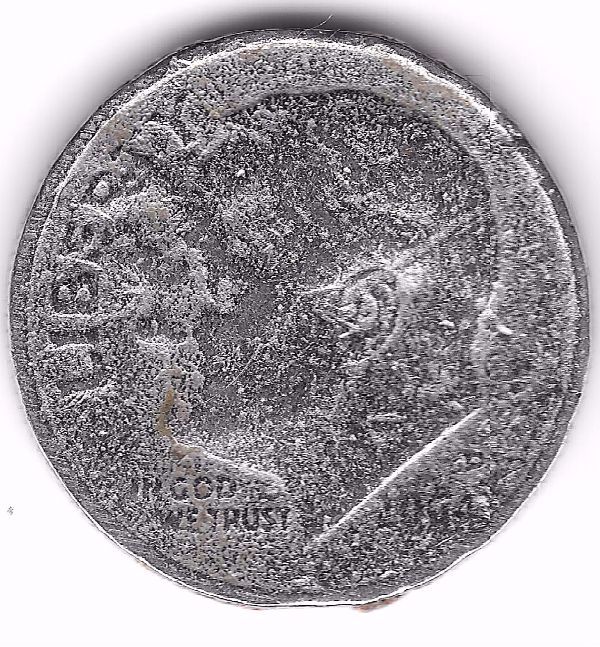 |
|
New Member
United States
22 Posts |
|
|
New Member
United States
4 Posts |
I have one of these almost identical!
|
| |
Replies: 17 / Views: 5,394 |




 Posted 11/15/2017 11:46 pm





