| Author |
 Replies: 10 / Views: 1,890 Replies: 10 / Views: 1,890 |
|
|
Pillar of the Community
United States
1475 Posts |
I finally setup my first DSLR using Canon and EOS Utility program. I had existing camera equipment and several lenses, so I just needed to get some lighting and a sturdy copy stand. This is my first attempt at taking photos with the equipment. Once perfected, I will eventually take photos of couple thousands of coins. Does anyone have any experiences with EOS Utility Ver.2? 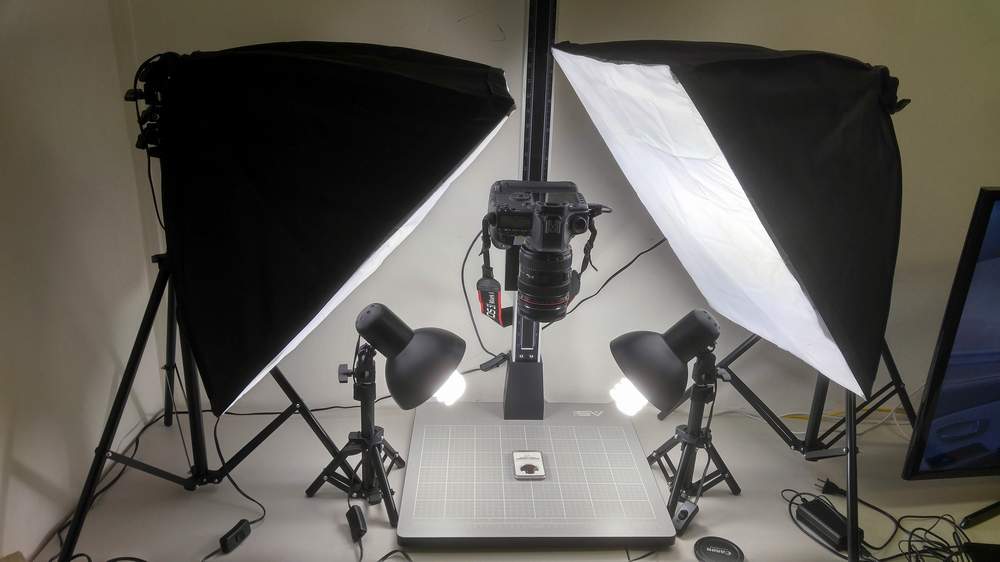 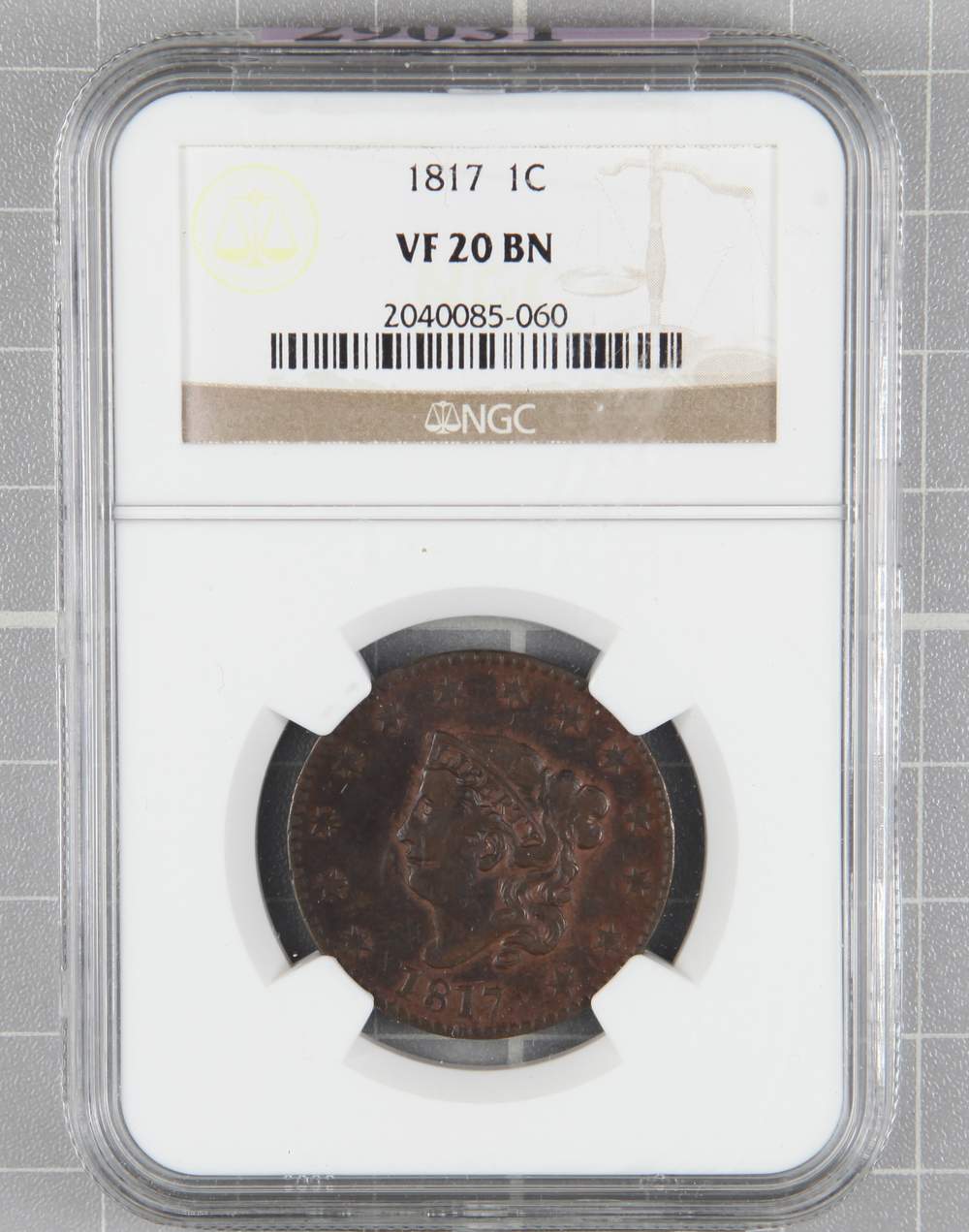 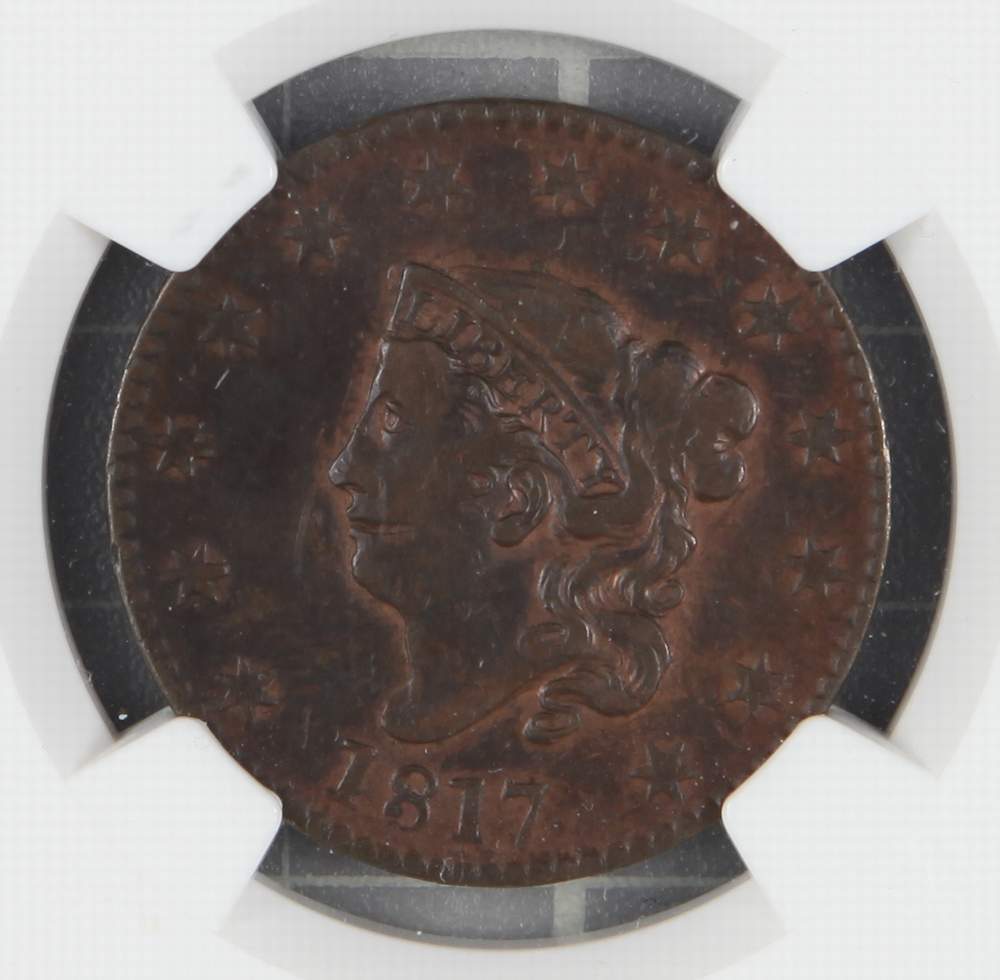 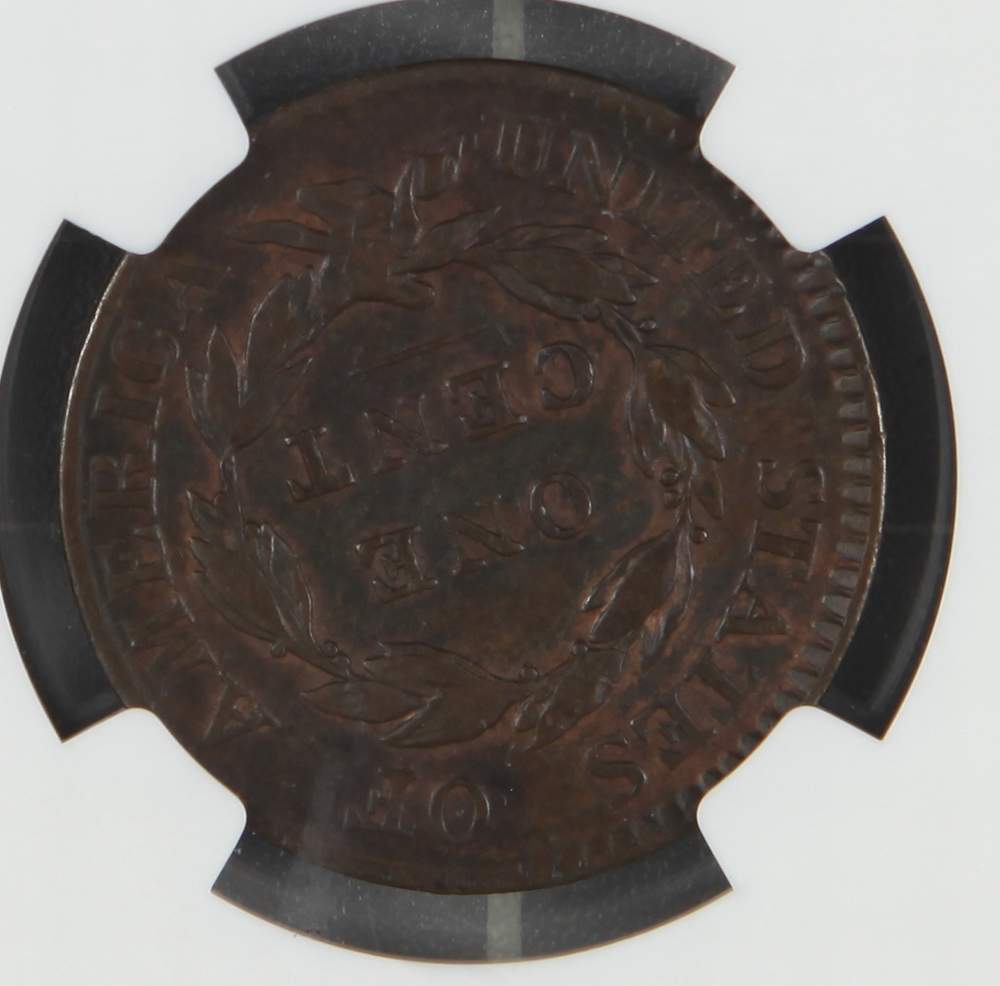 Edited by Coconutjoe
02/22/2018 02:09 am
|
|
|
|
Pillar of the Community
 United States
5029 Posts |
Wow that is quite a set up! I am looking forward to seeing more of your pics as you refine your method.
|
|
Pillar of the Community
United States
3344 Posts |
Joe, where did you get your copy stand? How does it adjust vertically? I'm looking for one.
You might consider making a template overlay to isolate coins inside of those white slabs.
Impressive lighting setup! Looks a little better than my $5 LED desk lamps twisted like spaghetti.
"Nummi rari mira sunt, si sumptus ferre potes." - Christophorus filius Scotiae
|
|
Rest in Peace
United States
10625 Posts |
|
|
Pillar of the Community
United States
4051 Posts |
What questions do you have about EOS Utility 2?
Contact me for photographic equipment or visit my home page at: http://macrocoins.com |
|
Pillar of the Community
 United States
1475 Posts |
Quote:
Joe, where did you get your copy stand? How does it adjust vertically? I'm looking for one. Copy stand from Amazon - $259 Smith Victor Pro-Duty 36" Copy Stand CS36 https://www.amazon.com/gp/product/B...e=UTF8&psc=1Advantage - sturdy and cheap(er) than name brand such as Beseler. My camera and lens combo is quite heavy. Disadvantage - Does not have fine height adjustment (I don't need one since I can do manual focusing with lens. But if you need one, I suppose you can attach a 3rd party slide with adjustment) The height can be adjusted by pressing down and hold on a "pressure knob" to release the tension and slide up/down. Then let go the knob and it will lock with tension. Constant soft lights - Amazon - $46 2X135W Photography Softbox 24"x16" Socket Light Lighting Kit https://www.amazon.com/gp/product/B...e=UTF8&psc=1Quote:
You might consider making a template overlay to isolate coins inside of those white slabs. Great idea!! Thank you  Edited by Coconutjoe
02/22/2018 12:51 pm
|
|
Pillar of the Community
United States
1475 Posts |
Quote:
What lens are you using? I'm using full frame Canon EOS 5D Mark-II with 24-70mm f/2.8 Canon EOS L lens with macro. It has 2:1 ratio, so I can get half the original size with 21 Megapixel capability. I have couple other lenses with macro functions, but I think this lens will suit the best other than purchasing a dedicated macro lens, such as Canon EF-S 60mm f/2.8 Macro. Edited by Coconutjoe
02/22/2018 12:59 pm
|
|
Pillar of the Community
United States
1475 Posts |
Quote:
What questions do you have about EOS Utility 2? I just downloaded the program from Canon website and used it for the first time. My main obstacle now is that I can't seem to do fine focusing of the lens using desktop program. So, I have to set lens to manual focus and look down in the view finder, manually focus to get a sharp image, then come back to my computer for shooting. |
|
Pillar of the Community
United States
4051 Posts |
If you are connecting via USB to your camera, just hit the "Live View" button on EOS Utility window. This will open up a Live View window so you don't need to look into the camera viewfinder.
Contact me for photographic equipment or visit my home page at: http://macrocoins.com |
|
Pillar of the Community
United States
3344 Posts |
I'm still learning to use Live View myself. I did a quick search and came across this page. May help with the initial stuff. It discusses using the Autofocus function to fine-tune a stack setup. See if you can glean anything from this. "Nummi rari mira sunt, si sumptus ferre potes." - Christophorus filius Scotiae
|
|
Pillar of the Community
United States
1475 Posts |
Thank you both.
I will play around with it until I get more familiar with the program.
|
| |
Replies: 10 / Views: 1,890 |
|










 Posted 02/22/2018 09:58 am


