| Author |
 Replies: 17 / Views: 3,477 Replies: 17 / Views: 3,477 |
|
Valued Member
United States
143 Posts |
|
|
|
|
Bedrock of the Community
United States
62064 Posts |
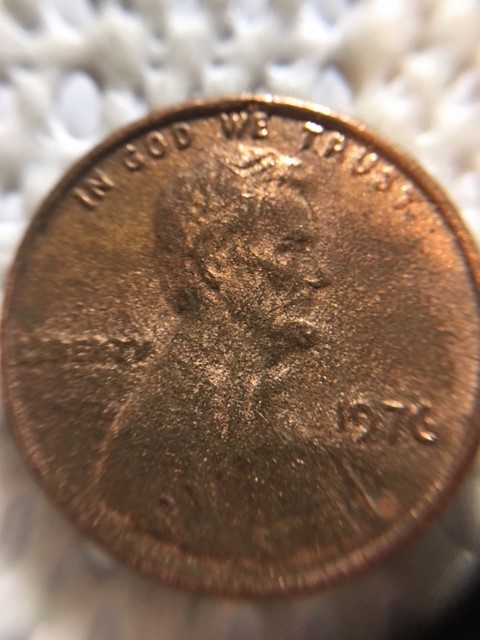
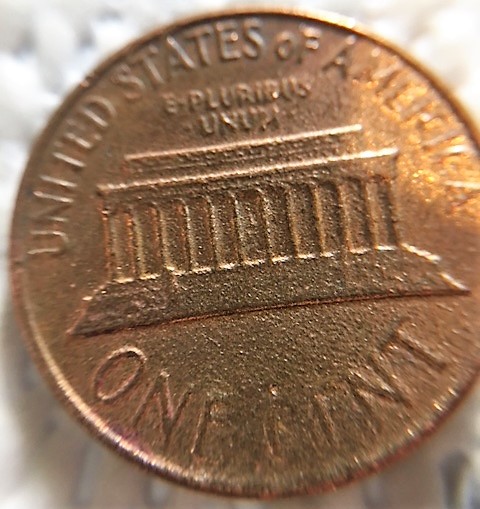
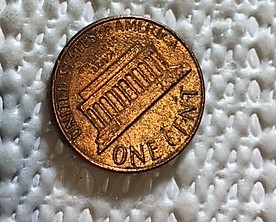
Looks altered. Might have had some acid on it for a very short time. Or a weak acid for a long time.
|
|
Pillar of the Community
United States
5964 Posts |
 it resembles acid damage. Some of the best Lams were on the older cents.  |
|
Moderator
 United States
56855 Posts |
My first thought was sandblasted second thought was acid. And yes it could have been a lamanation. Any year a coin was minted in copper could be a lamanation. John1  |
|
Bedrock of the Community
United States
62064 Posts |
I would expect on a sand blasted coin that the damage would be incuse. On this coin it is raised. If the dies were rusty, the coin would also have incuse marks on it. If it were squashed with sand paper, the marks would be incuse on it. So the only think I could think of was acid eating the surface leaving raised areas on the coins surface.
|
|
Valued Member
 United States
143 Posts |
It is definitely raised...acid would make sense. But yeah...weird looking for sure!
|
|
Pillar of the Community
United States
3736 Posts |
I agree on the acid explanation. I can't tell from the photo, but if it has an orangy tint, it might possibly be a Katrina coin. Some of the "coin recovery" companies acid-washed the Katrina coins to get rid of the toxic goop.
|
|
Valued Member
United States
143 Posts |
I will check it in daylight tomorrow. I have never heard of a Katrina coin....very cool! (Not the hurricane, the coinage of it.).
|
|
Pillar of the Community
United States
5964 Posts |
Here's what an acid dipped coin looks like. 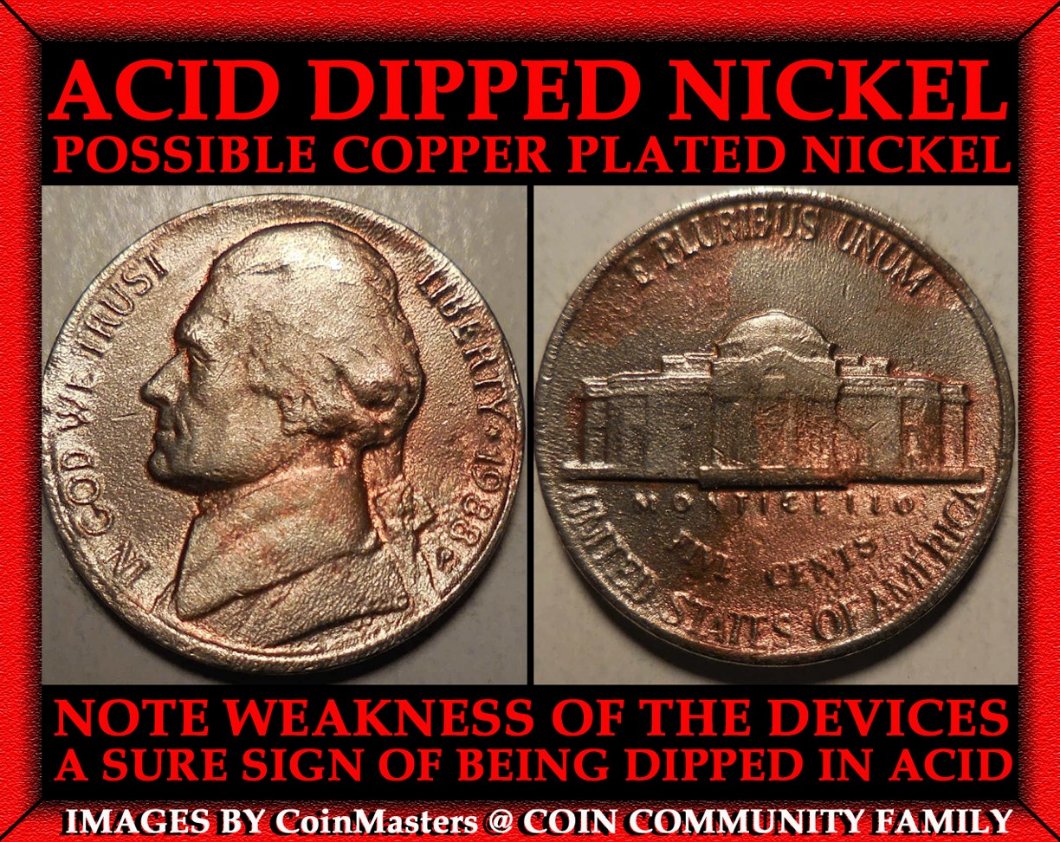 |
|
Bedrock of the Community
United States
94367 Posts |
Good pics. On this one I'm a acid fan, so to speak.
|
|
Bedrock of the Community
United States
62064 Posts |
Edited by coop
02/23/2018 1:15 pm
|
|
Pillar of the Community
United States
5964 Posts |
Thanks CF. Coop, I haven't forgotten a single one. You did an extraordinary job on many of them for me. I did forget to give you credit on this one for the format, consider it done now. I'll be using them more often now, now that I have a computer that works. I appreciate you my friend.
|
|
Bedrock of the Community
United States
62064 Posts |
CM: What computer program are you running on your system? If it is an older one, I have software for the old style machines.
|
|
Pillar of the Community
United States
5964 Posts |
I appreciate it Coop. I've got a brand new Acer with Windows 10. I've been using the "paint" feature to make my E-files. I'm starting to think I'm not going to be able to do side by sides though. Edit: I use a Nikon Coolpix camera and their low end NX-2 to crop and edit. I have fun with the paint though. I made this one today: 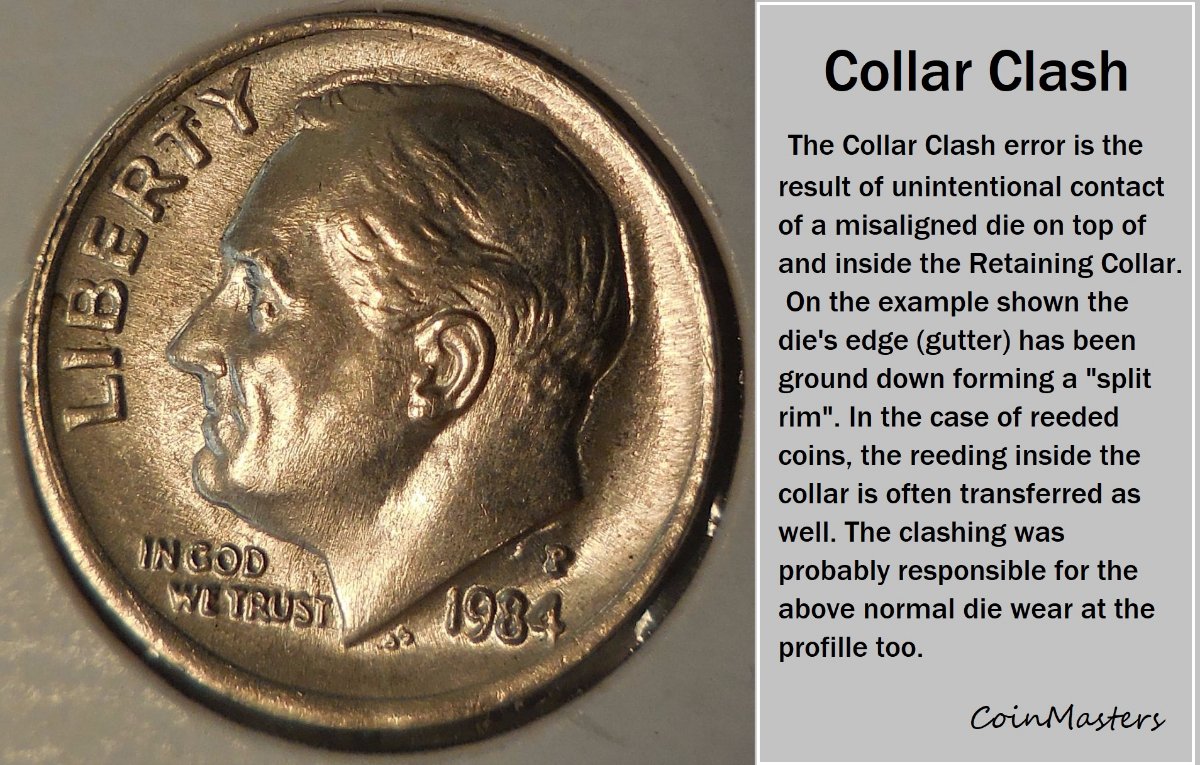 Edited by CoinMasters
02/23/2018 7:29 pm
|
|
Bedrock of the Community
United States
62064 Posts |
That is what I'm using now. Still haven't figured out the layers thing yet. (I miss Photoshop) But I got my old computer back, but I plan on getting another desk to set it up on to edit images with. Just need a new Monitor and a desk. I had my son in law clean it, and it says it is now loading, but he didn't set it up to try it yet. Been trying to get used to the windows 7 Pro.
|
|
Pillar of the Community
United States
5964 Posts |
Yeah, I have no idea about the layers or a lot things on the computer. If I was a millenial, I'd have probably been born with a chip in my head. Heck, I'm not even a Bicentenial, more like a centurian. I have figured out one thing though, if you click on it and the screen doesn't go dark, you can usually figure it out.
You always did very well with that Photoshop. Are you able to do side by sides in Paint?
|
| |
Replies: 17 / Views: 3,477 |









 Posted 02/22/2018 7:34 pm





