











 Posted 07/02/2018 10:34 am


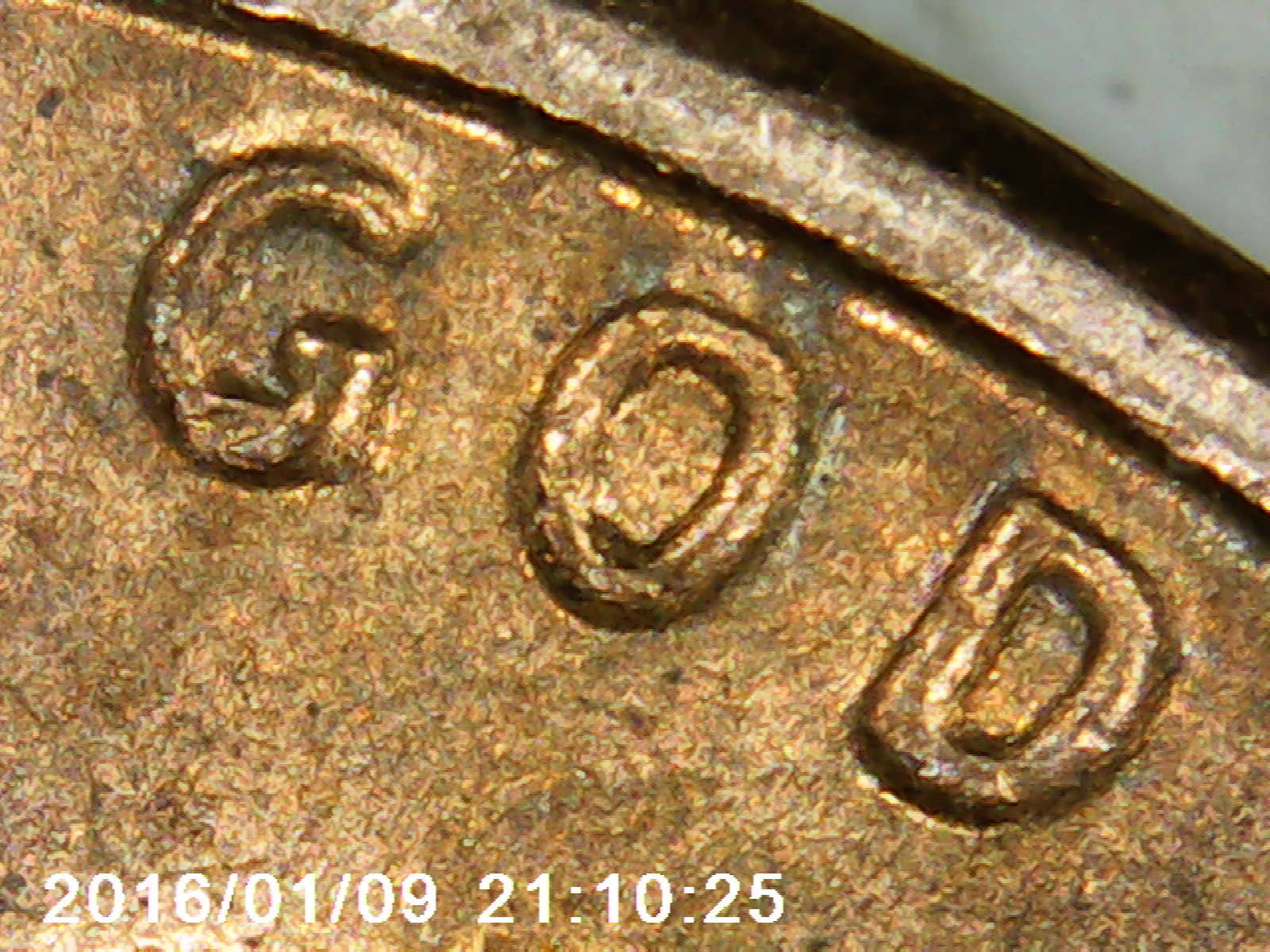
Best way to tell is to make a normal coin image of the same device, (or borrow from a web site) and your coin image. Make the outsides of the devices the same, size and put them in the same image. Then you can see if the devices are enlarged, or flatten a bit on top?
Tip of the day:
If you don't have software to rotate a coin try this. Before taking the image, make sure the camera is straight with the devices, before you click. Then problem solved. No need to rotate the image that way. Another way is to cut off the bottom smallest area of the devices to get the image exactly straight. Some cameras take wider show than what you see in the view finder. If this doesn't work, then don't use it. But give it a try.
Tip of the day:
If you don't have software to rotate a coin try this. Before taking the image, make sure the camera is straight with the devices, before you click. Then problem solved. No need to rotate the image that way. Another way is to cut off the bottom smallest area of the devices to get the image exactly straight. Some cameras take wider show than what you see in the view finder. If this doesn't work, then don't use it. But give it a try.


