Guess can't answer my question until able to DL better picture.. it's the 1 on the left I think looks like dbl.die on lettering across the top..but when tried to post the ACTUAL picture I took-forum said file was too big, so chose 'small' image, but now can't see quarter clearly so I'll try to post again
The way to do it is to take the nice large picture on the coin and use the on site image optimizer to shrink the file size. If you are using a phone it may turn portrait pictures though so keep that in mind.
Disclaimer: While a tremendous amount of effort goes into ensuring the accuracy of the information contained in this site, Coin Community assumes no liability for errors. Copyright 2005 - 2026 Coin Community Family- all rights reserved worldwide. Use of any images or content on this website without prior written permission of Coin Community or the original lender is strictly prohibited. Contact Us | Advertise Here | Privacy Policy / Terms of Use









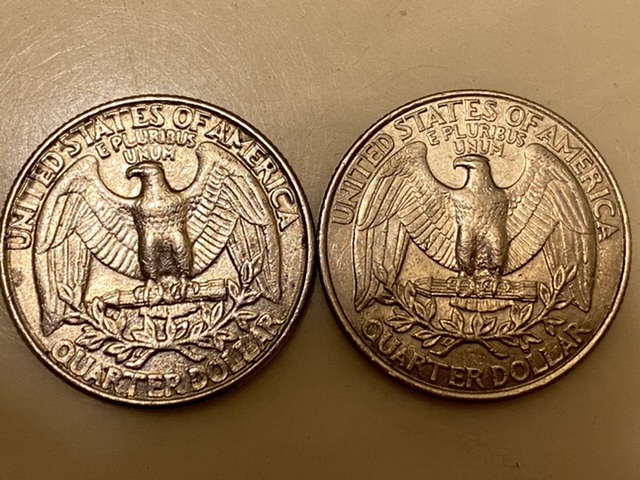


 Posted 12/30/2019 8:13 pm


