| Author |
 Replies: 12 / Views: 714 Replies: 12 / Views: 714 |
|
|
Valued Member
United States
114 Posts |
Edited by Scoobynscrappy
07/22/2023 7:21 pm
|
|
|
|
Bedrock of the Community
 United States
27325 Posts |
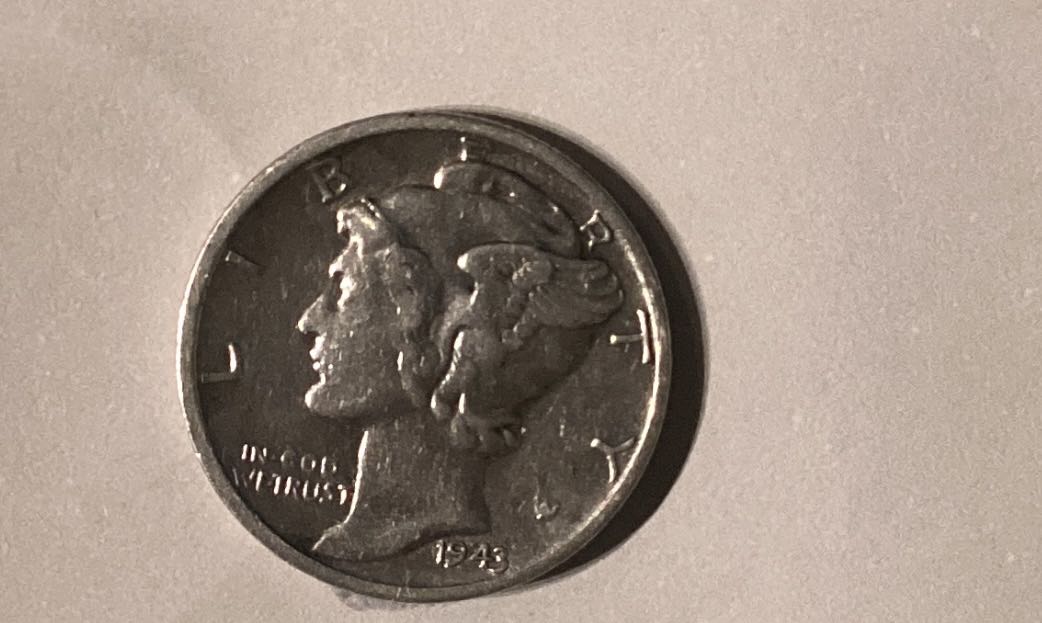
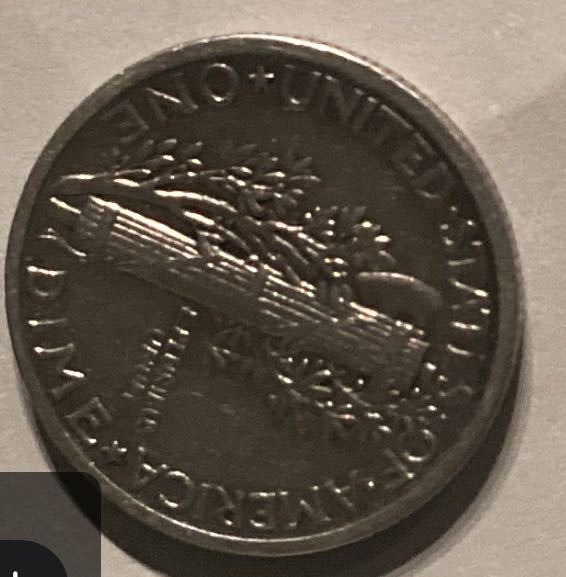
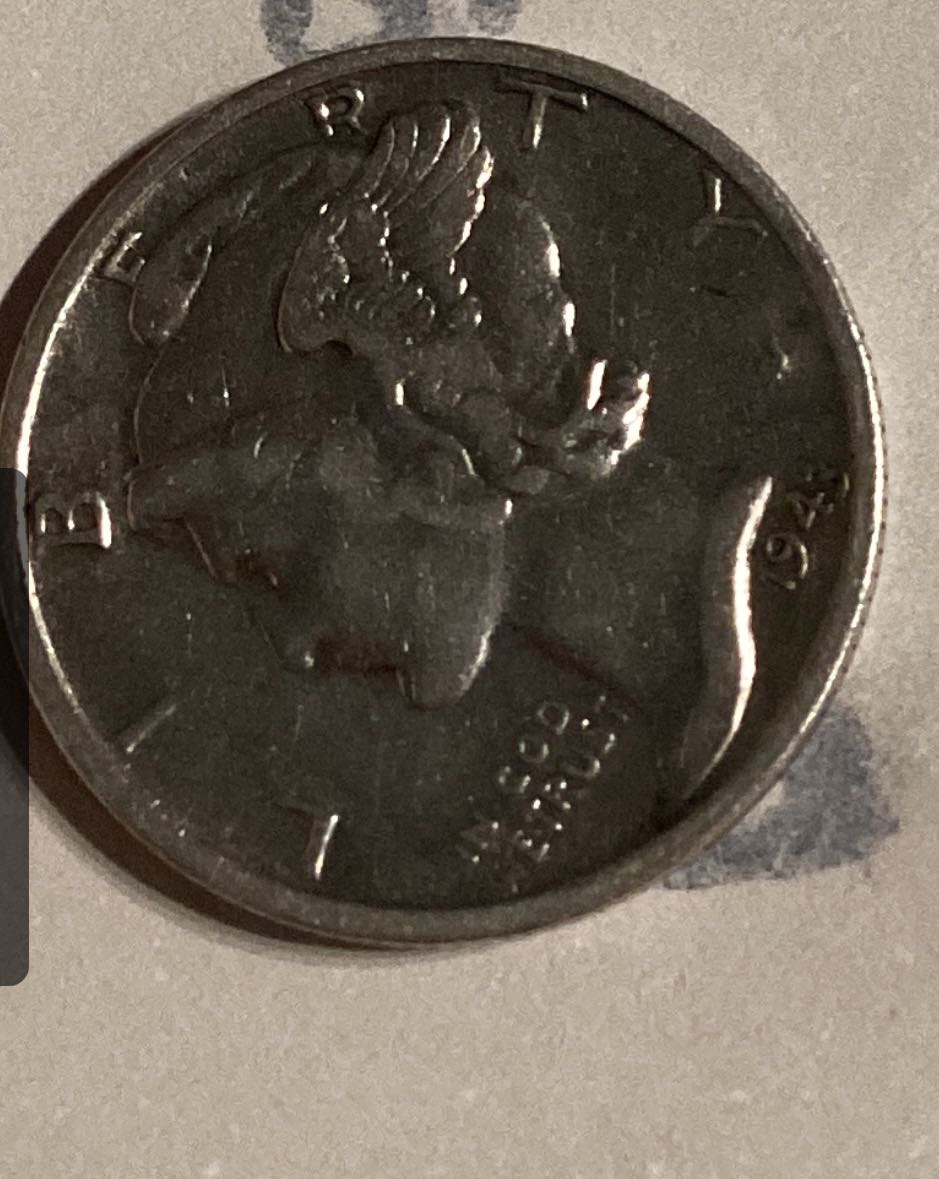
Could you at least describe this mint error you think you're seeing?
Inordinately fascinated by bits of metal with strange markings and figures
|
|
Pillar of the Community
United States
4135 Posts |
Can not see anything because of pictures but you tried so, I will say nice find anyway.
|
|
Moderator
United States
105895 Posts |
yes, the images are a bit dark, and I cannot see anything wrong here.
|
|
Bedrock of the Community
United States
78539 Posts |
What errors? The images are way too dark.
Errers and Varietys.
|
|
Bedrock of the Community
United States
94367 Posts |
Please start over with better images. These are junk.
|
|
Bedrock of the Community
United States
78539 Posts |
Quote:
I am still trying to find a way to get better pictures any ideas please comment Check out this forum. There are tips and threads on how to get better pictures and stuff. http://goccf.com/f/81Also, what do you use to take pictures? Errers and Varietys.
|
|
Pillar of the Community
United States
1770 Posts |
@Scoobynscrappy this the way I take pictures of my coins, hope that can help you. The coupler is to help no take the reflection of the light just of the lamp. My lamp can be adjustable low or high so I adjust it as needed it. You can see my post and see how the coin looks like. 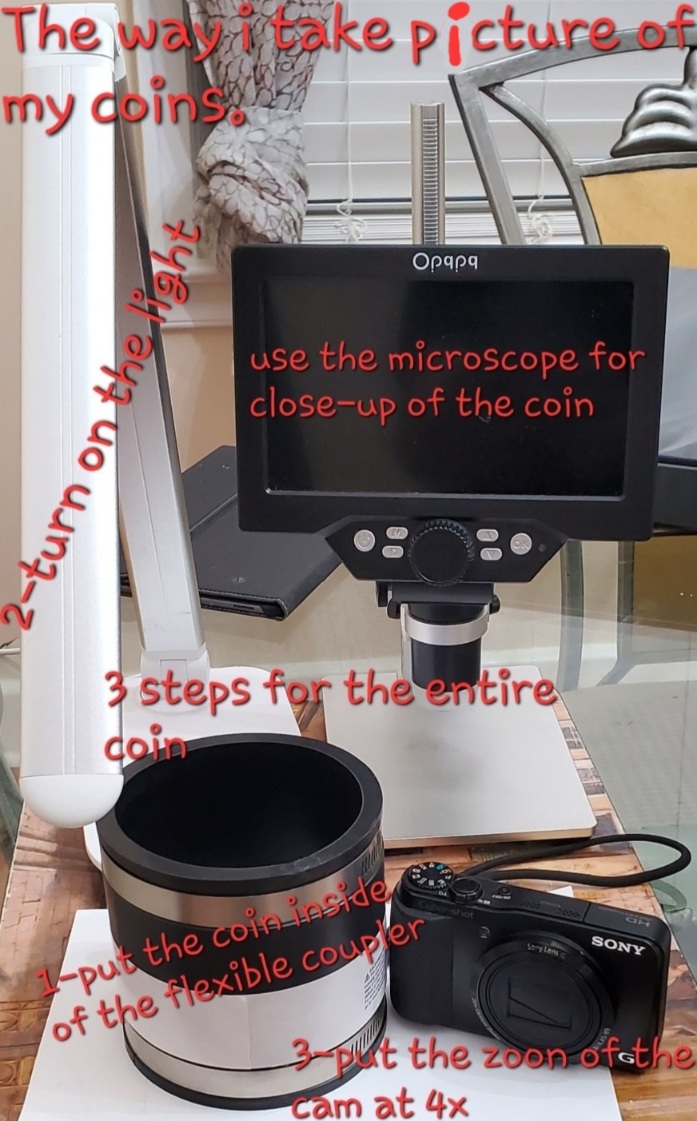 gigi2110
|
|
Moderator
United States
56855 Posts |
Scoobynscrappy, Please crop photos properly before posting them. Properly rotate coins/photos before posting them. Please tell us in detail your questions. Please practice taking pics before you post anymore photos here on CCF. Tell us your pic taking set-up so we might be able to give you some pointers. And you posted in the wrong section. John1  Edited by John1
07/23/2023 06:49 am
|
|
Valued Member
 United States
114 Posts |
@ John I am using the iPad magnifying app to take pictures, then cropping them and when I do it enlarges the image making it blurry so that's why I don't crop so much of the background hoping not to change the image so much. I have tried using my cell phone which is a google pixel but it just doesn't seem to be better quality. So I don't know what else to do
|
|
Pillar of the Community
United States
2313 Posts |
What error?
You realize when you know how to think, it empowers you far beyond those who know only what to think.
-Neil deGrasse Tyson
|
|
Pillar of the Community
Canada
2785 Posts |
use regular camera mode held about 10" away (on stack of books, or similar solid surface). no magnifying needed.
zoom in a little, or crop afterwards.
also visit the photography forum here, tons of great info there
|
|
Pillar of the Community
United States
3237 Posts |
I don't get why someone would create a whole post like this and not even bother to describe what they think they're seeing. It just feels like you're wasting our time when you ask us to play Where's Waldo with the "error."
|
| |
Replies: 12 / Views: 714 |
|










 Posted 07/22/2023 8:29 pm


