Coin Community Family of Web Sites Join Thousands of Coin, Bullion, & Money Collectors
Shop for APMEX Bullion on eBay!300,000 items to help build your collection! Royal Canadian Mint products, Canadian, Polish, American, and world coins and banknotes. Vancouvers #1 Coin and Paper Money Dealer Join Thousands of Coin, Bullion, & Money Collectors Coin, Banknote and Medal Collectors's Online Mall Specializing in Modern Numismatics


Username:
Password:
Save Password
Forgot your Password?


This page may contain links that result in small commissions to keep this free site up and running.

Welcome Guest! Registering and/or logging in will remove the anchor (bottom) ads. It's Free!

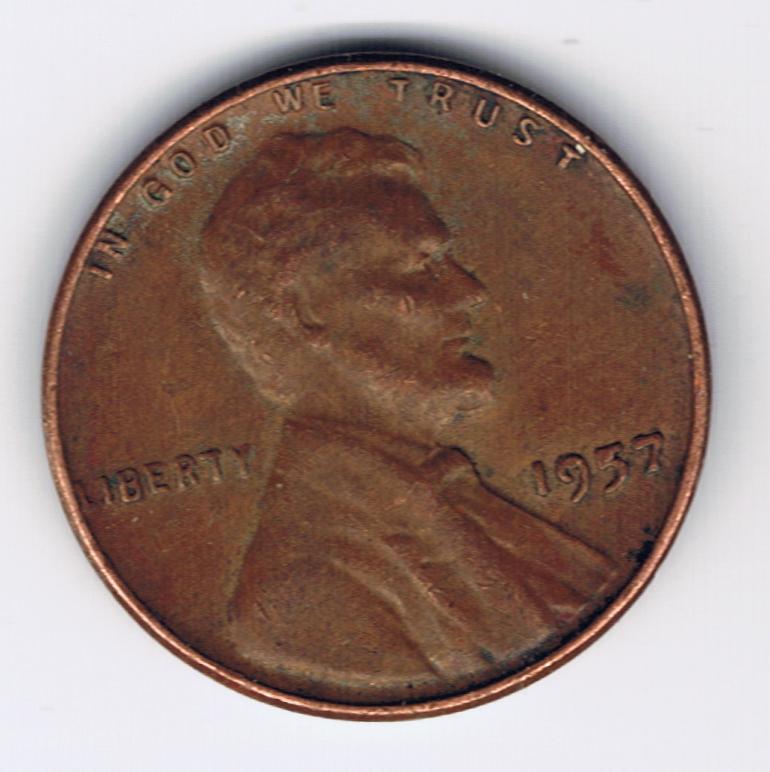
1957 Filled Date Lincoln Memorial Cent

To participate in the forum you must log in or register.
Author Previous TopicReplies: 6 / Views: 1,050Next Topic  
Valued Member
smartelf's Avatar
United States
62 Posts
 Posted 03/30/2009  2:03 pm Show Profile   Bookmark this topic Add smartelf to your friends list Get a Link to this Message Number of Subscribers
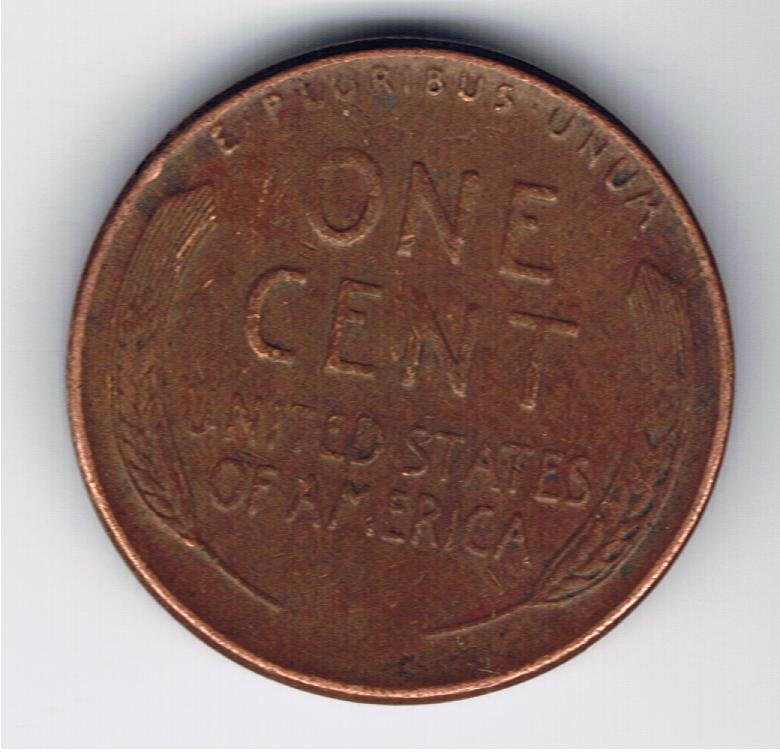
1957-Filled-Date-Lincoln-Memorial-Cent 1957-Filled-Date-Lincoln-Memorial-Cent

How common is something like this? worth any special treatment or should it go back to into the rolls of plain wheets I have.

Thanks.
Pillar of the Community
MorgansRmine's Avatar
United States
1219 Posts
 Posted 03/30/2009  3:19 pm  Show Profile   Bookmark this reply Add MorgansRmine to your friends list Get a Link to this Reply
Die chips in LIBERTY and the date are very common. Back in to the rolls.
Valued Member
Jorgy's Avatar
United States
145 Posts
 Posted 03/30/2009  4:16 pm  Show Profile   Bookmark this reply Add Jorgy to your friends list Get a Link to this Reply
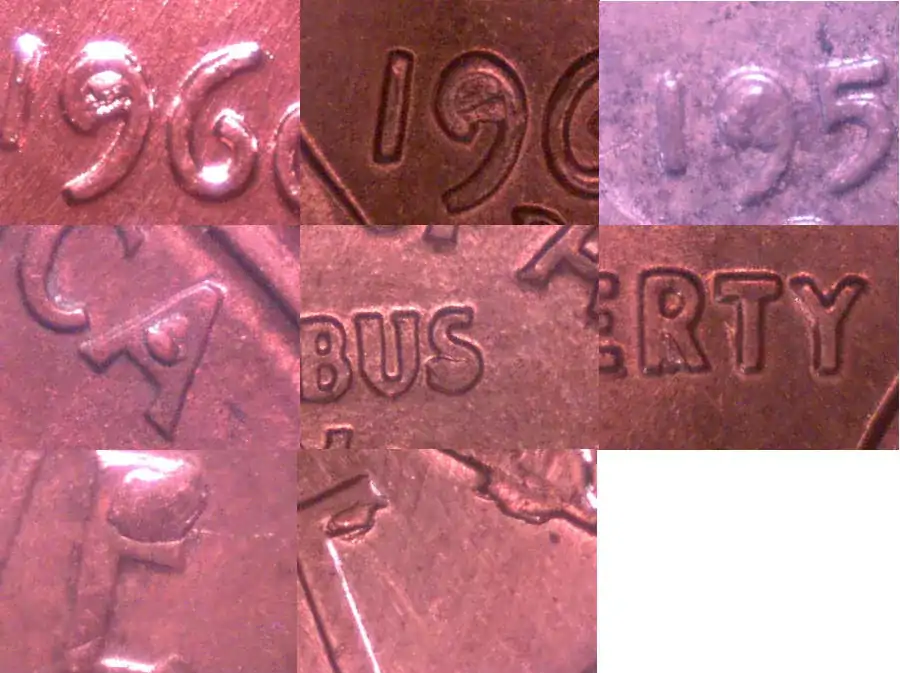
Die chips are common in and around the letters, numbers, and other devices on coins. It is a natural part of the die wear and unless extreme is not considered an error.
Here are a few examples. I have dozens more I keep just because I like them.

1957-Filled-Date-Lincoln-Memorial-Cent
Bedrock of the Community
coop's Avatar
United States
62064 Posts
 Posted 03/30/2009  9:29 pm  Show Profile   Bookmark this reply Add coop to your friends list Get a Link to this Reply
Jorgy: Kind of handy to have images ready isn't it?
Pillar of the Community
rockdude's Avatar
United States
1807 Posts
 Posted 03/30/2009  9:55 pm  Show Profile   Bookmark this reply Add rockdude to your friends list Get a Link to this Reply
Yea, that's pretty clever. Do you need a special program to group those pics. together?
Bedrock of the Community
coop's Avatar
United States
62064 Posts
 Posted 03/30/2009  10:06 pm  Show Profile   Bookmark this reply Add coop to your friends list Get a Link to this Reply
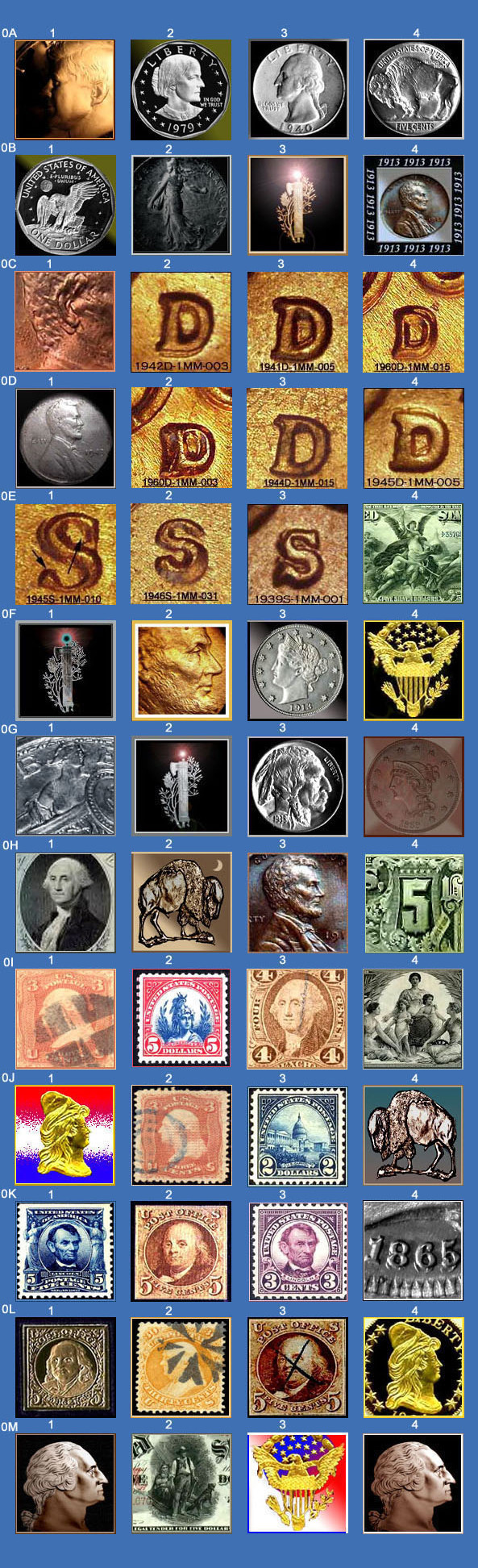
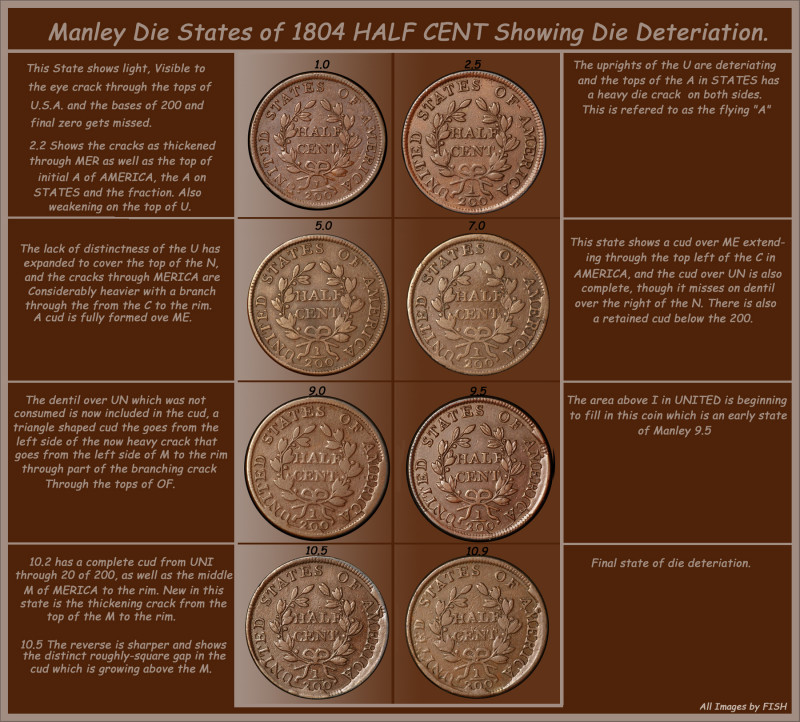
I use Photo Shop a lot. You transfer the onto a new image and make a collage on the new image. Trim down the size and flatten and save. You can place as many images you like on one image or just one image. Sizing is important and not to get the image too large and make the screen so you have to scroll to read it. One image can make a page on the forum too wide if the images are too large or two are placed beside each other.
Here are a few I'm made.

1957-Filled-Date-Lincoln-Memorial-Cent
Edited by coop
03/31/2009 4:30 pm
Valued Member
Jorgy's Avatar
United States
145 Posts
 Posted 03/31/2009  6:42 pm  Show Profile   Bookmark this reply Add Jorgy to your friends list Get a Link to this Reply
Ya I have a hundred or more coin images on my hard drive and more save on a cd. Most of the pictures are old and not very good but I just don't have the gumption to go back and update them since most are of minor stuff like these.

I have PhotoShop CS2 but I use a free program called PhotoPlus 6 more then I do PhotoShop. Even though PhotoShop is way more powerful I find that PhotoPlus is easier and fast to use to do minor stuff like this. I just open all the images I want to put into the group and make sure each is the same size(dimension wise)and then increase the canvas size of the first picture so all the rest will fit and add the rest as new layers. I then adjust each layer to the location I want and then merge the layers, save it and it's ready to go. Took about 10 minutes to do that one.

  Previous TopicReplies: 6 / Views: 1,050Next Topic  

To participate in the forum you must log in or register.


Disclaimer: While a tremendous amount of effort goes into ensuring the accuracy of the information contained in this site, Coin Community assumes no liability for errors. Copyright 2005 - 2026 Coin Community Family- all rights reserved worldwide. Use of any images or content on this website without prior written permission of Coin Community or the original lender is strictly prohibited.
Contact Us  |  Advertise Here  |  Privacy Policy / Terms of Use

Coin Community Forum © 2005 - 2026 Coin Community Forums
It took 0.27 seconds to rattle this change. Forums