| Author |
 Replies: 24 / Views: 3,990 Replies: 24 / Views: 3,990 |
|
Pillar of the Community
United States
4000 Posts |
Started playing with it last night. Been messing with it most of the day today and keep getting horrible pictures. I searched the threads on here for tips and have read them all, but still struggling.
It seems like everyone is happy with theirs once they figure out lighting. I've tried turning the top light off and playing with various side lighting and nothing seems to help.
I've seen some really nice pictures on here, so I know it's possible.
Any more tips I can try? What about the angle of the lighting (with the QX5 light off), what seems best? From the side, from above?
Help!
|
|
|
|
Moderator
 United States
23522 Posts |
I actually ended up using a flashlight with mine. You can see the image, live, before you take it so you can adjust the lighting to something you like on the screen.
|
|
Pillar of the Community
United States
2661 Posts |
LOL. I bought one of those things also. Needless to say I am not very pleased with it either.
|
|
Moderator
United States
23522 Posts |
|
|
Pillar of the Community
 United States
5953 Posts |
You all might not have a lighting problem it may be a focus problem. It took me a long time to work out that if I raise the coin about half an inch above the plinth (I use a Coin tube top) then focusing becomes a lot easier.
|
|
Pillar of the Community
United States
1353 Posts |
I followed nohope587 advice. Works very well.
|
|
Pillar of the Community
 United States
4000 Posts |
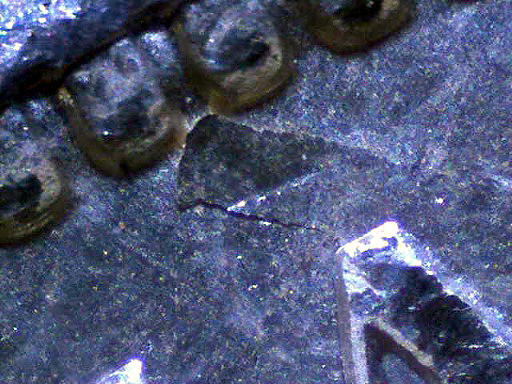
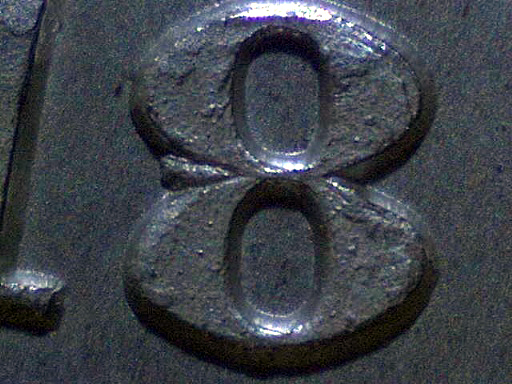
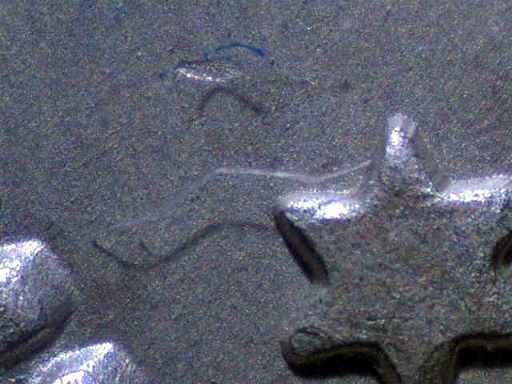
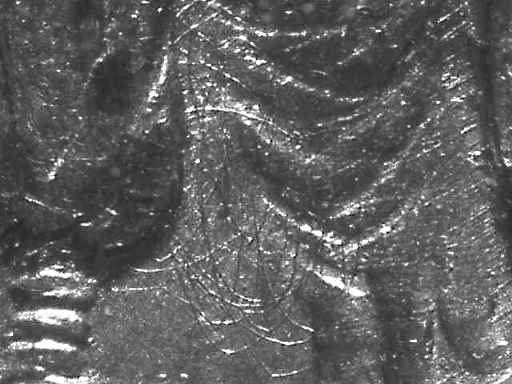
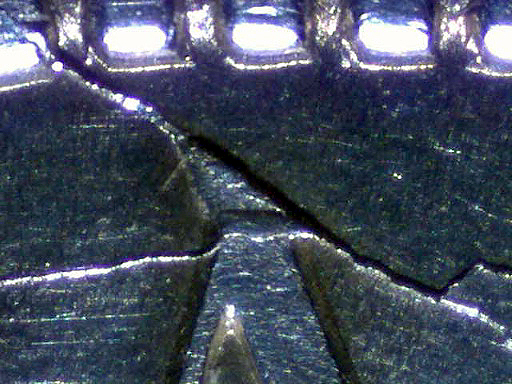
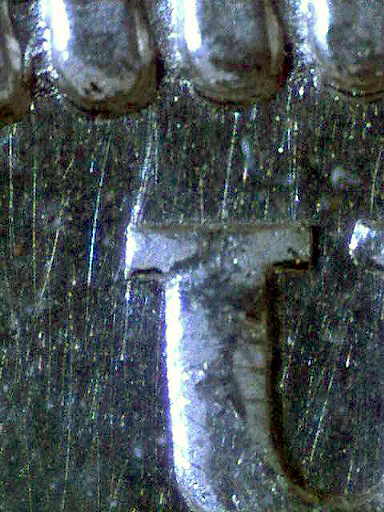
I give up. I wish I could get anything even close to what you have posted SuperDave. I've tried all of your tips, the coin tube top, the flashlight, I've tried handheld (but can't keep my hands steady enough on top of all that). The first time I tried to use it, it crashed my computer, changed everything from screen resolution to the sizes of my icons. I'm starting to wonder if something else might be wrong. This is the closest I've been able to get that RESEMBLES the color of copper.  |
|
Pillar of the Community
United States
5953 Posts |
|
|
Moderator
United States
23522 Posts |
Quote:
This is the closest I've been able to get that RESEMBLES the color of copper. Don't expect color. You're not going to get color. In fact, I remove the color data from all my shots these days. The software works at its' own resolution regardless of monitor settings. Occasionally when you exit it, the monitor doesn't return to its' native setting. Keep in mind, this software was written for Windows 95/98 - making it work with XP and newer is a severe kludge and grief is inevitable. |
|
Pillar of the Community
United States
4000 Posts |
I'm using Windows Vista Home Basic.
How do you remove the color data? And then what do you do?
I've seen some really awesome shots on here (besides the ones you posted above), so I'm getting really frustrated.
|
|
Pillar of the Community
United States
5953 Posts |
Vista has real issues with the QX5 I can't use mine on my wife's PC using the software that came with it. I have to use it through the scanner camera option in windows. Basically windows controls the microscope but won't operate the lights so you need to use SuperDave's flashlight trick or I use a desk light. In the control panel there is a scanners and camera option use this.
|
|
Pillar of the Community
United States
4000 Posts |
I should have listed that in things I've tried , too. When I tried to add device, nothing happened. It keeps telling me to turn it on. I also went to https://www.digiblue.com and downloaded the driver for Vista, and still the same garbage. |
|
Pillar of the Community
United States
717 Posts |
|
|
Moderator
United States
23522 Posts |
I don't know anyone who is getting acceptable function from this thing under Vista. Like I said, the software goes back to the era of the dinosaurs in computer years. Scooby Due, I hate to say it but your best bet might be to liquidate it on ebay (they sell for decent money) and buy a Celestron or something more compatible with your OS. |
|
Pillar of the Community
United States
5953 Posts |
First thing I do with every new PC that comes past my desk is downgrade the OS to XP Pro. Microsoft does not advertise it but Vista licenses cover XP downgrades.
Maybe Windows 7 will be better than Vista it certainly can't be any worse, None of my peripherals or company software will run properly on Vista.
|
|
Pillar of the Community
United States
1353 Posts |
These pictures are without any adjustments thru a 2x2. Using Vista Home. When you set the operating system on the QX5 you have to use XP. 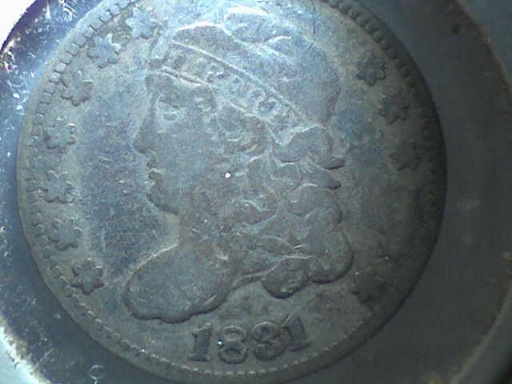  |
| |
Replies: 24 / Views: 3,990 |






 Posted 03/21/2010 08:51 am