| Author |
 Replies: 14 / Views: 1,277 Replies: 14 / Views: 1,277 |
|
|
Pillar of the Community
United States
1582 Posts |
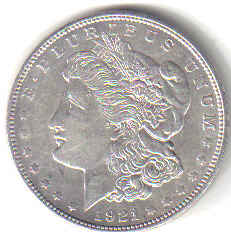
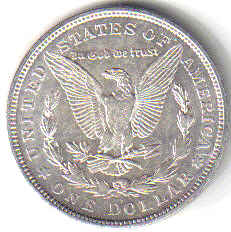
All I can provide for now is a scan of this 1921 D Morgan. It's in pretty good shape, and I think it's uncirculated, but I'd like to get a little help in determining an approximate grade for this coin. What's y'all's opinions? Image:  1921 D Morgan.jpg 1921 D Morgan.jpg11.01 KB Image: 1921 D Morgan - Reverse.jpg13.2 KB |
|
|
|
Moderator
 United States
23522 Posts |
Unfortunately, it's a physical impossibility to grade from scans of such little detail. 1921-D's are weakly struck, and I can't see enough to catch the little details that define a weakly-struck MS coin.
|
|
Pillar of the Community
 United States
1582 Posts |
SuperDave - of course you're right. I've read enough posts here about scans of coins that I should know better than to post one and ask for help in grading it. I'll start saving up a little each month, and get me a good camera, and then start posting again with photos - hopefully they'll be better. Thanks.
|
|
Rest in Peace
United States
2684 Posts |
Ralph, if you can, set your scanner for a larger image, say 768x1024 pixels (maybe 75 to 100 kb compressed = low resolution) and post it as a larger image. Also, set it for color instead of black and white (if it isn't already set for color; it's often hard to tell). We can at least get a little more detail even if we can't get the full luster. But as Dave said, '21 Morgans are tough to image, espcially with scanners because of their weak strikes. Good luck finding the "right" camera at the right price. Go to the Photography section and you'll find us arguing about cameras almost as much as we argue about Morgan grades.  Fred |
|
Pillar of the Community
United States
1582 Posts |
MorganFred - Bubba, if it don't eat hay, and dookey walkin', I don't know too much about it. I've got a printer-scanner-AIO920- that DELL gave me when I bought the computer - I know how to put something in there, scan it, and save it in my documents. Beyond that.....
I've read some of the posts in Coin Photography - I see what you mean. Not sure what kind of camera I'll get, but I'm sure, when I buy it, the store clerk can help me there if I tell them what I want it for, and what I'm willing to pay. Thanks
|
|
Moderator
United States
23522 Posts |
Check out the features from the scanner, if you can. Chances are it has a resolution setting, and the ability to crop the area which it doesn't need to scan. Between those two settings, it's very likely that you can get a *huge* pic of a scanned coin, in excruciating detail. If you can scan the coin at, at least, 600dpi, you can come up with a picture which is more than enough for technical grading. What a scanner will not show is luster - you'd have to privide that detail - and our opinions would be like, "well, if this coin has nice luster, it'd be MS64" or whatever. That still wouldn't help with the 1921.  Part of the problem of grading a weakly-struck coin is you need to see the color of the cheek and other areas, because sometimes that's the only way to determine whether it's been circulated or not. Even if you come up with something that's way to big to post here, I'd be happy to accept an emailed pic and modify it to best fit. OK, I found, downloaded and read the operator's manual for your scanner - it seems that it has all the abilities required for you to produce larger images than you could possibly need here. It should be under See More Scan Settings on the All In One Main Page. |
|
Bedrock of the Community
United States
14454 Posts |
on my scanner, when I start the scanner program I click on "twain" and then I can click on preview and it will scan whats in the scanner, then I can set it to crop what I want in and what I don't need, then I can just hit the scan button and it will scan the area that I have set for it to. Not sure if you have a twain button in your software or not but its something you may want to look for. I will try and find some documentation on your scanner/printer and see if I can give you some pointers
|
|
Bedrock of the Community
United States
14454 Posts |
|
|
Pillar of the Community
United States
1582 Posts |
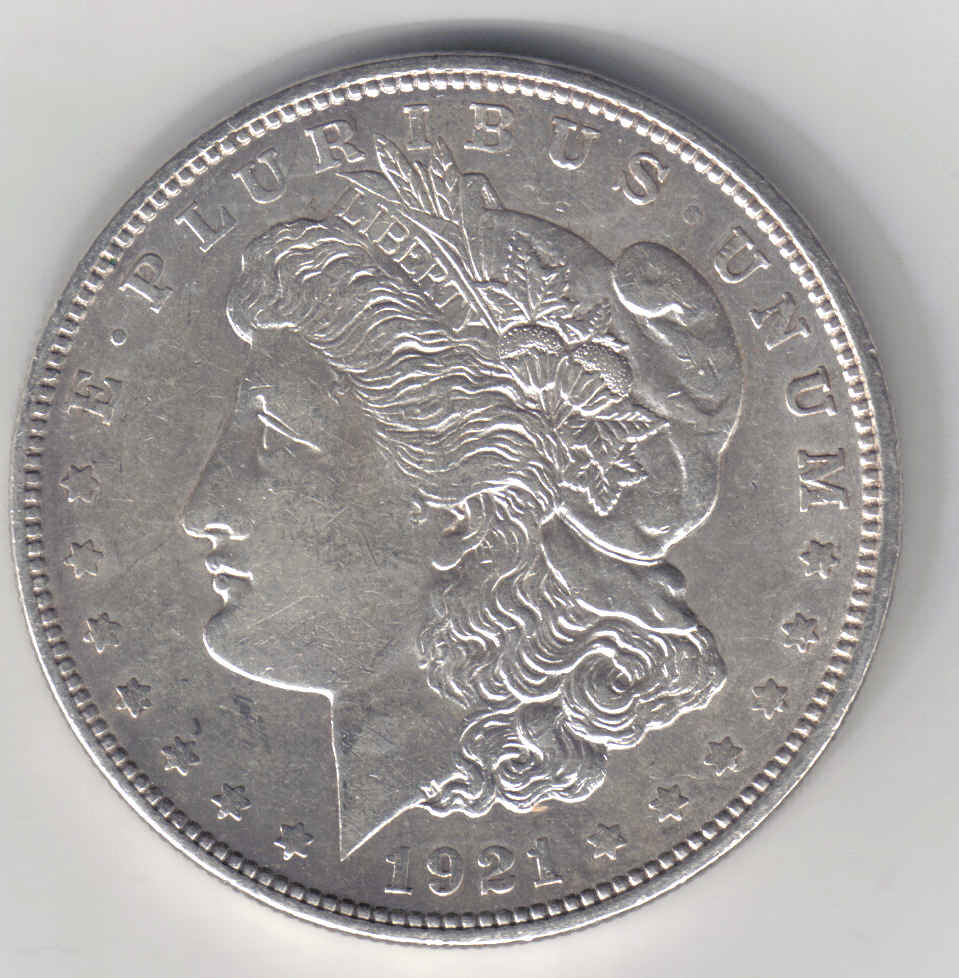
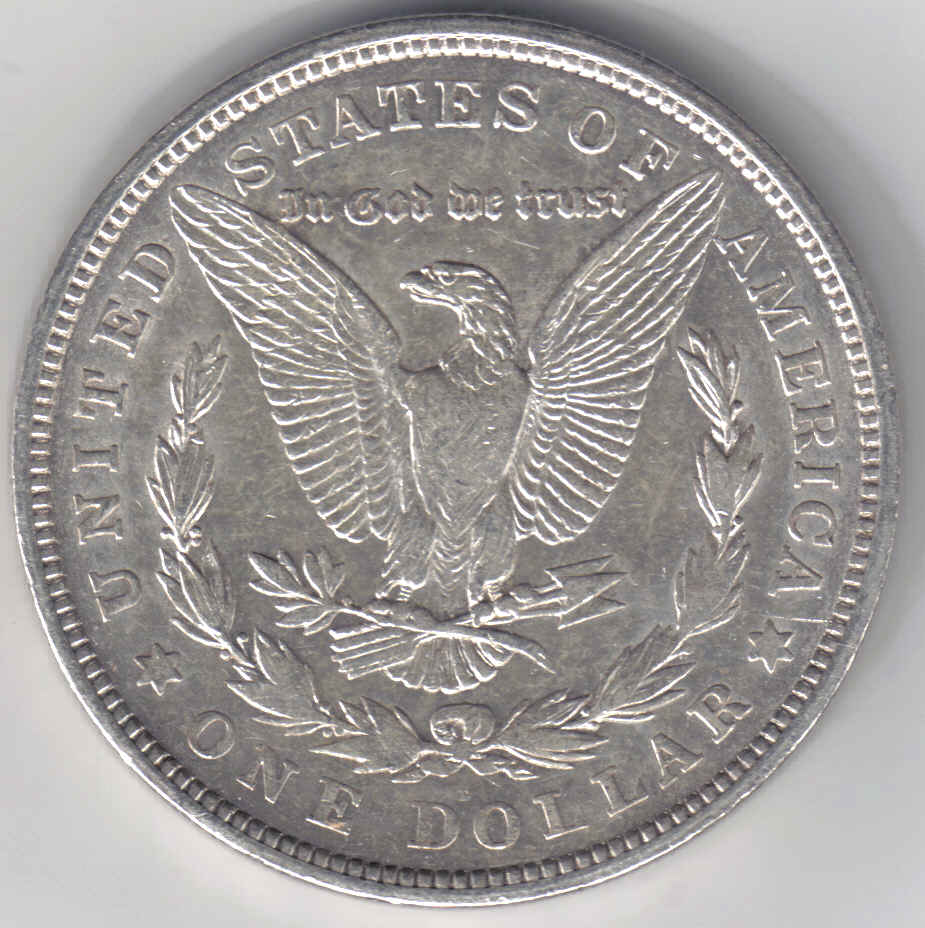
Okay guys - I followed instructions, and I got a better scan of the same coin. Thanks alot. I learn something from this forum everyday. Gonna go play with my scanner :) Image: 1921 D Morgan.jpg102.11 KB Image: 1921 D Rev.jpg101.8 KB |
|
Bedrock of the Community
United States
14454 Posts |
that's 1000% better!!! I just checked back in to post how to do it from the manual but I guess you have already figured it out. Sorry I was unable to scan through the manual at the time when I posted it but I was doing the family thing at the time and had to wait until everyone went to bed before I read it. I am glad you figured it out and like I said the last pictures are allot better
|
|
Rest in Peace
United States
2684 Posts |
Ralph, based on your really, really good images from the scanner, I think the Morgan has been very lightly circulated. The light dings on the rims and tiny marks on both the obverse and reverse look more like circulation marks than typical bag marks found on uncirculated coins. Bag marks are usually sparser and more pronounced than circulation marks. Really, really nice scans! Fred |
|
Pillar of the Community
United States
1582 Posts |
Thanks guys - that scan made me feel like a kid hitting his first home run - sounds silly, but I've been scanning stuff for two years, and didn't know diddly about what I was doing. Getting good scans is a good feeling.
Ralph
|
|
Rest in Peace
United States
2684 Posts |
quote:
Originally posted by Ralph
Thanks guys - that scan made me feel like a kid hitting his first home run - sounds silly, but I've been scanning stuff for two years, and didn't know diddly about what I was doing. Getting good scans is a good feeling.
Ralph
Well, I'm happy it's working for one of us because my own HP Scanjet's software just went belly up on me. I've been uninstalling and reinstalling off and on all day and it quits on me as soon as I try to scan something. I have an email off to HP tech support, but I doubt I'll hear anything at least for another day. It's easy for us to give advice, but when a problem happens to us, it's sorta like the cop's son who went to jail. That's the way the cookie crumbles. Fred |
|
Pillar of the Community
United States
1582 Posts |
That's a bummer MorganFred. Hope, by now, everything is straightened out, and you're back up, and running on all eight cylinders. :)
|
|
Rest in Peace
United States
2684 Posts |
quote:
Originally posted by Ralph
That's a bummer MorganFred. Hope, by now, everything is straightened out, and you're back up, and running on all eight cylinders. :)
Well, I finally received an answer from HP, but it appears I will have to go through another uninstall with an updated uninstall version they are supposed to send me but of which I have not yet received. Also, there's some small system and application support files which I need to remove manually, some of which I missed the first four times. Later, when I have time...  Fred |
| |
Replies: 14 / Views: 1,277 |
|










 1921 D Morgan.jpg
 1921 D Morgan - Reverse.jpg

 Posted 09/10/2006 9:04 pm


 1921 D Morgan.jpg
 1921 D Rev.jpg


