| Author |
 Replies: 7 / Views: 1,506 Replies: 7 / Views: 1,506 |
|
|
Pillar of the Community
United States
1388 Posts |
Please help! I have just got to a point to where I can take descent pictures, but it is with my phone with a nice quality. I don't know how I can change the size of my pictures. Instead of posting the pics neccessary to help grade my coin, I had to post like 9 pics of different parts of the coin like this: 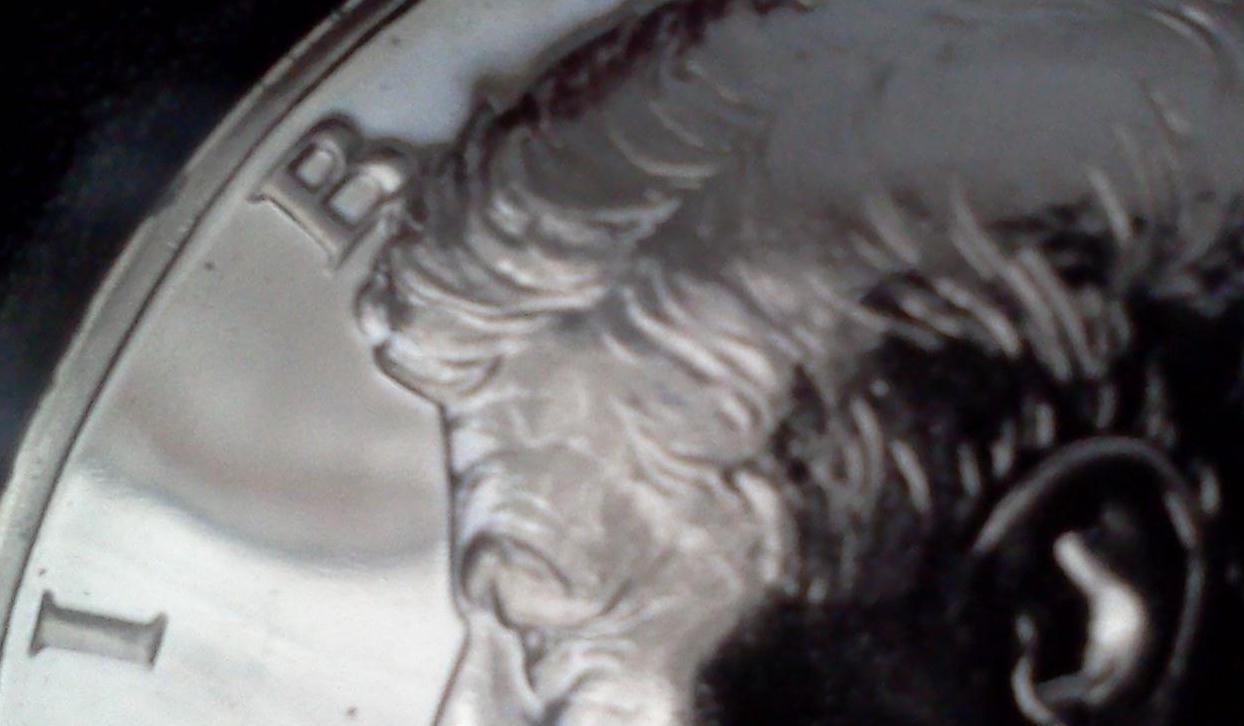 I would be grateful for any help, or comments, that would help me get past this nutty "situation"... Thanks |
|
|
|
Rest in Peace
United States
1729 Posts |
This photo is slightly out of focus, which obscures details. If you use Photobucket for downloading your photos to here, you can scale them up or down (down would be better, of course) to fit. You may also want to try Photoshop (I use an old version of Photoshop Elements for Mac) for cropping and sizing. Should you decide to use a scanner instead of a cell phone camera (!), the scanner software will allow cropping and sizing, too.
|
|
Pillar of the Community
United States
4212 Posts |
I just right click the image, open with paint, click image. Choose the resize option,(I put 25 in each box), then hit enter. That way, This 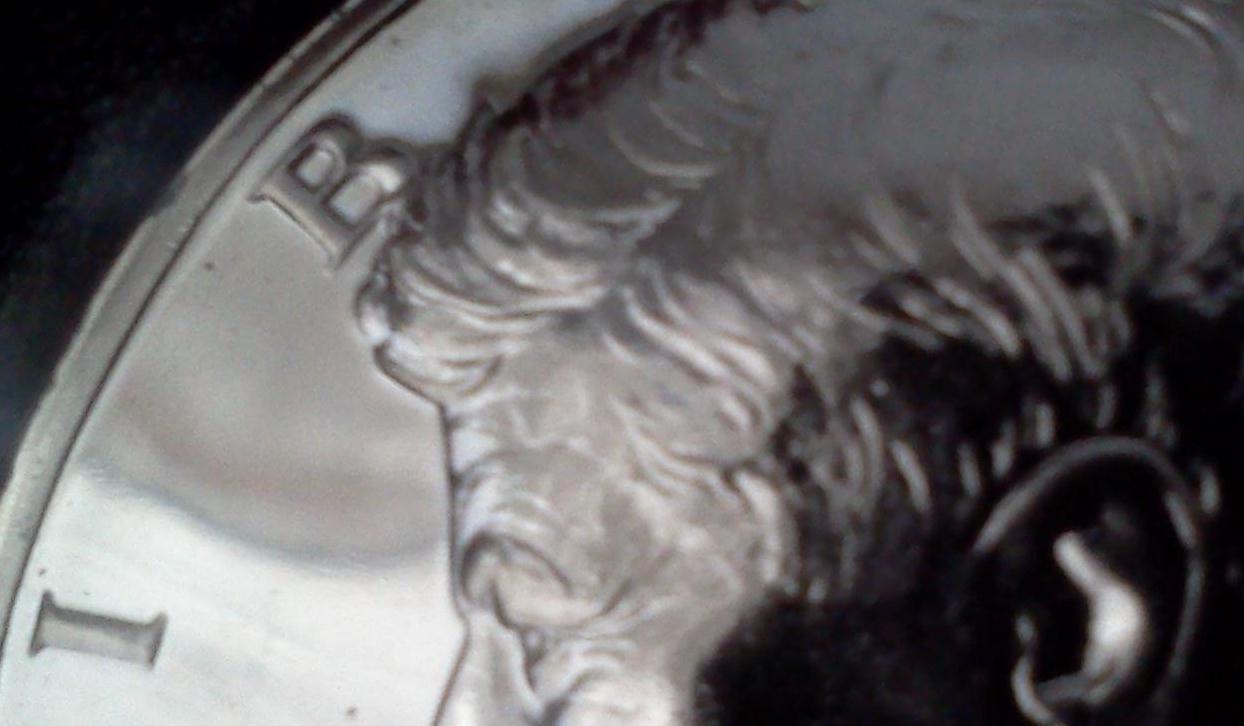 Becomes this  |
|
Pillar of the Community
 United States
1388 Posts |
thank you very much, I know it's not the greatest option using a cell phone camera, but that's my limited option right now. I'm just a poor boy in Ohio...  |
|
Pillar of the Community
United States
1388 Posts |
alright, I'm givin it a try... 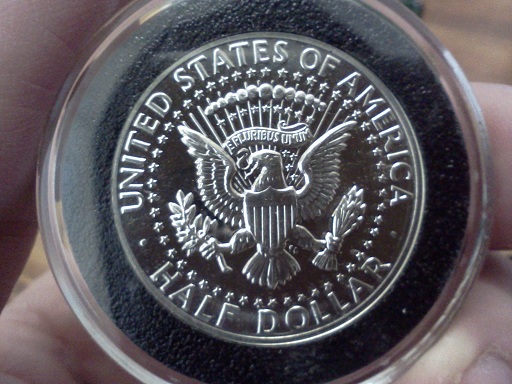 |
|
Rest in Peace
United States
1729 Posts |
I must say that's the best cell phone pic of a coin I've ever seen. You may be on to something there ...
|
|
Pillar of the Community
United States
1388 Posts |
wow, thanks pls, I could never get cameras to work very well so I had an upgrade for my phone comin anyway, so it worked out...  |
|
New Member
United States
5 Posts |
I would use photo shop or a similar free program.
|
| |
Replies: 7 / Views: 1,506 |
|










 Posted 02/12/2011 12:51 pm


