









 Posted 11/07/2006 12:42 pm


Well said Fred
I can only do 300 dpi in true color
I use a blue background because blue violet is the complementary color
to yellow orange in the color wheel (used by painters and airbrushers)
I prefer to set my brightness and contrast level strait in the scanner during scanning instead of manupulating afterwards
I can select the field to be scanned and I put the selection square as small as possible around the coin so that the coin fills the complete scan
I position the coin in such a way that the light comes from above
The only thing I do afterwards is rotate the coin to vertical and crop to size and save as bitmap
From their I make a second file I jpeg for sharing on the web or in emails
Attached is something I did last week in ten minutes
Image: 100 ecu 1989 proof K Licht boven.jpg
47.35 KB

I can only do 300 dpi in true color
I use a blue background because blue violet is the complementary color
to yellow orange in the color wheel (used by painters and airbrushers)
I prefer to set my brightness and contrast level strait in the scanner during scanning instead of manupulating afterwards
I can select the field to be scanned and I put the selection square as small as possible around the coin so that the coin fills the complete scan
I position the coin in such a way that the light comes from above
The only thing I do afterwards is rotate the coin to vertical and crop to size and save as bitmap
From their I make a second file I jpeg for sharing on the web or in emails
Attached is something I did last week in ten minutes
Image:
100 ecu 1989 proof K Licht boven.jpg47.35 KB

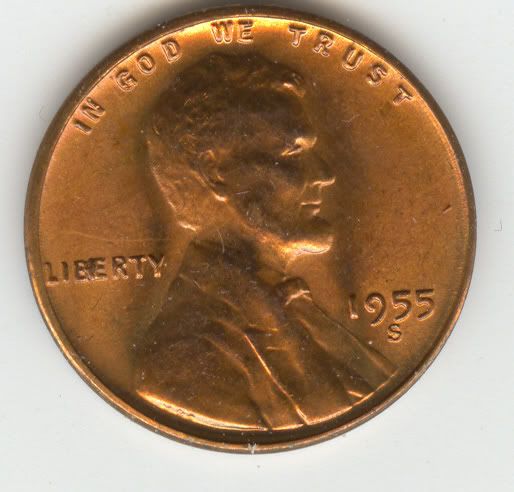
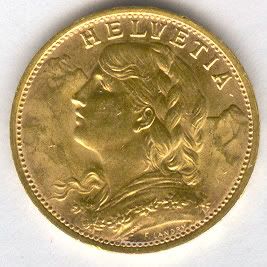
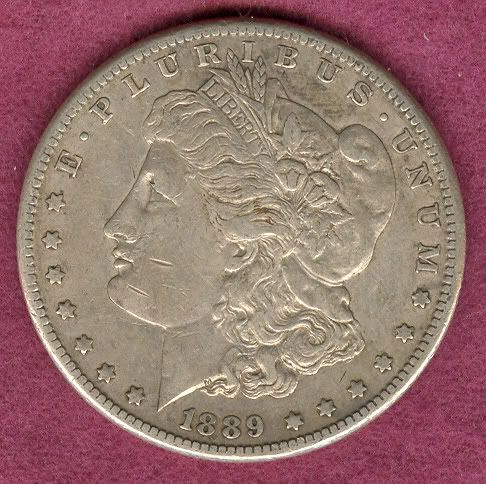


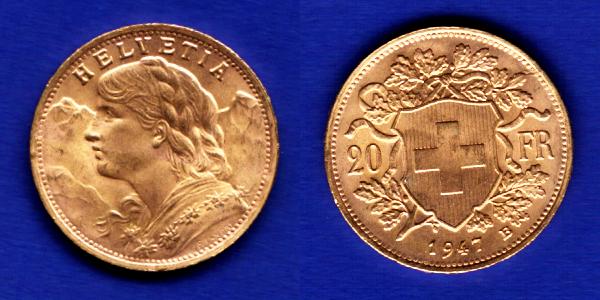 1947 Vrenelli AK 3.jpg


