| Author |
 Replies: 199 / Views: 23,622 Replies: 199 / Views: 23,622 |
|
|
|
Pillar of the Community
Canada
2784 Posts |
here ham I made it white. let me tell you the old hamster was spinning his little round cage. it has been a while since I have done this. let me do it a couple more times and then I will do this by pictures ham that will be the easiest way to show you ham. 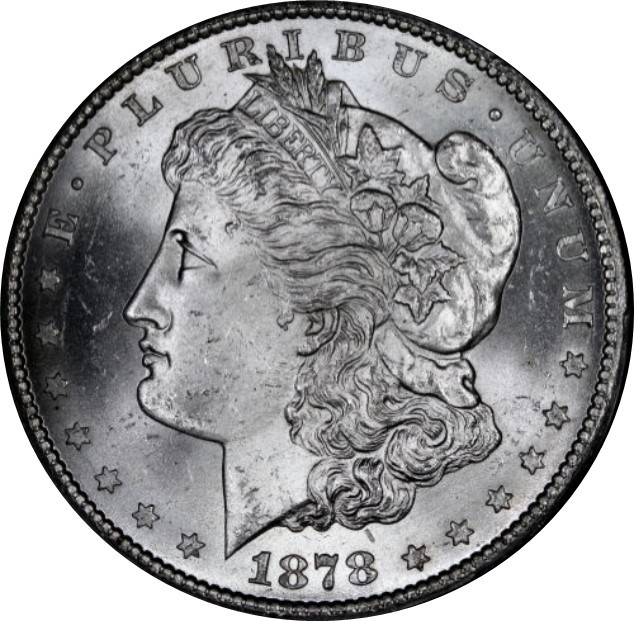 |
|
Pillar of the Community
Canada
2784 Posts |
ham if you like I can show you how to put the reverse and the obverse together. plus text let me know what you would like. we will do it by pictures you can follow. them you can save them and print them it helps me as well to do this stuff bring back the old memory.hehehe
|
|
Pillar of the Community
Canada
2784 Posts |
ok did another one. the most easiest way is in word. tried paint did not like it. but in word it does not seen to change the coin any. so you let me know what you want. I can help you 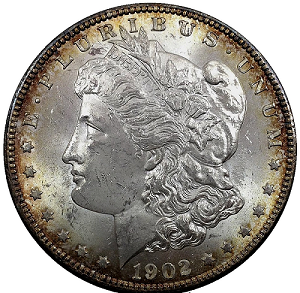 |
|
Pillar of the Community
 United States
1301 Posts |
Wow, thanks rocky. Let me have some time to absorb all this. There is a fellow on this site that has organized the obverse and reverse with the label on the slab. I will see if I can find it and let you know. Again, I appreciate all the help in this forum! Hamm
|
|
Pillar of the Community
United States
1301 Posts |
Rocky, here is something very similar to what I am interested in. Might want to change the background? 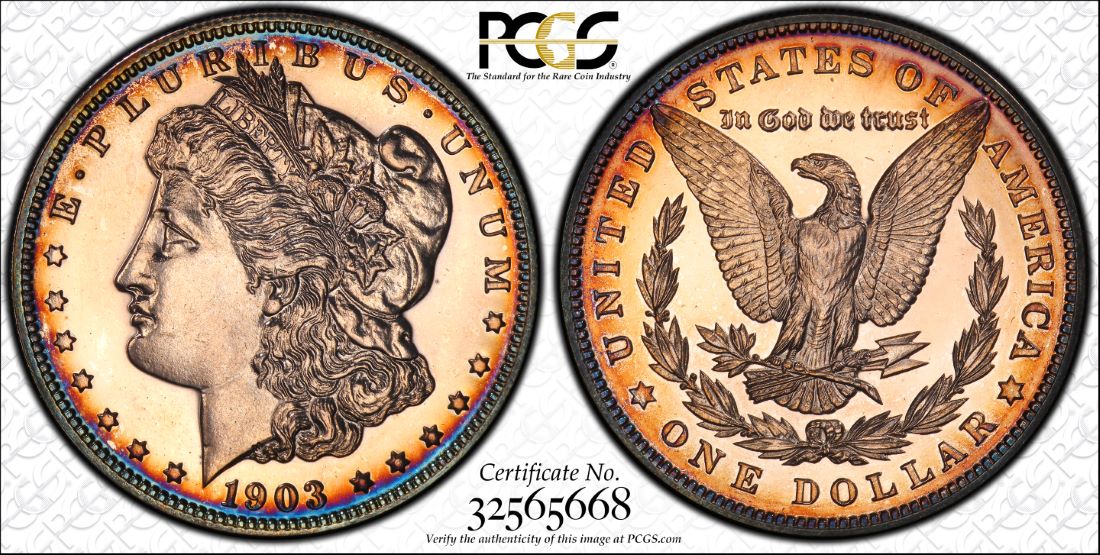 |
|
Pillar of the Community
Canada
9821 Posts |
Yes I'm interested in this also. Will be following.
|
|
Pillar of the Community
United States
1301 Posts |
I did a little hunting around about the PCGS coin image shown prior. As it would be, it is a service that PCGS provides for a cost when you submit a coin for grading. Don't know the cost. Here is a link for more information. http://www.PCGS.com/trueview#whatistrueviewEdited by Ham1947
01/07/2016 7:10 pm
|
|
Pillar of the Community
United States
1301 Posts |
rocky, lets try to do something like your post here, but with this background. Showing the obverse and reverse with the grade and PCGS number at the bottom. Here is the background. Could eliminate the printing at the bottom. Think it would work and look nice?  |
|
Pillar of the Community
Canada
2784 Posts |
ok ham I want to understand you would like to set. the certified coin in the lower frame. I not sure what you would like or would you like to change the certification and add the bottom frame. covering the certification number. hamm see there frames would be patented. this would be ok for your own personal use. but I don't think anything public. I think ray would know this for sure. you see hamm all you have to do is add text boxes. they cover and add your own text.
|
|
Pillar of the Community
Canada
2784 Posts |
ok hamm made the changes. I think you wanted. when I go to convert the word document back to jpeg. I get a notice that I am violating parameter's set on this document. the only way would be to build one similar. I will be going into the city in the next couple of days. I will pickup a cheat sheet from wall mart. hamm I recommend you get one of these sheets to it will help you to work in word. they are great you just look at the sheets you want. buy them it will give you the steps needed for what ever. when I get mind I will show you what they look like they only cost pennies. they are a great help
|
|
Pillar of the Community
 United States
4051 Posts |
I'd avoid using anything that is copyrighted by PCGS or anyone else. Best to create your own format. There is another recent thread where the OP says how he did a similar template using PS. Check it out...
|
|
Pillar of the Community
United States
1301 Posts |
Ok, after I posted that PCGS (logo), I started thinking about the same things you are. I will figure out something else. Thanks for the "heads up".
|
|
Pillar of the Community
United States
1301 Posts |
Rocky, something similar to this, but with a different background and more professional looking. A background such as the PCGS logo. By the way, could you explain more about these "cheat sheets". 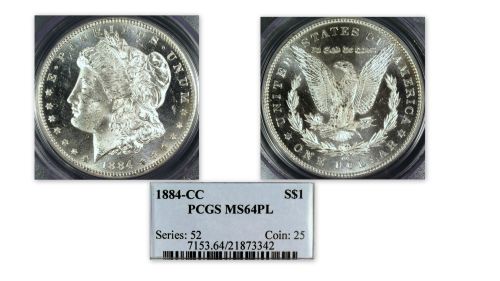 Edited by Ham1947
01/11/2016 07:23 am
|
|
Pillar of the Community
Canada
2784 Posts |
ok hamm I see how you have done this. leave it with me. I will make some changes. I see where you are going. I will add dividing line to separate the top where the coins are then I will center the bottom block of information. I think I will add a border around the outside. leave this with me you have started it I will add then you can adjust.
|
|
Pillar of the Community
United States
1301 Posts |
Thanks, rocky. I appreciate all your help and suggestions. What are the "cheat sheets" you talk about? I'm going to Walmart this pm. |
| |
Replies: 199 / Views: 23,622 |






 First Page
 Previous Page


 Posted 01/06/2016 8:43 pm


