| Author |
 Replies: 199 / Views: 23,616 Replies: 199 / Views: 23,616 |
|
|
|
Pillar of the Community
Canada
2784 Posts |
ok hamm when you go to Walmart. go to the school supplies. there should be and area there that has these slotted box shelves. they are stacked one on top of the other. the shelves has plasticized computer sheet. you should buy the one for windows word perfect. make sure the sheet matches the window application you are using. it will give a step by step work flow on how to create borders, how to create text boxes. how to convert word sheets to picture and a lot more. these sheets are very cheap and help a lot with what ever you want to do. go through them all see if there is anything. you may want to help your work flow. see this way after you do this enough it gets so easy you wont need them. I have forgotten a lot since I retired. you and I doping this is bring it all back happy shopping |
|
Pillar of the Community
 United States
1301 Posts |
Rocky, I have a Mac, would there be any "cheat Sheets" for Mac?
|
|
Pillar of the Community
Canada
2784 Posts |
hamm I was talking to one of the IT specialist from where I use to work. once we get the template. if we keep it on your thread. anyone can use it. I send him what I did so far and you. he told me I just made one mistake. he said when I used fill colour. it shadowed the coin. he will help us when he gets a chance. here is my first attempt. the one thing I find its starting to come back to me. take a look hamm see what you might like to chance. we will put the fill colour in first here it is have I can change the border style. plus the colour what ever you like. also if the text needs to be bigger. hamm if you want the text to have a style. just let me know as well hamm on your mac. check language if you want to see different letter style 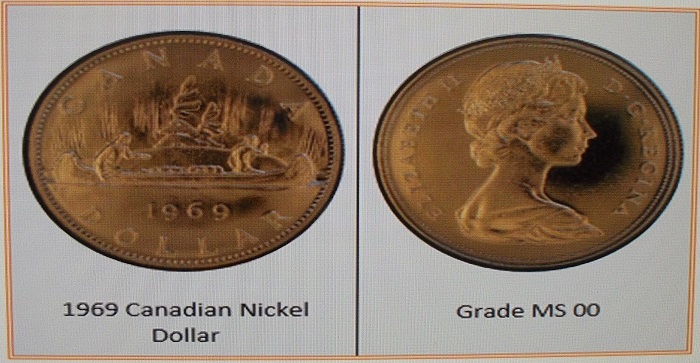 |
|
Pillar of the Community
United States
1301 Posts |
I like what you have done so far. Here is something I played around with in Picasa. This is the way I would like the "collage" to look. Obverse on the right, reverse on the left and the coin information at the bottom. I am open to other ideas of course. 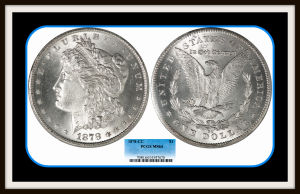 |
|
Pillar of the Community
Canada
9821 Posts |
I think you should widen the white part and have the coin in the center top to bottom, then you would have room in the middle top and bottom for more info.
|
|
Pillar of the Community
United States
1301 Posts |
I don't know if I totally understand mcshilling. You want me to position the coin images vertically? Where would the information go? What other information do you think I should add? Thanks for your suggestions. Hamm
|
|
Pillar of the Community
United States
1301 Posts |
Rocky, I went to Walmart (personal there didn't know what I was talking about). And went to Office Max and couldn't find them. Exactly what are they called, maybe I can find them on the internet? |
|
Pillar of the Community
United States
1301 Posts |
Which do you like best? Any other additions or changes? 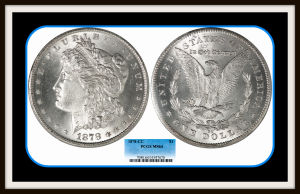 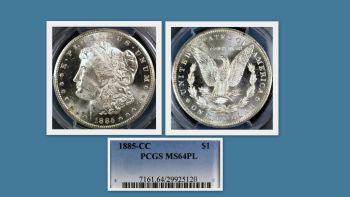 |
|
Pillar of the Community
 United States
4051 Posts |
I like the first one better, but I think you should make the black/tan/black frame smaller...Ray
|
|
Pillar of the Community
Canada
9821 Posts |
See if I can explain, widen the white left and right and lower the coins so they look like they are in the middle of the white from top to bottom. The writing can go where you have it now , only you can use above and below for writing.
You are doing good Ham.
|
|
Pillar of the Community
United States
1301 Posts |
Thanks Ray and mcshilling. I will experiment with both suggestions and post the results. Hamm
|
|
Pillar of the Community
United States
1301 Posts |
Did some work in Pages (Mac version of Word). Had to change the file ext. to .jpeg to upload here. Don't know if I work with this template if I can upload again?  |
|
Pillar of the Community
Canada
2784 Posts |
hamm went to wall mart yesterday. they no longer sell those cheat sheets. they said that there is all that information free on the internet. I will go through some of my old office stuff see if I can find them. I don't even know if they would work with this new windows. I see what you are doing looks good. you are getting there. once you figure this out would you show the steps. to help the rest of us thanks hamm
|
|
Pillar of the Community
United States
1301 Posts |
I will if I can remember all the steps. I didn't write them down. Hamm
|
|
Pillar of the Community
Canada
2784 Posts |
ok ham I think I have found us and easy way to do this. 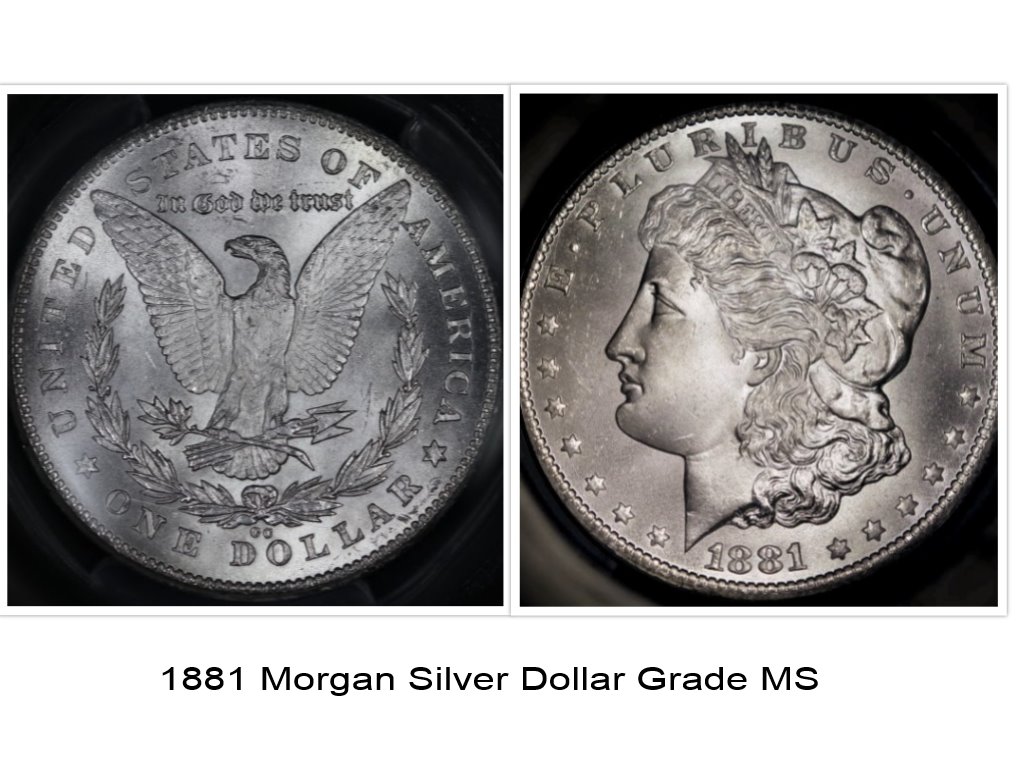 |
| |
Replies: 199 / Views: 23,616 |







 First Page
 Previous Page


 Posted 01/11/2016 5:05 pm





