| Author |
 Replies: 199 / Views: 23,614 Replies: 199 / Views: 23,614 |
|
|
|
Pillar of the Community
 United States
1301 Posts |
Looks good rocky. How did you do that (easy way). This is what I came up with with the template in Pages. I would like to get rid of the white background around the coin images and the darker circles and rectangle, but do not know how. Might have to edit the template. Also it's a royal pain to convert (to jpg) the image to one that can be uploaded. 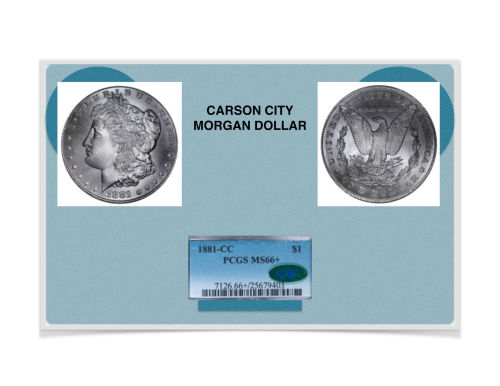 |
|
Pillar of the Community
Canada
2784 Posts |
ham something we might have to consider hamm. because this is going to help myself as well. ham you know that flat art paper. well what I am thinking is find a colour that does not affect the coin. cut out a circle place over your slab coin. then shoot it. that will make it so easy. but it has to be a colour. that you want around your coin. the canon camera will be here next week. so lets figure out some thing we both want to use. I want to start putting coin on ebay very soon. I like what we are doing. we will get there I like what you have. but I can not alter yours. I tryed |
|
Pillar of the Community
United States
1301 Posts |
Good idea rocky. I have some construction paper of different colors. I'll find a color that I like and then reshoot the coins. Good luck with the canon camera, I'm sure you will like it. Hamm
|
|
Pillar of the Community
United States
1301 Posts |
Here is what I have come up with. Black background looks good. Would a different background be better? How about the organization of the images? 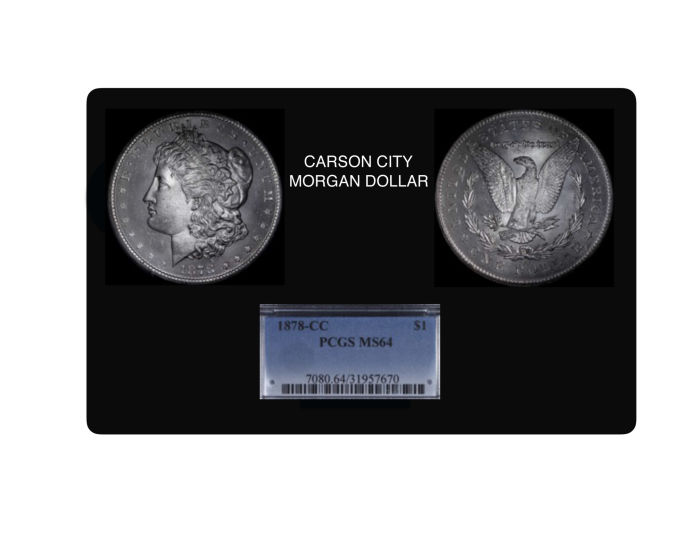 |
|
Pillar of the Community
Canada
9821 Posts |
I don't know what a different back ground would do but the coins look a bit dark, first impression.
|
|
Pillar of the Community
United States
1301 Posts |
Yes, the coins do look a bit dark. This might be due to the image uploader and having to scale down the image? Not sure.
|
|
Pillar of the Community
United States
1301 Posts |
I will need to eliminate the black areas around the coins. I'll do this with rocky's idea to shoot the coin with the gray background. Any other suggestions? 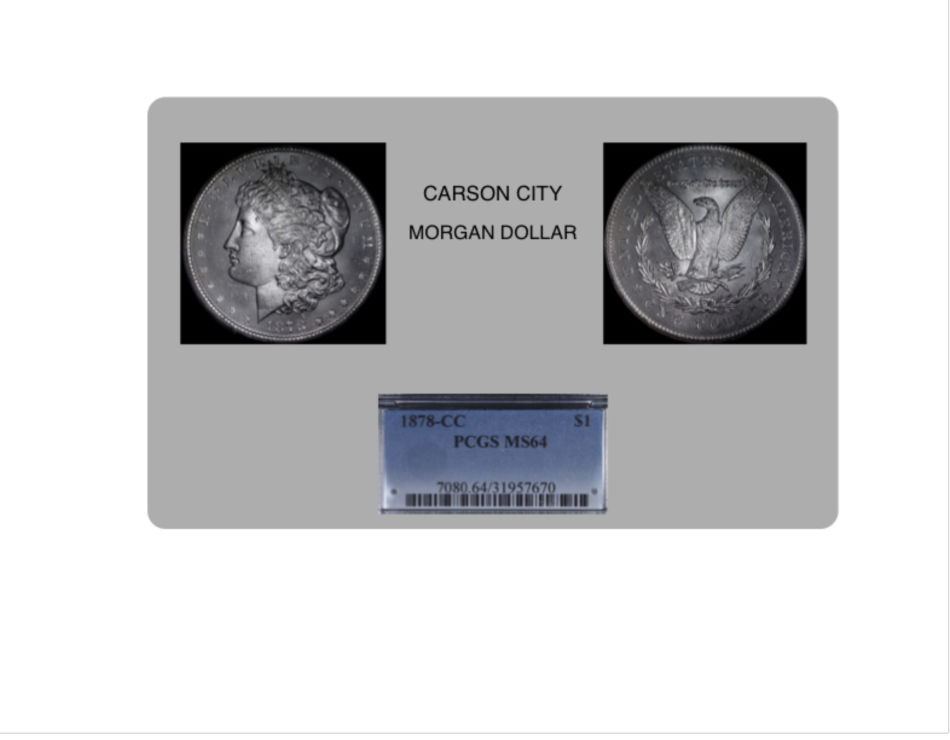 |
|
Pillar of the Community
Canada
2784 Posts |
ham looking good. ham there is a video of a Chinese lady. she photographing silver and nickel coins. her suggestion when shooting silver and nickel coins. that one should always use yellow drawing paper. it will help to bring out the lustre in the coins. it also does not cause shadows on ones coins. the video is on you tube. sorry I still don't know how to attach a link here. try that ham I did it does make a different. have a great one
|
|
Pillar of the Community
United States
1301 Posts |
rocky, to attach a link you highlight it in your browser, right click, select copy then just left click at the end of your message creating a blinking curser, then right click and select paste. Real simple once you get the "hang of it".
|
|
Pillar of the Community
United States
1301 Posts |
|
|
Pillar of the Community
United States
1301 Posts |
|
|
Pillar of the Community
United States
1301 Posts |
With the help of my wife, I think I have what I want in a collage. She picked the yellow border color. I preferred blue. Comments. 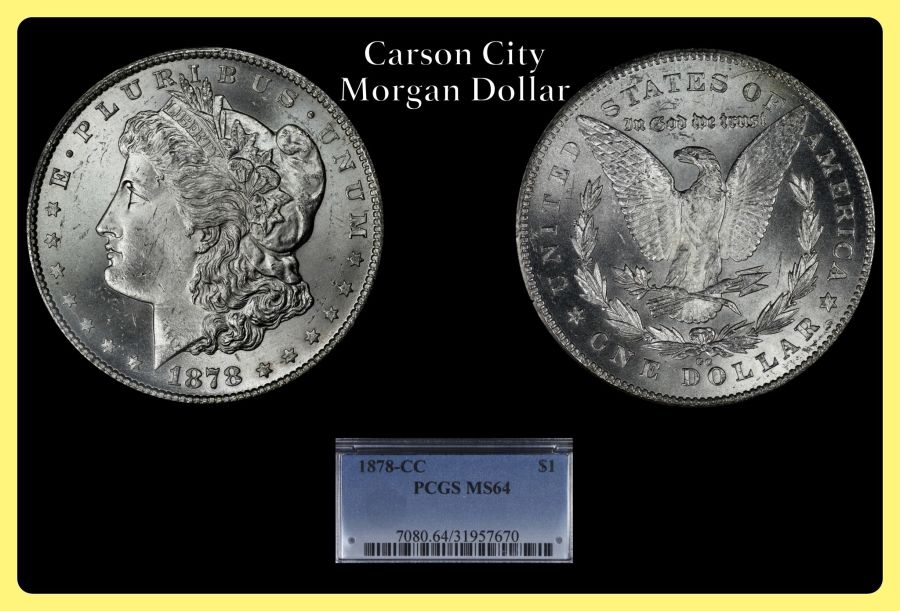 |
|
Pillar of the Community
Canada
2784 Posts |
hamm like the yellow boarder it highlights the back. an draws you to the blue box with the certification. nice like it well done.
|
|
Pillar of the Community
Canada
2784 Posts |
hamm a elderly gentleman approached me tonight. he has 400 Morgan dollars. he wants me to buy them. his children don't want them. I gave him a dealers name that I know quit well and trust. he said no I want you to have them they are all from the 1800s. I know nothing about morgans. can you tell me are the 1800 Morgan pure silver or what are they. plus he has 1 pure gold Morgan mint coin. form the 1800 as well |
|
Valued Member
United States
441 Posts |
|
| |
Replies: 199 / Views: 23,614 |







 First Page
 Previous Page


 Posted 01/13/2016 7:41 pm


