| Author |
 Replies: 37 / Views: 5,684 Replies: 37 / Views: 5,684 |
Page 3 of 3
|
|
|
|
Pillar of the Community
United States
4637 Posts |
Neither note has what I would consider a low serial number. I believe if the OP's note was scanned, instead of photographed, it would look much nicer. Check back in two weeks and decide for yourself.
|
|
Moderator
 United States
56855 Posts |
What happens in two weeks? John1  |
|
Valued Member
United States
444 Posts |
I think I know what happens in two weeks. Trust him, it will be a better picture if it's what I'm thinking. I could be wrong.  |
|
Pillar of the Community
United States
4637 Posts |
It's all in the presentation. 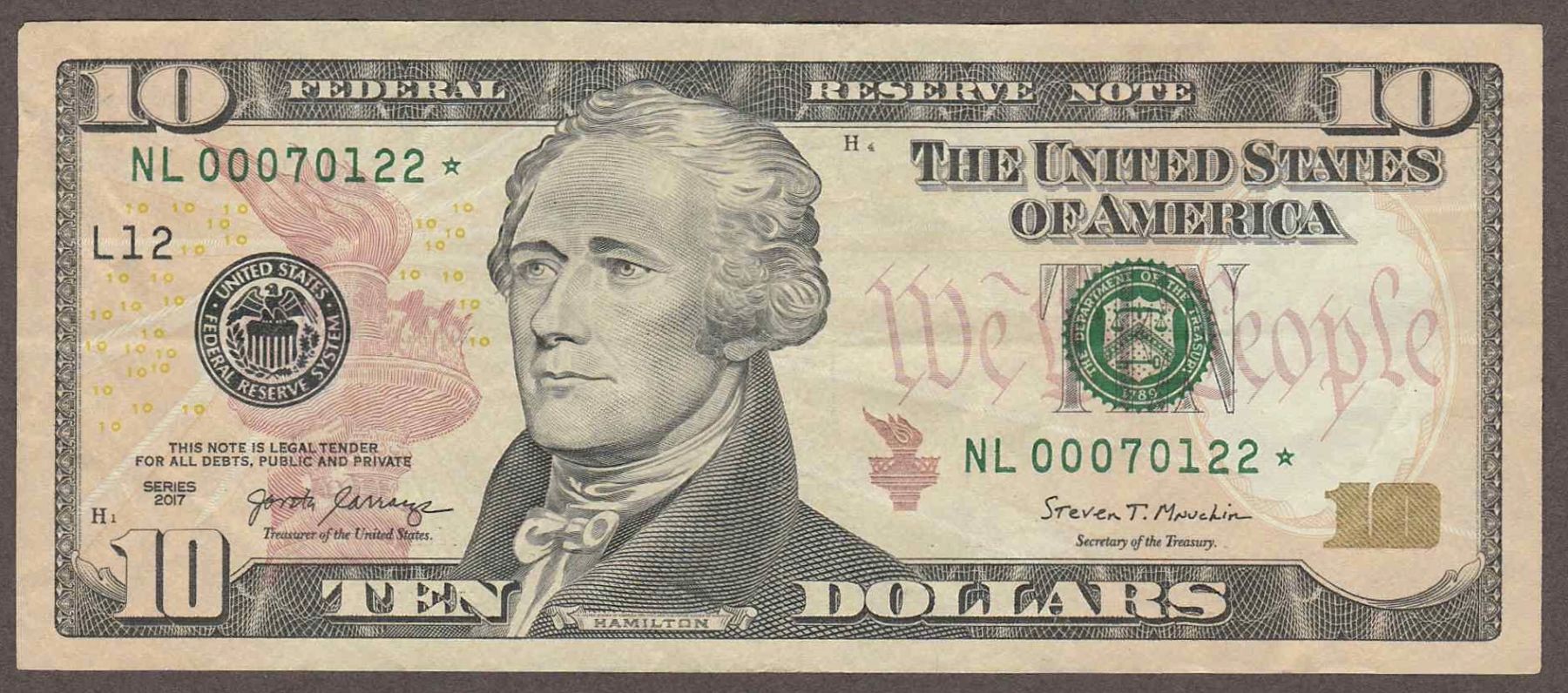 |
|
Valued Member
United States
444 Posts |
 Very Sharp, much better picture!  |
|
Moderator
United States
56855 Posts |
Quote:
It's all in the presentation.  please elaborate,thanks. John1 |
|
Pillar of the Community
United States
4637 Posts |
Quote:
please elaborate,thanks It's the OP's note posted as an edited (size) scan, instead of the original picture posted. It's just a better photo, no big deal. Edited by SteveInTampa
02/27/2020 5:31 pm
|
|
Moderator
United States
56855 Posts |
How did you edit out the wrinkles? John1 |
|
Pillar of the Community
United States
2857 Posts |
I trust Steve more than a random coin dealer. Sorry.
He know his small size notes.
Editing out the wrinkles? What? They are still fully visible in that scan.
|
|
Pillar of the Community
United States
5890 Posts |
I'd put it under a heavy glass for a while and have the weight flatten out much as possible, then retake the picture.
It wont get rid of everything, but it would certainly look better.
Steve right that presentation is everything, especially if you're in the packaging industry.
|
|
Pillar of the Community
United States
7728 Posts |
|
|
Pillar of the Community
United States
4637 Posts |
I talked with Nancy, of Nancy Poli Restoration, and she said the best way to deal with wrinkles/folds is to put the note in a humidity chamber for 30 minutes and then use a weighted object to flatten it for a day. Notes imaged on a flatbed scanner always make a note look better than photos taken by a phone. The editing I mentioned was image #1 to image #2. 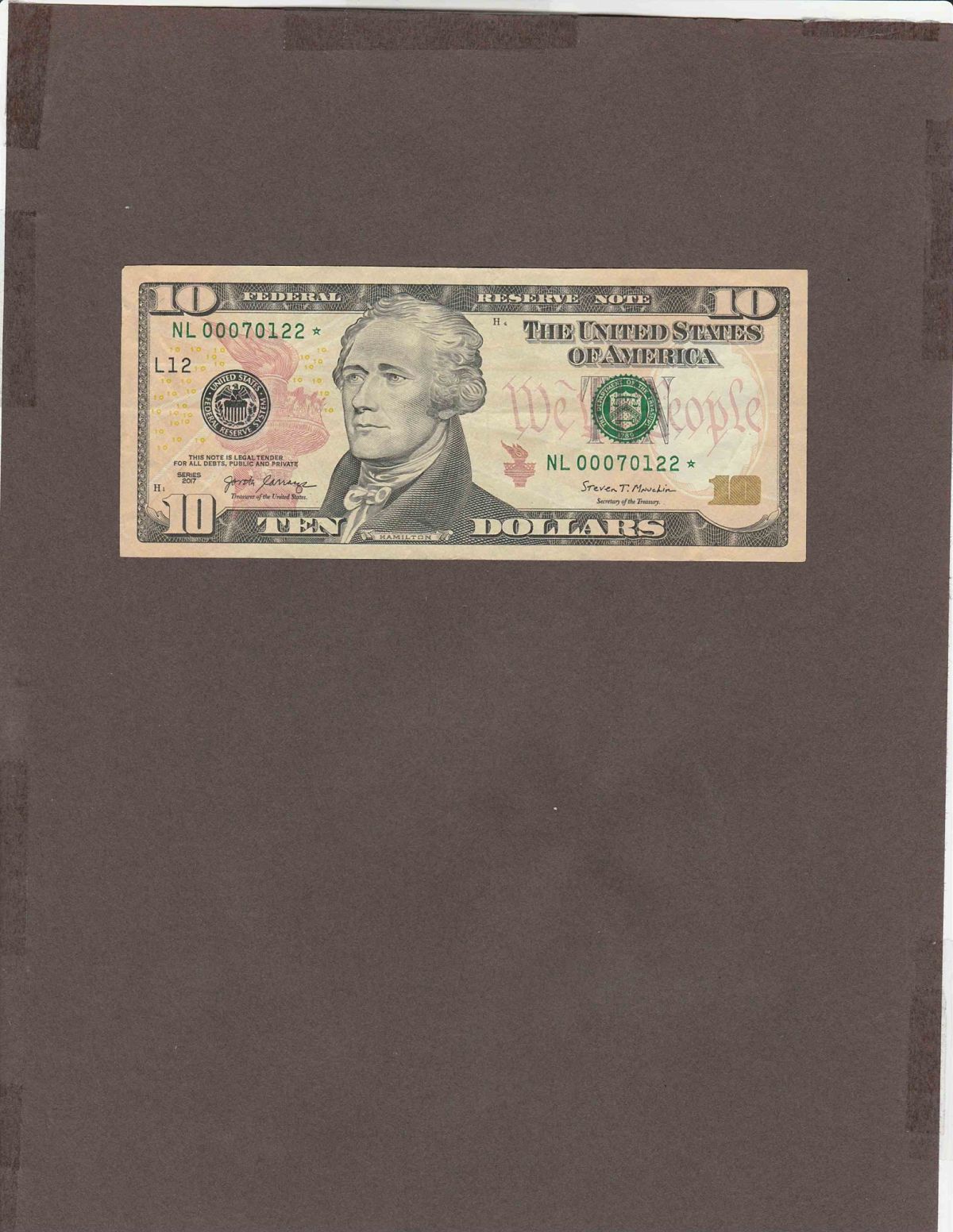 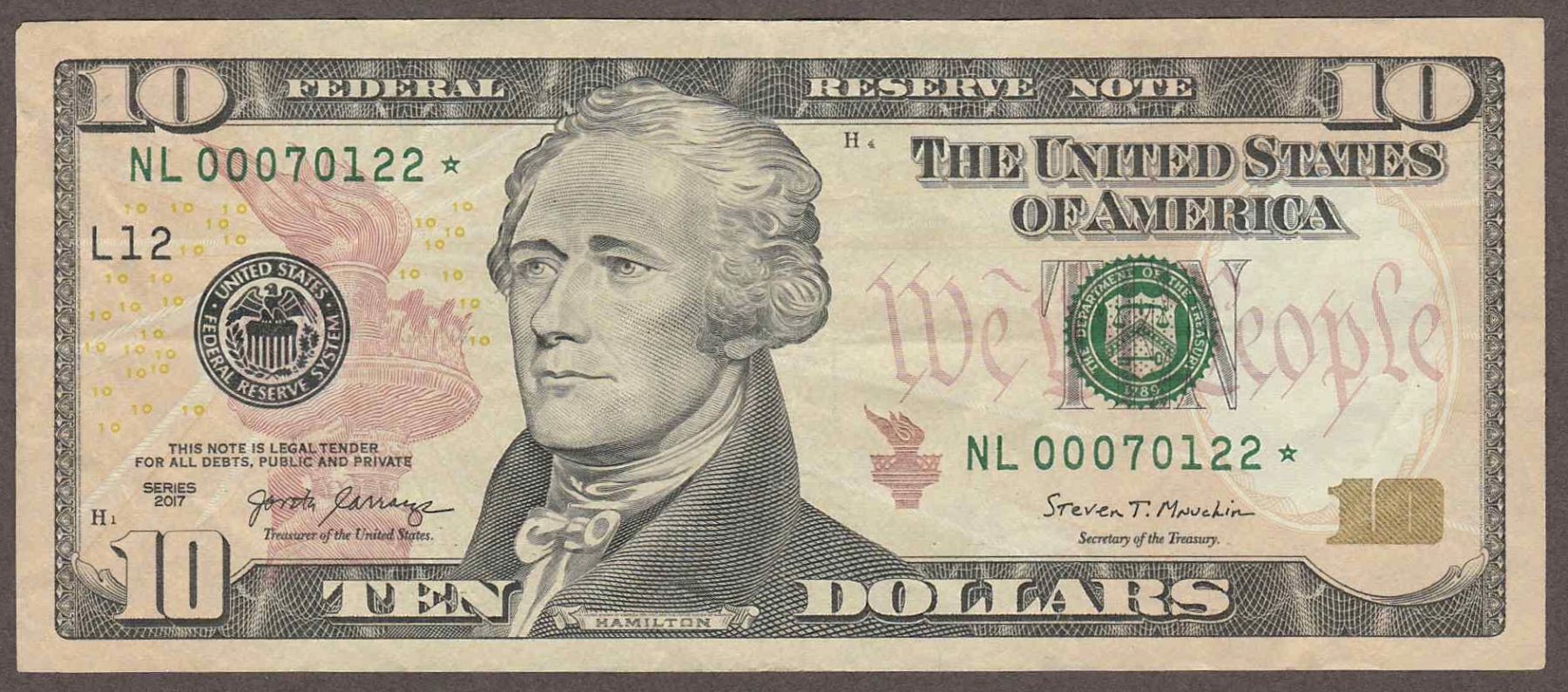 |
|
Pillar of the Community
United States
2857 Posts |
Actually faces up pretty nice!
|
|
Pillar of the Community
United States
800 Posts |
Quote:
Notes imaged on a flatbed scanner always make a note look better than photos taken by a phone. I tried this myself today. The 1st note (brown) was taken with a camera. The same note (blue) was a scanned note. 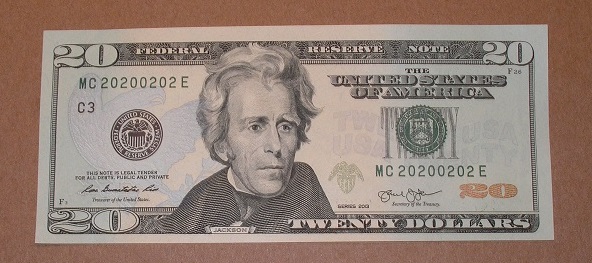 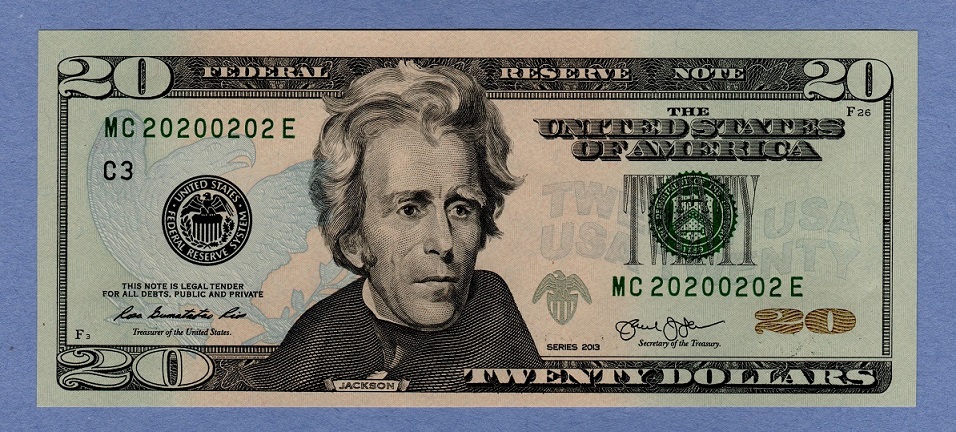 |
|
Pillar of the Community
United States
4637 Posts |
Quote:
I tried this myself today. The 1st note (brown) was taken with a camera. The same note (blue) was a scanned note. The difference is more obvious on notes that have seen circulation. This note appears to be uncirculated. |
|
Page 3 of 3
|
Replies: 37 / Views: 5,684 |
Page 3 of 3
|






 First Page
 Previous Page


 Posted 02/24/2020 10:24 am


