| Author |
 Replies: 5,701 / Views: 531,285 Replies: 5,701 / Views: 531,285 |
|
|
|
Bedrock of the Community
United States
94367 Posts |
Well you clearly have this down quite well, and perhaps you can help me!
Edited by Coinfrog
07/28/2017 5:13 pm
|
|
Bedrock of the Community
United States
94367 Posts |
Picked this up over last weekend, couldn't resist it at the price. Nice original note, great color and wave, reverse is perfect but obverse centering will probably hold it to a 64. 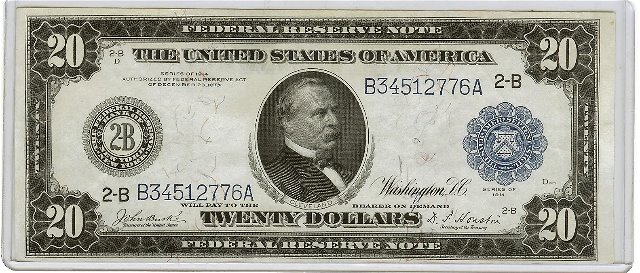 |
|
Pillar of the Community
United States
4637 Posts |
Nice 1914 $20 Mr.Frog.
The back vignette on this note includes;
1) An Ocean Steamer and Tug Boat in New York Harbor
2) A Steam Locomotive
3) An Automobile
4) A Biplane
The engraver had all the modern modes of transportation in mind.
|
|
Bedrock of the Community
United States
94367 Posts |
Except maybe a bicycle. Were there skateboards then?
|
|
Bedrock of the Community
 United States
12915 Posts |
Cool note, Frog! We don't see many of those here.
|
|
Bedrock of the Community
United States
94367 Posts |
CK - Thanks. I have several of these I'd like to show, plus recent acqusitions.
However, despite the successful load of this large $20 FRN four posts up and two days ago, I have been UNABLE to upload any pics of any size or quality since then despite more than two dozen tries.
Any input would be appreciated. Thought I had the new system down but apparently not.
|
|
Bedrock of the Community
United States
94367 Posts |
As a follow-up to my plea, the system will not even allow me to upload the VERY SAME saved image of the raw $20 New York FRN posted above just 3 days ago.
Ideas, thoughts?
|
|
Bedrock of the Community
United States
12915 Posts |
I would try renaming the file you're attempting to upload and then try uploading again.
Until I figure the CCF optimzer out, I am going to use a 3rd party image optimizer instead of the CCF one, as the CCF one doesn't play well with the images that come from my scanner. Again, it's probably me.
Edited by CelticKnot
07/31/2017 9:02 pm
|
|
Pillar of the Community
United States
2858 Posts |
Quote:
Any input would be appreciated. Thought I had the new system down but apparently not. If you aren't worried about the risk of it disappearing years down the road (which in my opinion doesn't really matter for this thread), just host it third party and then get a direct link and put the IMG tags around it. There are also many other optimizers and photo editors online. I never use the uploader thing here. |
|
Pillar of the Community
United States
1970 Posts |
I bought 2 1899 Black Eagle $1 Silver certs in VF for $100 total. They are consecutively numbered! It looks like they were stored in a folded wallet for many years, but they have exceptionally clean surfaces free of dirt. Any premium for consecutive serial #s?
|
|
Bedrock of the Community
United States
94367 Posts |
As a general rule no, especially for circulated notes. We'd love to see pics!
|
|
Bedrock of the Community
United States
94367 Posts |
Wheat - Thanks for the advice. CK - Thing is, I initially found the new CCF Optimizer did a pretty fair job using my scanner images, and I had no problem uploading them. Then bang, four days ago, it stopped letting me upload images of any size, not even 50kb much less 300. The rejection screen has changed from the old red/green signal to some new box which is non-specific other than to show the size of the rejected image, which as noted is not helpful when you're already well under 300kb! Can the Moderator offer any insight on this issue?  |
|
Pillar of the Community
United States
4637 Posts |
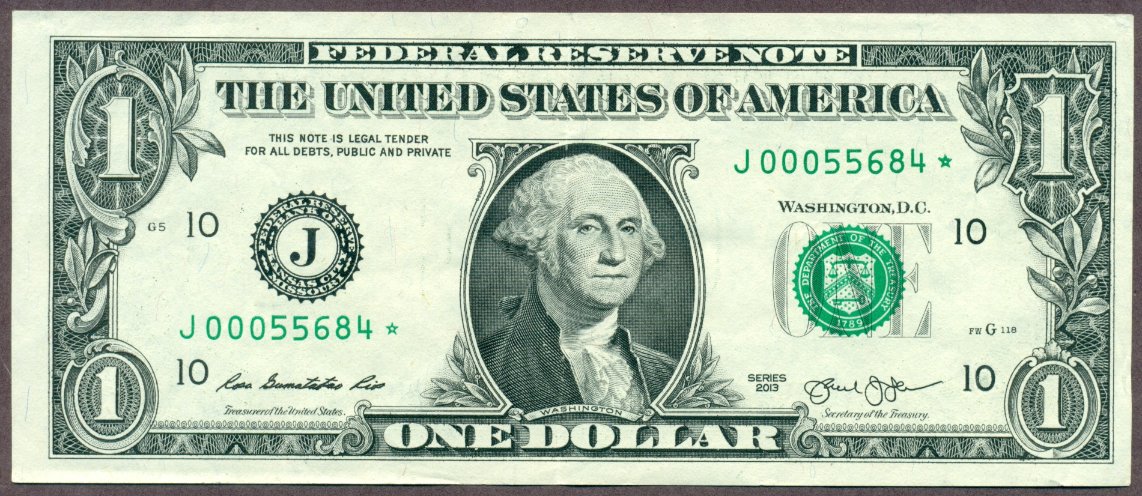 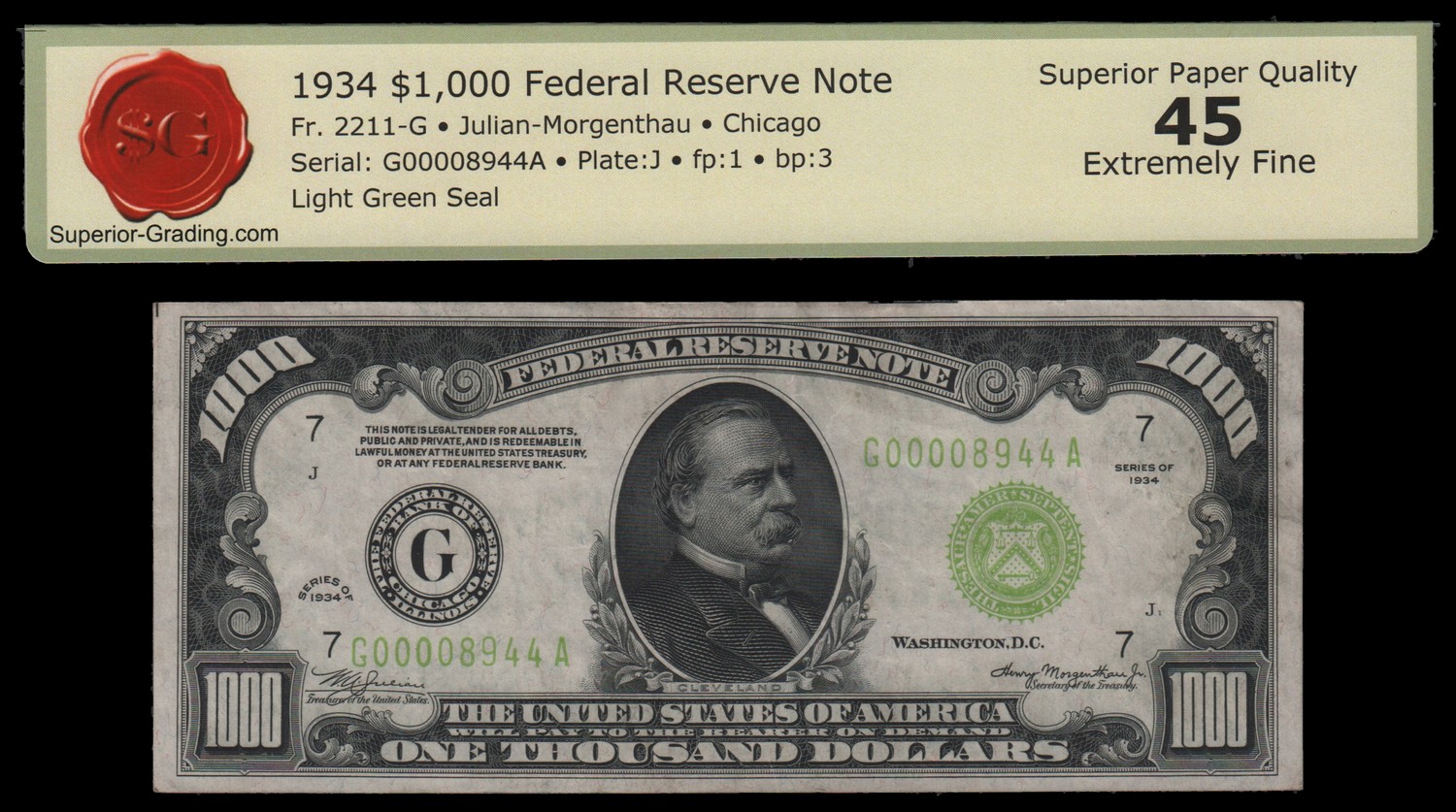 Let me try and remember the steps I took to post these...... I opened the small grey oval that says "Switch to full reply" That opened a different window with a large center comment box and below the comment box I clicked on "Upload Image" right next to a little green camera icon. That opened another window and I selected the grey rectangle that says "Browse". That opened my choices of my stored data files....and I chose pictures. I selected a stored photo file and hit open and the photo was selected and now it says Upload to SteveinTampa's Post, I click on that and presto just like magic, the photo appears in the subject box ready to add a comment if needed. Edited by SteveInTampa
08/01/2017 7:56 pm
|
|
Bedrock of the Community
United States
94367 Posts |
|
|
Bedrock of the Community
United States
12915 Posts |
@Frog - you might try posting your question/issue in the "Coin Community Support" forum.
Like I said, I'm just going to use my own image optimizer and crunch my scans down to < 300k for now.
|
| |
Replies: 5,701 / Views: 531,285 |







 First Page
 Previous Page


 Posted 07/28/2017 5:25 pm





