This was covered in a thread about 2005-2010 Satin coins. For those of you that didn't care about that topic, but want an option for blocking out Dansco ports, here is a nice solution I found.
As you know, the Dansco page consists of an outer layer of plastic leather looking material (I call it pleather) glued to a cardboard core and clear plastic windows slide between the pleather and the core. I tried to find something to place BETWEEN the windows to block out the unused ports but realized that sliding a strip of pleather over the plastic window made more sense.
I bought several test swatches of similar material from two different manufacturers, but quickly found that it would be cheaper to by an extra Dansco page to tear apart. Plus the match would be perfect.
The best Dansco pages to get pleather strips from are the 16mm blank page and the Blank DC and US Territories Quarter page. Either one of those should give you plenty of pleather! (You can get one strip along the spine between the stud holes and several perpendicular to that one between the ports). The pleather separates very easily from the cardboard core with a gentle tug.
Once you get a pleather strip, slide it in front of the window:
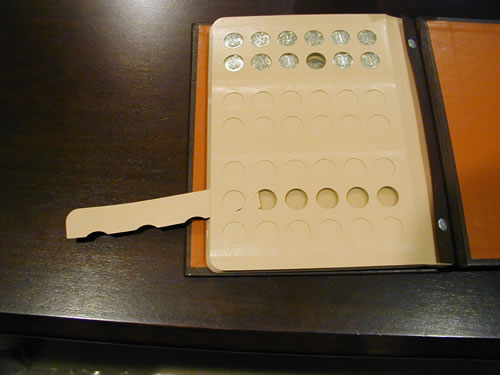
This page has SEVERAL pleather strips, but a trick I discovered courtesy of billymac cuts down the need for a lot of pleather. More on that later.
But first, here is a simple real world example. Here is my Dansco
Wheat penny Album before:
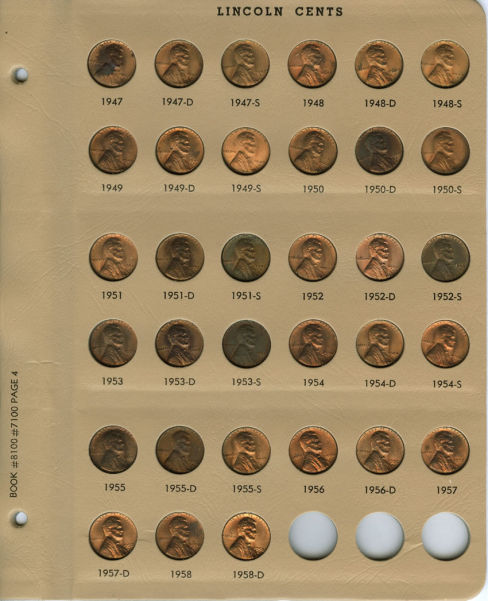
There are various suggestions for filling those last 3 ports such as reverses or proofs, but I wanted to blank them out. (At least I thought I did). But after initially blanking out all 3 ports from both sides I realized I could blank out a port from only ONE side, and placed a proof reverse in one of the unused ports:
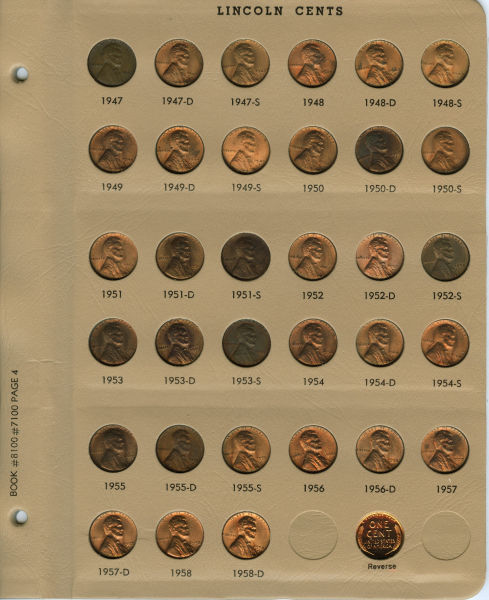
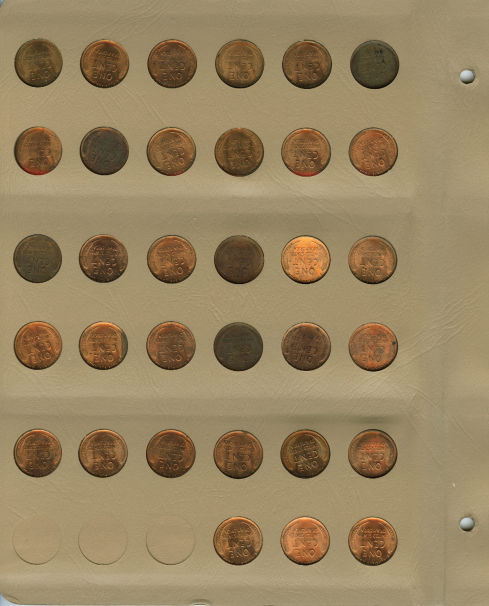
Notice how the Proof reverse only shows from the front!
I decided to do the same thing with my Nickels album, which I end in 2005 because that is the year my father passed away and Nickels was his thing:
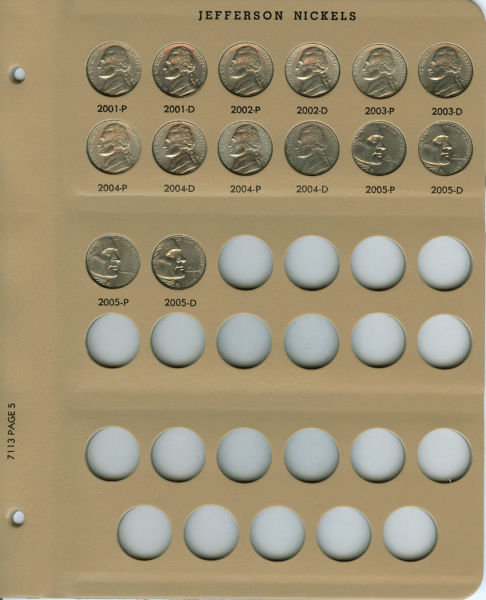
But that meant a LOT of pleather strips. I didn't mind if that's what it took, but I learned from billymac that Dansco makes MM pages that can be used to dramatically cut the number of unused ports in some cases. So I bought a 21mm blank page, added labels with a Casio label maker, and blocked out ports selectively with pleather:
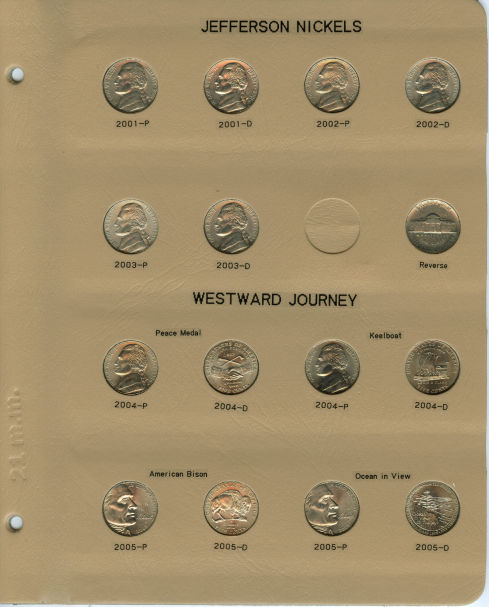
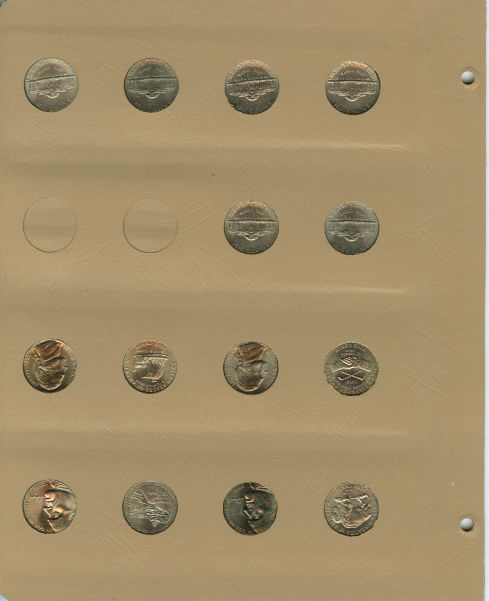
For this page I could have gotten enough pleather from the old
Jefferson nickel page to finish up the new MM page so no need to purchase a spare page!
I really like the flexibility of blocking out ports from both sides or just the back.
Another technique I used was to re-purpose a Dansco page. I needed a 10-port quarter page for a project I was working on. It doesn't matter why I wanted a page with only 2010
ATB Quarters, but the point is that I wanted the fewest blank ports.
A blank Dansco Quarters page has 24 ports. The MM page is better with only 16 ports, but the Blank DC and Territories page has only 12 ports! That means I only have to block out two ports! The only problem is that it has a title printed on it, so I flipped it over and added my own labels:
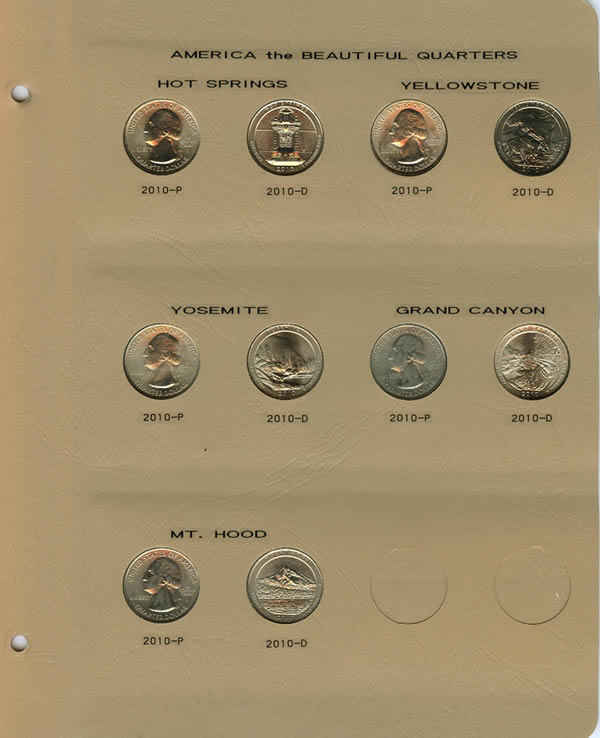
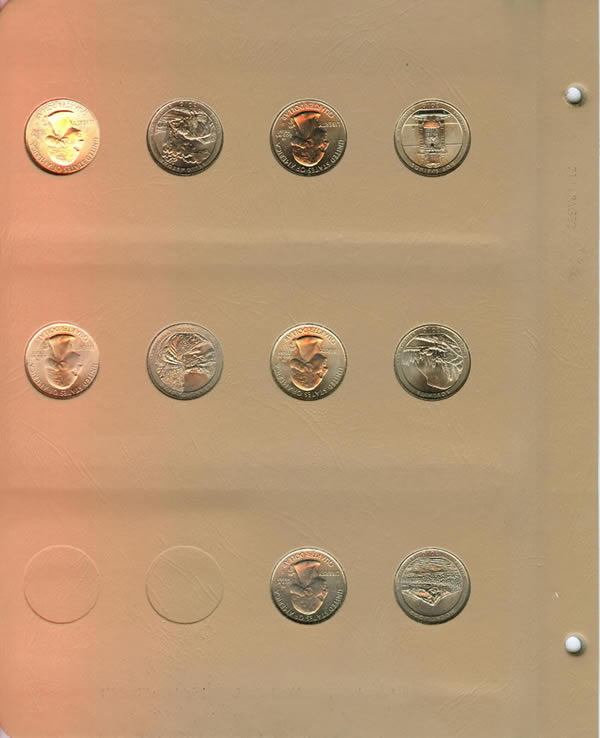
The pre-printed title was at the bottom of the page above since I flipped the page to start with.
To remove the printing I used "Goof-Off" paint remover. Remove the plastic windows first, then apply 2 or 3 drops to the printed area. VERY GENTLY rub the liquid away with a clean lint-free cloth. ALWAYS rub from the outside edges of the printing inward so as to not smear any ink beyond the area you are treating.
IMPORTANT: If you feel ANY tackiness, you are using too much pressure and you risk removing the brown texture from the pleather. Be patient. It takes several passes to remove the ink (it took me about 25 passes to do that one page).
Hope this helps!







 Posted 03/14/2013 11:05 am





