So, living in a small dorm abroad and having no budget to actually spend for this literally forces you to be creative with whatever you have at hand. I can't spend online either, so internet shopping is out.
I read a thread here someone photographing really well with an iPhone so I tried myself. I'm really new to photographing coins myself, I usually just scan them unless I feel that a photo does the job better (which is very rarely), or only when specifically requested.
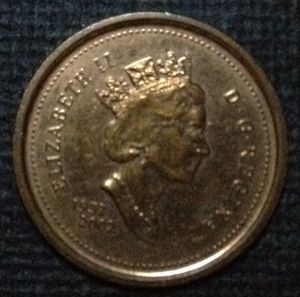
After a couple of failed shots that look like this:
Some further tweaking, until it looks like this:
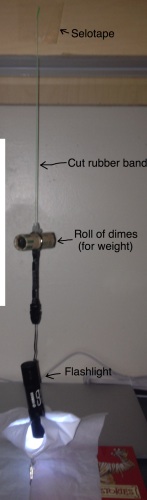
The dime roll is a weight so the elastic will stretch and bring the flashlight down. Too low: remove dimes, too high: add dimes.
For this shot, the books are used to hold the coins in place. Other times, it's used to raise the coin close to the flashlight.
Here is the first ever photo from that set up:
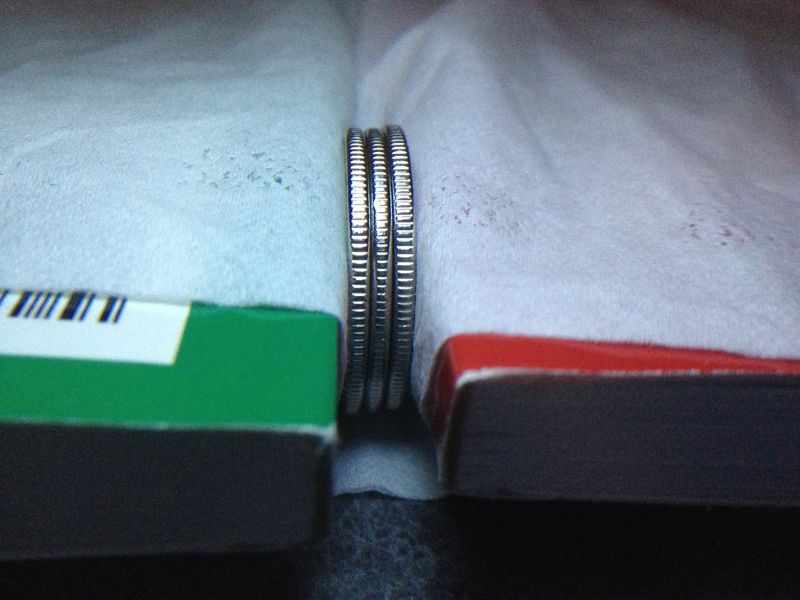
In case anyone's wondering what it is, it's a rather strange looking frosted whale quarter sandwiched between normal ones.
It's difficult to photo shiny coins. The reflection of my phone keeps getting in the way.
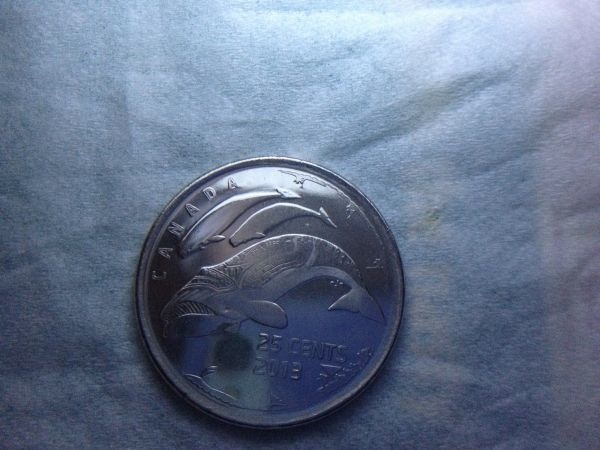
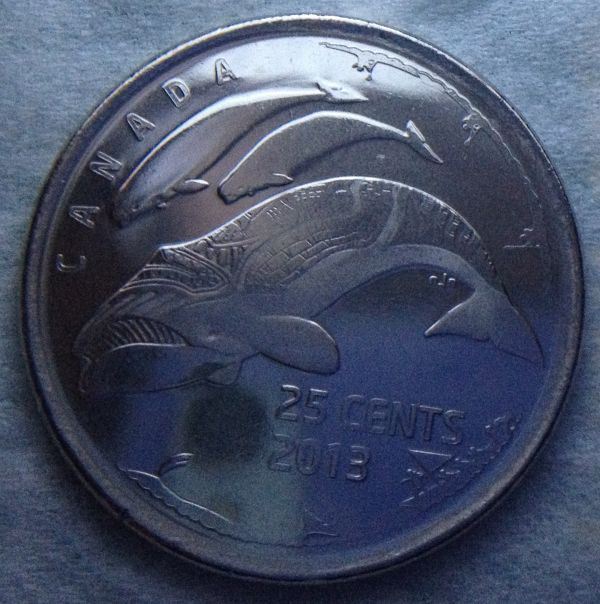
I just had this one (it's the strange looking quarter, if anyone's asking) dipped in Xylene. Any suggestions on how to not have reflection?
So I took a not shiny coin and tried and it worked better.
It's actually managed to capture the correct colour in the top half. It got dark in the lower half. It's just because I only have 1 light source.
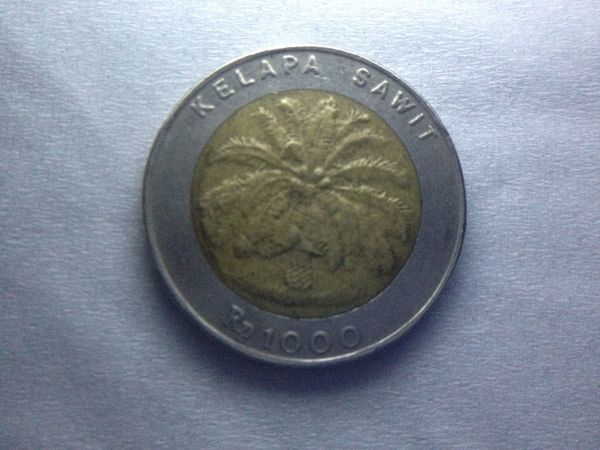
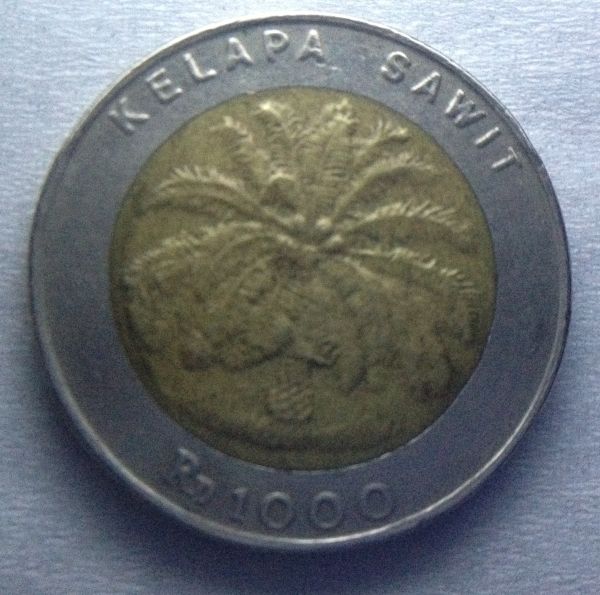
Suggestions on how to spread the light better across the coin?
Things always appear darker then what they actually are. And his eye is still there on the coin, my camera won't get it for some reason I don't know. There are also some scratches on his neck that aren't too obvious but visible. Help to get details?
This is the original:
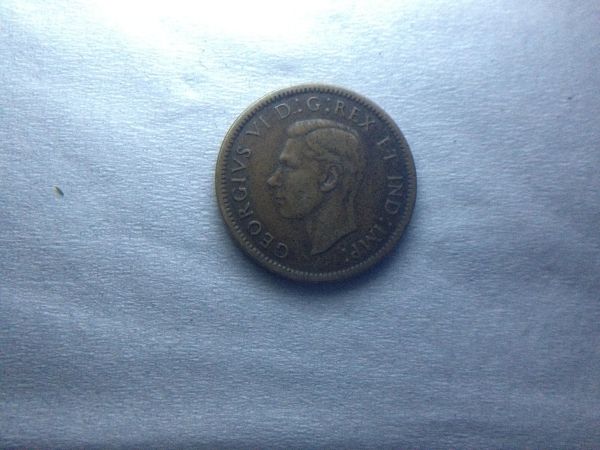
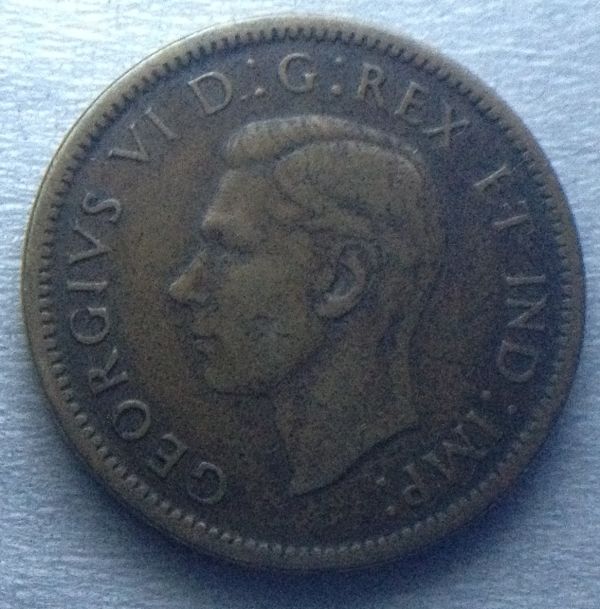
And after brightness and contrast adjusted on a computer to make it closer to the original. The colour of the raised parts is lighter than this, I just can't get it to that colour without making the photo look washed out:
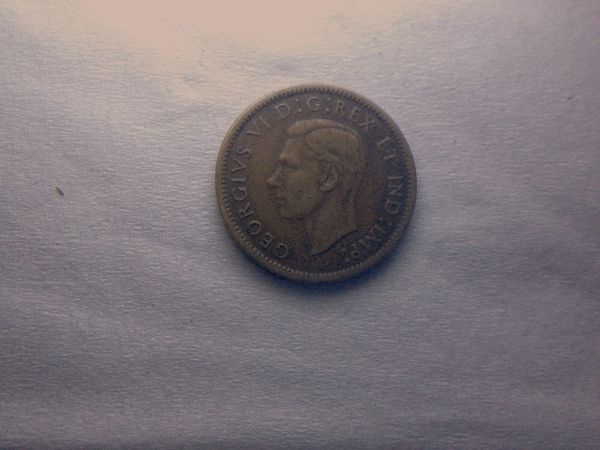
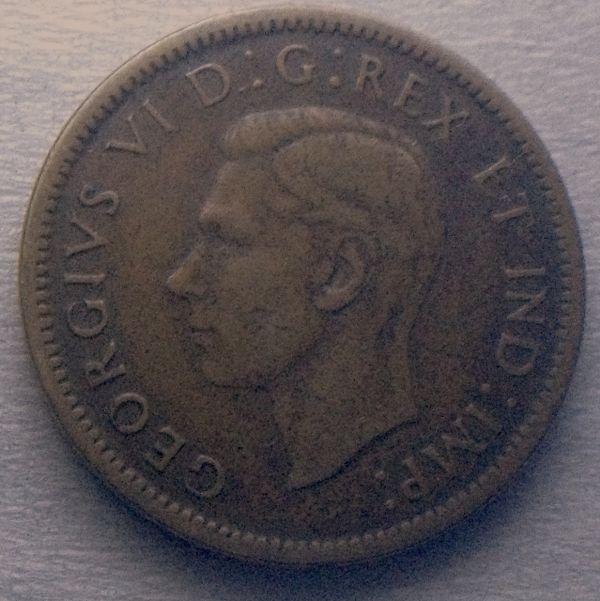
I don't know what's that line from the back of the King's neck to the D is, and why it's in the photo, it's not on the coin.
I love how the coin darkens only around the raised parts, and not on the raised parts and parts away from the raised parts. Other side too but it's not that obvious.
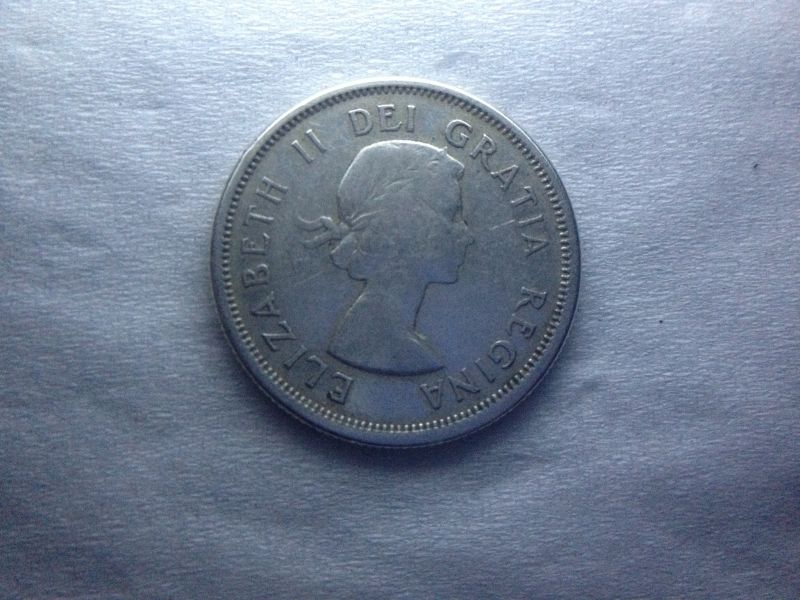
Tips on how to get the correct colour please?
Like, this one's silver but the colour looks wrong in the photo.
Thanks!









 Posted 03/31/2014 12:43 am


 which complicates their disposal. In many countries, governments have established recycling schemes for CFLs and glass generally.'