| Author |
 Replies: 8 / Views: 2,346 Replies: 8 / Views: 2,346 |
|
|
Pillar of the Community
United States
536 Posts |
Hi there! I've been struggling trying to get decent pics from my iPhone (5 if anyone cares). I found an app that will allow me to manually focus, which previously was making me want to throw the phone against a wall, however, I'm still not getting very good pictures, especially on shiny and slabbed coins. I REALLY don't want to have to buy a camera, I just want to find a way to make things look like they actually do in real life. 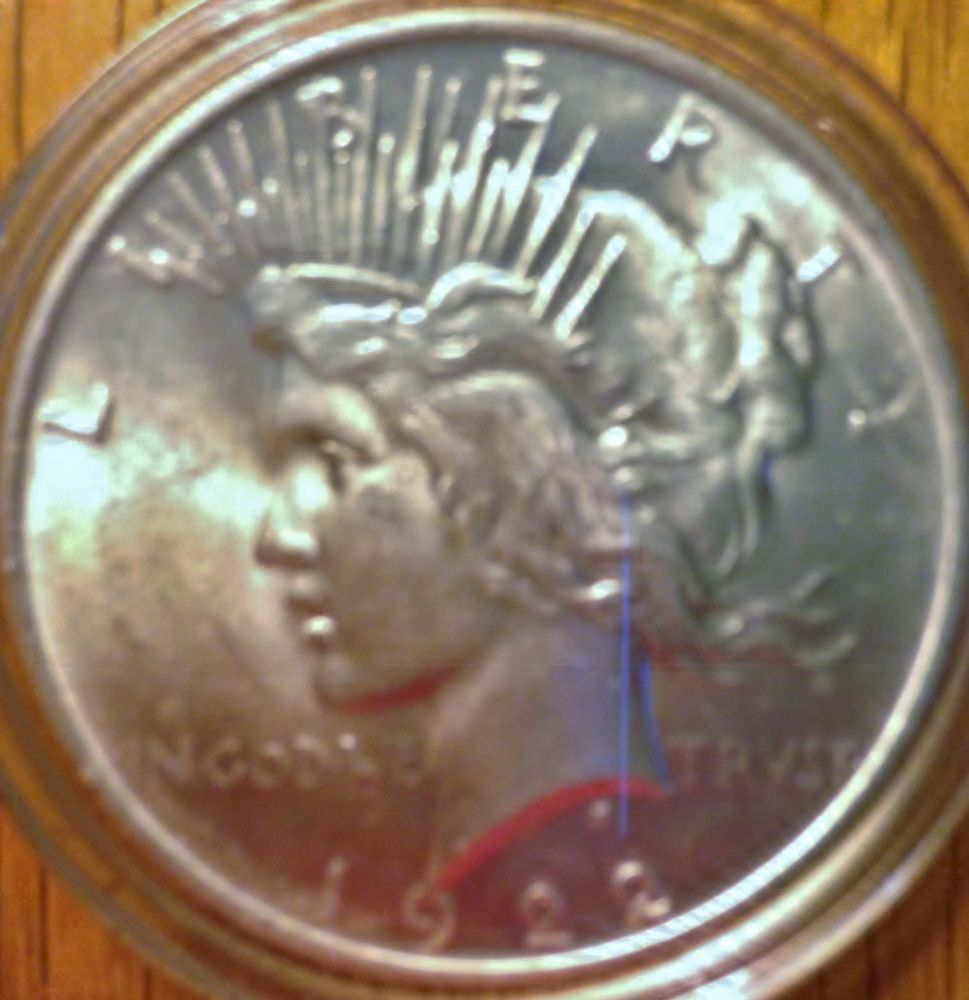 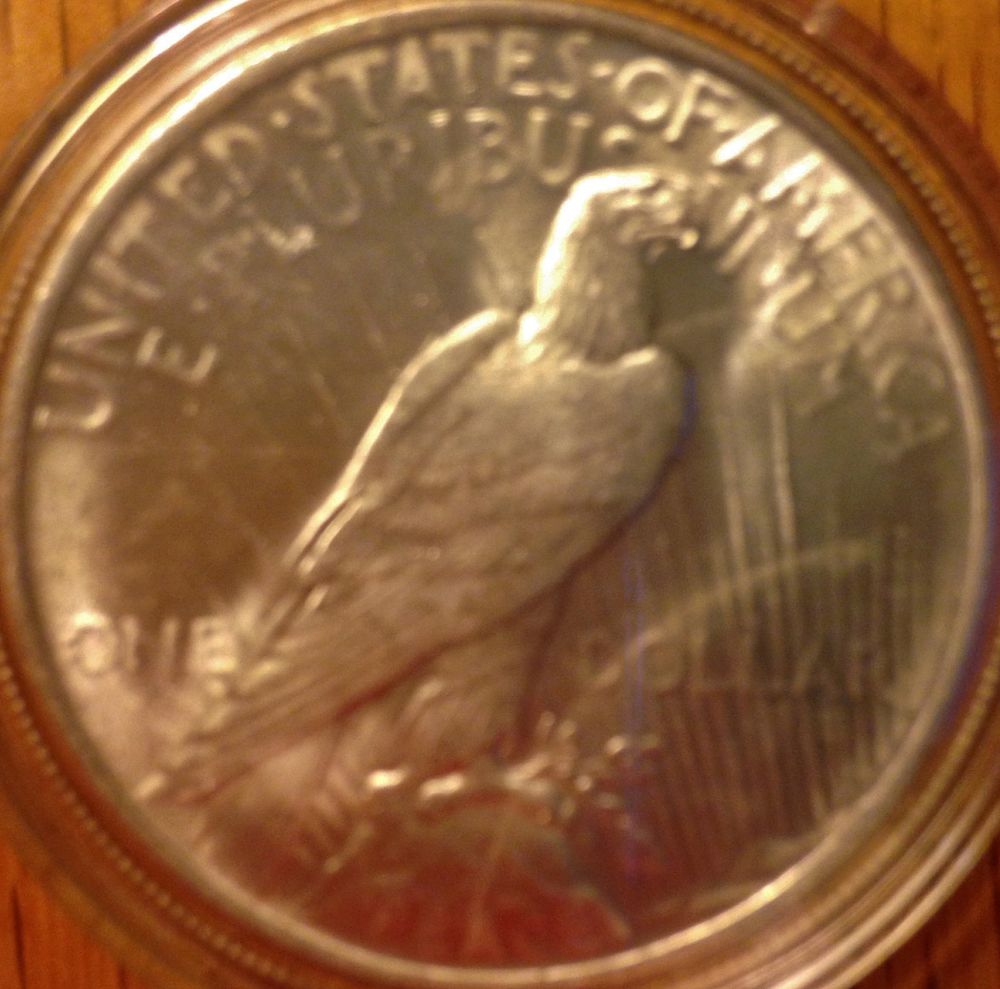 I can get decent detail photos with my phone-o-scope, but not for the whole coin. 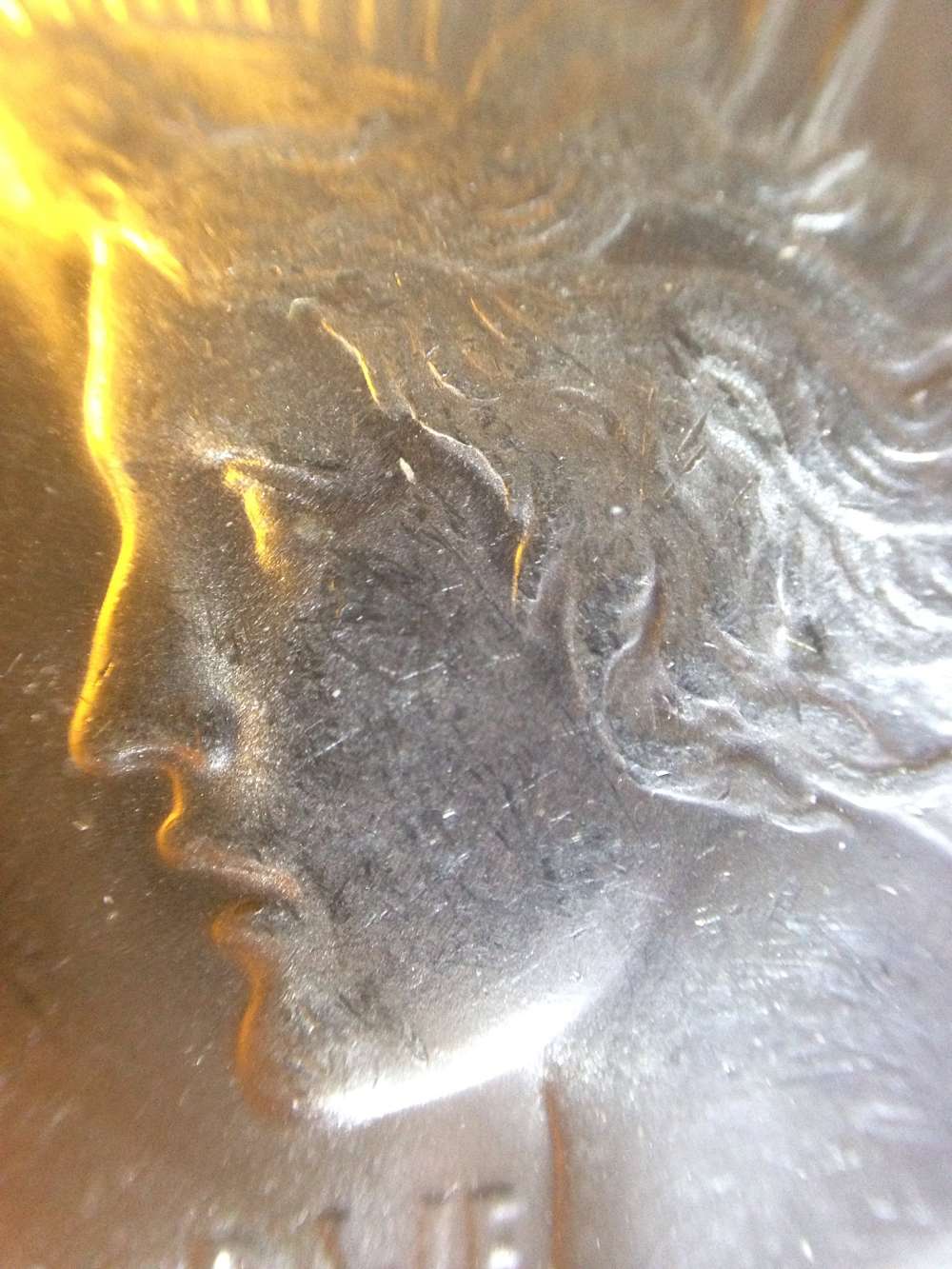 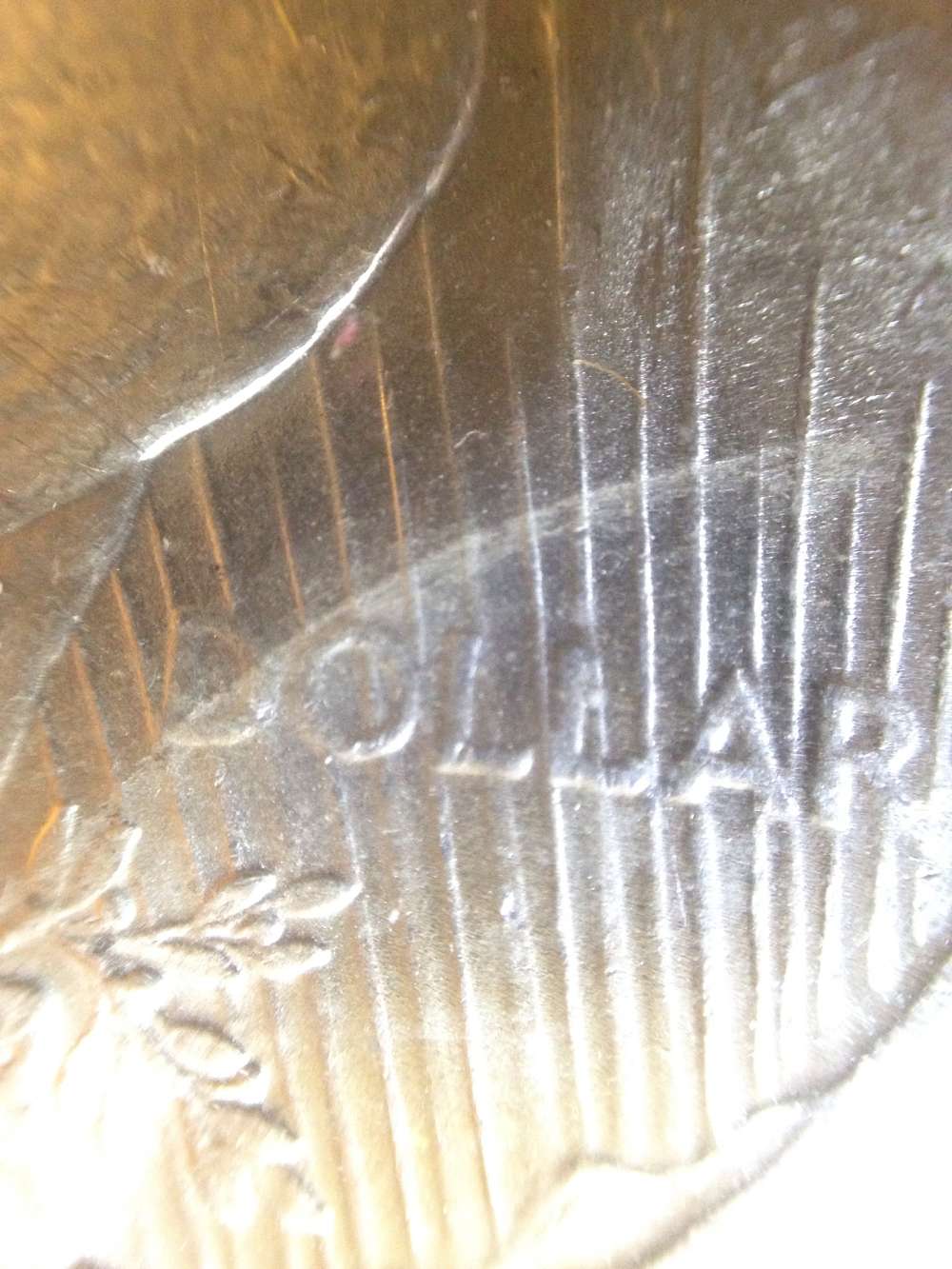 Any help/tips would be appreciated. |
|
|
|
Pillar of the Community
 United States
5828 Posts |
Use the normal phone camera wich does let you manuly focus, and stack books about 3-5 inches above the coin. This is what I use to take my photos, and its a pretty good method. If you want closeup pictures, iPhone+Loupe= sucess
|
|
Pillar of the Community
 United States
536 Posts |
I've been setting the phone up on a 2x2 storage box, I'll try it on 2 boxes to see if distance helps some. I can't get the resident camera app to do manual focus, it just keeps reverting to auto-focus, which usually focuses on the reflection of the camera in the coin. (So Frustrating!)
Not too worried about close ups since the phonescope works well, just want a clear pic of the whole thing.
Edited by scstrawn
04/12/2015 5:33 pm
|
|
Moderator
 United States
23522 Posts |
iPhones are easily the finest phone cameras for coin photography, and once you learn you will be able to shoot nice gradable pictures with yours. Start here: https://goccf.com/t/160092Do not hesitate to ask any questions which come to mind in this thread. We have some very good iPhonographers in the Forum. |
|
Valued Member
United States
194 Posts |
I was super frustrated just like you. Only thing I did was instead of holding my iPhone super close I zoomed in and then held it further away. Now the pics look perfectly fine!
|
|
Pillar of the Community
United States
536 Posts |
So in reading through the thread from Darth Morgan, I do have some questions. In his setup, he uses a mostly deconstructed light box to hold the coin, mainly for diffusing the light from the sides and the cloud dome box as simply a phone holder. The 3 Jansjo lights are, I'm guessing, LED's with tissues on them, also for diffusing light. So my questions are:
1. Is a light "box" necessary for the side diffusion or can I achieve a similar result w/o walls or with walls of some type of white material? Does it make that much of a difference?
2. I can see that the lights are flex-neck style. Would a couple of flexible laptop USB LED's work to the same effect or is there something else about the Jansjos?
I'm trying to stay as cheap as possible with my set-up to keep the wife happy and to still have some nice pics that I can share.
|
|
Moderator
United States
23522 Posts |
We generally don't recommend lightboxes, as light reflected back into the lens reduces contrast and it makes luster much more difficult to depict. Note the improvement in Darth's images when he went to an 18% gray background - it's only because he eliminated light reflected back into the lens. I've never used a lightbox, so I'm a poor candidate to offer advice for their use. Darth isn't doing too badly with it, though.  You have hit on the precise reason why we like Jansjos - adjustability. I would prefer they were brighter, but the adjustability trumps that and a good camera can effectively slow the exposure enough - or provide usable ISO settings to compensate for it. So, you'd be correct in believing that it doesn't have to be a Jansjo light. |
|
Pillar of the Community
United States
536 Posts |
Ok: Take 2 Shut out most of the light in the room. Got a grey background (not sure the % but probably not exactly 18). Found an LED light (only one so far, just what I could scavenge around the house). It's better, but still can be improved. I noticed that I'm getting some red reflecting in the coin from the cent boxes that I'm using to hold the phone. Have to figure out something to block that, or find a neutral base. I think the light is still a bit too harsh, and I'd like to get a few more to arrange around to fill it in. My high school photography class totally did not prepare me for pictures of coins. 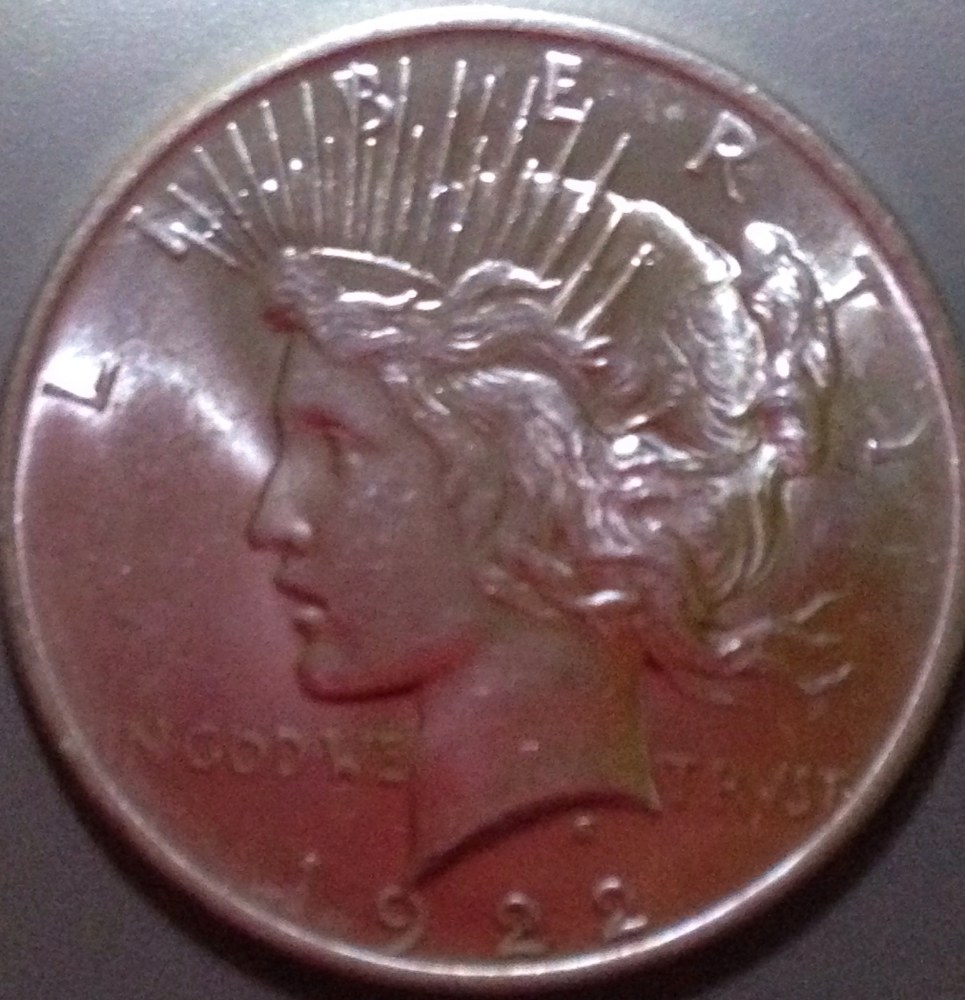 |
|
Moderator
United States
23522 Posts |
Quote:
I noticed that I'm getting some red reflecting in the coin from the cent boxes that I'm using to hold the phone. One of the reasons we don't like lightboxes. Lets figure out focus first - your shots are unfocused, and we know iPhones can focus sharply on coins. It almost looks like the phone is trying to focus on the background. Are you familiar with AE/AF Lock on your phone? Touch and hold your focus point until the yellow Lock banner appears at the top of the screen. |
| |
Replies: 8 / Views: 2,346 |
|










 Posted 04/12/2015 5:32 pm


