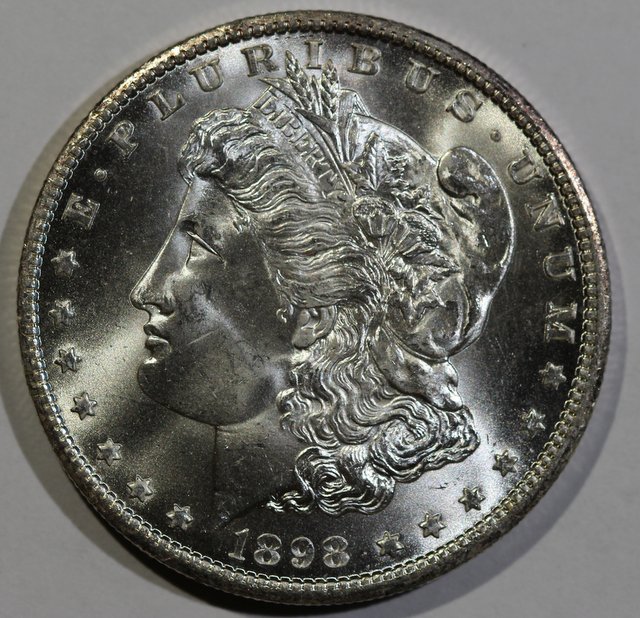
First Page



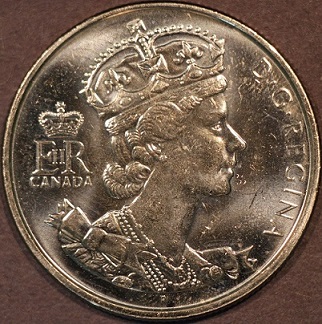


 Posted 06/28/2015 10:17 pm


Quote:
If you are not tethered, take a out of focus picture of a white sheet of paper. Then select custom white balance from the menu screen. this gets you to the SET screen. here you select the photo you just took. then press SET. This selects that image as your custom white balance. then use custom as your setting for other shots. This process is on page 90-91 of my manual.
If you are not tethered, take a out of focus picture of a white sheet of paper. Then select custom white balance from the menu screen. this gets you to the SET screen. here you select the photo you just took. then press SET. This selects that image as your custom white balance. then use custom as your setting for other shots. This process is on page 90-91 of my manual.
Wizzy1
It looks like I did not set my WB correctly.
What Model do you have? I did find the same procedure in
my manual, but not on the same pages.
I will have to try again tomorrow.