| Author |
 Replies: 199 / Views: 23,812 Replies: 199 / Views: 23,812 |
|
|
|
Pillar of the Community
Canada
2784 Posts |
hello dave is there a change that I could get and account of this size here...
I'm going to drop Bobby a note and get you a CCF Gallery. It's a perk for more senior members, if you're unaware. You can upload image files up to 1024KB, and of at least (it's the size I use now) 1000 pixels in diameter, which is the new "normal" when using equipment of this quality. It'll allow you to be less draconian in your downsizing. Like so, 1000px, 285kb:
or does one have to be a member here for a period of time just wondering thank you
|
|
Pillar of the Community
 United States
1305 Posts |
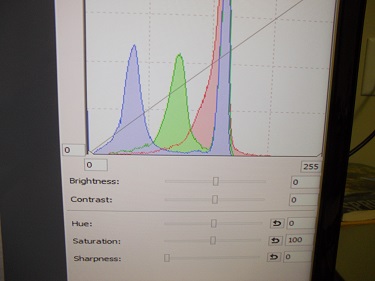
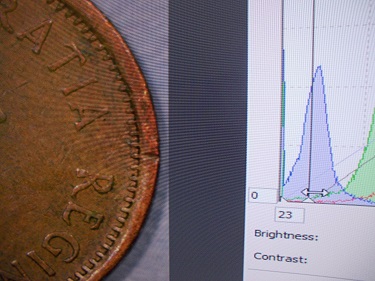
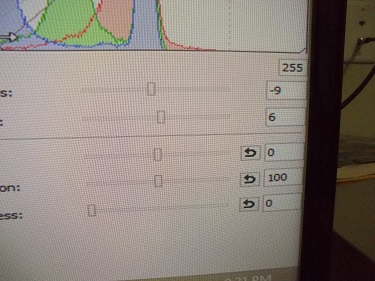
Thanks Ray for the information on histograms. Just to make sure I understand this right, is the bottom 0 output, and the 0 to the left input? And the upper left 255 input and the lower right 255 input? I haven't used this application, and will need to experiment and practice.
|
|
Pillar of the Community
United States
1305 Posts |
Thanks again rocky for your help. One quick question. Where were you able to crop?
|
|
Pillar of the Community
Canada
2784 Posts |
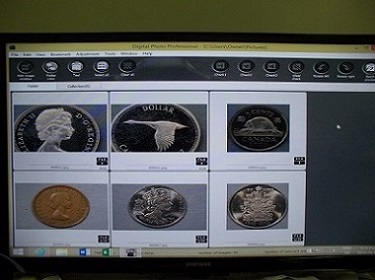
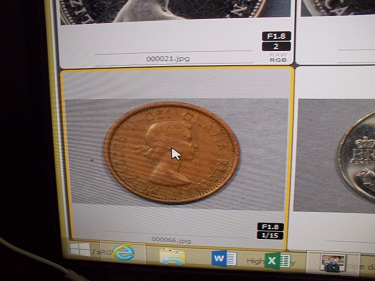
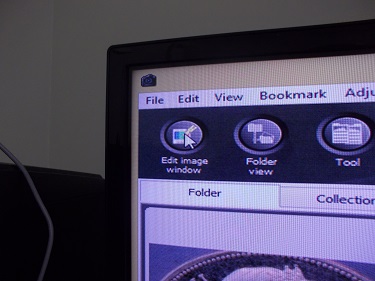
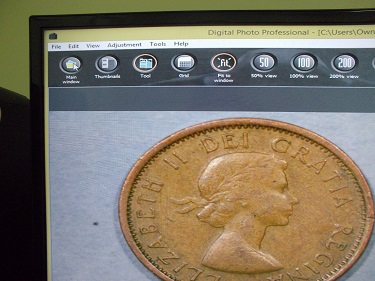
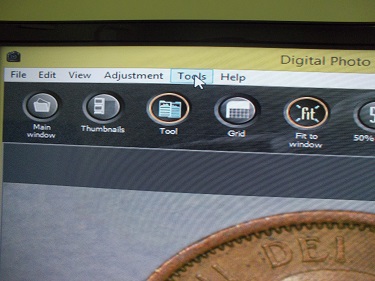
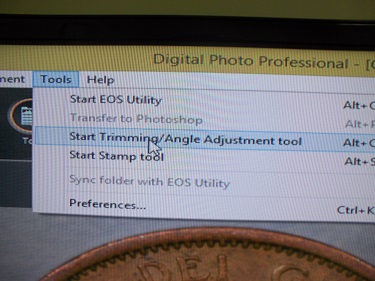
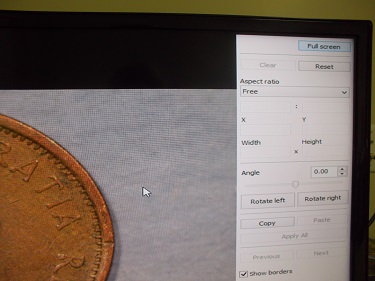
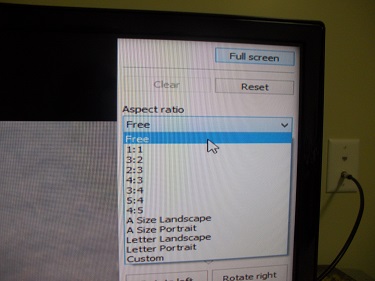
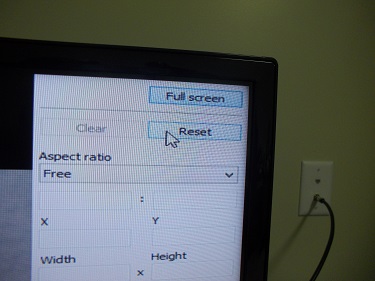
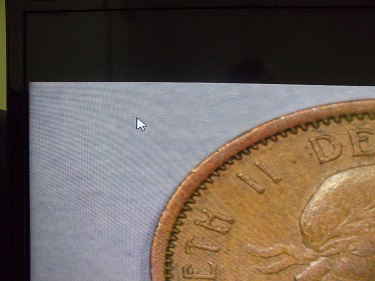
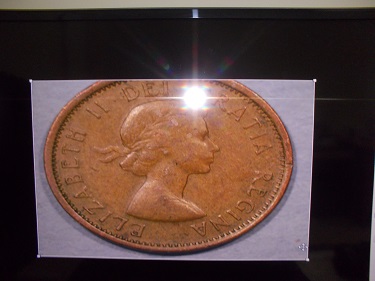
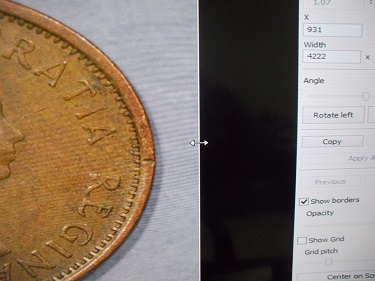
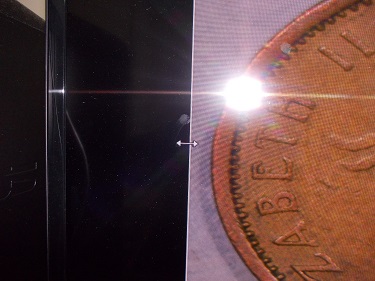
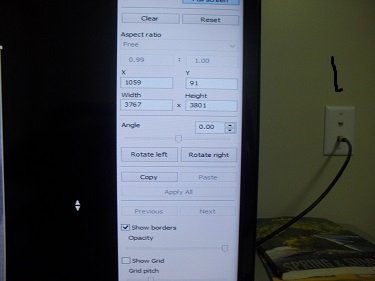
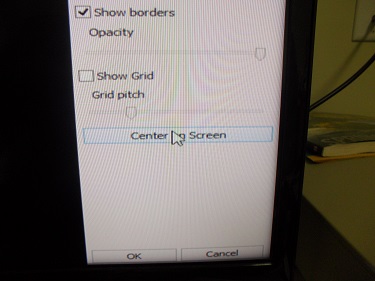
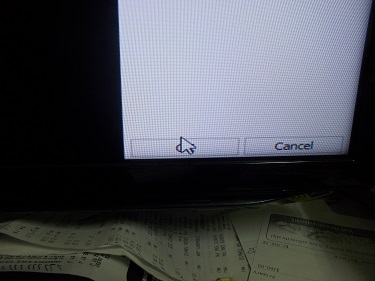
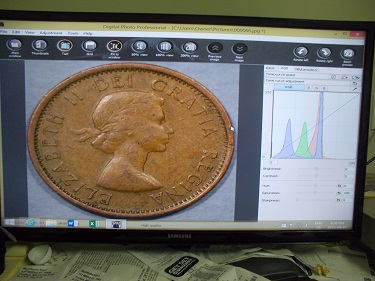
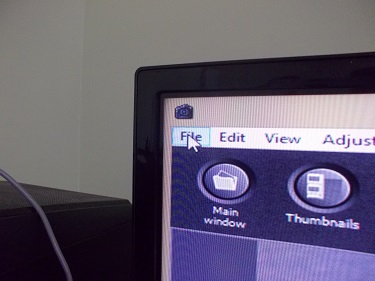
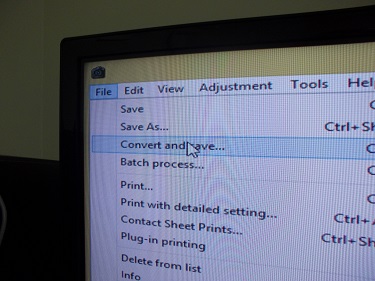
ok ham you need to open DPP highlight the coin you want to crop. open the edit image button. move your mouse over on the top tool bar open the tab not the button the one on the very top bar. move the mouse down and open the start trimming bar. ham here go to one corner where ever you click your mouse that is where the square will start. use the little arrows to open the box large enough to where you want to crop your photo. if you grab in the center you can move that box anywhere. once the box is where you want it click center box. on the right side of your screen click ok and your photo is cropped. if you still have need of help I will photo each step and you can follow that to if you like.
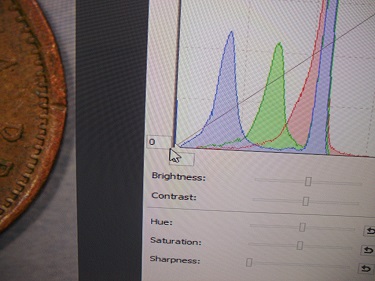
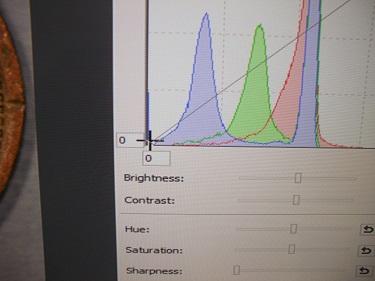
ham when you have the histogram up on your screen go to the bottom left corner. if you click your mouse on the bottom left corner and move the mouse slowly towards the top left corner see how your image changes. change it to what you like but do it slowly watch all the little side bars move on there own. I finely understand what ray is telling you. I tried it. it works great it gives you a prefect balance so all the setting match . have a great one like I said if you need assistance. I will do it by photos. ray and dave helps us and by photos it will help others that might not understand to see how this works save them some time.
|
|
Pillar of the Community
United States
1305 Posts |
Sorry rocky, but I can not get how to do the crop.
|
|
Pillar of the Community
Canada
2784 Posts |
sorry ham on the histogram I made a mistake I said...slowly towards the top left corner see how your you move your mouse from the bottom left corner to the top right corner that changes all the side bar perfectly ok I will get you some images
|
|
Pillar of the Community
United States
1305 Posts |
One more image before dinner. What say you? 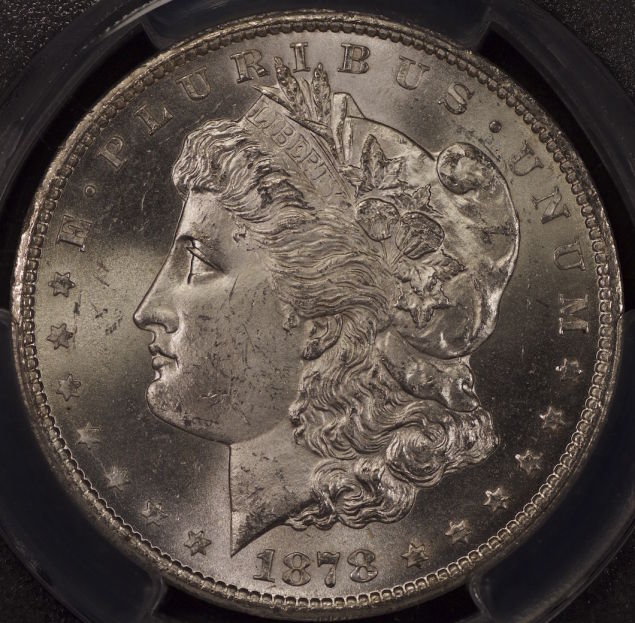 |
|
Pillar of the Community
Canada
2784 Posts |
|
|
Pillar of the Community
Canada
2784 Posts |
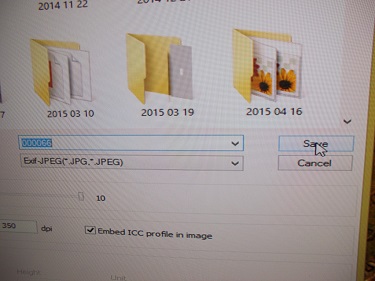
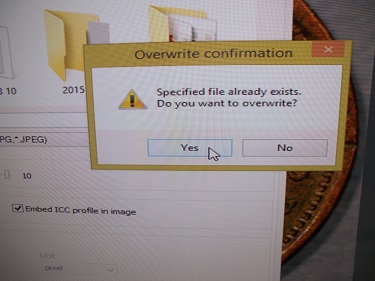
ham my friend there is every thing you need to crop and adjust your photo. copy and pass them in a folder very quickly. we have a lot of photos here it might not be good thing dave hope this is ok its the only way I can think of to show ham how its done. delete if you have to hope this is ok
|
|
Pillar of the Community
Canada
2784 Posts |
ham by the way great photo your focus is really good. you are bang on. nice coin and for a bright coin you are doing really great. good work
|
|
Pillar of the Community
United States
1305 Posts |
Can't thank you enough rocky. I appreciate all the time you must have spent getting the photos in order and explaining the process of cropping and adjusting photos.
|
|
Pillar of the Community
United States
1305 Posts |
Ok, cropped the image and did some adjustment with the histogram. Here is the result. Comments welcome. 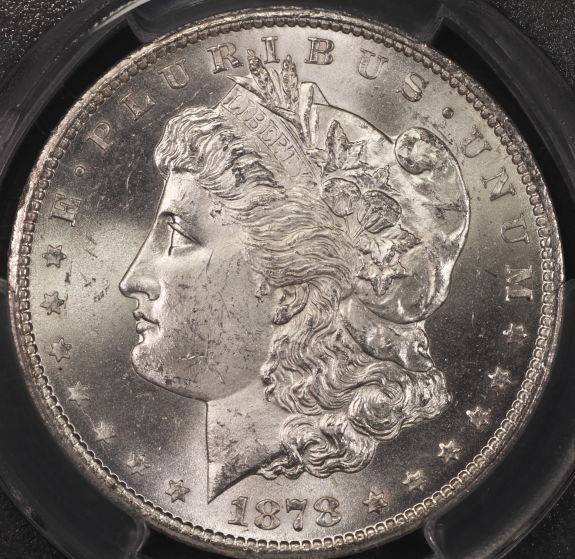 |
|
Pillar of the Community
Canada
2784 Posts |
ham great job. you are getting your focus right on I like what you are doing. the coin looks great. see dave and ray has been explaining to us how to do this. once one starts to understand it all starts to come together. you are doing a great job. from where I started to where I feel I am now its with all the help. I received from the members of this forum. I am very great full ham keep up the good work. have a great one
|
|
Pillar of the Community
United States
1305 Posts |
I received my new lens today and quickly took one shot. Cropped, and did some post processing. Having some trouble with the brightness (hot spot) on and around the date. Appreciate some criticism. 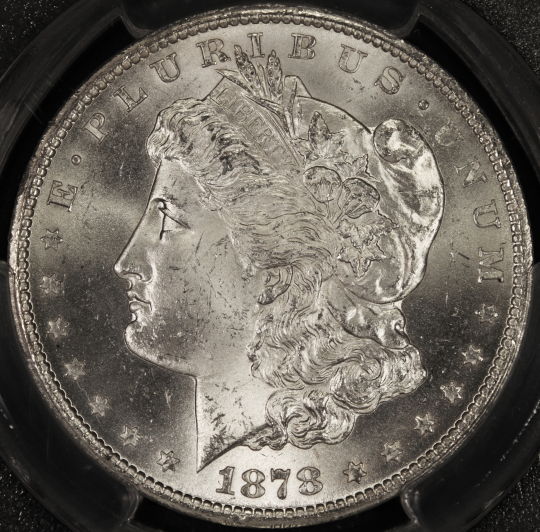 |
|
Pillar of the Community
Canada
2784 Posts |
ham it looks like you are getting a reflection of light. back at the bottom of your coin. some times I find I have to put a piece of cloth or paper over my camera mount. because if you have a right angle on your lights. which it looks like you do check for a reflection coming back unto your coin. great job like this new lens. your photo has great detail.
|
| |
Replies: 199 / Views: 23,812 |





 First Page
 Previous Page


 Posted 09/07/2015 6:52 pm