Coin Community Family of Web Sites Join Thousands of Coin, Bullion, & Money Collectors
Specializing in Modern Numismatics Coin, Banknote and Medal Collectors's Online Mall 300,000 items to help build your collection! Join Thousands of Coin, Bullion, & Money Collectors Royal Estate Auctions - $1 Coin AuctionsRoyal Canadian Mint products, Canadian, Polish, American, and world coins and banknotes. Vancouvers #1 Coin and Paper Money Dealer


Username:
Password:
Save Password
Forgot your Password?


This page may contain links that result in small commissions to keep this free site up and running.

Welcome Guest! Registering and/or logging in will remove the anchor (bottom) ads. It's Free!

Problem Attaching Enlarger Lens To Bellows

To participate in the forum you must log in or register.
Author Previous TopicReplies: 19 / Views: 4,073Next Topic
Page: of 2
Valued Member
United States
441 Posts
 Posted 03/05/2016  3:07 pm  Show Profile   Bookmark this reply Add andywoj00 to your friends list Get a Link to this Reply
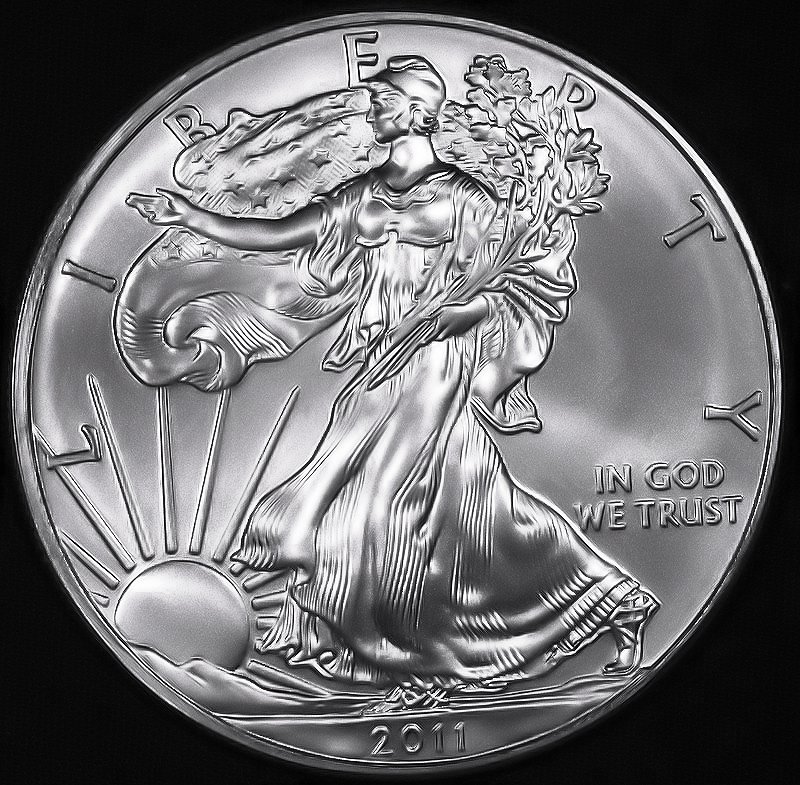
Diffused with a few layers of coffee filters...wierd huh? Here's the second attempt with no diffusion and quite a bit of processing. This appeals to me more than the first but I need to play with the lighting to prevent the doubling effect on the letters/numbers. Hope to improve more as time and practice goes on. I'm open to any and all advice. Thanks in advance.


Problem-Attaching-Enlarger-Lens-To-Bellows
Edited by andywoj00
03/05/2016 7:44 pm
Valued Member
United States
441 Posts
 Posted 03/05/2016  4:35 pm  Show Profile   Bookmark this reply Add andywoj00 to your friends list Get a Link to this Reply
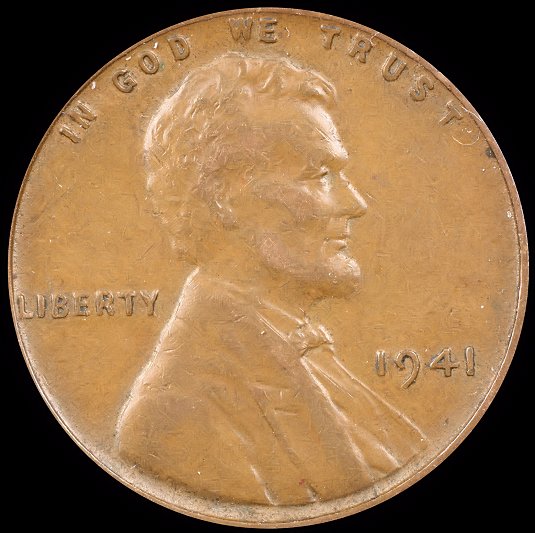
Here's a another. Any idea how to capture a darker brown vs. orangeish? What adjustments do I need to make with software. WB is correct based on the lighting I have.
Thanks in advance.

Problem-Attaching-Enlarger-Lens-To-Bellows
New Member
Greece
45 Posts
 Posted 03/06/2016  12:17 pm  Show Profile   Bookmark this reply Add Nickos to your friends list Get a Link to this Reply
What kind of software do you use?

Start from your camera. What is your work color space in camera?

I had the same problem. My camera used sRGB and my software Adobe, work color space.
That made my coins more orange. Adobe work color space has more...colors. That is why you come out with orange. You just need to process the photo even more

Now, I use Adobe in camera AND software. BUT when it comes for internet (internet uses ONLY sRGB) I change the work color space to sRGB in the end, and save both.

In case you use photoshop, this link might help you http://www.photoshopessentials.com/...or-settings/

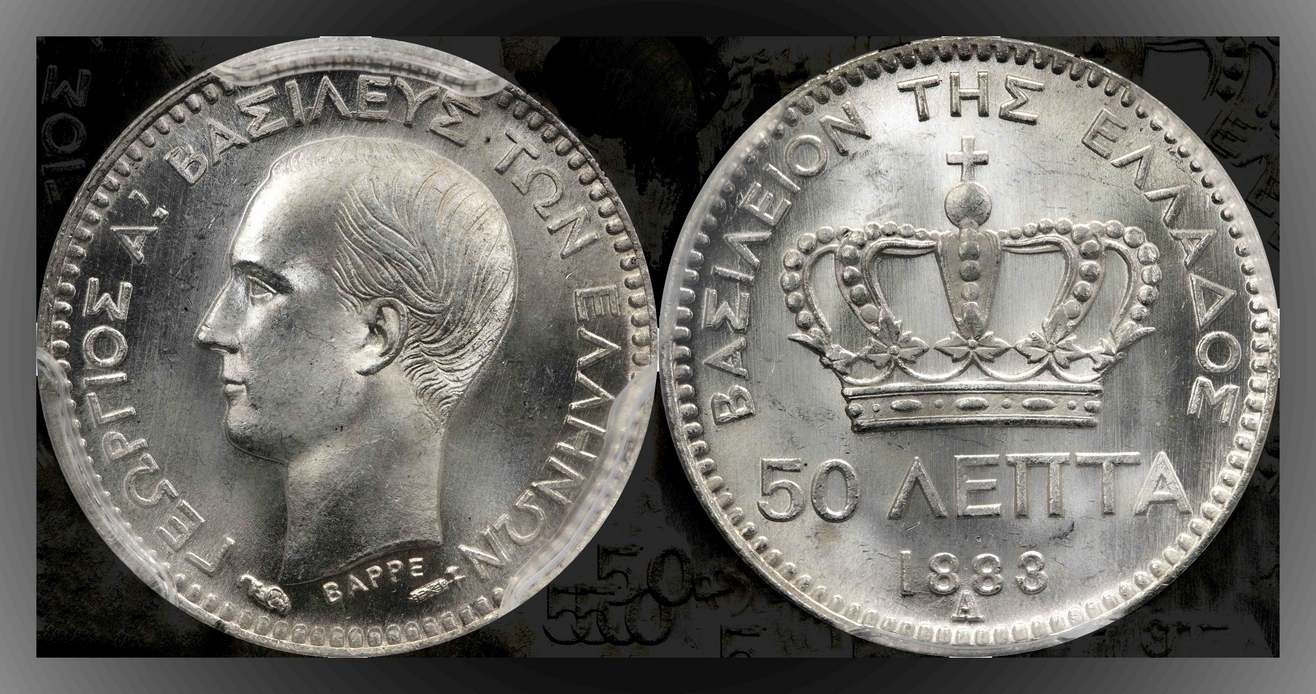
Here is a photo changed to sRGB for internet.


Problem-Attaching-Enlarger-Lens-To-Bellows
Valued Member
United States
441 Posts
 Posted 03/07/2016  01:46 am  Show Profile   Bookmark this reply Add andywoj00 to your friends list Get a Link to this Reply

Quote:
What kind of software do you use?

Start from your camera. What is your work color space in camera?

I had the same problem. My camera used sRGB and my software Adobe, work color space.
That made my coins more orange. Adobe work color space has more...colors. That is why you come out with orange. You just need to process the photo even more

Now, I use Adobe in camera AND software. BUT when it comes for internet (internet uses ONLY sRGB) I change the work color space to sRGB in the end, and save both.

In case you use photoshop, this link might help you http://www.photoshopessentials.com/.or-settings/

Here is a photo changed to sRGB for internet.


Nickos,

I'm using Corel Paintshop Pro X4.

I read the article at the link you posted. Very interesting.

I have two settings in the Canon 1000D I'm using, the sRGB and Adobe RGB. I can get the sRGB to work, but when I change it on the cam and in the software, the EXIFdata show the color space as "uncalibrated". Not sure what that means. Also, my pics that are converted from RAW to JPEG with the Canon software, when opening in X4, come out funky color-wise.

May just stick with the sRGB for now until I can get motivated to figure out how it all works. Also considering upgrading my software as well. No hurry, though. Thanks for the input.
  Previous TopicReplies: 19 / Views: 4,073Next Topic
Page: of 2

To participate in the forum you must log in or register.


Disclaimer: While a tremendous amount of effort goes into ensuring the accuracy of the information contained in this site, Coin Community assumes no liability for errors. Copyright 2005 - 2026 Coin Community Family- all rights reserved worldwide. Use of any images or content on this website without prior written permission of Coin Community or the original lender is strictly prohibited.
Contact Us  |  Advertise Here  |  Privacy Policy / Terms of Use

Coin Community Forum © 2005 - 2026 Coin Community Forums
It took 0.31 seconds to rattle this change. Forums