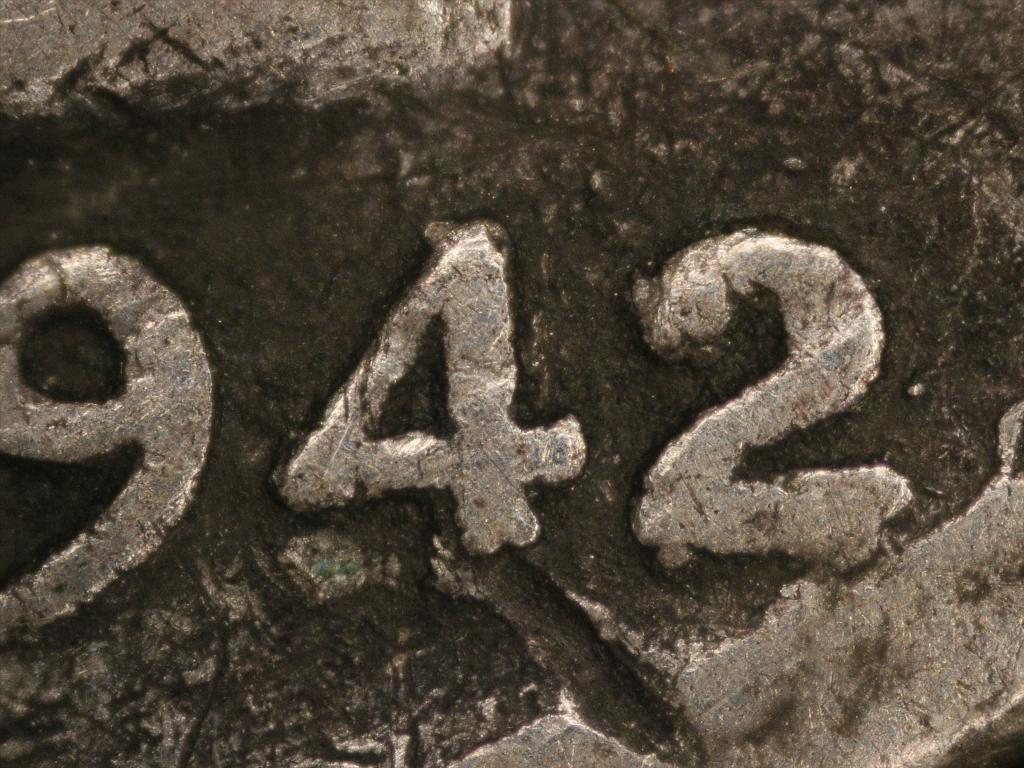
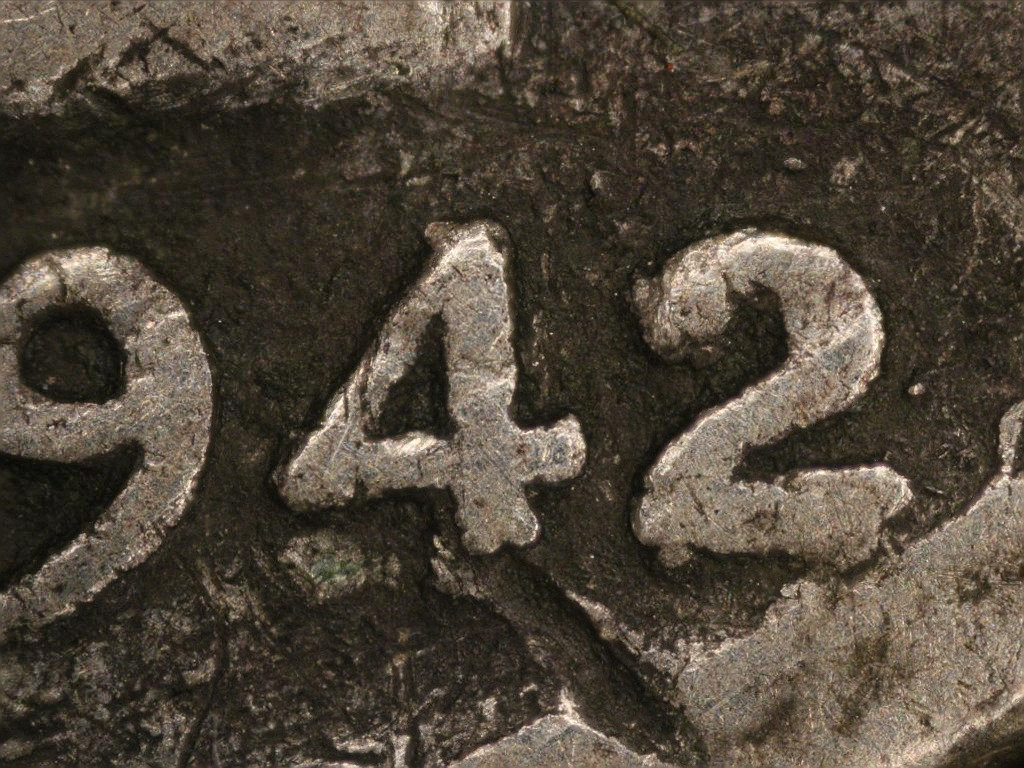
I have been working with a free focus-stacking program that produces excellent results for as simple as it is. Works on all platforms. It is called Enfuse.
It requires that you align the photos first with a command-line program called Hugin, but I have created a script that runs both programs with a simple mouse click. Focus stacked image is done. I will demonstrate the process here showing examples, and then explain how to install it in a new reply to this thread. I am running a Linux machine, but these programs will work on Windows and Mac as well.
This was done using a z-stage, but I have also done stacking without it by adjusting the bellows, you just won't have precisely measured incrementations between steps. The need for that increases with your magnification, I do believe.
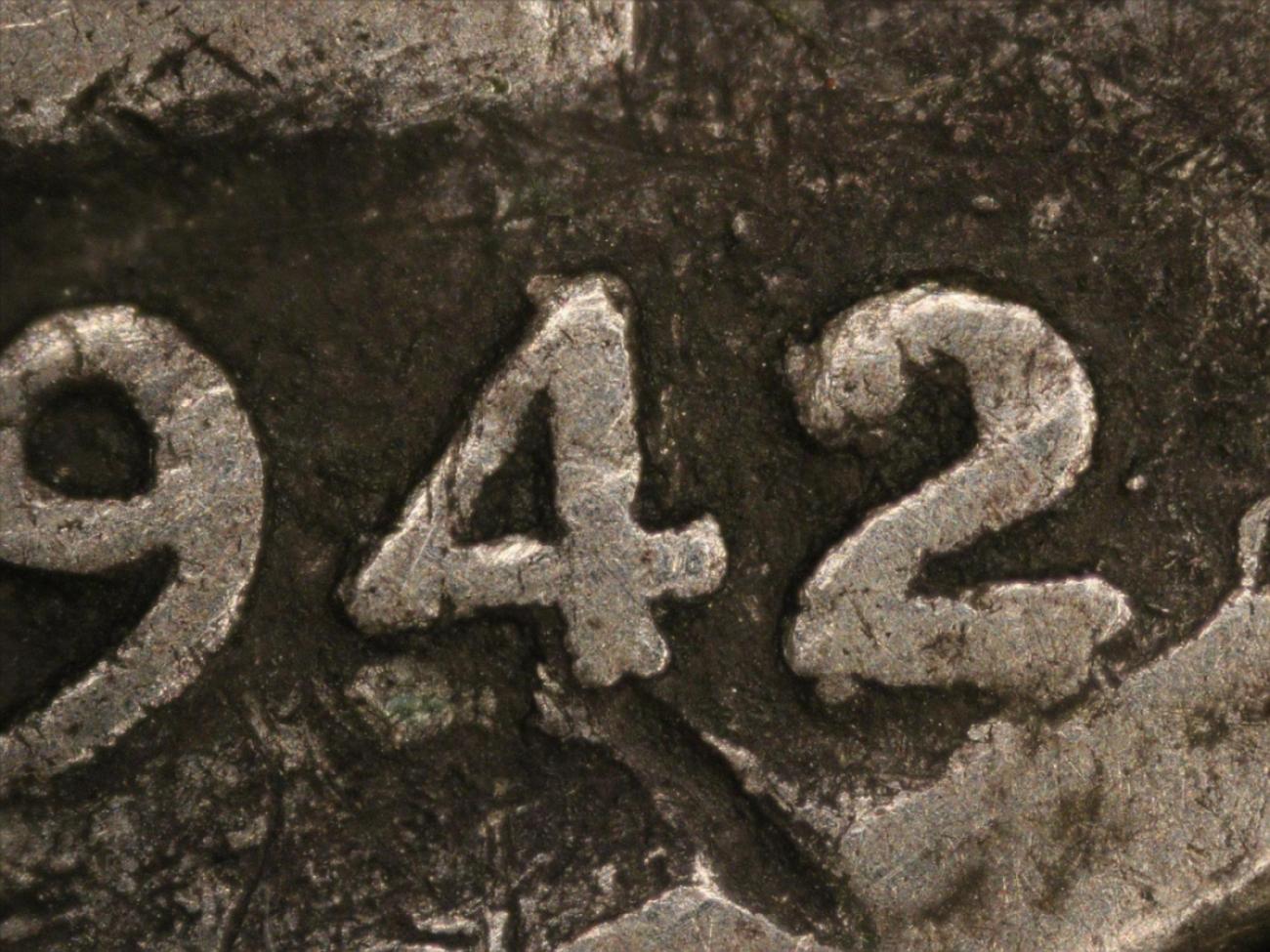
So this is a 1942-D 42/41
Mercury dime. I took 8 photos using a z-stage each in 1 step increments. I then copied them to a folder containing my script. The script takes significantly longer to execute with large file sizes, so I always reduce the photos before running the script.
All one has to do now is call the script. One way is to just click it and wait for the finished jpeg to appear. This usually takes a minute or two, longer with more photos.
The script works by calling 2 different programs. First is Hugin, which will analyze the first photo, then compare each successive photo to the previous one. Hugin will create a new resized and realigned tiff for each file. Those will be the images input into Enfuse and stacked as a single tiff. For my purposes, I finish the script with a command to convert the finished tiff into jpeg using ImageMagick. Important note, I don't think Hugin likes RAW files.
There are several parameters within Hugin that can be changed, and I have tested various combinations of them. If one is working with photos with no huge changes in size or lighting, the settings used to create the stack below work best. If you use photos with certain significant differences between them, sometimes Hugin may misalign or resize improperly. 90% of the time, however, I have been able to overcome this by renaming the files to change the order in which they are input.
Here I will include the first and last photos only (remember I stacked 8) in the stacking sequence:
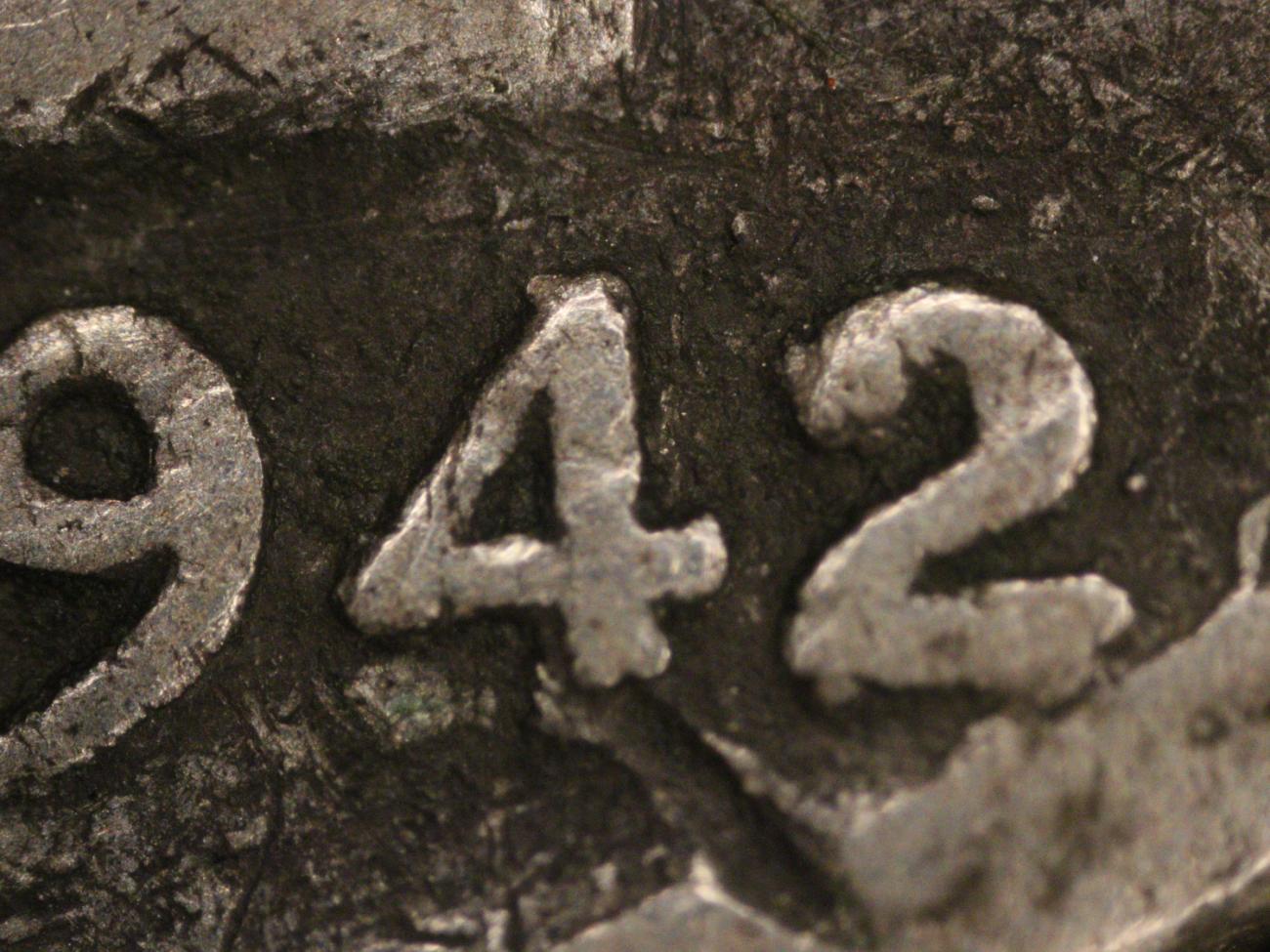
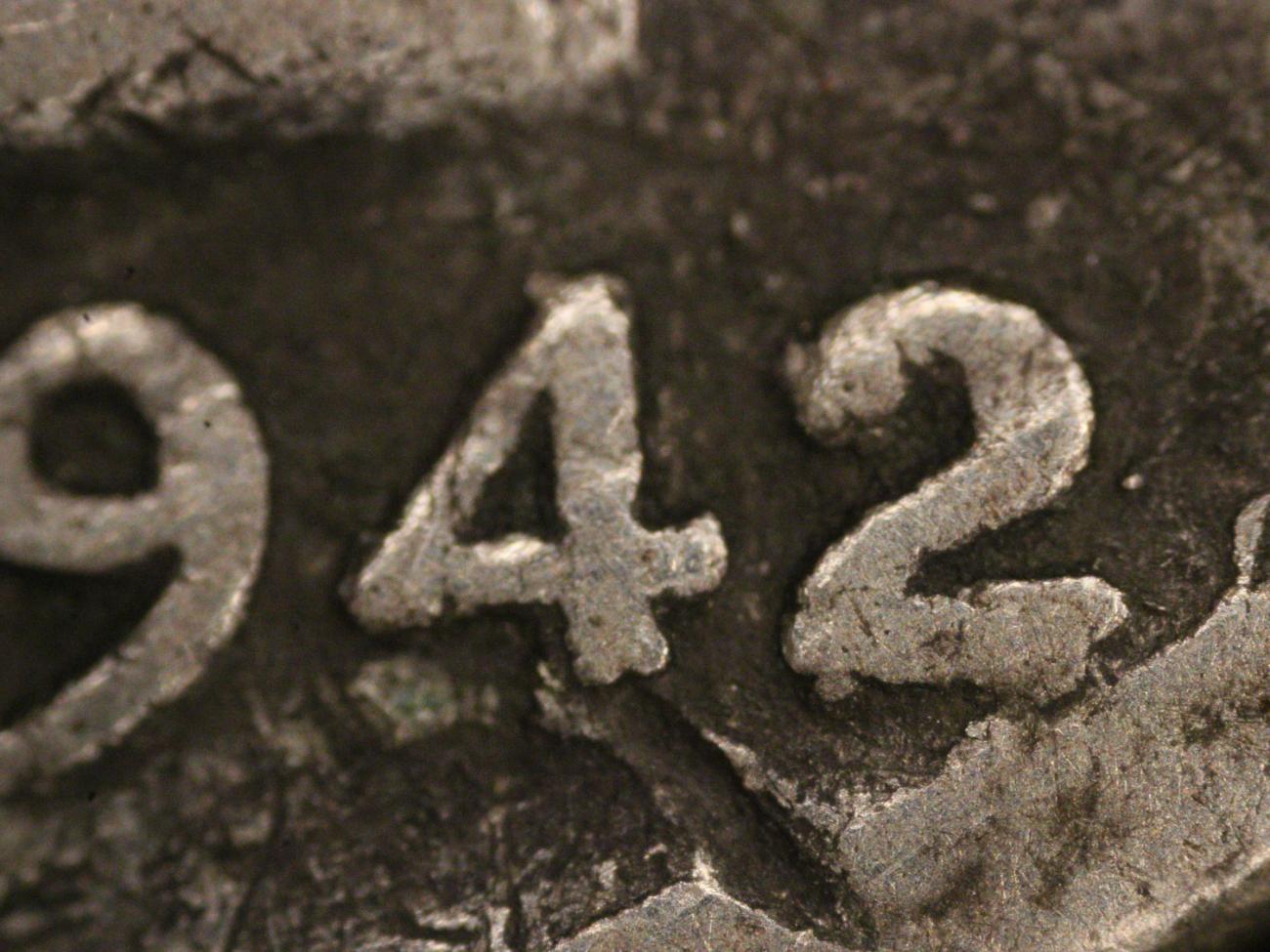
The result:
This is the only software I have ever used to accomplish this, so I would not be the one to ask about how my results compare to that using paid software. I am finicky about quality, and this seems to me to do a great job. If anyone out there with a high-end stacking tool could comment on that, I would be interested.










 Posted 11/30/2016 1:54 pm