| Author |
 Replies: 12 / Views: 1,221 Replies: 12 / Views: 1,221 |
|
|
New Member
United States
43 Posts |
|
|
|
|
New Member
 United States
43 Posts |
|
|
Bedrock of the Community
United States
62064 Posts |
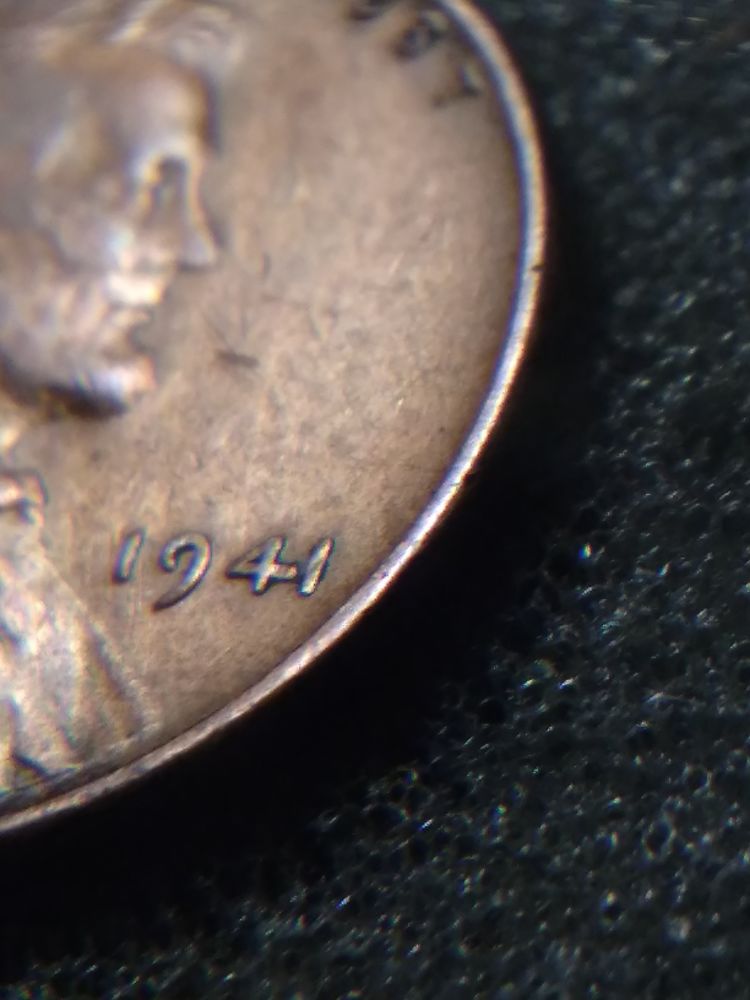
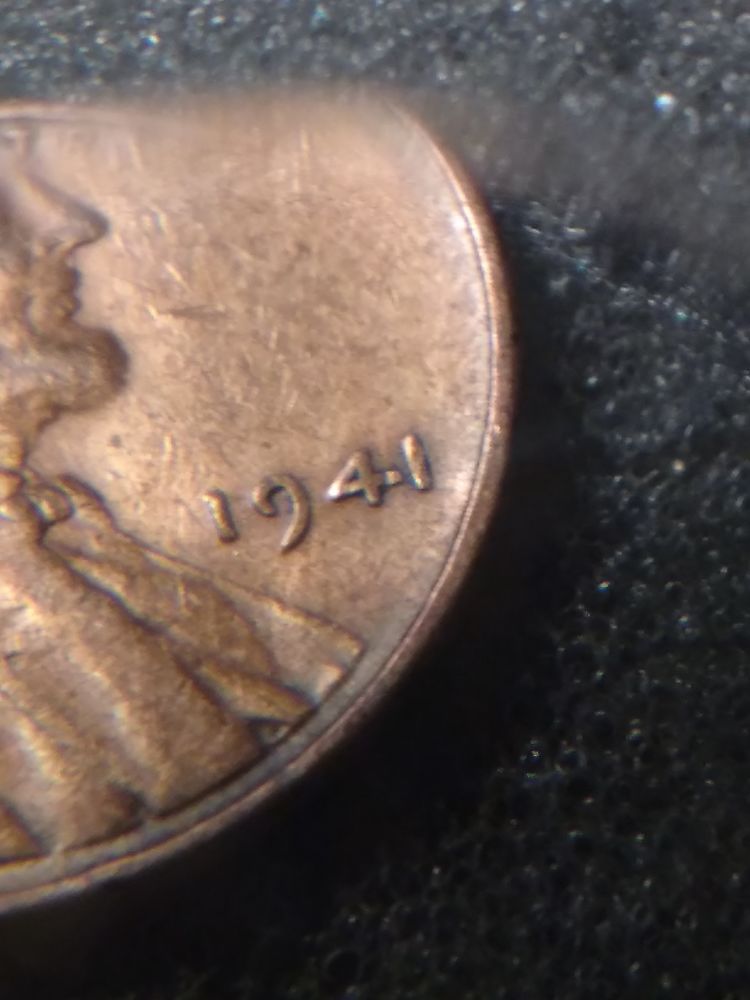
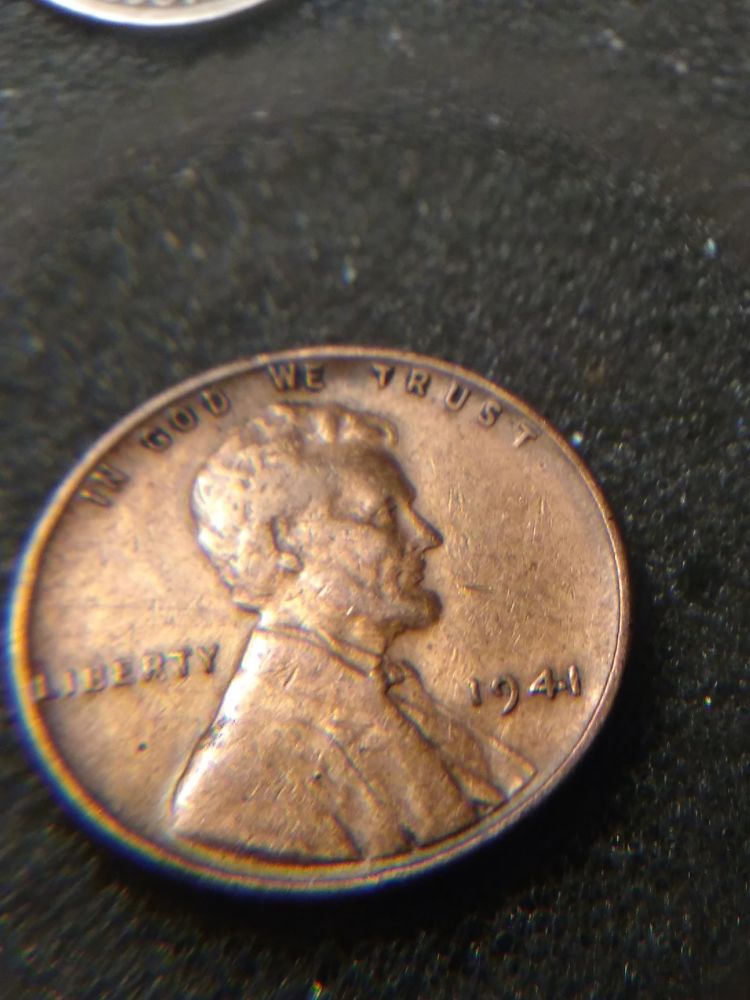
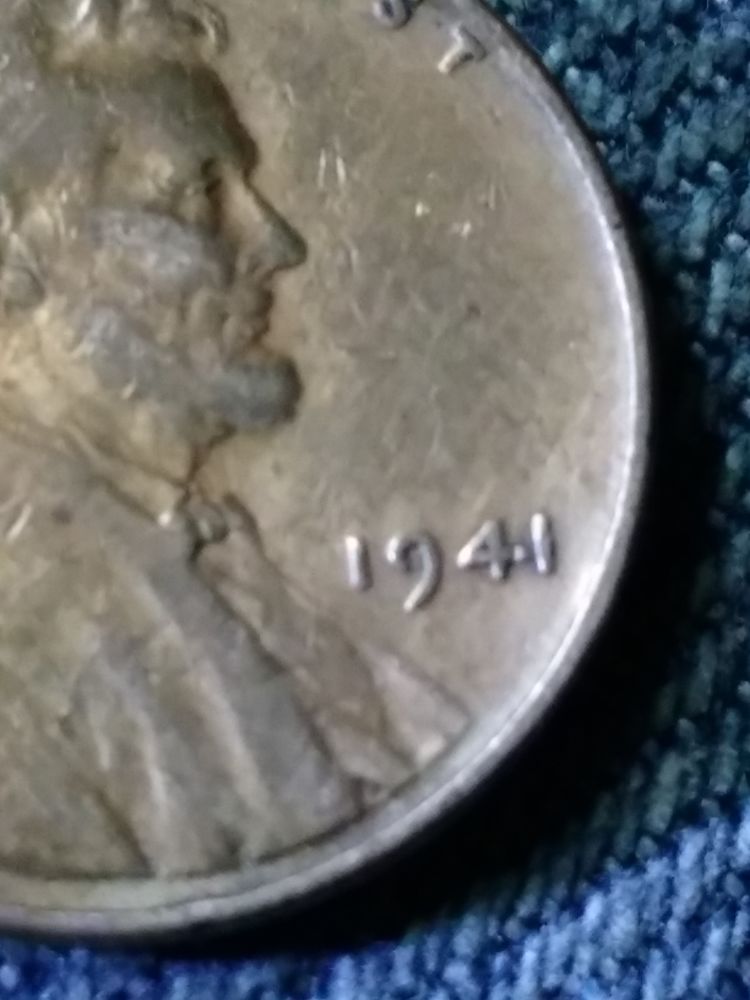
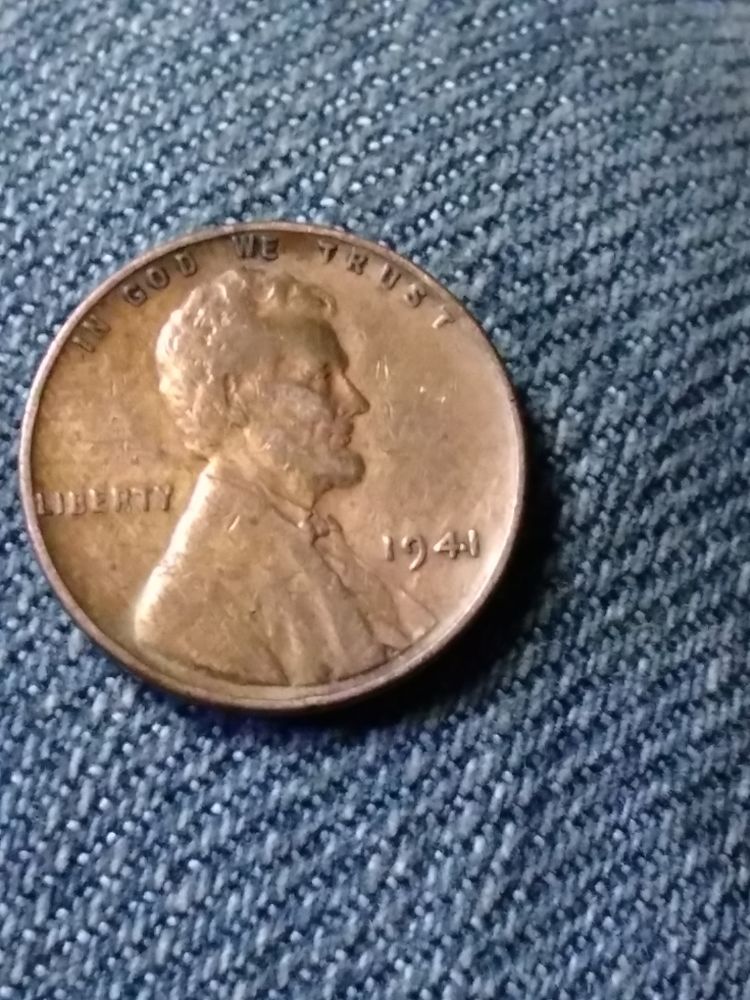
Need a better image. It might be moved metal from coin contact that moved the metal a bit?
|
|
Pillar of the Community
7234 Posts |
A better picture would tell if it is indeed moved metal or maybe a die chip.
Edited by Mark1959
04/13/2017 12:35 pm
|
|
New Member
United States
43 Posts |
I'll be sure to upload better pictures when I get my iPhone powered up
|
|
New Member
United States
43 Posts |
|
|
Bedrock of the Community
United States
12437 Posts |
The crossbar of the 4 took a hit, I do not see any die cracks.
|
|
New Member
United States
43 Posts |
Ok I didn't think of that being the case thanks
|
|
Pillar of the Community
United States
2775 Posts |
 The 1 shows a contact mark as well. Quote:
opinionated grading and value please Grading on appearance usually takes in acount all three sides of a coin. Thanks, Doug. Edited by Halo1st
04/13/2017 2:20 pm
|
|
Bedrock of the Community
United States
62064 Posts |
I can even see a bit of contact also on the field area above the cross bar: 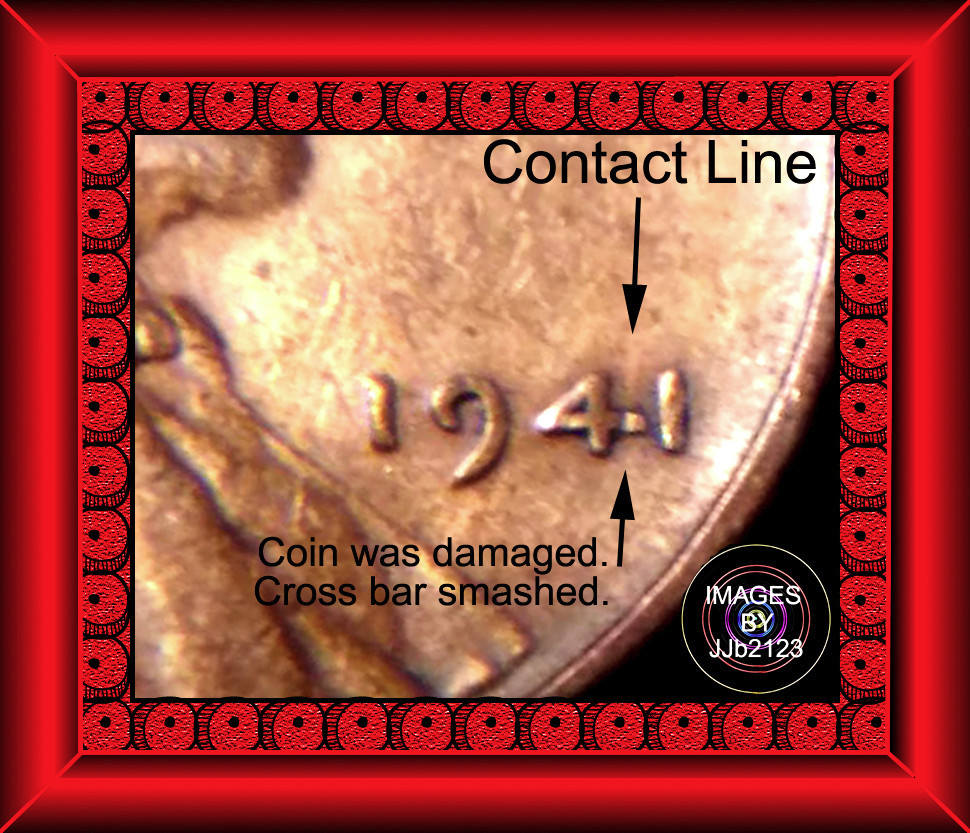 |
|
New Member
United States
43 Posts |
What did you use to make that frame information image? I like it.
|
|
Bedrock of the Community
United States
62064 Posts |
Photoshop 5.5. (educational version) The image after cropping it was pretty small. So I decided to add a nice frame to enlarge the image a bit. 'Stone billy" Font with a capital 'O'. Enlarged the edges with canvas. Used the 'Liner Gradient Tool to make the shading. A few frills to enlarge the border of your coin. A lot of tricks I've learned with edting probably 80,000 images through the years. I like to get creative.
|
|
New Member
United States
43 Posts |
|
| |
Replies: 12 / Views: 1,221 |
|











 Posted 04/12/2017 4:55 pm