| Author |
 Replies: 18 / Views: 2,997 Replies: 18 / Views: 2,997 |
|
New Member
Canada
25 Posts |
Here are a couple Flying Eagles that I bought on ebay a few years back when I was putting together a small collection of these coins, I ended up with about a dozen of various grades before I quit, these are a couple of spares ! The one on the left I grade about VF20 and on the right about EF40, just my opinion nothing professional ! The left VF20 coin I paid around $70 for a bit below the average market value at the time and the right EF40 about $40 well below the approx. $150 average they were going for ! No one else bid on it so it was an easy buy, the only reason that I could think of for that was the darker, uneven colour ? To me they are both nice coins, I sure can't figure that out, lol ! 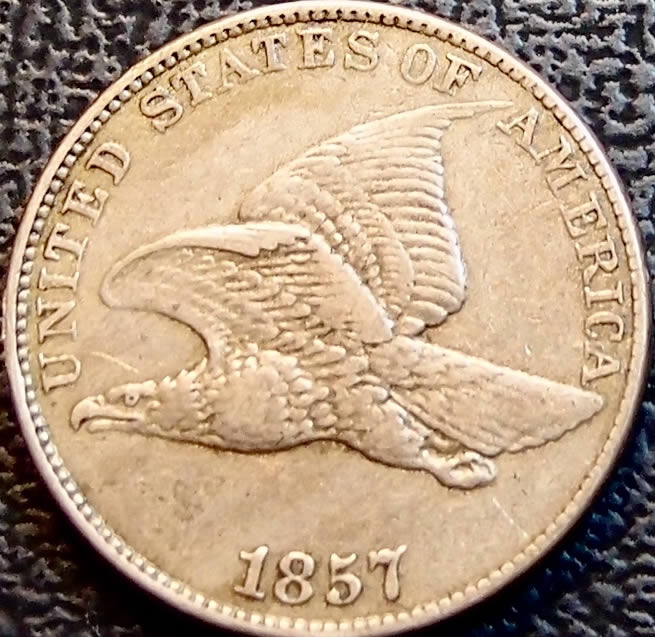 Edited by 19Larry47
01/20/2018 9:28 pm
|
|
|
|
New Member
 Canada
25 Posts |
I am having a problem with posting the pic even though it is less than 300kb, please bear with me I have notified the powers that be !
|
|
Forum Dad
 United States
24228 Posts |
Can you be more specific? Are you getting an error message?
|
|
New Member
Canada
25 Posts |
I was directed to use the optimizer to incl a 280kb pic with my latest post ie 1857 Flying Eagles, at that site there are specfic instructions on how to proceed ie croping, sizing even though I don't think I need it because apparently my pic size is less than the 300kb max. I even tried a pic that was larger than 300 kb as a test but it does not respond as the directions imply, I couldn't easily get it to resize and when I think it finally did there was no save / post prompt like the insructions imply ! At this point I can't figure out how to easily incl a pic with my post ! I incl two pics with my first post ie 1871 Indian Head without any of this problem lack of reponse, I don't think I even needed to use the optimizer ! What is going on, what have I did wrong ?
|
|
New Member
Canada
25 Posts |
I am using an Apple iPad but should that be a problem, it wasn't with my first post !
|
|
Rest in Peace
United States
17900 Posts |
You need to reload the optimized photos back on your computer, then post those saved photos.
|
|
New Member
Canada
25 Posts |
Moxking before I go to that considerable effort please explain the reasoning just for my info ! I assume you mean reload them off of my camera onto my iPad again ?
Edited by 19Larry47
01/20/2018 8:12 pm
|
|
New Member
Canada
25 Posts |
|
|
New Member
Canada
25 Posts |
I am having a big problem ! Even whe I resize it in the optimizer there is no place that I can click on to save it to my post as the instructions imply ! I guess it is time to give up unless I hear of a solution or what I amm doing wrong ! When l resized them in my photo album I could then download the first pic into my post as you can see but the second one that I thought I had resized to well below 300kb is still a no go !
|
|
Moderator
United States
54297 Posts |
If you want...
Act like you are going to send me an email, see my email address, then send the picture to me via "real" email. I'll post it while you figure out photo uploading.
|
|
Pillar of the Community
United States
8715 Posts |
How to load picture from Optimizer to Ipad:
Wait until optimized image is in Safari.
Hold down on the image, until you get the "Save" option. Select it.
Upload optimized photo from your camera roll to CCF.
|
|
New Member
Canada
25 Posts |
If that is what it takes, but not every time it seems, I think I will just back out / sign out of this group ! I just wanted to have some fun not build a rocket ! This is a great group with great people but terrible workings, maybe some day I will participate but for now I will just peruse others posts as well as Canadian where most of my larger collections are !
|
|
New Member
Canada
25 Posts |
nns-52 thanks I appreciate it but no thanks !
Edited by 19Larry47
01/21/2018 6:23 pm
|
|
Forum Dad
United States
24228 Posts |
Quote:
at that site there are specfic instructions on how to proceed ie croping, sizing even though I don't think I need it because apparently my pic size is less than the 300kb max. Yes, please do. Server disk space is expensive. Just because you're allowed 300kb doesn't mean you have to use it all. 150kb is plenty for most images. Please crop so it's just the coin in the image, it literally takes about 5 seconds. This entire image is only 148kb, yet it's 1080x540 pixels, plenty for anything you would need it for........ 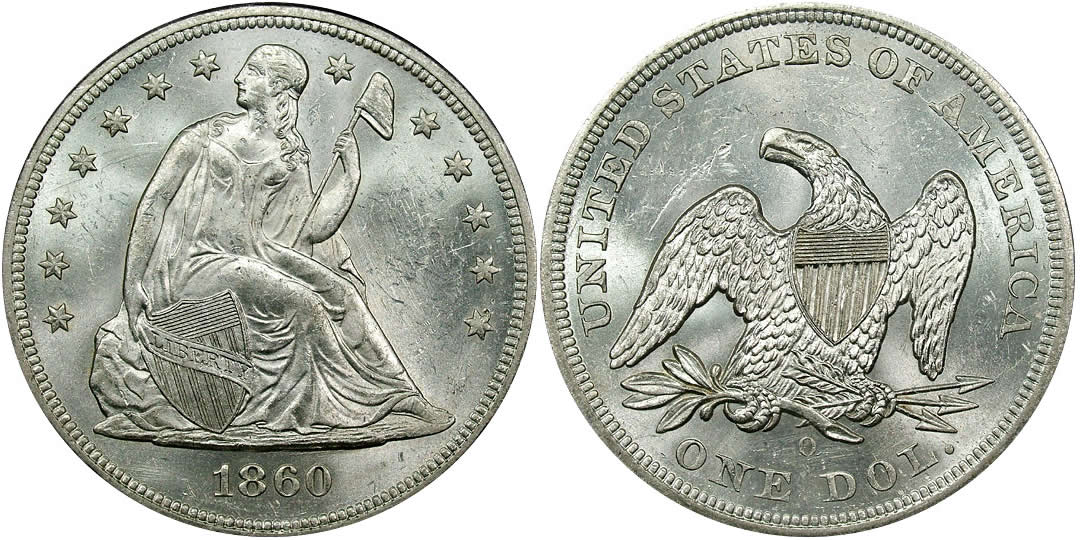 |
|
New Member
Canada
25 Posts |
bobby131313 the optimizer doesn't work quite as easy as you might think ! The image that I wanted to show is almost exactly the same as yours, size wise, I tried additional adjustments to reduce and I couldn't get anyhing ! Even the +/- wouldn't respond, it was a complete disaster several times ! I finally got the first pic to post but not the second and they are both the same, go figure ! By the way is the 300kb for each pic or the total allowed per post ? I give up, its not worth it, I'll just read others posts
|
|
Forum Dad
United States
24228 Posts |
It's per picture, not per post. Sorry you're having a hard time, but there are 100s of pictures posted every day with no issues. You're turning the compression back up to 92 for some reason, the above pic is 75% with zero discernible difference. I just uploaded the first image I posted to the optimizer, cropped it to just the obverse, changed the compression to 70%, saved it, downloaded it, and uploaded here..... It took 25 seconds. It's 75kb and a kickbutt image. 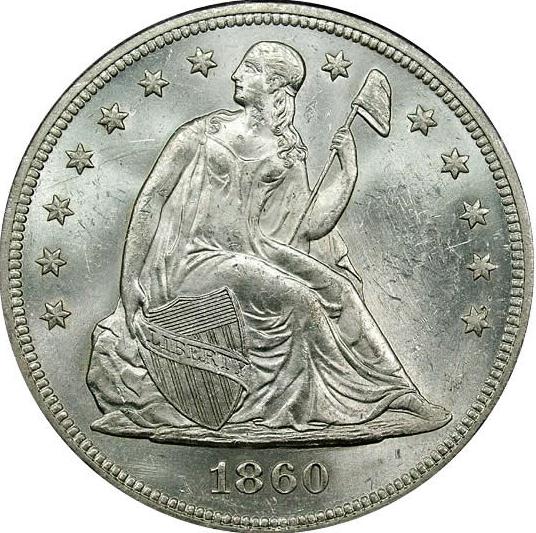 |
| |
Replies: 18 / Views: 2,997 |







 Posted 01/20/2018 7:17 pm





