| Author |
 Replies: 9 / Views: 1,006 Replies: 9 / Views: 1,006 |
|
|
New Member
United States
12 Posts |
Edited by Mscls
04/26/2018 02:09 am
|
|
|
|
Pillar of the Community
586 Posts |
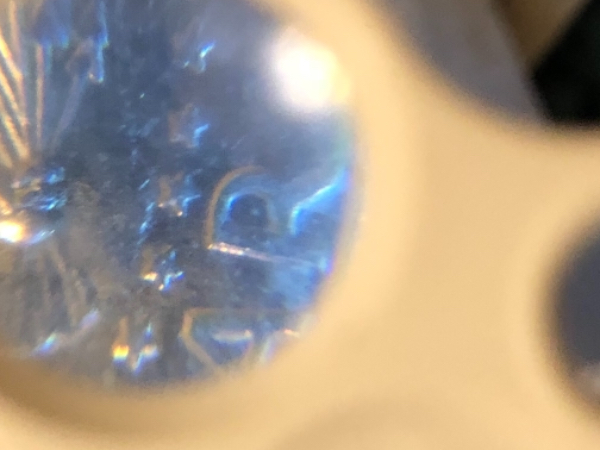
First off, let me say welcome to the communtity. You should read the top thread about posting on here. In order for people to give you any kind of insight you almost always post a pic of the front and back of the coin because there are certain marks from the dies that are used to stamp the coins which can help with identifying possible errors and such. You should also try to post better pics. It can be tricky but there also threads on ways to take better pics even if you only have a phone or something other than a coin microscope. Also try to put the mint mark in the description if possible. This way when someone looks up info on that exact issued coin it is a lot easier to know if the post is pertaining the exact year, mint, denomination, etc. I could be wrong but I'm pretty sure other people will agree that it's too hard to tell from those pics especially missing all the pertinent info. It takes time, I am fairly new to this myself but you'll find you get a lot better results if you follow those simple rules. Good luck with your find.
|
|
Pillar of the Community
586 Posts |
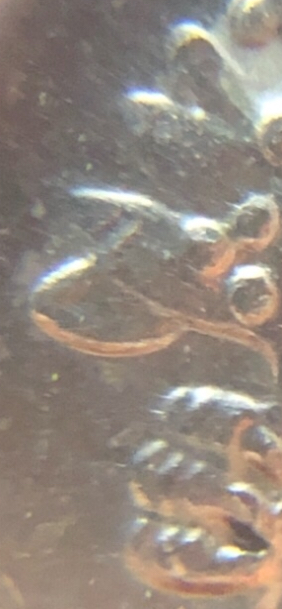
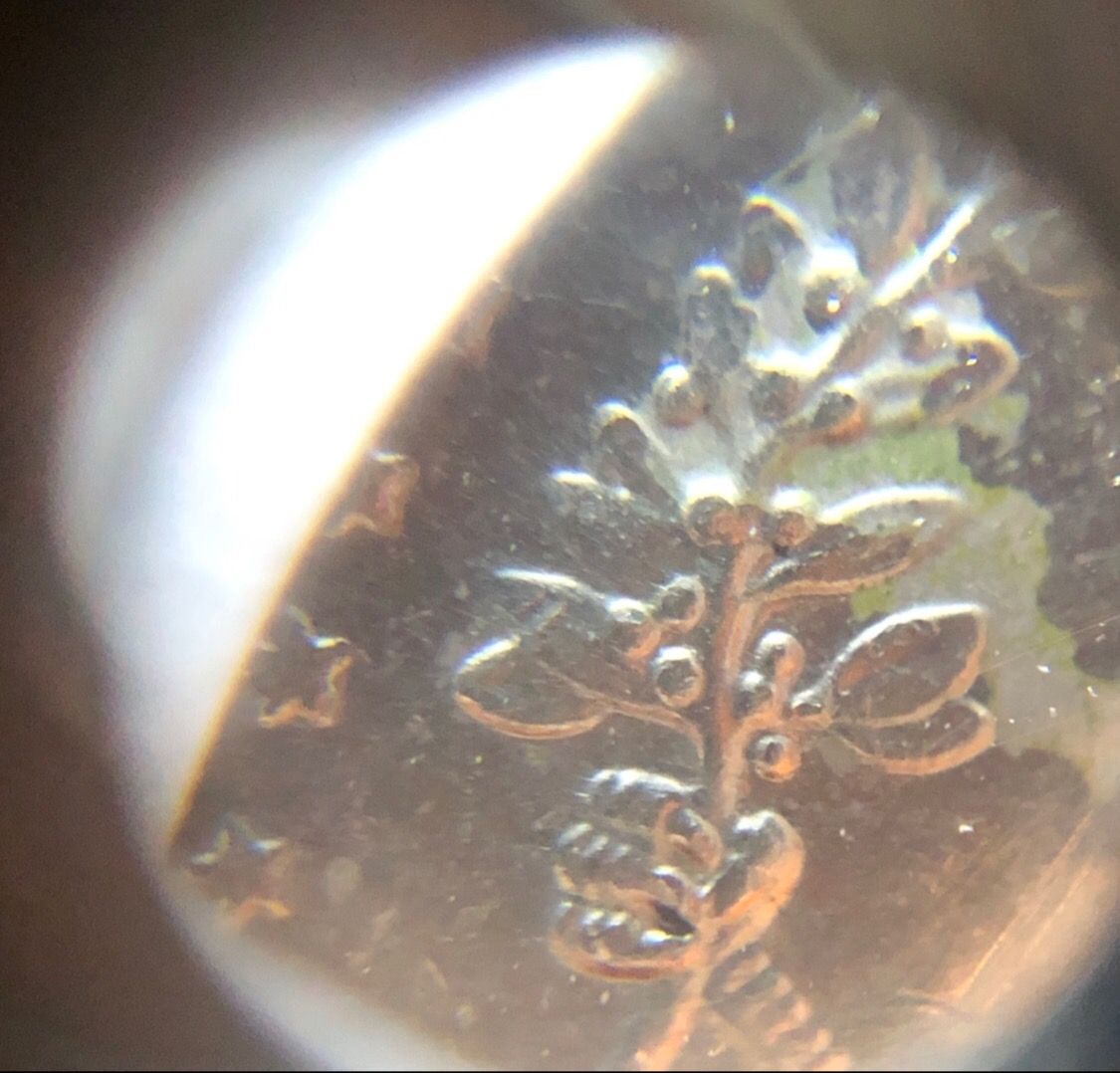
I didn't see you had posted two more pics as I was writing my earlier response but it is still kind of hard to see the claw.
|
|
New Member
 United States
12 Posts |
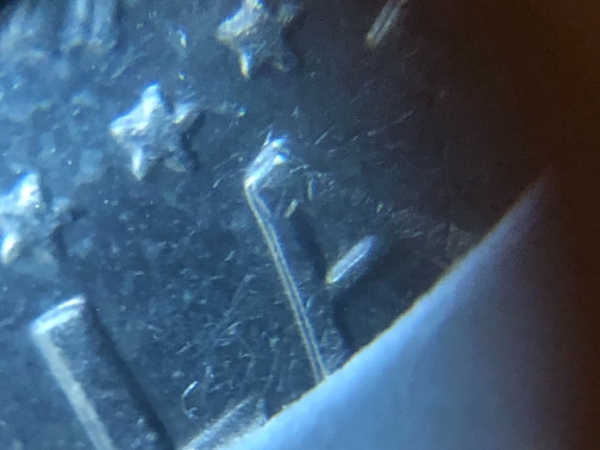
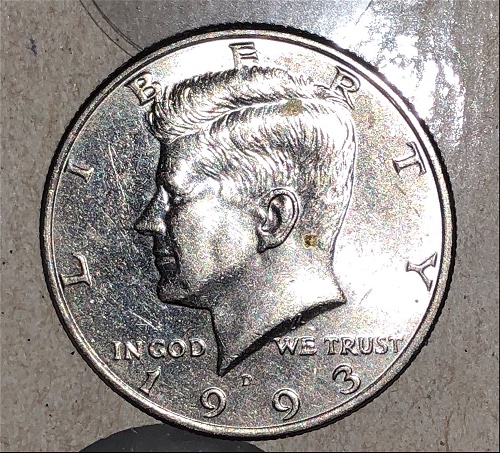
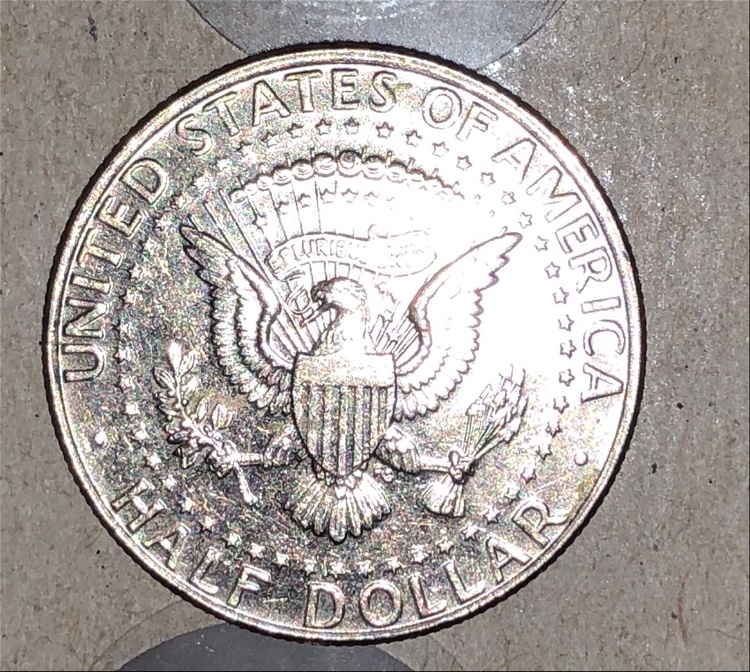
Thanks for the welcome and you're right, I should have read that posting first. It's a 1993 D Kennedy half dollar, I tried to upload obverse and reverse full pics but the uploaded kept saying my files were too large and I kept having to crop them and I could imagine image quality was lost greatly being cropped multiple times. I'll try to get better photos. They came out pretty decent initially as I'm on an iPhone X. |
|
Bedrock of the Community
United States
12477 Posts |
In Memory of Crazyb0 12-26-1951 to 7-27-2020
In Memory of Tootallious 3-31-1964 to 4-15-2020
In Memory of T-BOP 10-12-1949 to 1-19-2024
Edited by spru
04/26/2018 01:55 am
|
|
Moderator
 United States
14463 Posts |
|
|
New Member
United States
12 Posts |
That's what I had been using, but it would auto crop my image and leave it off centered #128530;
I'll have to try again I suppose.
|
|
Bedrock of the Community
United States
12477 Posts |
Don't crop, just reduce the image width until the adjusted file size is under 300. Some clarity will be lost, of course, but not much.
I understand you are using a phone to do it and so do I, so I know it works. Most of my images are several MB, and I use the Optimizer to get them under 300kb.
In Memory of Crazyb0 12-26-1951 to 7-27-2020
In Memory of Tootallious 3-31-1964 to 4-15-2020
In Memory of T-BOP 10-12-1949 to 1-19-2024
Edited by spru
04/26/2018 02:01 am
|
|
New Member
United States
12 Posts |
Ok I managed to get it working and added a few photos to the original post. Thanks for the help guys!
|
|
Moderator
United States
198174 Posts |
 to the Community! |
| |
Replies: 9 / Views: 1,006 |
|






 Posted 04/26/2018 01:36 am





