| Author |
 Replies: 9 / Views: 1,328 Replies: 9 / Views: 1,328 |
|
|
Valued Member
United States
447 Posts |
|
|
|
|
Bedrock of the Community
United States
79404 Posts |
I see a normal coin with circulation wear.
Errers and Varietys.
|
|
Pillar of the Community
United States
3003 Posts |
Hello Skippy72,
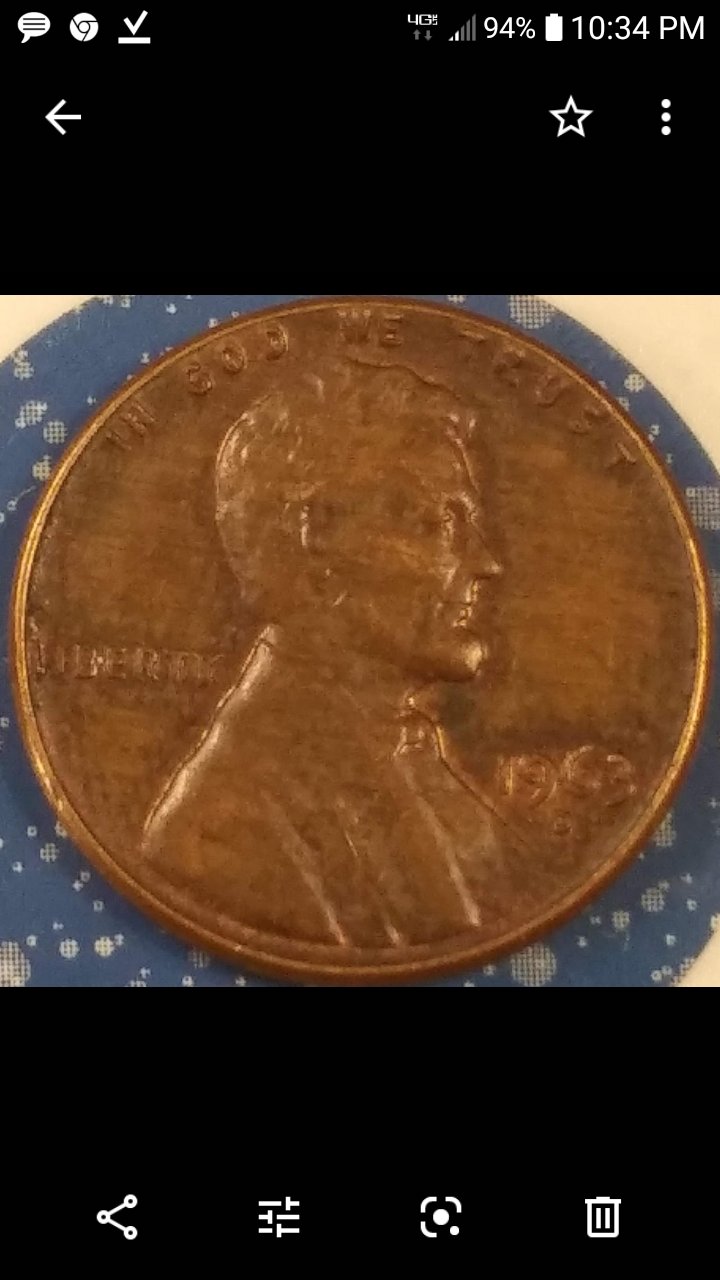
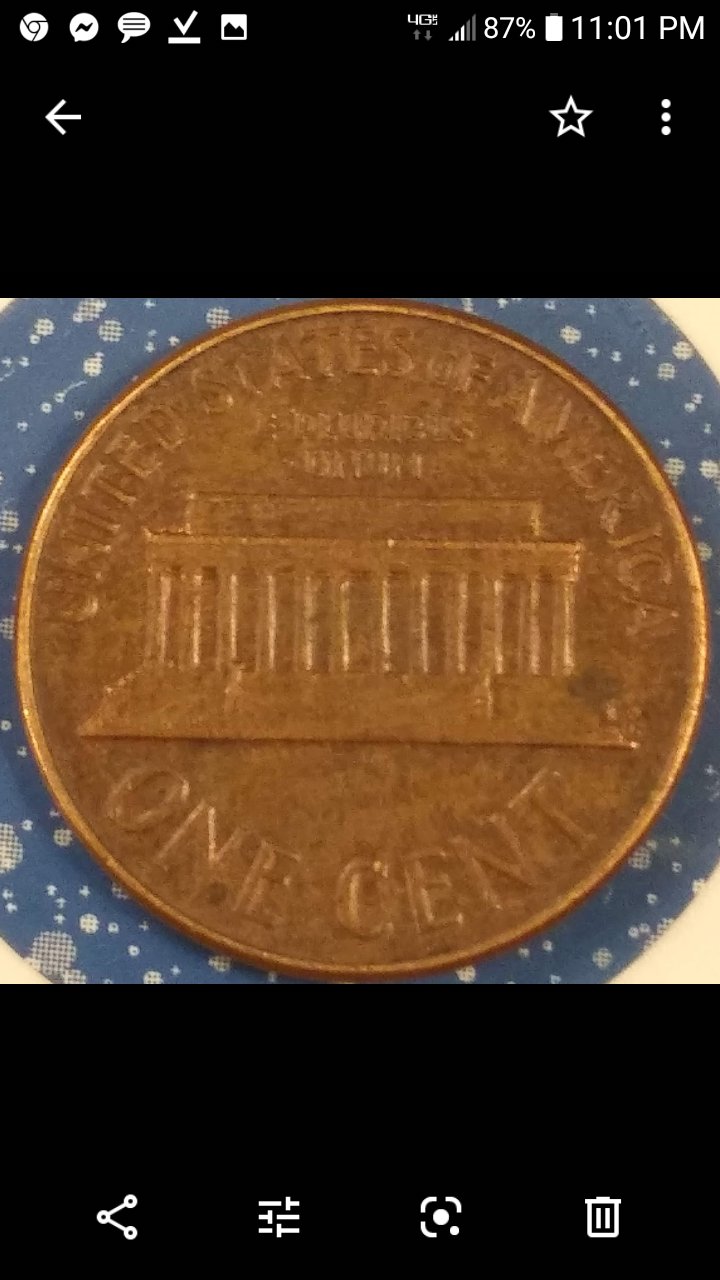
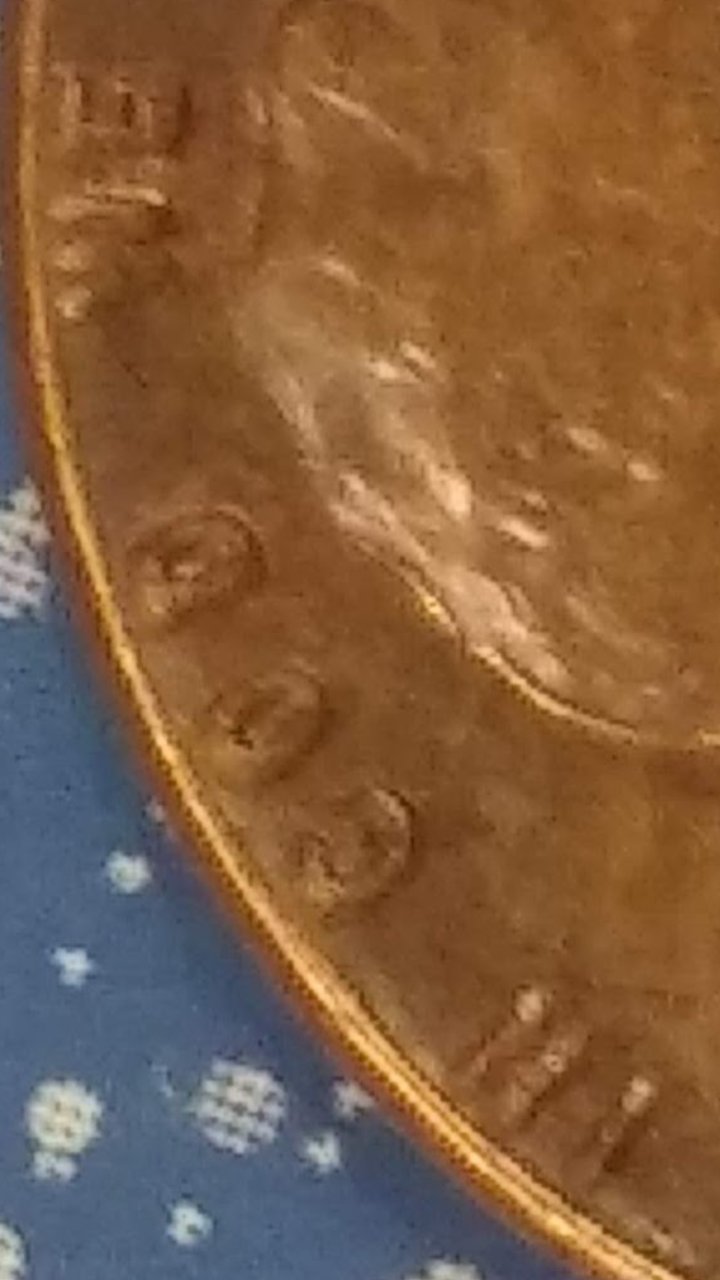
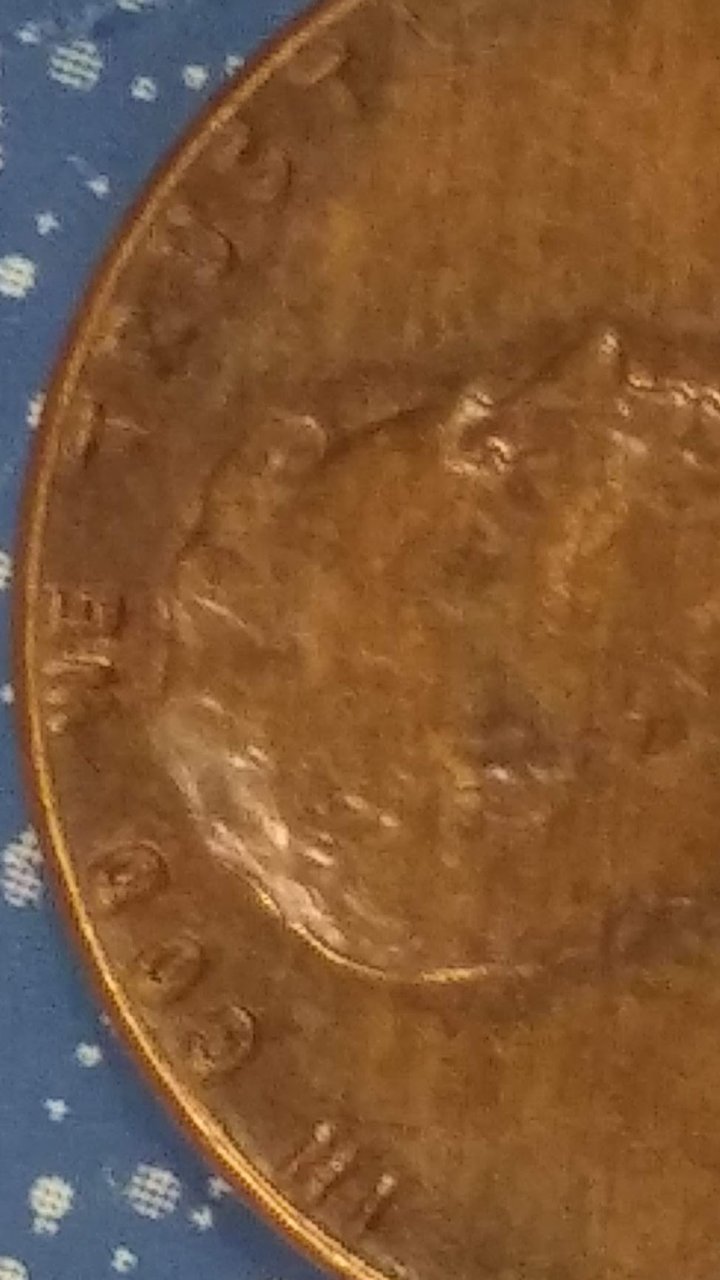
Your pictures are pixilated, especially the close ups.
|
|
Valued Member
 United States
447 Posts |
levelsofmadnes, sorry about the bad pictures. I will get you better pictures within the hour. It is so shiny it's hard to capture everything that I'm trying to show you but I will work on that. It is definitely not a "Normal coin with circulation wear". And by the way do you know of any site or application that I can use because this has been an ongoing problem with Mom I pictures and I pretty much waste people's time looking at them when they can't make anything out....
|
|
Pillar of the Community
United States
3003 Posts |
Hello Skippy72, I wouldn't call it a waste of time. I would think of it as an evolving learning experience. And I agree with you on the shinny red cents, photographing them are tricky. I got a MacGyver setup and use Axial Lighting when space allows. https://www.dpreview.com/forums/thread/3681196But no matter the setup, I believe it is all about the lighting! 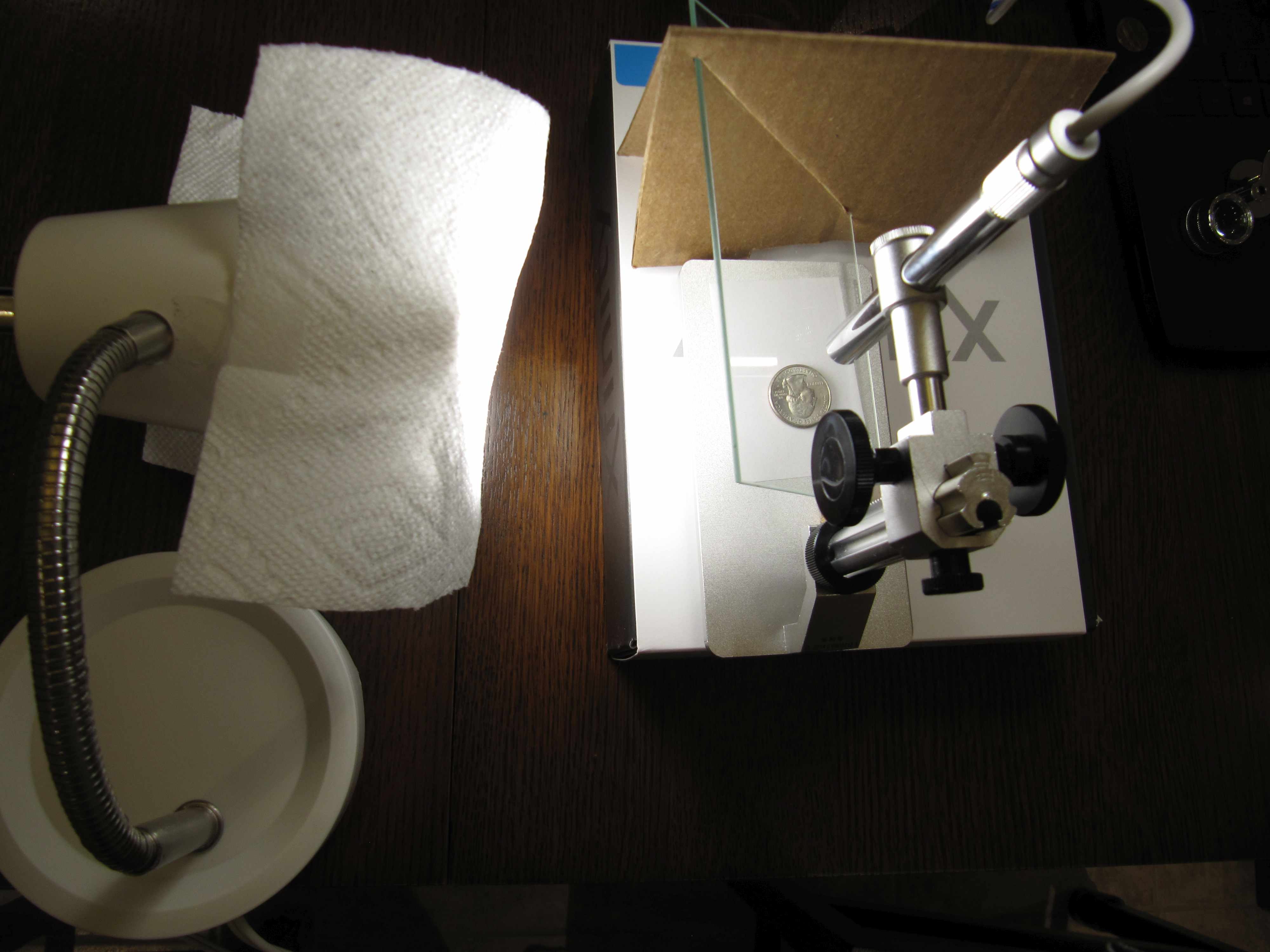 |
|
Bedrock of the Community
United States
94367 Posts |
Your pics are breaking up.  |
|
Pillar of the Community
United States
591 Posts |
A couple of quick suggestions - these pics look like they were taken with a cell phone and cell phone cameras are great at being, uh, cell phone cameras but not great for detail work.
Try adjusting the resolution for coin pics and use the highest setting you can. My 'scope allows me to go to 1600 x 1200 and while I use a lower setting for viewing I always go to that for posting pics.
Probably most important though is to put the phone on something flat to take the picture. Holding it in your hand while the phone is trying to focus on a close up of a small object is ALWAYS going to produce a blurry photo. There's just way too much movement that your not even aware of.
|
|
Bedrock of the Community
United States
62064 Posts |
Try moving the light over the coin with it shining downwards. The light will target better instead of hitting the edges of the devices. 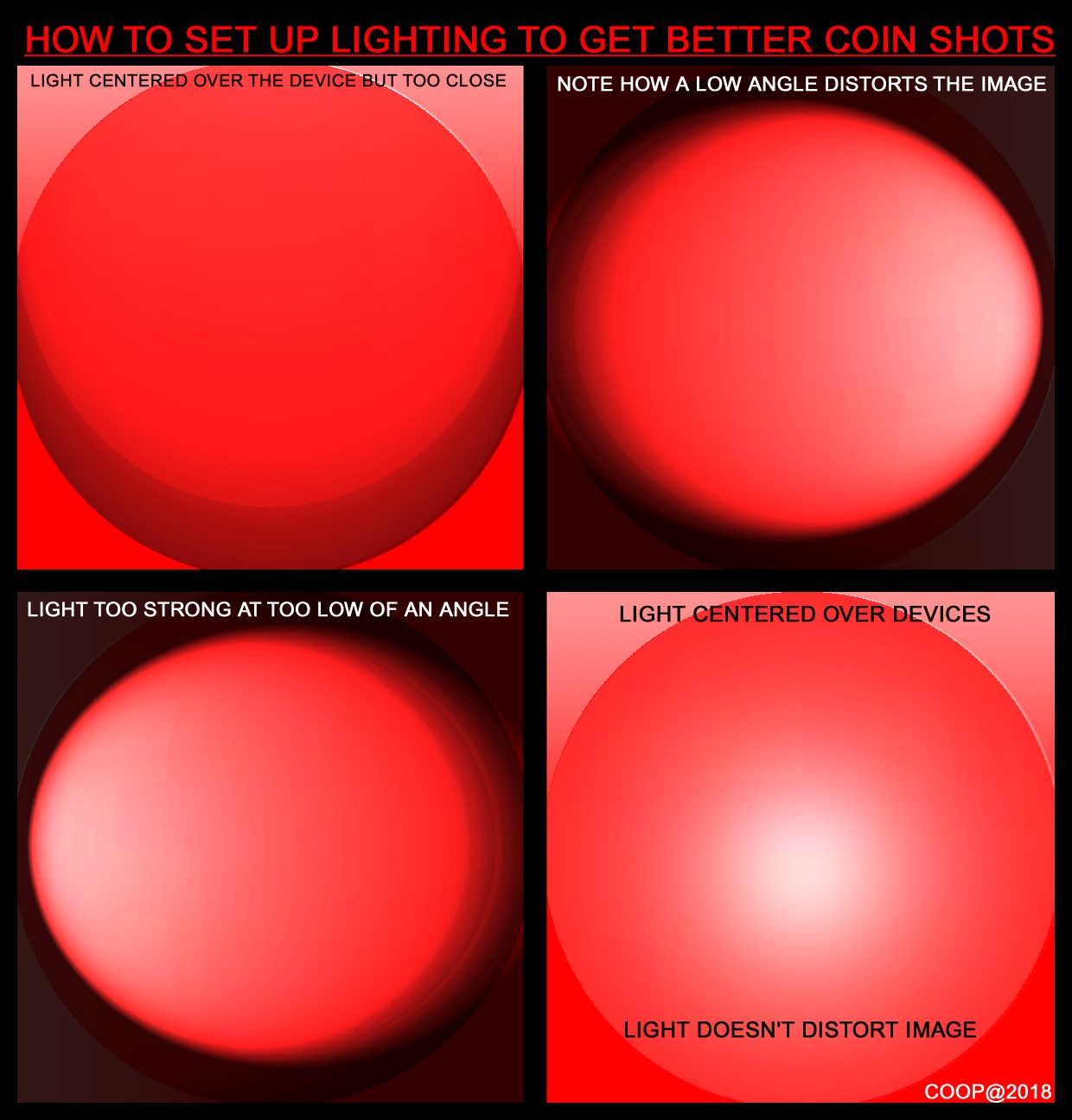 |
|
Valued Member
United States
447 Posts |
I thank you all VERY much for taking the time to help me with the issues I'm having taking pictures. I truly appreciate it....
|
|
Bedrock of the Community
United States
62064 Posts |
What size are your images when first taken? If they are too small, when you enlarge the images, that is what makes them pixelated. If you have an image size on your camera, try setting it to the larges setting. That might help with your images.
|
| |
Replies: 9 / Views: 1,328 |
|











 Posted 06/14/2019 12:16 am





