| Author |
 Replies: 11 / Views: 971 Replies: 11 / Views: 971 |
|
|
Pillar of the Community
United States
520 Posts |
|
|
|
|
Bedrock of the Community
United States
79454 Posts |
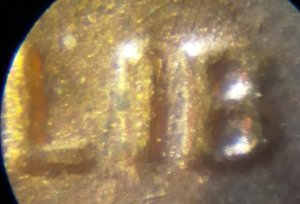
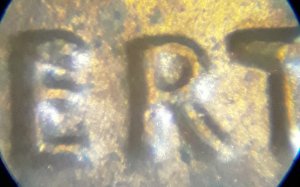
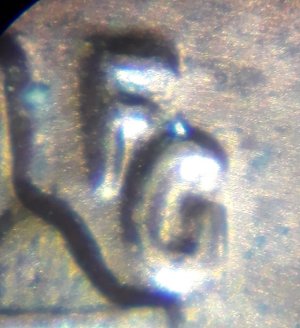
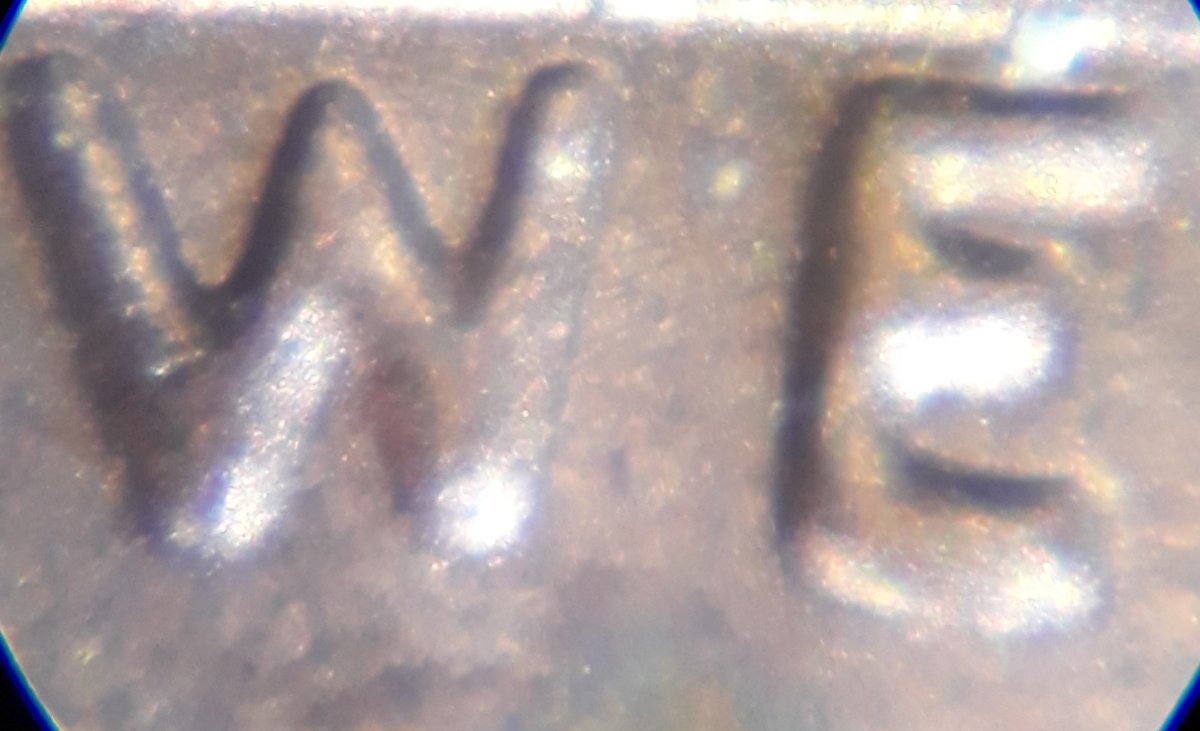
I am not seeing anything to suggest it's a DDO. Just a normal coin, sorry. Errers and Varietys.
Edited by Errers and Varietys
08/12/2019 9:25 pm
|
|
Pillar of the Community
 United States
520 Posts |
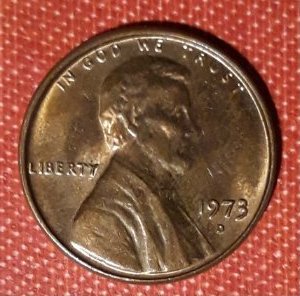
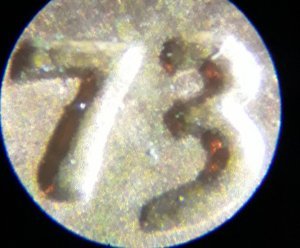
Why is this date so thin compared to the one I have?  |
|
Bedrock of the Community
United States
62064 Posts |
Probably the glare is hiding the Machine Doubling on the last image. But not a doubled die. A doubled die would have enlarged devices. Instead you have MD that reduces the devices. Often a clue for this is that you see the same events on both sides of a coin. On a doubled die, the doubling is on the die and only affects one side of the coin. Machine Doubling alters the devices by machine movement. You see this on one of the four sides of the devices. The difference? The hub doubling has the doubling on one single die. On Machine Doubling that is caused by the machine, it can affect all dies. (even doubled dies as well) One is common, one is very collectable. |
|
Pillar of the Community
United States
520 Posts |
So do these appear thicker from Machine Doubling? The devices are already seem larger than normal? And thank you everyone for your replies. I'll get it one day.   |
|
Pillar of the Community
United States
7349 Posts |
On your 2nd post with picture, all looks normal to me. On your 3rd post with pictures, I see the Machine Doubling (underside of the 7s cross bar also same direction on the 3) Edited by Greasy Fingers
08/12/2019 11:32 pm
|
|
Bedrock of the Community
United States
62064 Posts |
Images with one digit removes an overall perspective. Best to have images of the full dates of normal and your coin. Cut and size with the outside edges of the widths of the dates. Then put one over the other. Then you can see what is going on. Looking from one image over here and one image over there doesn't show as well as them both right in front of you. So try that.
|
|
Valued Member
United States
194 Posts |
I would also guess that narrower lettering or numbers might also be due to the die being new and with little grease, coop would know if this is true. Just a general understanding of how things wear as they get used. First run is usually the clearest and sharpest. It's run a little slower too I think while they adjust. As it gets used, friction starts it's magic... My guess of course.
|
|
Valued Member
United States
314 Posts |
This may be an example of extra thickness not showing any separation, class VI, Distended Hub Doubling. I can tell you it can be seen quite often on 73D half dollars in mint sets, I don't know about Lincoln Cents.
|
|
Bedrock of the Community
United States
62064 Posts |
Overall affect on devices: 1. Machine Doubling reduces the size of the devices.  2. Over polishing the dies reduces the size of the devices. 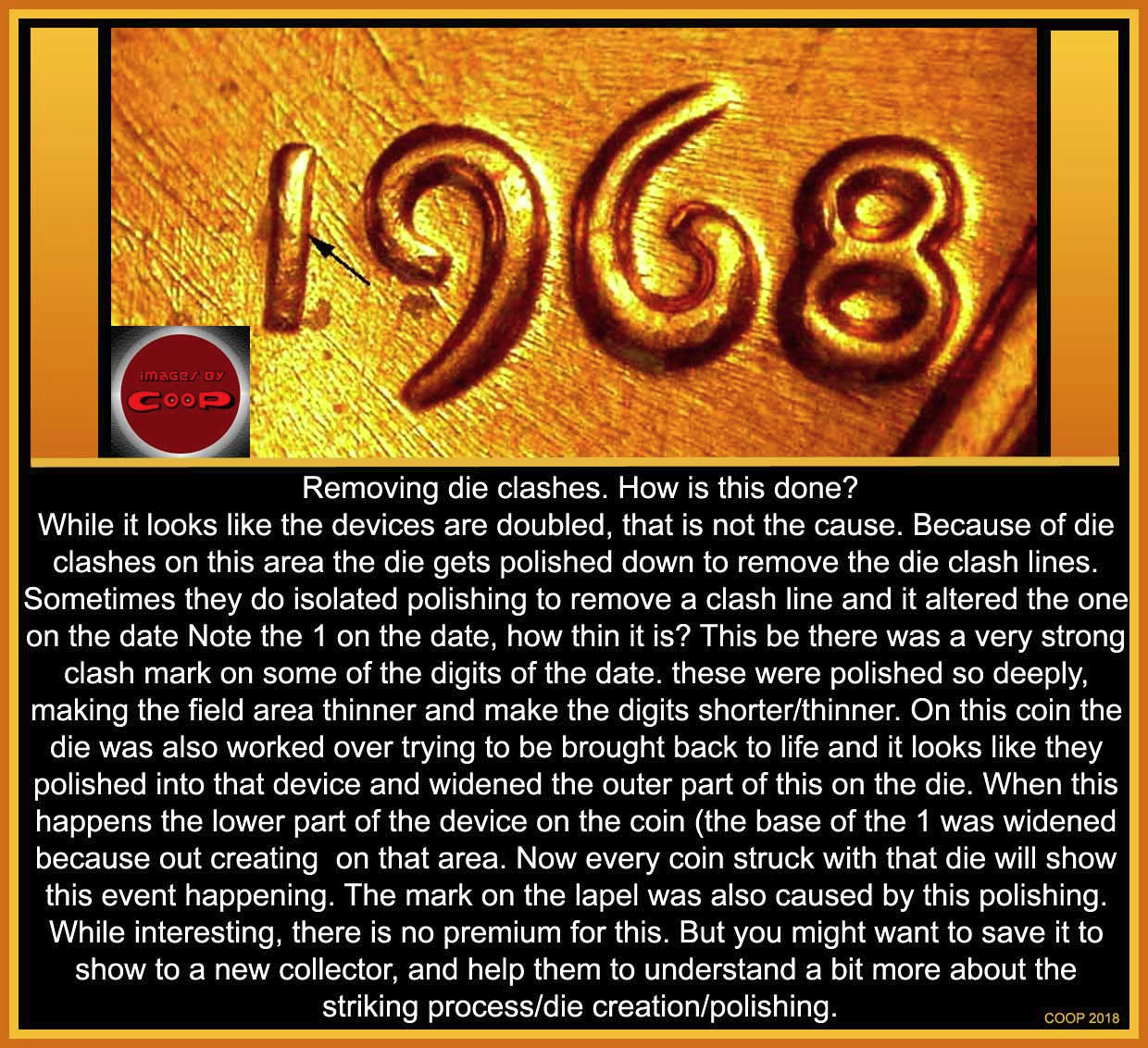 Enlarges overall devices: A. A fresh die has normal size of devices.  B. A doubled die has enlarged devices because of wrong hubbing of the die. C. Extreme die wear also enlarges devices.  Reduction on the tops of the devices: X1. Struck Through Grease enlarges the look of devices, but just prevents the upper part of the devices to be formed.  X2. Circulation wear also flattens/wears off the tops of the devices. 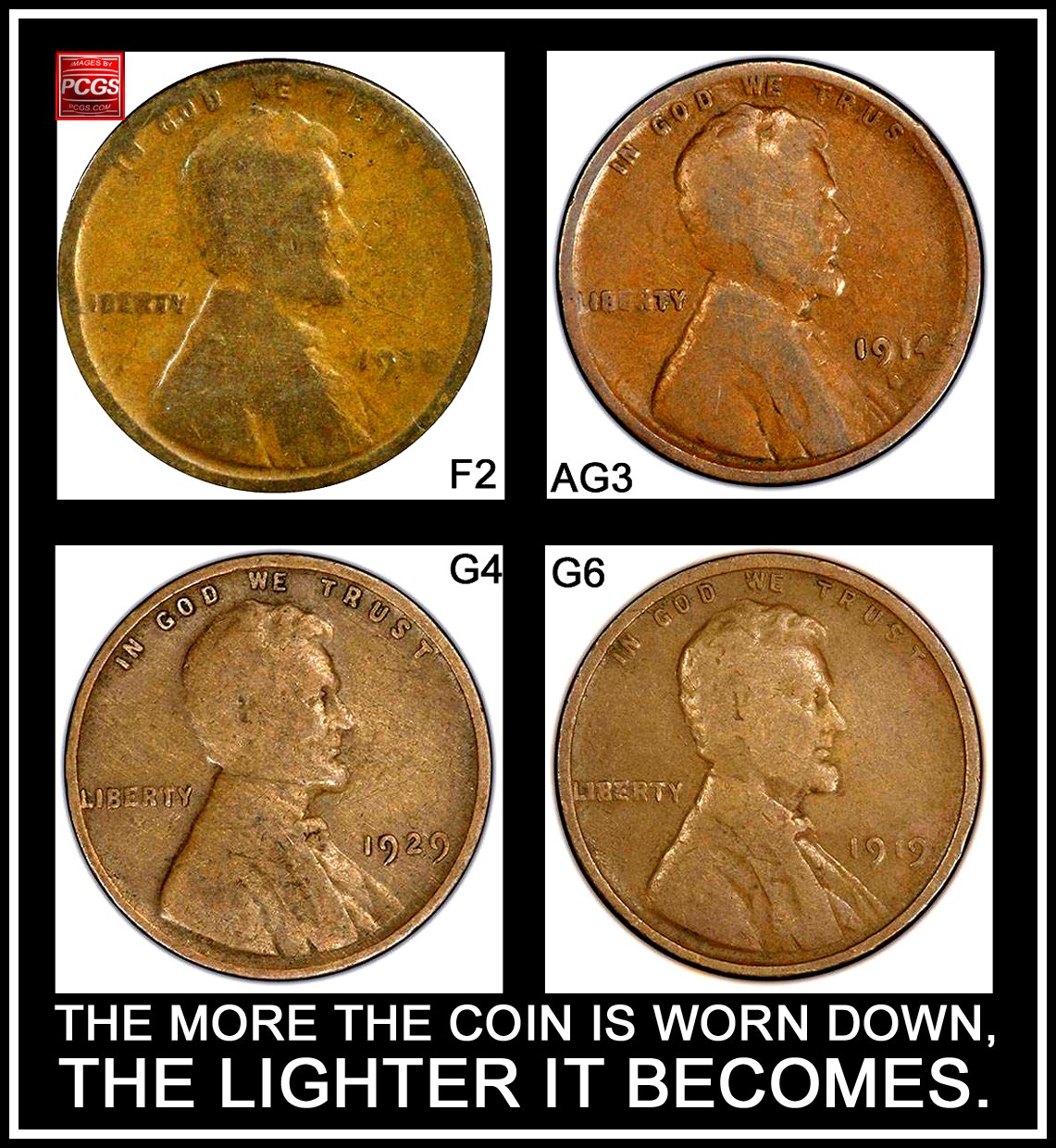 You just have to learn which is which. Edited by coop
08/13/2019 9:47 pm
|
|
Valued Member
United States
194 Posts |
I would also guess that narrower lettering or numbers might also be due to the die being new and with little grease, coop would know if this is true. Just a general understanding of how things wear as they get used. First run is usually the clearest and sharpest. It's run a little slower too I think while they adjust. As it gets used, friction starts it's magic... My guess of course.
|
|
Pillar of the Community
United States
520 Posts |
Is there an instance where the devices seem to be reduced, but the devices were thick? Bringing them back to their actual size?
|
| |
Replies: 11 / Views: 971 |
|









 Posted 08/12/2019 9:52 pm





