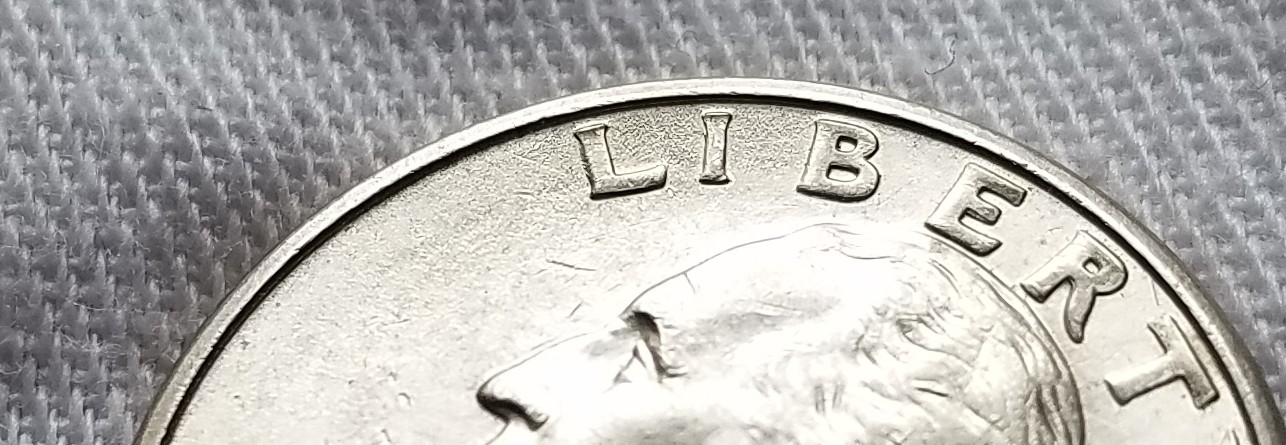
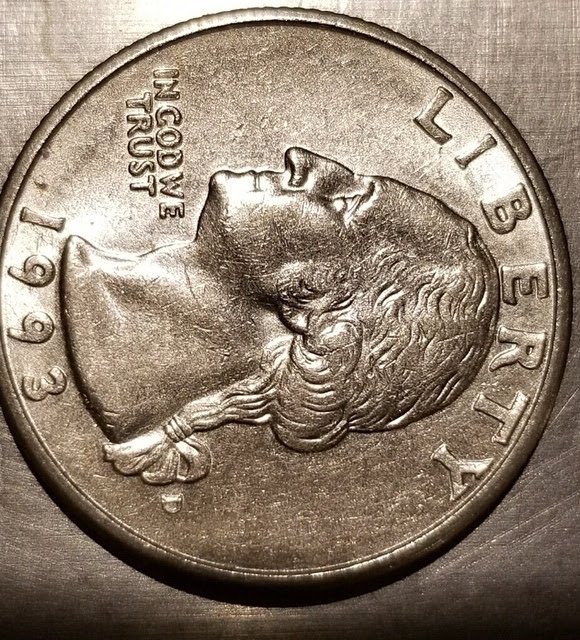
Another point about taking images. I see you are shining (spotlighting) the area you want us to see. If you have too much light, that area will glare and hide what you are wanting to show us. So the best way it to allow light and shadows to happen on a coin shot. Allow the light to fall across by rotating the coin 90-180 degrees opposite of what you think you should show it. The allows the light to show and fall across the devices:
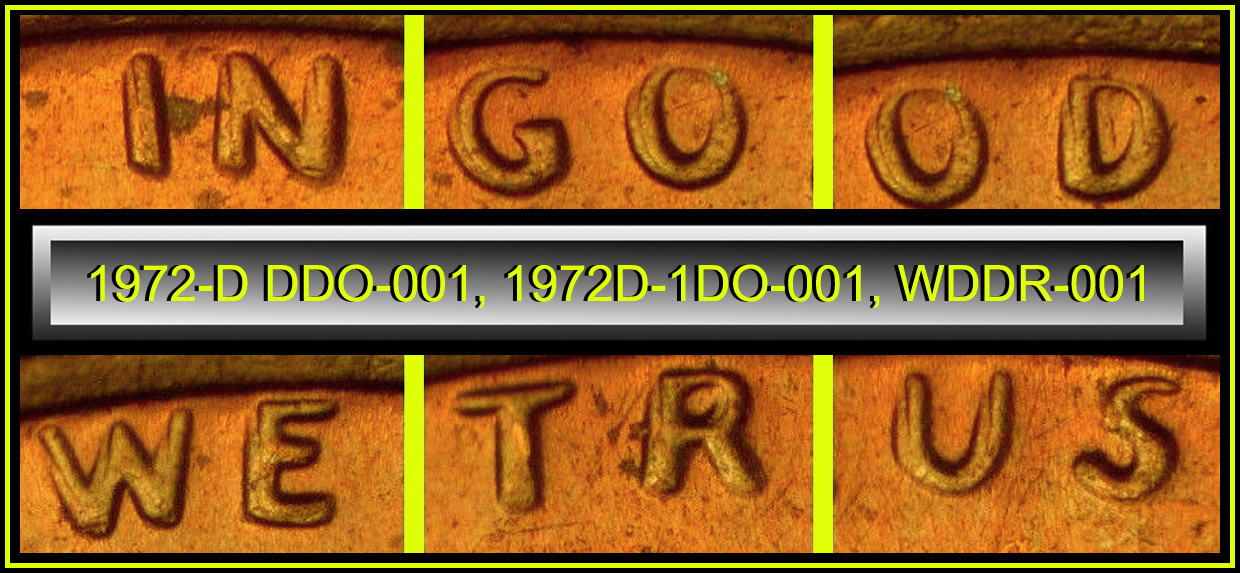
Note on this image that is a doubled die, the light creates a shadow (darker area) where the light fall across a depressed area on the device. Placing the the light on the opposite side of the coin, remove that shadow. While your image is not causing a glare, having the light in the opposite direction will a allow the light to fall over the area you want to show, with out spotlighting it. While every one is correct as this being
Machine Doubling, I though I would give you a tip on how to get images to show even more on each image you take.
When people create the glare (which you did not) there is a trick I use to expose the hidden area:
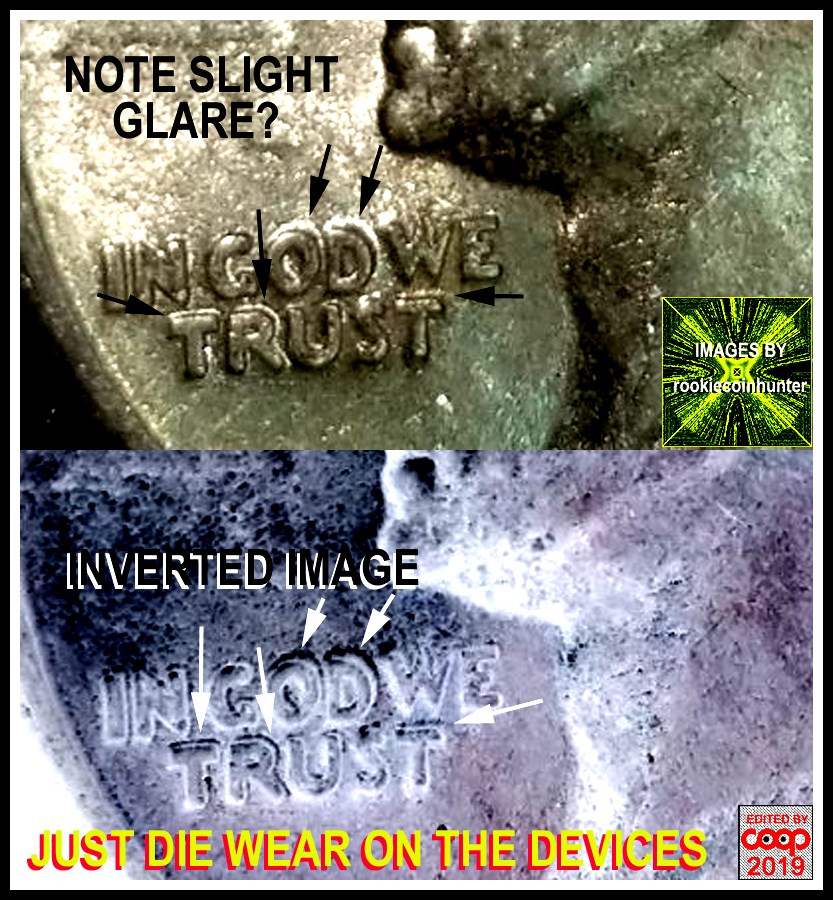
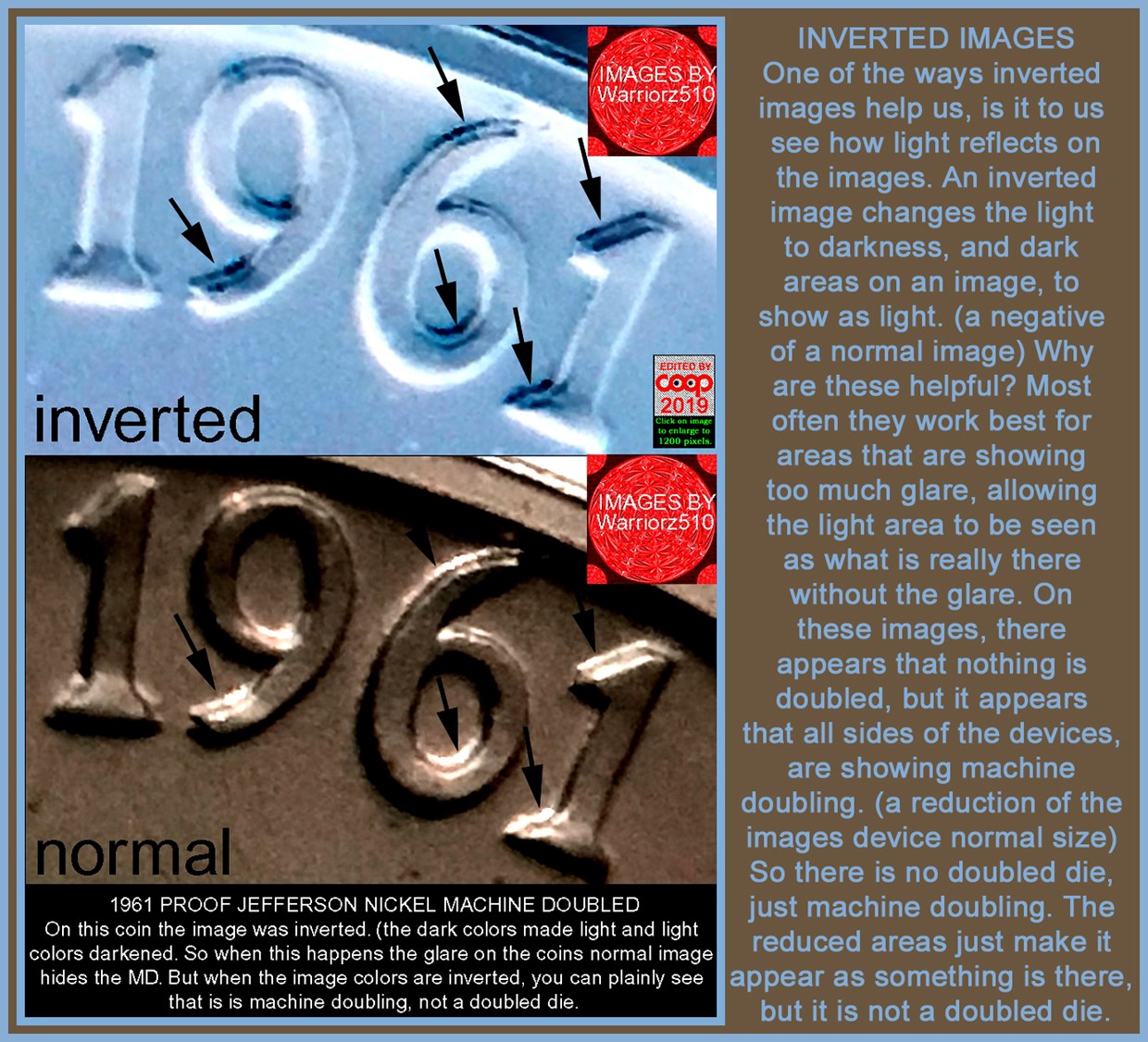
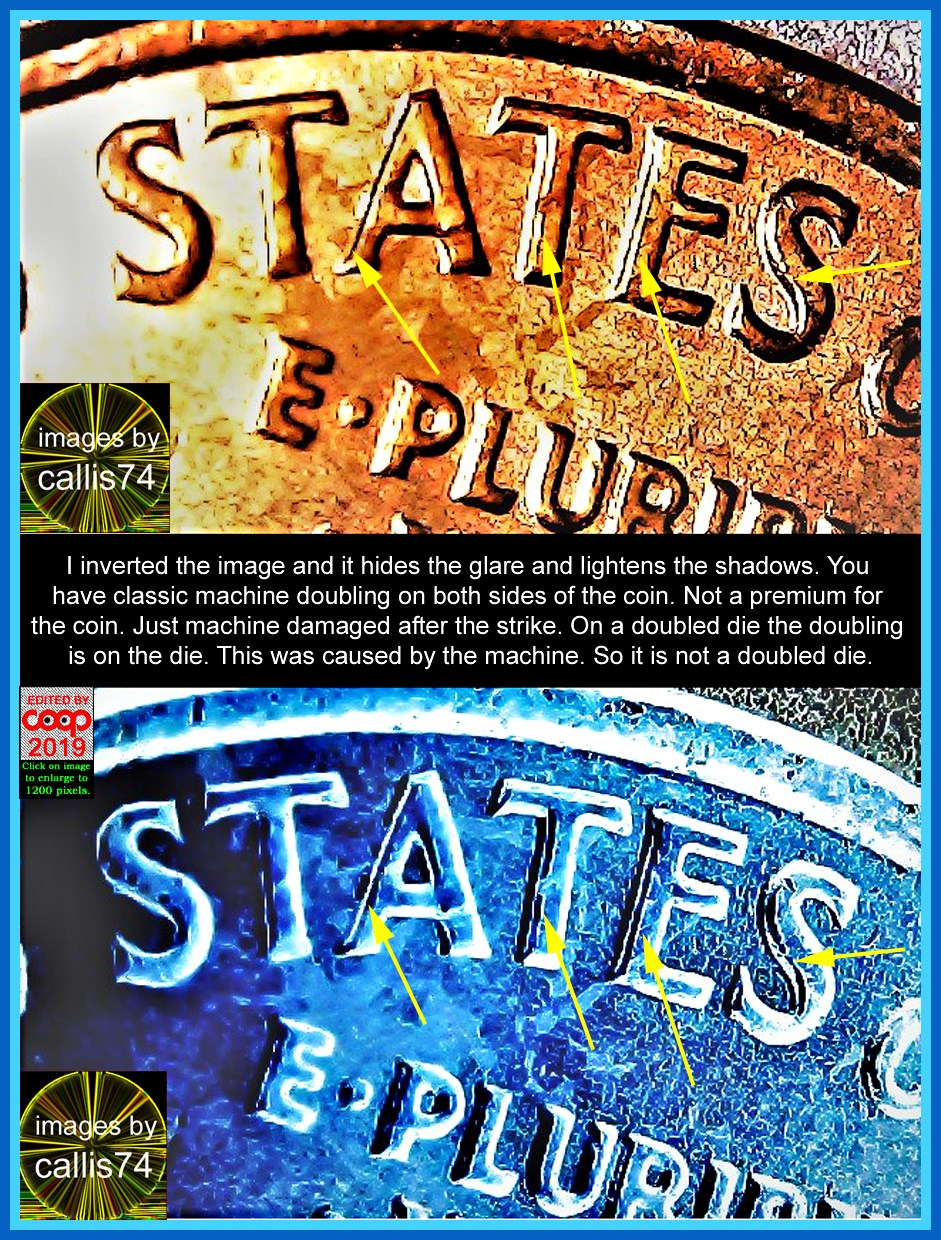
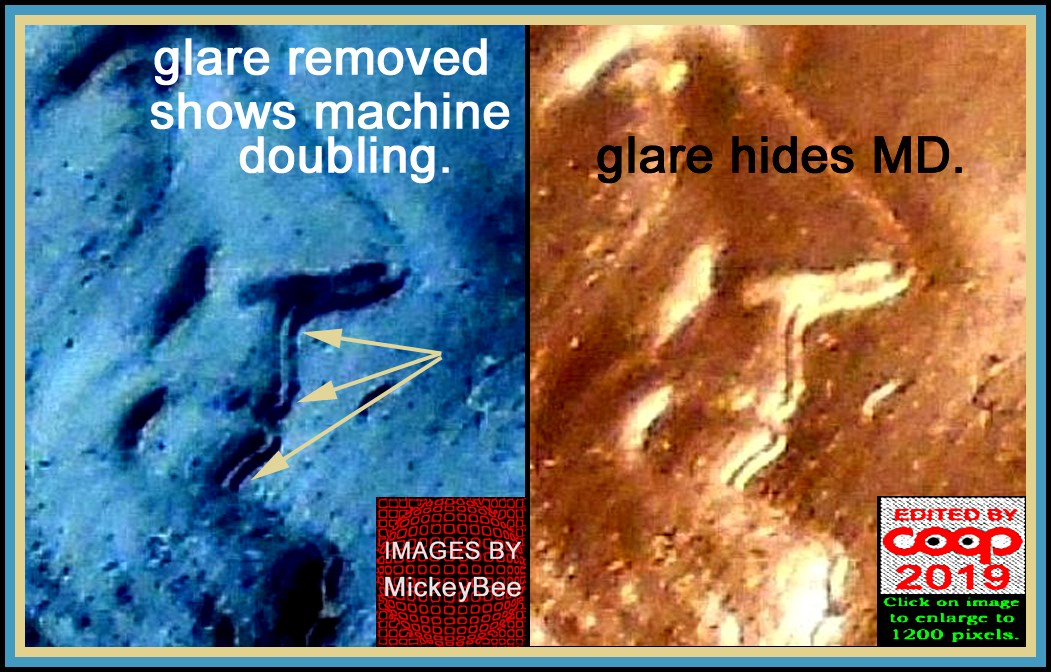
This trick is called "invert images". It turns the color into the opposite color. Allowing what is glaring to be dark instead. So by allowing the light to fall across the devices, you are inverting the images to show devices better by changing coin light direction. Hope this helps.








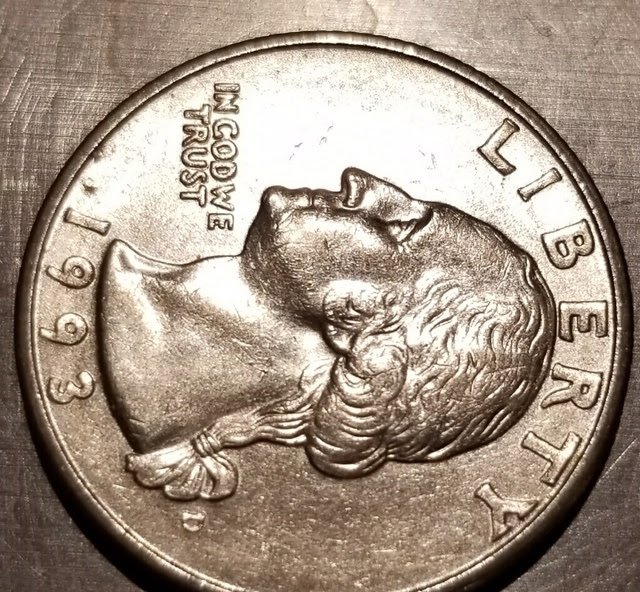
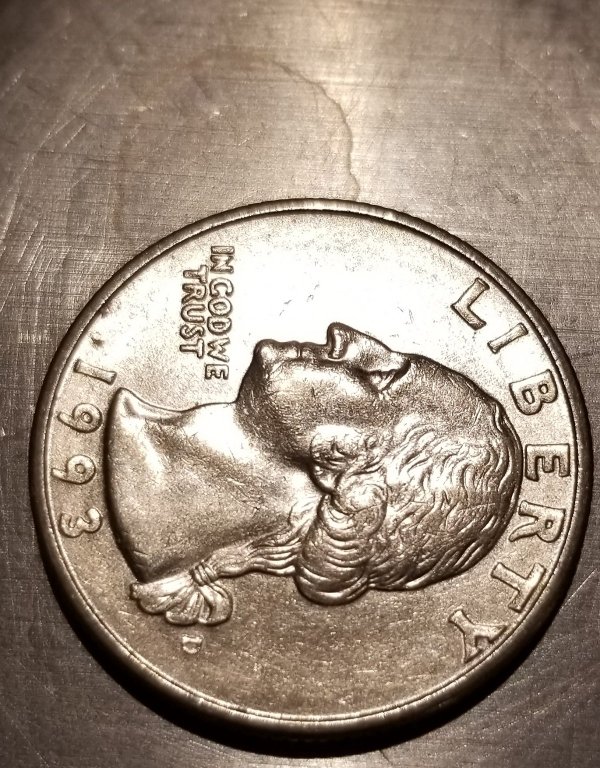


 Posted 01/13/2020 11:07 pm


 to CCF...I believe Samcoin statements are true...check out Varietyvista.com for all DDO / DDRs and rpms that are known...good luck on future finds..and have fun


