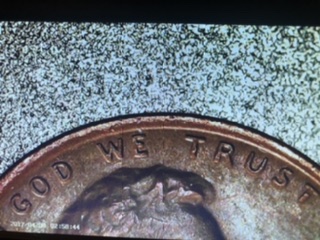
That actually looks like the same 1-1200x digital microscope I just bought a few days ago. By the chance it is, is should have come with a "small" dvd that has an application, so that you can plug in the Micro USB (scope) to USB port (computer) that comes with it and use it as a webcam.
If you already have a webcam, when you start the application, click Devices and pick General UVC to use the scope camera. (You can't save pictures or video on the scope itself, unless you have a memory card for it). Just take a screenshot with your PC and use the Paint program or something to resize, crop and fix up the picture.
Theres a small plastic disc covering the bottom of the scope that has a small nub on the side that you take off or it will look slightly blurry.
You can place down a small piece of paper etc, so that the coin doesn't get scratched by the cast aluminum base. Main LED control knob is on the right side of the screen where you plug wires in, 2 small side lights control knob on the back of the base.
The remote is a bit of a pain to work with haha.
If you turn the scope on after plugging it into your computer, it will show "mass storage", "charge", or PC camera". I use PC camera and open the application from either the DVD, or you can copy it to your desktop and use it from there.
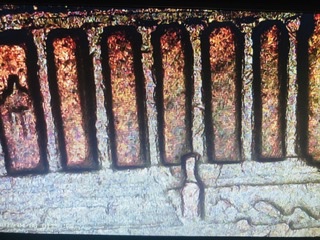
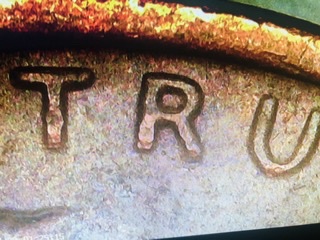
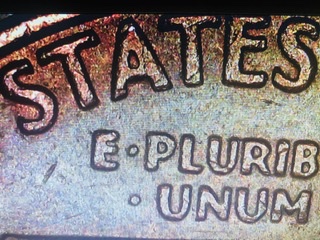
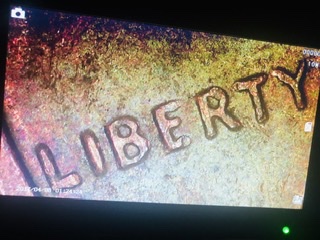
Then I can have the coin show up on the big screen and take a screenshot with it, instead of having to use the Ipad to take a picture of the scope screen.
Too bad it doesn't zoom out far enough to take a full picture of a coin.
It just takes a little while to get used to how they work, but the pictures look pretty good and it zooms in really far.

You can take the scope off the base and actually walk around using it, after charging it for a while.
(I unplugged it from my PC, so that it showed the coin instead of the black screen that says PC Camera, so my face wasn't showing.)
Don't forget to take this off, or it will look slightly blurry.








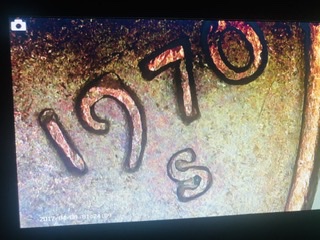
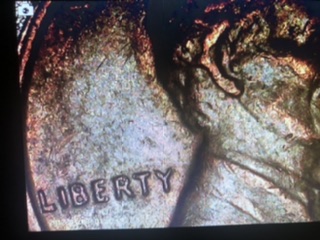
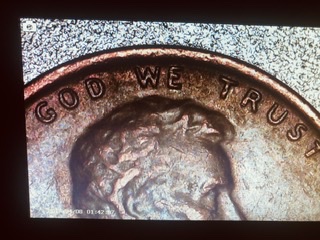


 Posted 09/07/2020 11:14 am