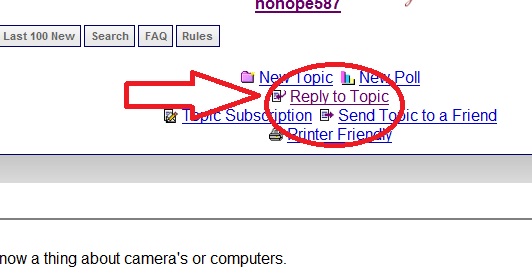
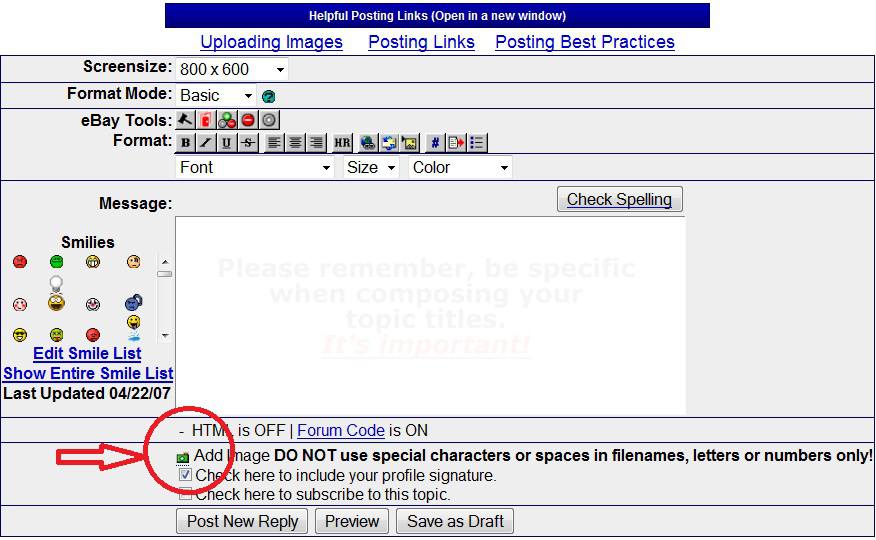
Razorear, you might want to try the following for windows:
Most cameras come with software that will allow you to do all sorts of things with the images,You should attempt at installing from your camera supplied CD, sometimes you can't charge or use it if you havent installed the software, read the camera manual to do that.
But the basic that I believe will work is to simply just copy the images from the device.
Step 1 - create a new folder for the images, this can be created anywhere you want, normally in your local drive, go to the desktop, look for My documents icon ,left button double click on it to open the window, left double click on the "my pictures" icon, once left click anywhere in that window on an open space. Now use the right button and once click, this will pop open another small menu, look for the word "New" go to it, it will pop open another small window, go to "Folder" select that by moving the mouse on it and left clicking once on it,this will create a folder that is highlighted in blue. Now rename the folder by typing the name that you want, left click once anywhere in the open window.
You should have a folder named there now. minimize that window by going to the top right corner and clicking on the little line, the window will now close and you can see it at the bottom of the screen.
Use the USB cable and connect the camera to the computor, swith the camera on, select PC, or download, or something similar on the camera mode if it has one, most cameras will come up with a messgae saying that you want to connect to PC, say yes.
To see if you are connected, go to My computor on your desktop, double click that, in that window, see if there is a name that says removable device, or GE Camera, or USB device, if you can't see it, the camera is not connected yet, follow the manual's steps to connect it.
Double click on that device, it will open another window, it will normally come up with 2 files inside the window, double click on one and the other to open and see if the pics are inside, once you have seen the pics, once left click on any picture name to select it, do not double click to open it, it should turn another colour (blue), press and hold the Ctrl button in, and press the same time the letter "A" this will colour all the pictures names blue, Now press the Ctrl button and hold in and press the letter "C", this will copy all the pics into the memory.
Use the left button on the mouse and once click on the file name that you created in the bottom bar, this will open that window, now left click once anywhere in the window on an open space, Now right click in the open space, this will open a small pop up menu, look for the word Paste, left click once on it, this will paste the contents that you copied from the camera device into this folder.
Left click anywhere in the open space to deselect the pics.
You can now open the pictures"double clicking" and do the normal editing stuff using the default Picxture viewer on it using any standard installed editing software.
You should also use read the manual that came with the camera to learn how the functions work.
Hope I got the steps righ and not confused the whole issue.
There are lots of free sites out there to help you to learn the basic computor terminology and operating.
Hang in there it will come quickly.
Also try this basics if you are running windows operating system on your PC.
http://windows.microsoft.com/en-US/...tal-pictures









 Posted 10/31/2010 7:57 pm