| Author |
 Replies: 146 / Views: 16,534 Replies: 146 / Views: 16,534 |
|
|
|
Pillar of the Community
 United States
2824 Posts |
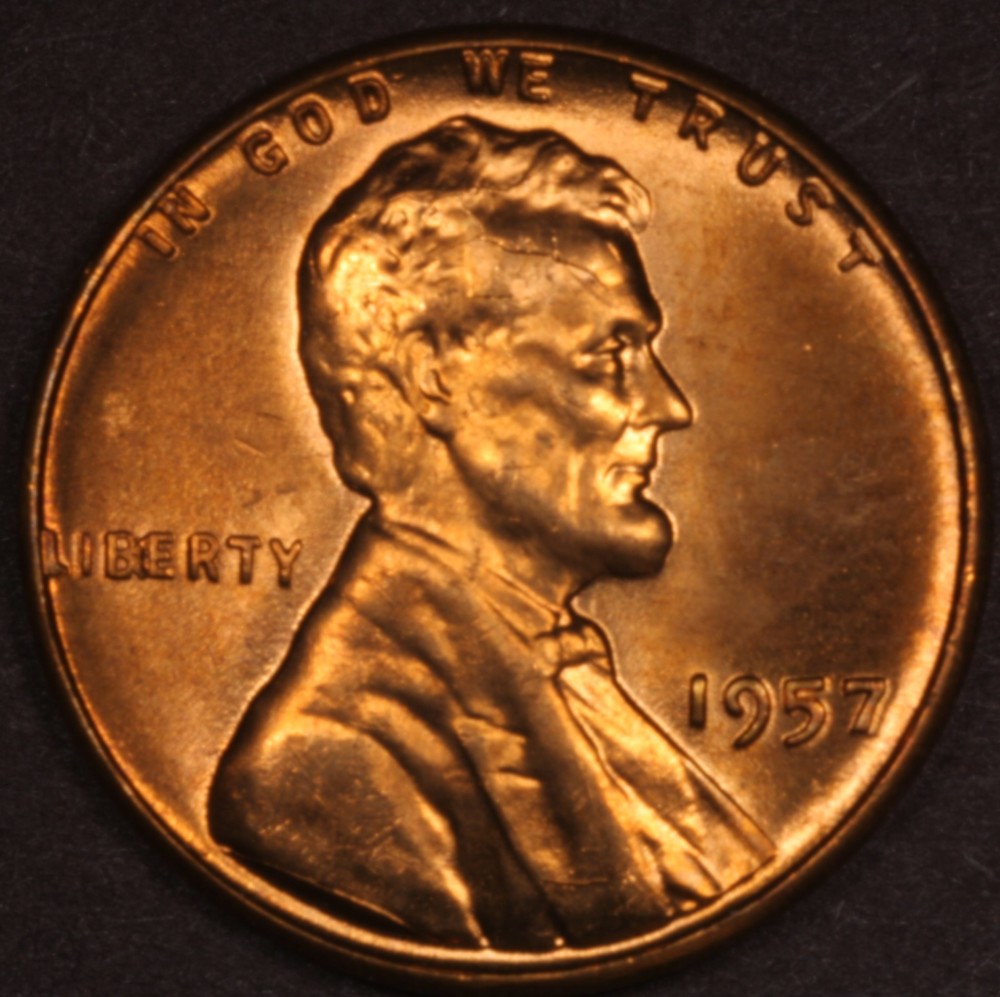
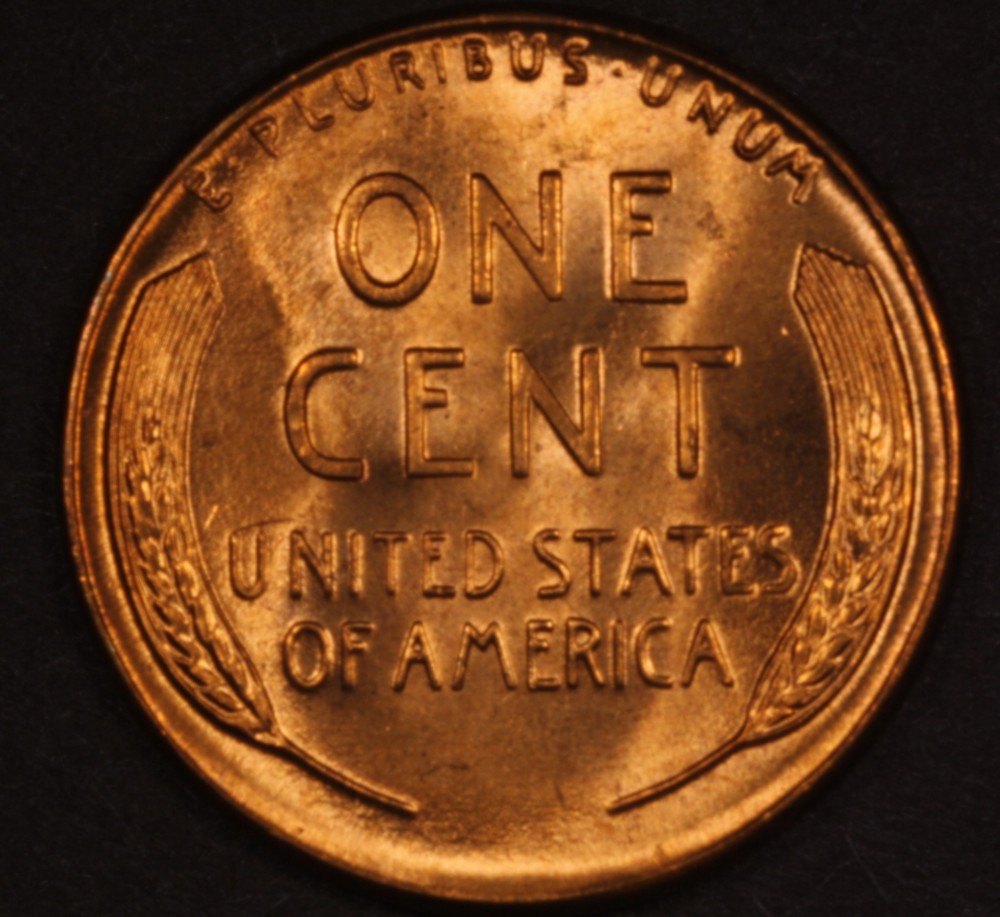
Two JANSJÖ, LED work lamps are put together and set up next my wiggly elcheapo $10 stand I am using till the nice copystands come via ground from the other side of the country. Going to try varied positions and distances from lens/coins any suggestions or preferred locations for the two lamps? Also going to try without diffusing and with tissues to diffuse. for white light balance on them do you use any setting in particular? this photo just lights ones and normal setting nothing special I got to play around and get coin back into focus..hard to tell which way to turn on screen or through eye piece.. 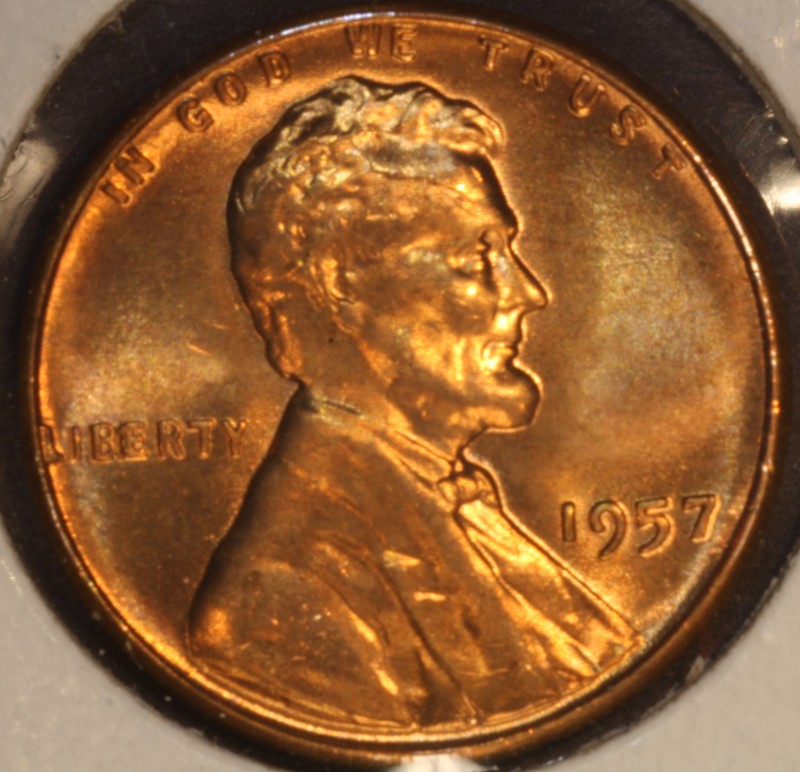 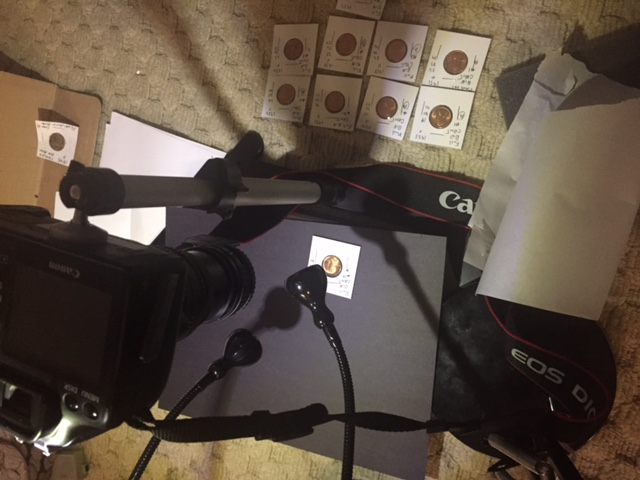 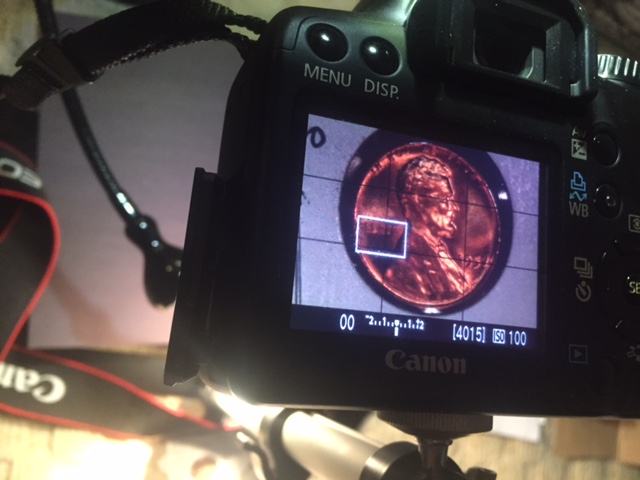 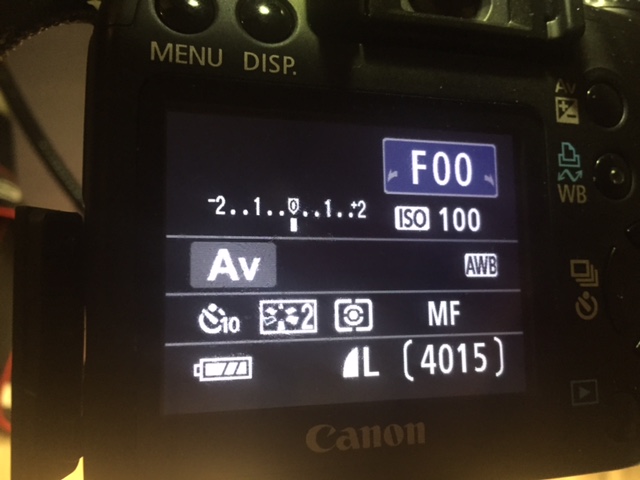 |
|
Pillar of the Community
 United States
4051 Posts |
Tungsten White Balance works pretty well for Jansjos (incandescent bulb).
You should move the white box in the Live View window to be over the brightest area of the coin to avoid over-exposure. In Live View, metering modes are all over-ridden and metering is performed only on the area within the white box. In the pic you show, the white box is over a dark are of the coin, so lighter areas will be over-exposed.
Contact me for photographic equipment or visit my home page at: http://macrocoins.com |
|
Pillar of the Community
United States
2824 Posts |
I will try that also 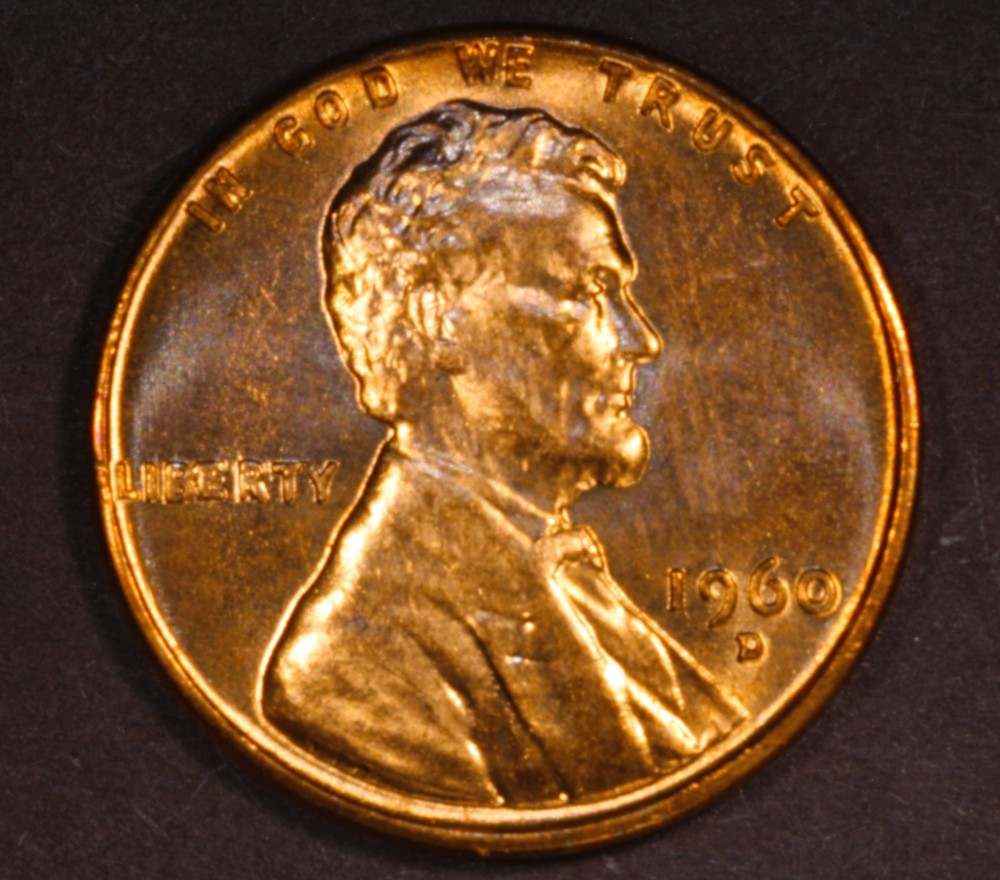 |
|
Pillar of the Community
Canada
2784 Posts |
OcalaFlorida hello set your 2 led lamps so that they are at the same level as your camera lens. look at your penny. think of a clock have your light strike the coin at 10 and 2 o'clock. before you use your led lamps take a Kleenex tissue double it. put one on each lamp for diffusion over the little bulb. tape it there or use a string and tie it there on both. you have a lot of light coming from different direction. plus I see some reflection must be off your enlarger stand. cover that as well. if you have to get a sheet or some dark material and tent your camera. that way you will be more in control of your light on the coins and you wont have to adjust the setting to get a good picture. your focus on your camera is bang on you are really do great. just try to control the light and you will see a big different. your photos I can see are going to be really good. try that have a great one
|
|
Pillar of the Community
United States
2824 Posts |
|
|
Pillar of the Community
United States
4051 Posts |
Florida...the images are pretty fuzzy. How are you focusing? And what is your aperture setting? You should focus using the zoom/magnifier feature of the Canon software. It will help you to achieve critical focus. For Cents, you probably want to be around f8.
Contact me for photographic equipment or visit my home page at: http://macrocoins.com |
|
Pillar of the Community
United States
2824 Posts |
rmpsrpms, I hooked up software but only did white balance and lighting I didn't play with focus and yes it is blurry. I will play with that zoom/magnifer feature and make f8. iso 100.
|
|
Pillar of the Community
United States
2824 Posts |
it got sharper on 22 setting instead of the on 4/5.6/8 setting am I doing something wrong? when I go toward 8 it goes all bright white. 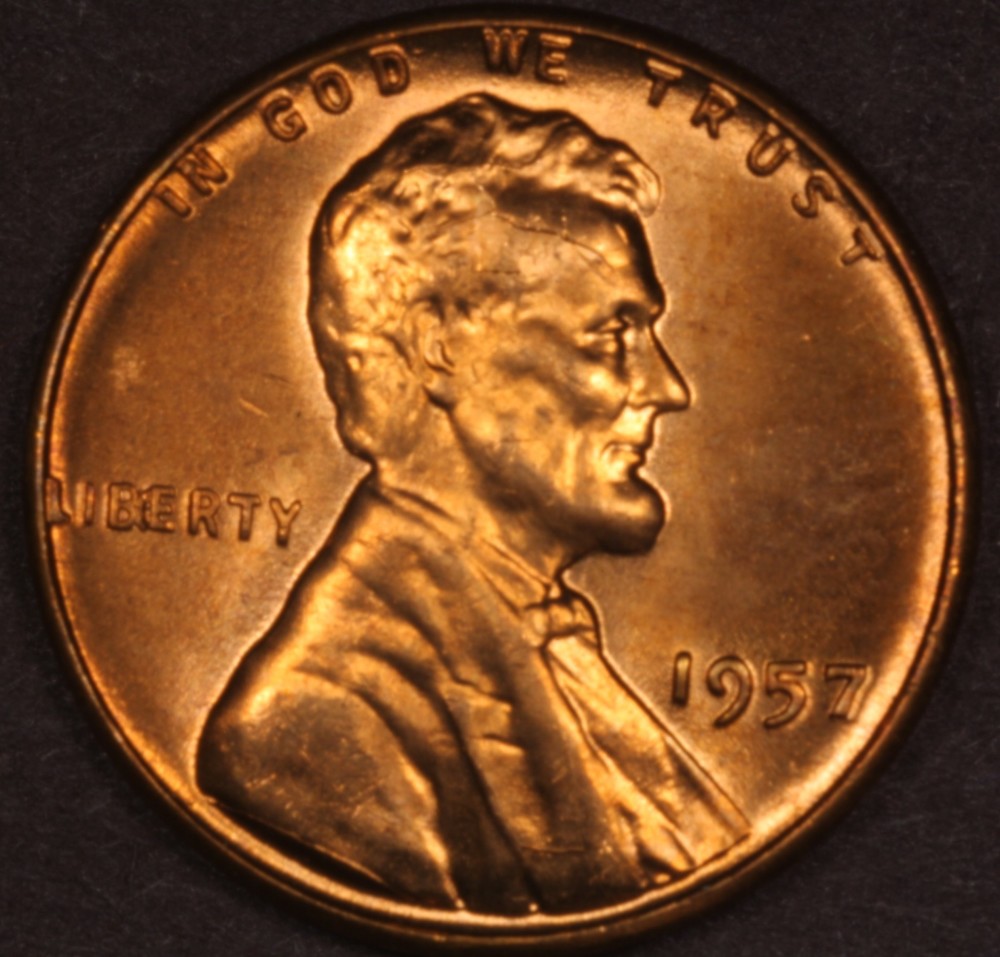 after zooming in and trying to focus? 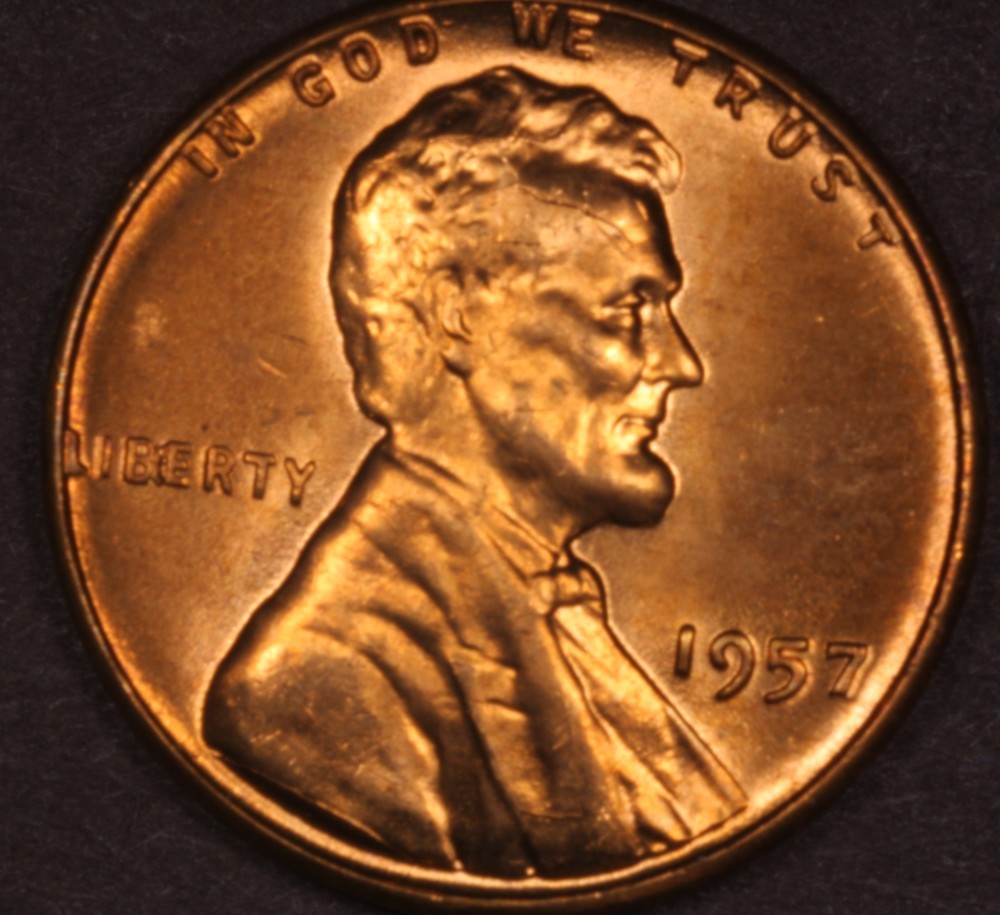 Edited by OcalaFlorida
12/16/2015 11:26 pm
|
|
Pillar of the Community
United States
9395 Posts |
Quote:
it got sharper on 22 setting instead of the on 4/5.6/8 setting am I doing something wrong? when I go toward 8 it goes all bright white.
If it was slightly out of focus, it could get sharper as you stop down from f/5.6 to f/22. If the coin is in good focus, the change in sharpness from f/5.6 or f/8 to f/22 will not be dramatic -- you'd have to look at a full 100% crop (or something close) to notice it easily. I once shot a tilted coin (pseudo-axial lighting) at f/22 to get good DOF, and the image wasn't bad when you downsize it for the web. (BTW, I don't do coin tilting anymore for pseudo-axial.) |
|
Pillar of the Community
United States
2824 Posts |
Still happy with progress.. I just need to figure the focus part out but already major improvement on old method. Shrunken down to 400px 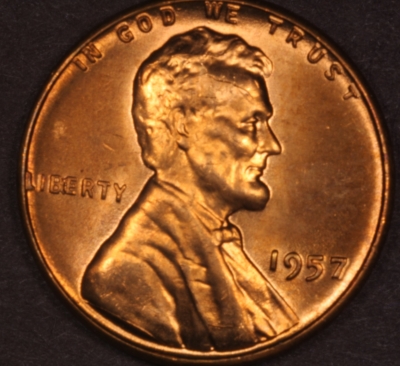 Edited by OcalaFlorida
12/16/2015 11:36 pm
|
|
Pillar of the Community
United States
4051 Posts |
Was the image sharp when you zoomed-in in Live View?
|
|
Pillar of the Community
Canada
2784 Posts |
OcalaFlorida doing good question you are not tethered to a computer are you. ok if you don't want to tether. on the side of your camera on the right side looking at the back. on the forward part of your camera. you will see a plus and negative symbol. when you think you are in focus. just lightly push the plus positive symbol that will magnify your image in the little rear view window. that magnifier will magnify up to 200%. you only want it to magnify a little that is when you want to fine tune your coin image. by adjusting the focus and only move the focus lightly. once you think you are perfect. touch the negative symbol. to go back to the original view then take your picture. if this works for you take a picture of the side of your camera. I will tell you how you can connect your camera to the television so you fill the tv screem with your image and I will show you how easy it is to focus. I just have to see if your camera excepts a certain cable. have a great one
|
|
Pillar of the Community
United States
2824 Posts |
I got the tethering working via a miniusb in side camera into to usb 2 computer I also switched to Tungsten White Balance and now move box to brightest area Now a lot easier to see compare to view finder and the little lcd when I zoom in I get a popup live view test shot (not in picture) 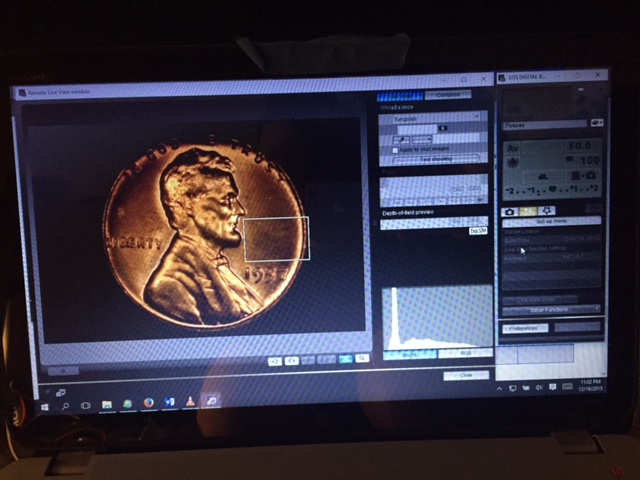 Edited by OcalaFlorida
12/17/2015 3:34 pm
|
|
Pillar of the Community
United States
4051 Posts |
You should use that popup zoom window for critical focusing.
Now let's see some more pics!
oh, and please rotate that coin a little bit counterclockwise
Contact me for photographic equipment or visit my home page at: http://macrocoins.comEdited by rmpsrpms
12/17/2015 4:29 pm
|
|
Pillar of the Community
United States
2824 Posts |
Will do I see a nice little grid feature to line up the coins straight. I will take some picture tonight my copy stands are still in transit so still photos on the shaky stand but I just retake if it shakes.
When I zoom in to do critical focus.. you mean to manual turn the ext part and lens part to focus in correct? and just preview the results in the zoomed in screen?
I will document what I do as well.
I also ordered some square half dollar tubes so I can use the lids to diffuse the leds.
Edited by OcalaFlorida
12/17/2015 6:10 pm
|
| |
Replies: 146 / Views: 16,534 |








 First Page
 Previous Page


 Posted 12/16/2015 6:51 pm