| Author |
 Replies: 24 / Views: 2,428 Replies: 24 / Views: 2,428 |
Page 2 of 2
|
|
|
|
Pillar of the Community
Canada
3328 Posts |
@greasyfingers, that's news to me, I'm aware grease from polishing can partially clog the devices causing them to be smaller. It makes sense that polishing the devices would flatten and enlarge them . Coops explanations are always great.
|
|
Bedrock of the Community
Australia
21794 Posts |
Device sizes have nothing to do with which Mint the coin may have come from.
It has everything to do with what type of die variety it happens to be struck from.
|
|
Valued Member
United States
399 Posts |
|
|
Pillar of the Community
 United States
980 Posts |
So there are several die varieties at each mint then ....Im trying to understand how to tell an extra thick device but if there are different thickness struck there is no actual starting point or standard thickness...you just have to be able to recognize the different die states somehow?
Edited by gsp193
10/04/2021 8:35 pm
|
|
Pillar of the Community
United States
7395 Posts |
Type in CoopHome in search box then click on Die Creating.What's Involved....should tell you everything you need to know Edited by Greasy Fingers
10/04/2021 10:18 pm
|
|
Pillar of the Community
United States
980 Posts |
|
|
Bedrock of the Community
United States
62064 Posts |
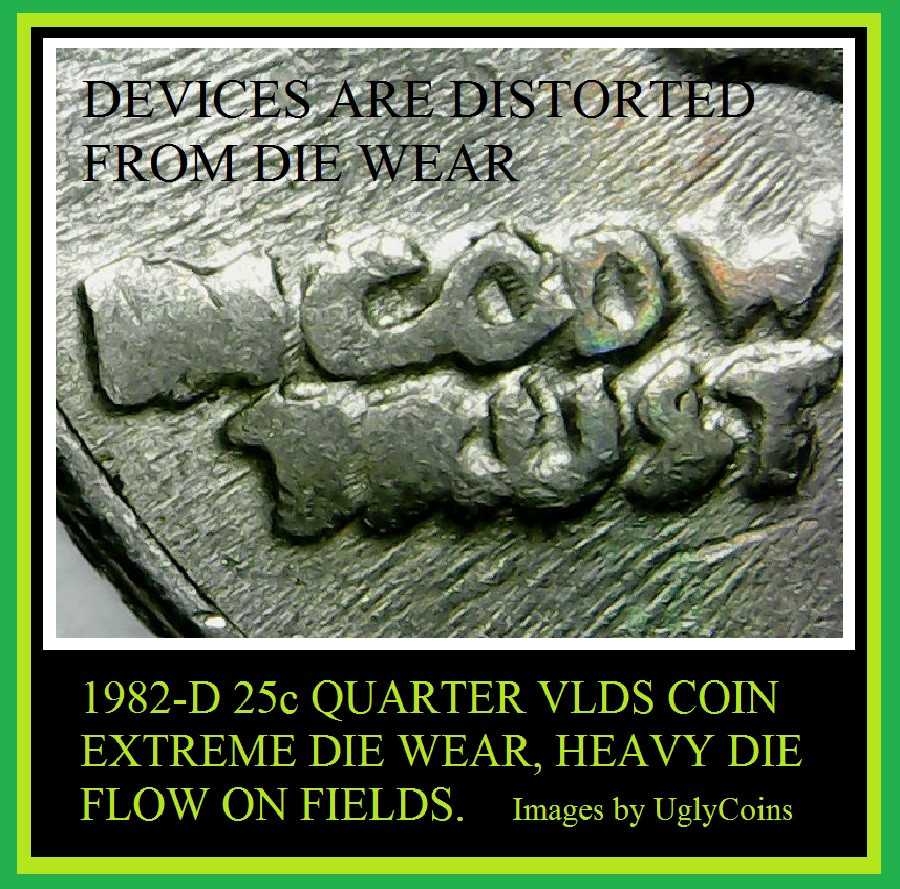
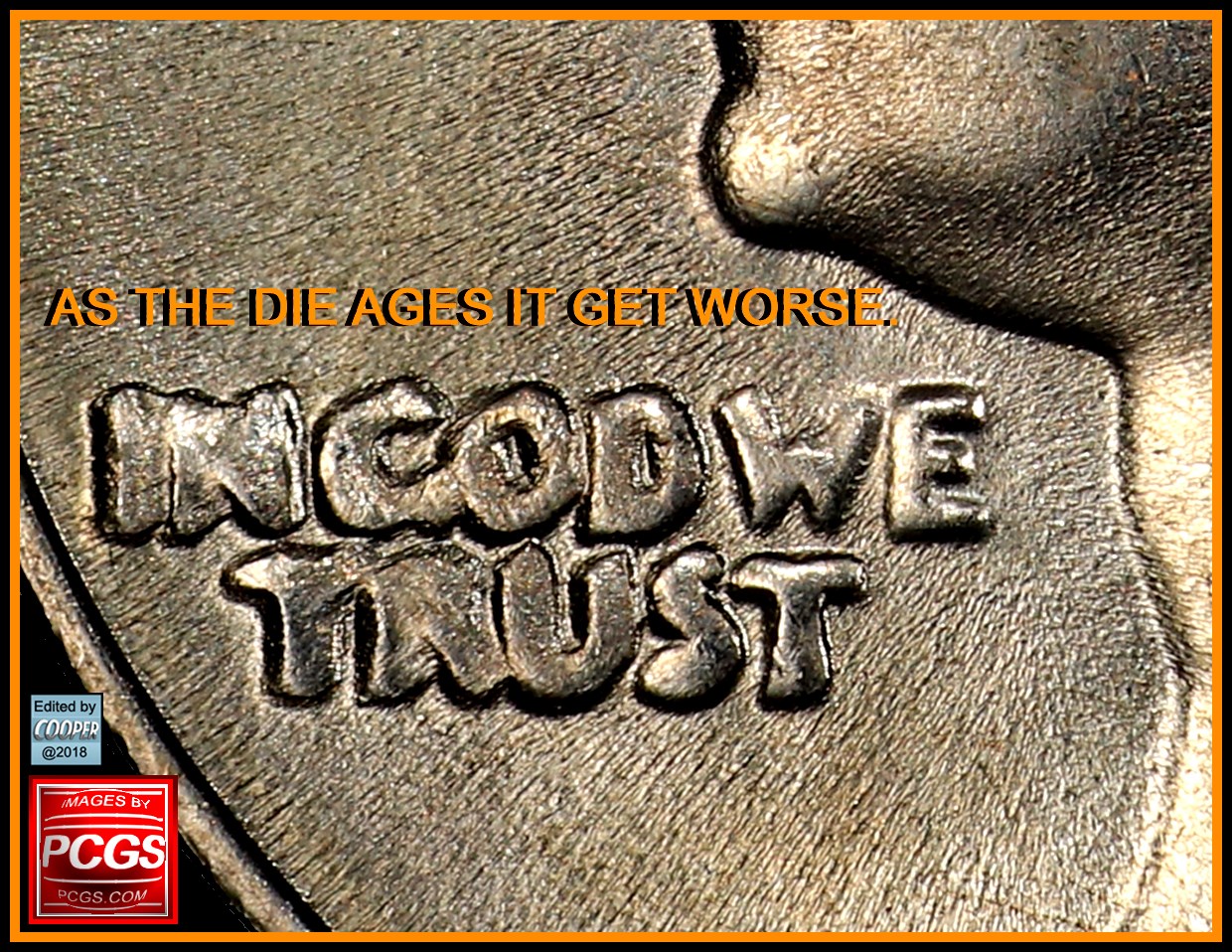
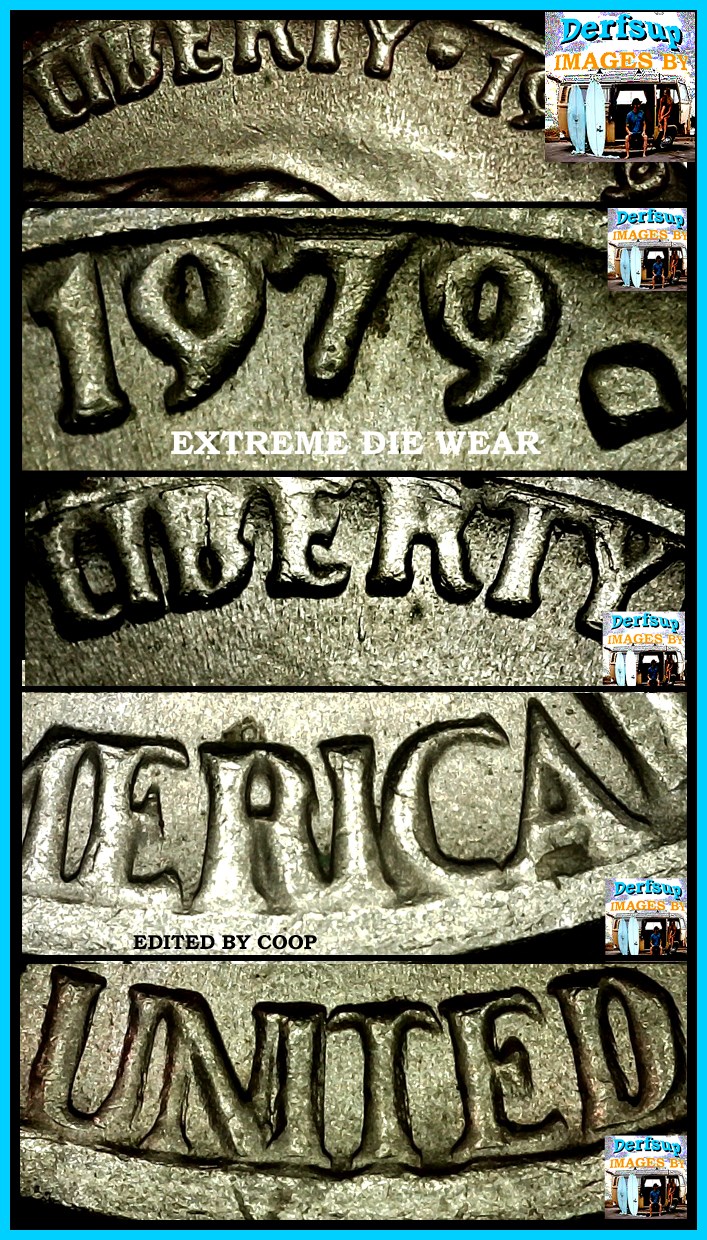
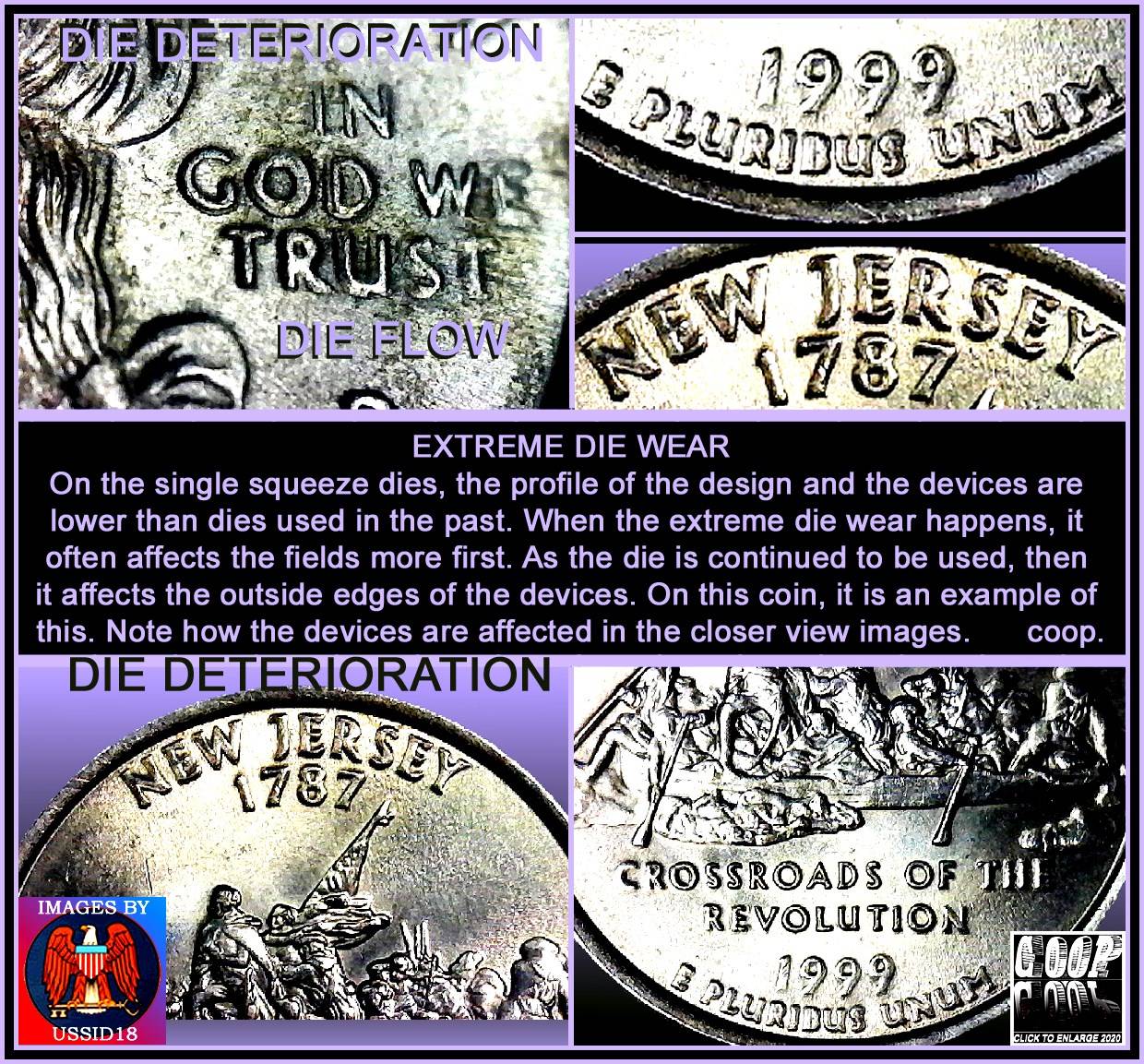
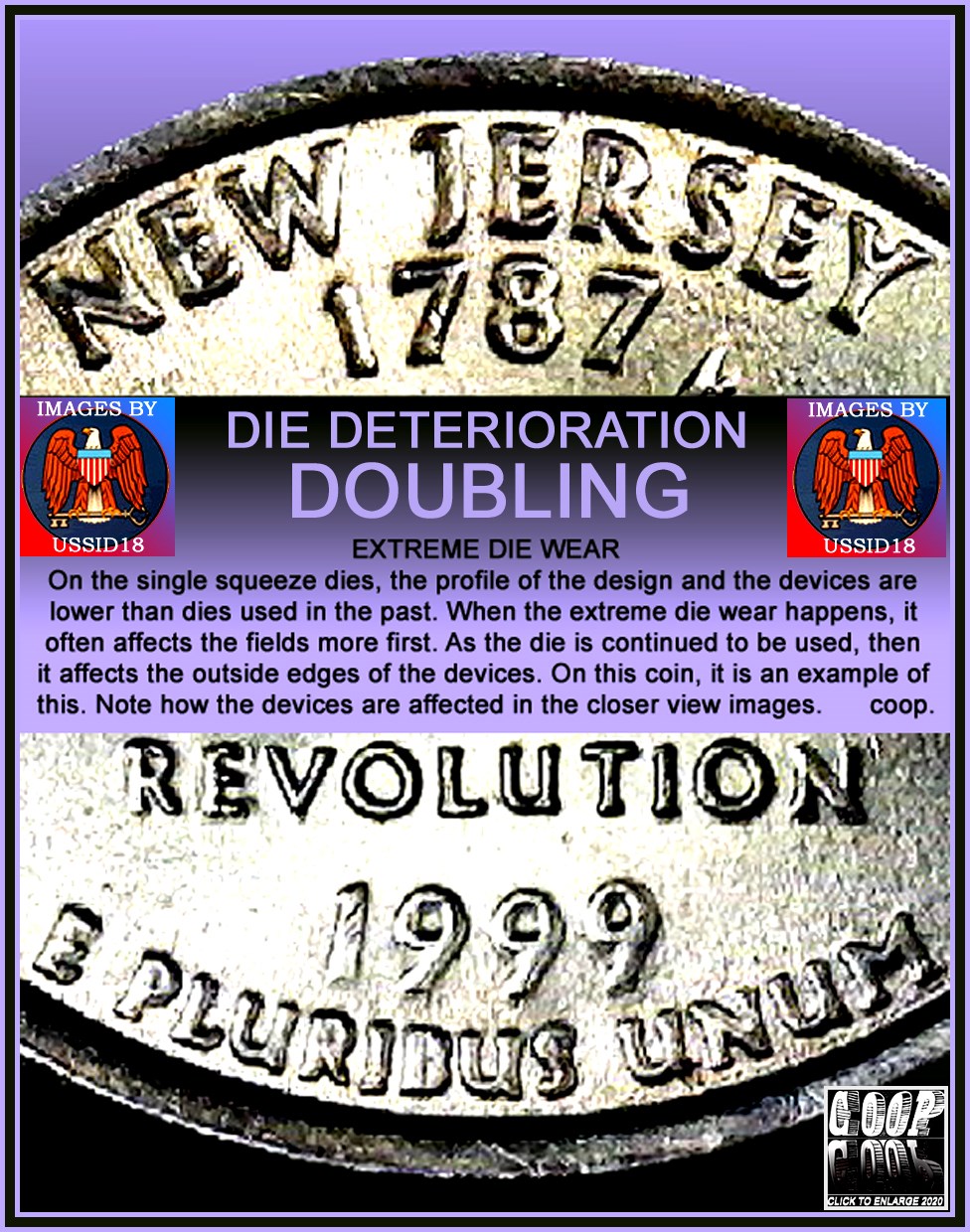
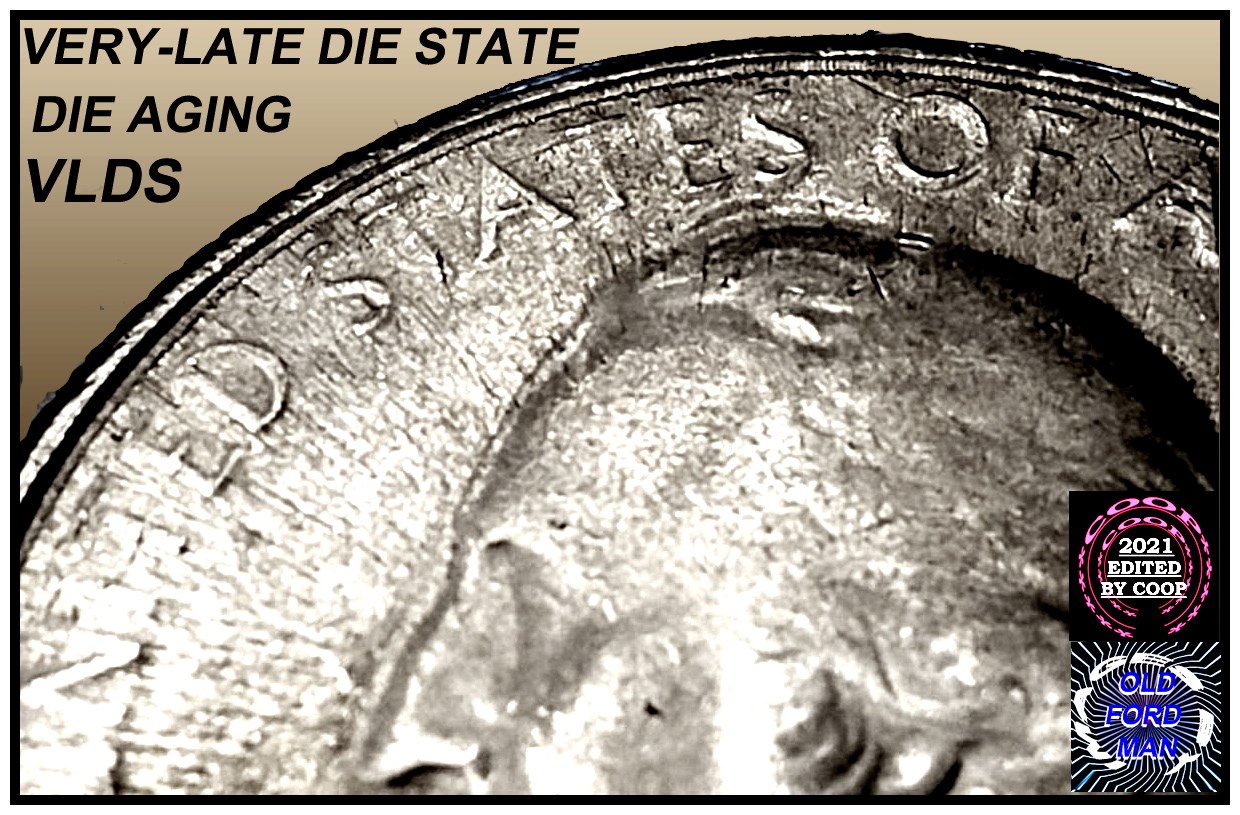
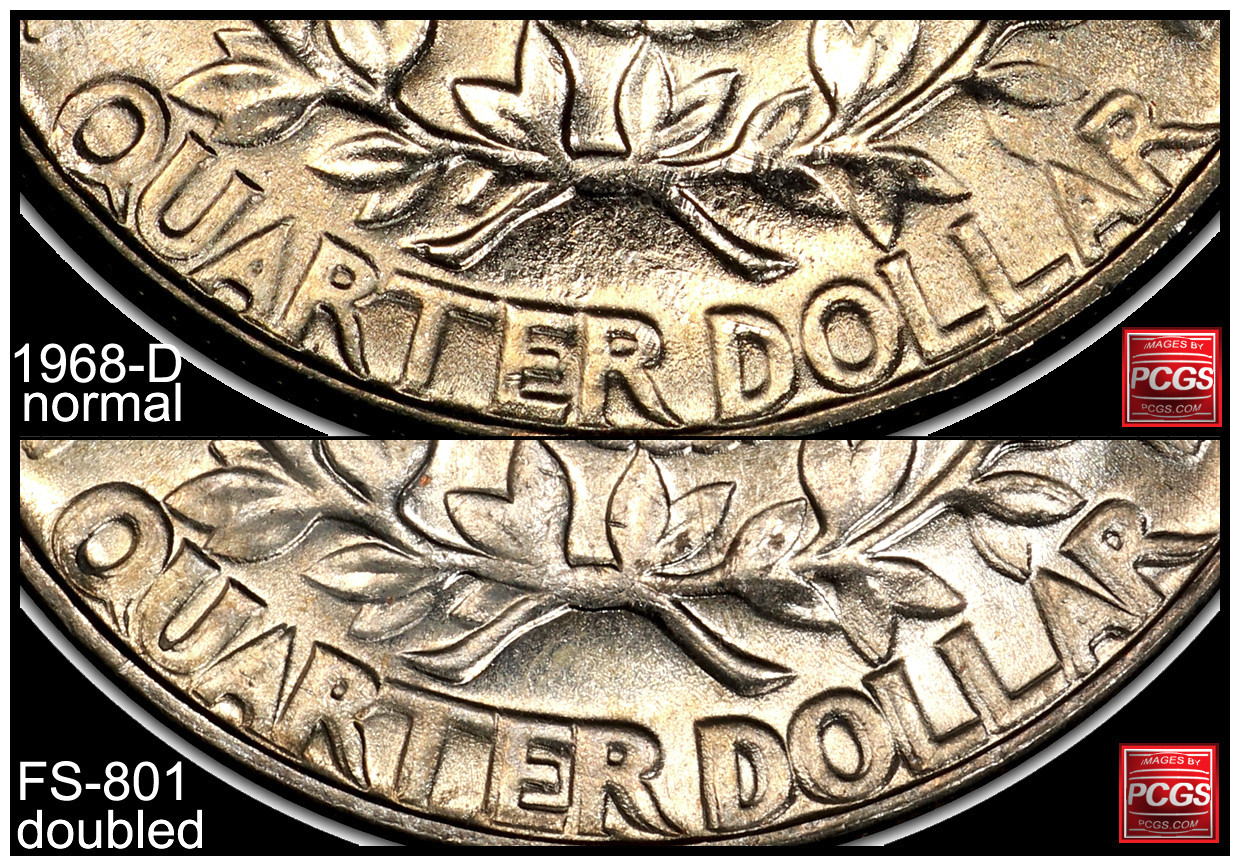
Die wear enlarges devices. Die polishing reduces the fields making the devices, smaller, shorter in height. The dies are all the same when created, even proof dies. At this time all dies were made at the same location, then shipped to the other locations. So when they are new, the devices are the same size. When used, they are altered like I mentioned above.
|
|
Pillar of the Community
United States
980 Posts |
ok thanks! I was trying to figure out how to tell the thicker devices.. but they actually could be small and shorter and still be a DD depending on die state..I think I'm beginning to understand a tad
|
|
Bedrock of the Community
United States
62064 Posts |
|
|
Pillar of the Community
United States
980 Posts |
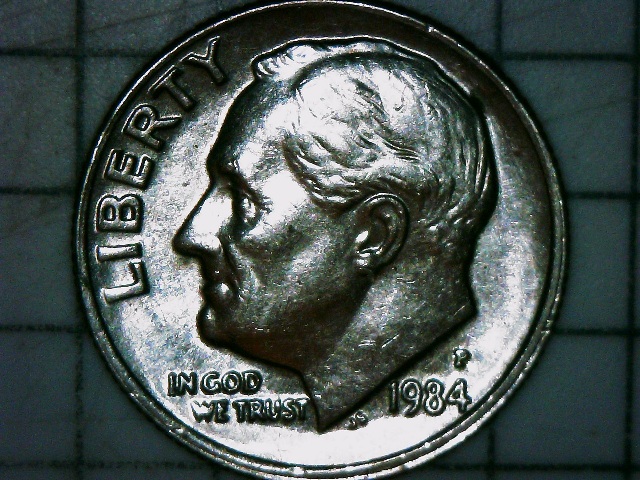
So as an example I found below, the larger devices on the bottom dime were caused by worn dies? Even though they look doubled. 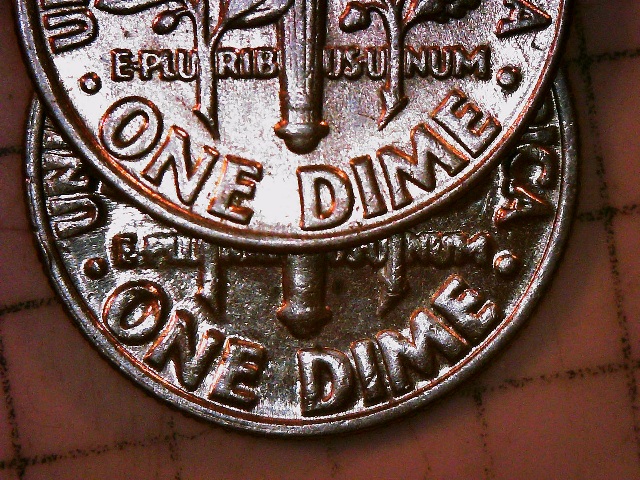 |
|
Pillar of the Community
United States
509 Posts |
Hold on here for a moment. gsp, what year and mint is the dime on the bottom of your last picture? Those are some awfully large and bubbly looking devices/letters with what appears to be very good definition I think I'm seeing in your pic. To me the bottom coin doesn't look consistent with a deteriorated die. The dime on top is definitely normal looking. Just curious here but can you post an obverse and reverse of that bottom dime? Thanks.
|
|
Pillar of the Community
United States
980 Posts |
Edited by gsp193
10/06/2021 9:23 pm
|
|
Pillar of the Community
United States
509 Posts |
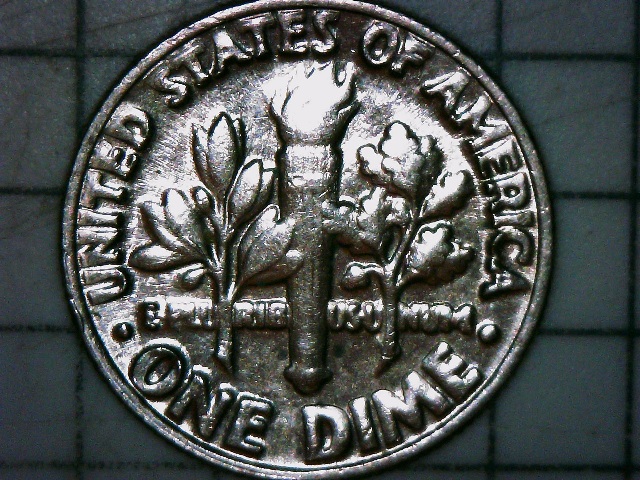
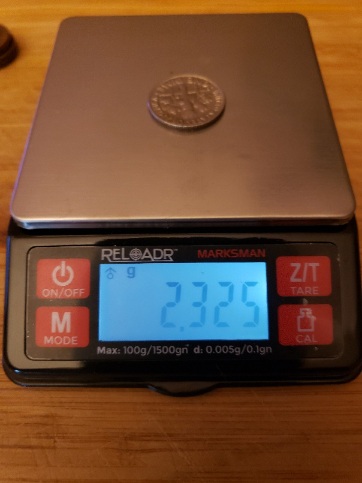
Thanks for the pics gsp. I am now seeing it differently and clearly with the entire obverse and reverse pics. ONE DIME looked to be pretty large and well defined in your original pic but I didn't know the date or mm nor could I see the entire coin. But, now that I see the entire reverse this is no doubt a result of Die Deterioration. ONE DIME wasn't affected near as much as UNITED STATES OF AMERICA with this worn out die. Weight is within tolerance as well. Thanks! |
|
Pillar of the Community
United States
980 Posts |
Thanks @Bumpkin!! I just posted it by itself before I saw your reply.
|
|
Pillar of the Community
United States
509 Posts |
No worries brother. I just now saw your other post, lol.
|
|
Page 2 of 2
|
Replies: 24 / Views: 2,428 |
Page 2 of 2
|





 First Page

 Posted 10/04/2021 7:46 pm