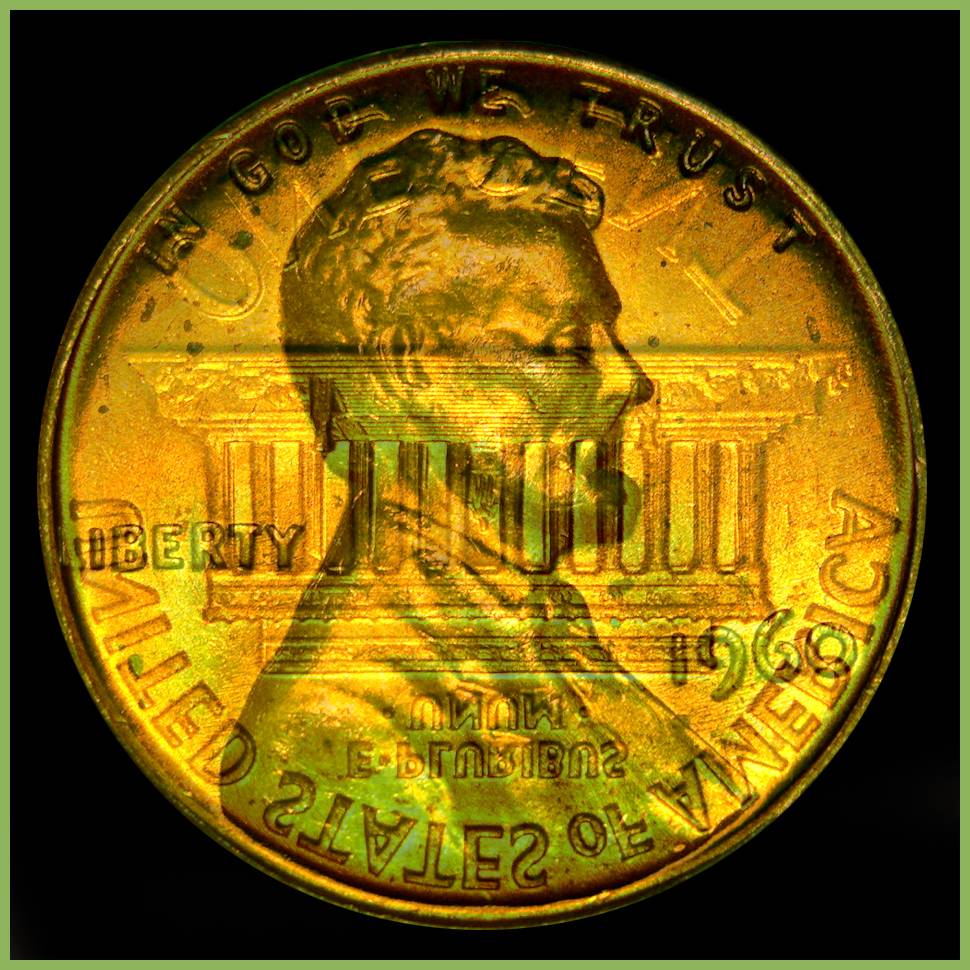
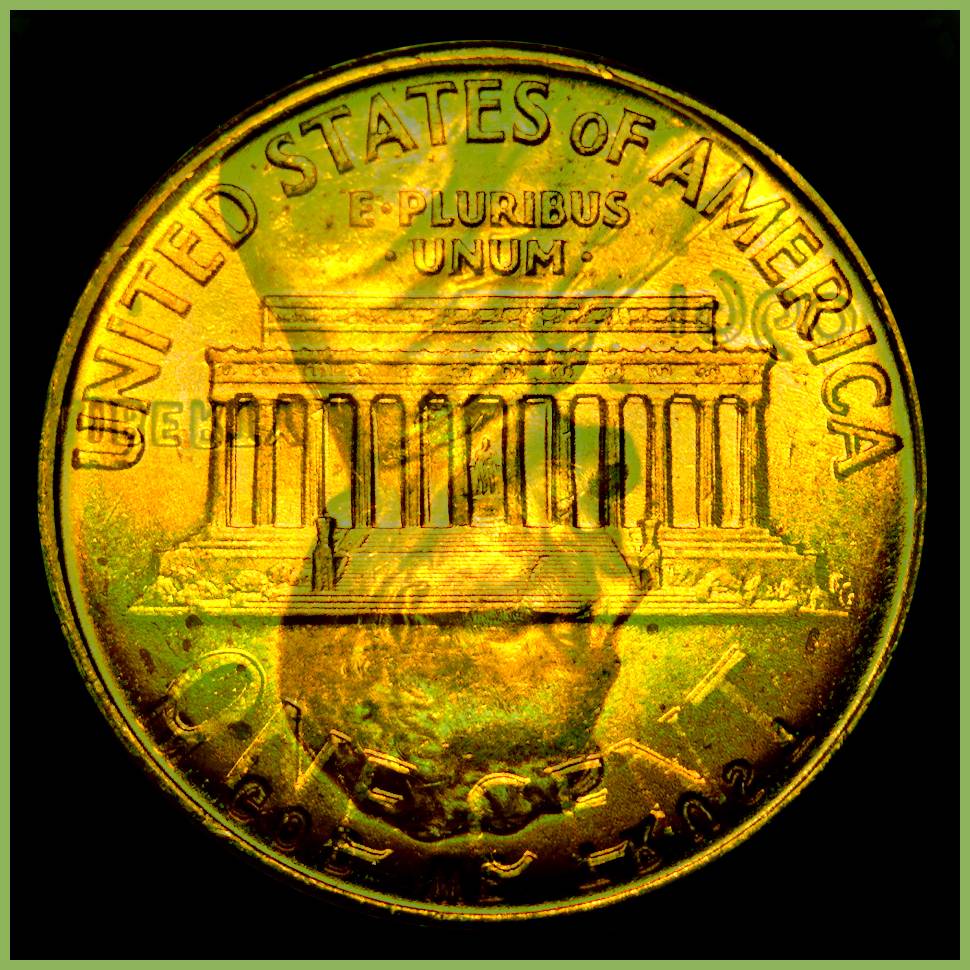
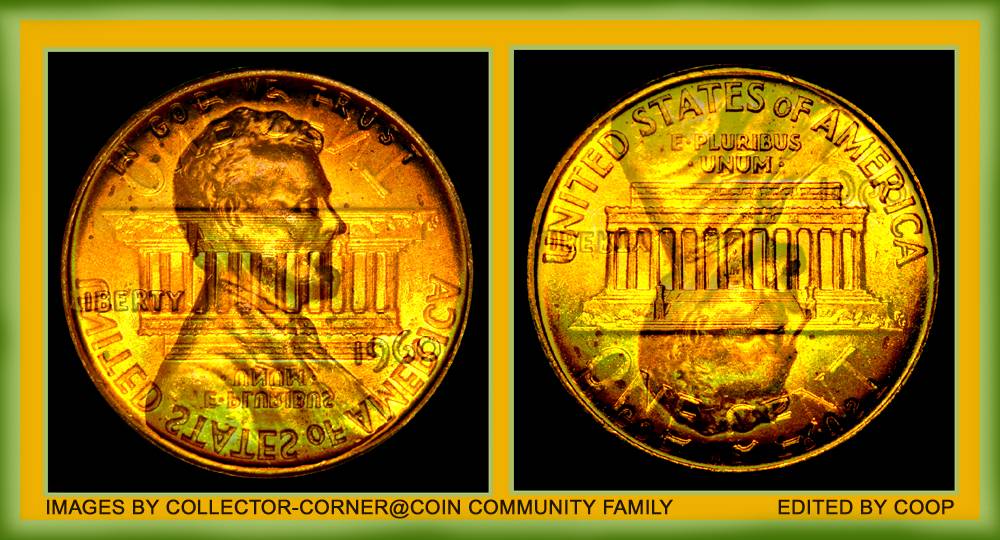
Over the months, I have been asked, "Hey, how did you do that?" and I would respond. I'd offer a written up explanation of what it would look like. But like they say, a pic is worth a Thousand Words, so Here it goes.
The Setup I am Now using is a Canon Rebel 3Ti Body only. I bought it off the Canon's Refurbished site, when it was on sale for an additional 15% off. My sister works at Canon and I got a pretty good deal over all.
I have attached a
AmScope Microscope adapter to the front of the camera. Notice in the first paragraph I said Canon Body - there is no canon lens involved. The Canon Body and the
AmScope miscroscope adapter attach to each other like this;

Now that the camera is ready to take pictures in a Microscope, you need a - Microscope ! I have two different STEREO Microscopes. Stereo microscopes show better depth and clarity when shooting detailed pictures of Coins, Stampps, Gems and other collectibles.
Now that stereo microscopes are covered, there are two types of Stereo Microscopes. One is a Binocular, which has two eye pieces, and a Trinocular which has three eyepieces. You may ask yourseld, THREE eye pieces? Am I part Cyclops? HA ! No, The Trinocular Microscope is a sweet setup if you do not want to keep taking out the eyepiece to take pictures. OR, If you have another person close that wants to observe what you are looking at, they can look while you do. All that needs to be done to look through the Trinocular eyepiece is a metal rod is pulled out, which activates the Trinocular eye piece, but the left eyepiece in the Binocular area goes blank. When your don with the Triconular eyepiece, slide the bar back in and the Binocular area is back to normal.
To make the camera work with the Microscope, places like
AmScope offer free adapters, or bushings that you insert in the eyepiece before putting the camera in. Then, slide the camera into the opening and its a nice snug fit, with no rattling.
As you can see from the picture below, the camera is in the Right Binocular eyepiece. I could have placed it in the Trinocular eyepiece which is that silver and black hole in the center of the microscope top. With my setup, the Trinocular eyepiece has the images upside down and it makes it difficult to line up, especially if there is little margin in the view of the picture. So I typically will focus and set up through the Binocular port, and shoot the picture.

When purchasing a microscope - or in my case - microscopes, I choose a power that I can use effectively when taking pictures or even just looking at the coins. Typically a magnification power of 2.5 to about 30 or 40 power is more than efficient. It really depends on how close you want to get, and how much of the coin you want to shoot. At 3.5x magnification, you are going to see about one-half of a penny. At 20x magnification, you might be able to see the full date of that penny and that is it.
For people that don't want to use the DSLR camera and microscope attachment, there is an alternate way that works great with the TRINOCULAR version of the microscopes. Its a Microscope Camera from
AmScope. This miscroscope camera comes with a USB cord that can plug into a laptop or computer. Depending on the model type, the software the microscope camera use is compatible with XP or Windows 7. The NEWER
AmScope microscope cameras are compatible with Windows XP/7 / 8 and are supposedly more sophisticated and show a better picture.
I have bought a 5 Megapixel microscope camera from
AmScope and it was pretty pricey, near 200 dollars. In hindsight, I should have just bought the 10-11Megapixel camera for near double the cost and had the highest possible resolution for the setup.
AmScope offers free software for use with their Microscope camera, and the latest version works pretty good.
The Last pic below shows what a Trinocular setu can do for you. In the TRinocular eyepiece I added the
AmScope microscope Camera and left in the Canon DSLR camera as well for show. The
AmScope microscope camera in the Trinocular port hooks up to a laptop or workstation and you can see what the camera sees on the laptop or PC.

I buy and sell coins, so the setup I am using pays for itself in a matter of months.
And pictures with this type of clarity with the Canon DSLR camera and microscope attachment, or possibily with the NEW
AmScope 10 Megapixel or higher microscope camera will produced some pretty decent results. Master the lighting effect you need and then just shoot the picture, resize, crop and post !







 Posted 03/30/2014 12:14 pm