First Page


 Posted 03/12/2015 5:53 pm


Quote:
he is going to look into see what a bellows and macro lens set-up would run Me.He also said that the Cannon 60mm (2/1),over the 50mm (1/1),would be a nice lens for what I'm trying to do.What do you think?
he is going to look into see what a bellows and macro lens set-up would run Me.He also said that the Cannon 60mm (2/1),over the 50mm (1/1),would be a nice lens for what I'm trying to do.What do you think?
Give him a fair hearing, but....
Either of those lenses, used, will cost more than a nice bellows and a decent macro lens. And neither are designed for using a bellows - they already magnify. The 60mm Macro can do 1:1 on the sensor, the 50mm Macro only half that, despite what the guy says.
Going with a bespoke macro lens of that nature, and going the bellows route, are differing things. The 50mm would be a nice increase in sharpness over what you're using now, but still limited by the amount of magnification it provides and would need the same sort of assistance much better (cheaper, more refined for coins) solutions also do.
Have you been through the "$400 rig" thread to see the whole system we're talking about? It is, we feel, not only better specifically for coins but far cheaper than anything a camera dealer could offer you. A 50mm Macro would work on it but it's far larger and more cumbersome than bespoke lenses.
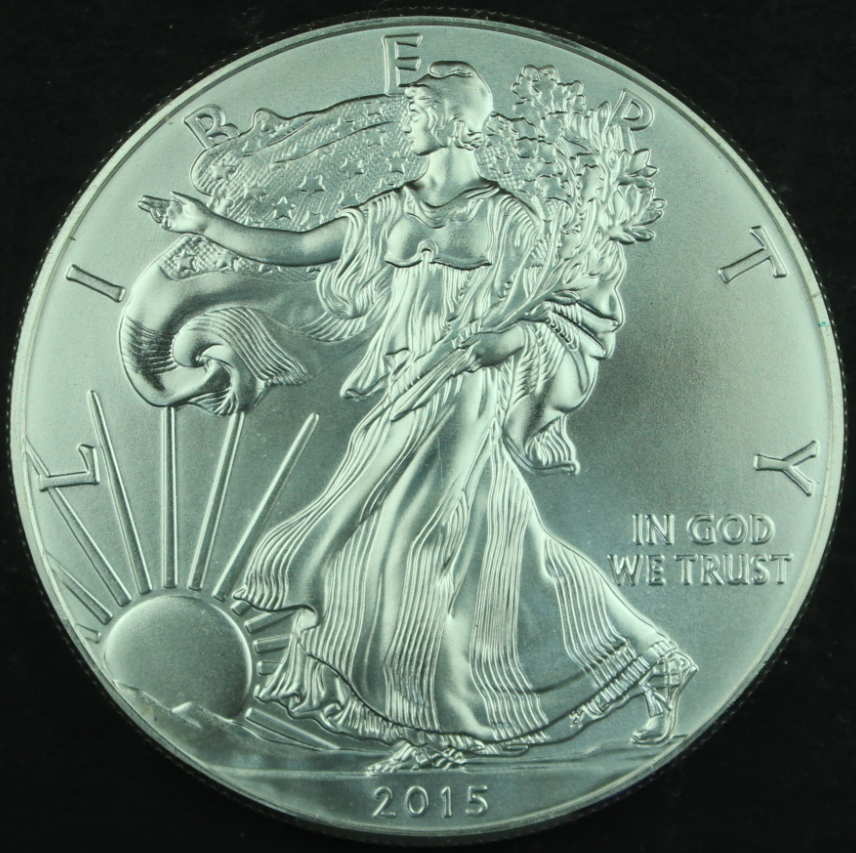
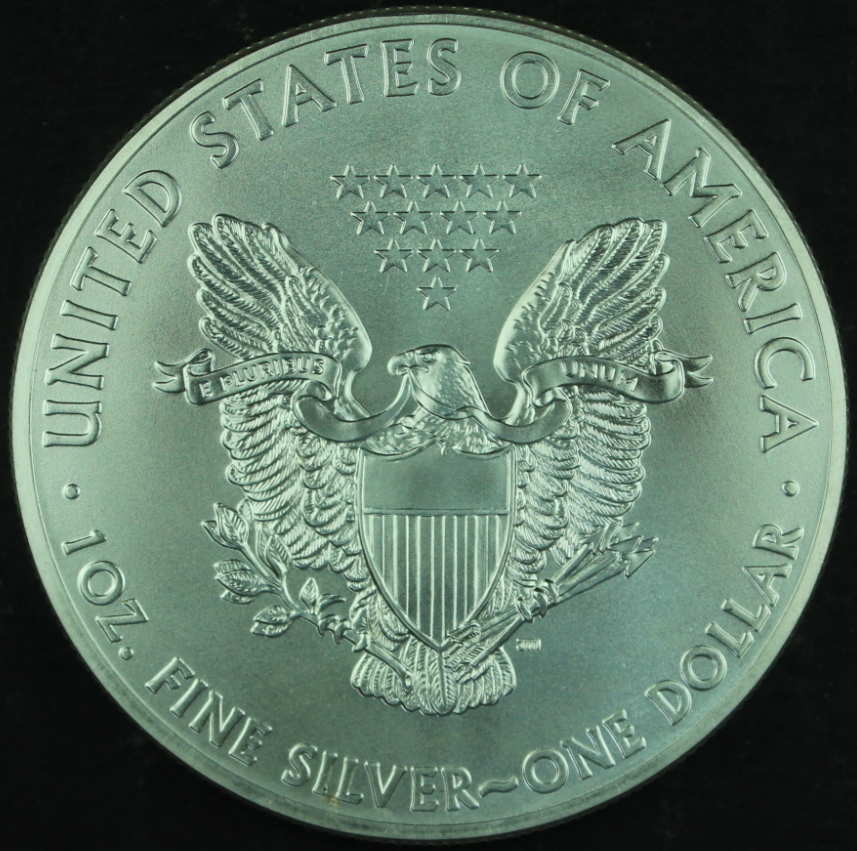
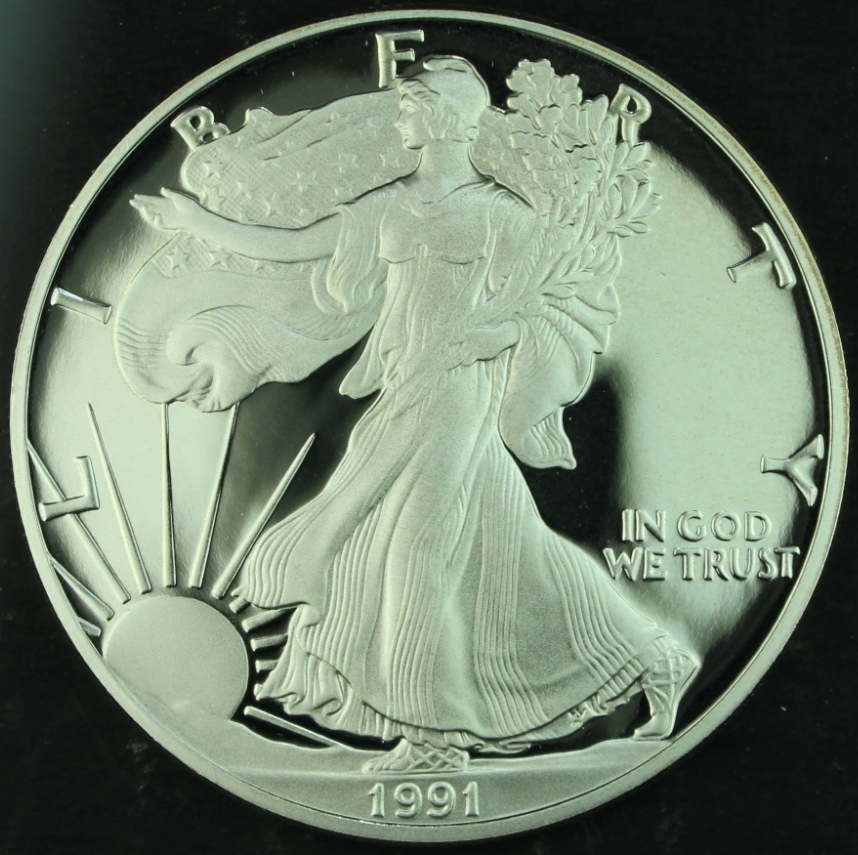
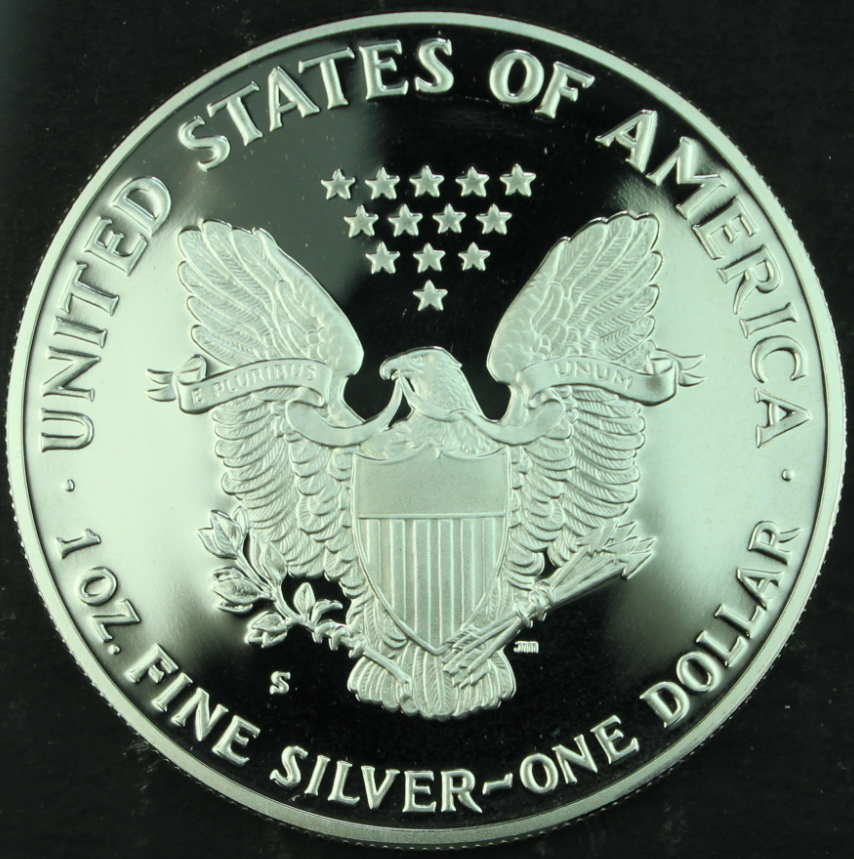
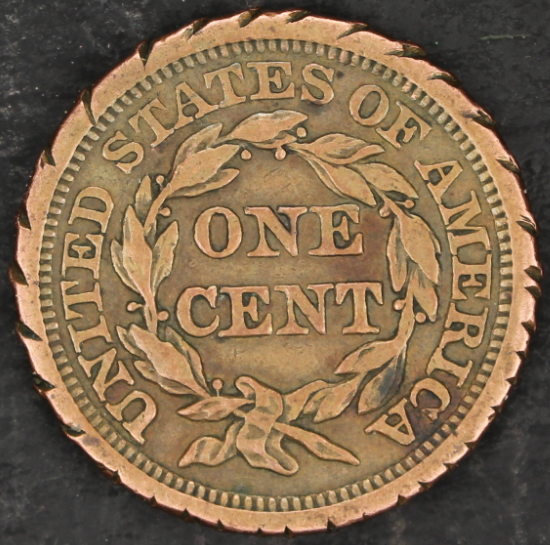
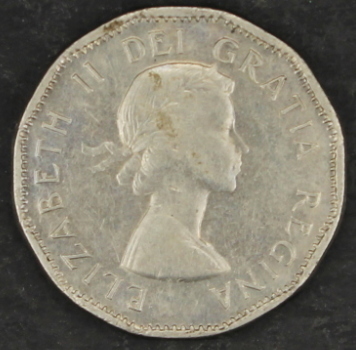
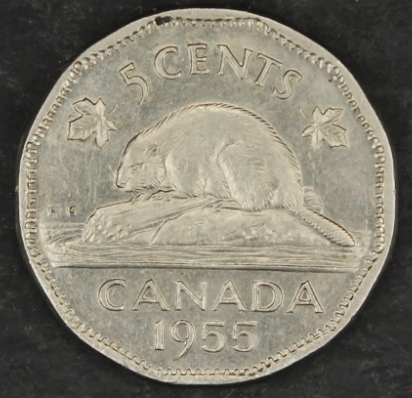
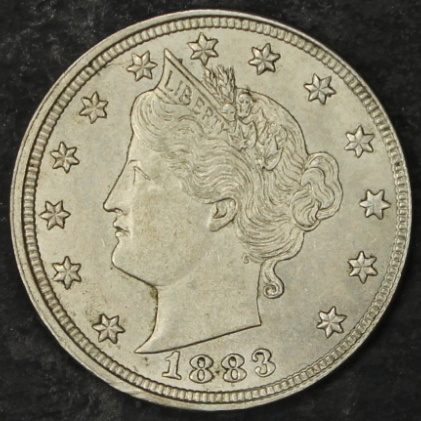
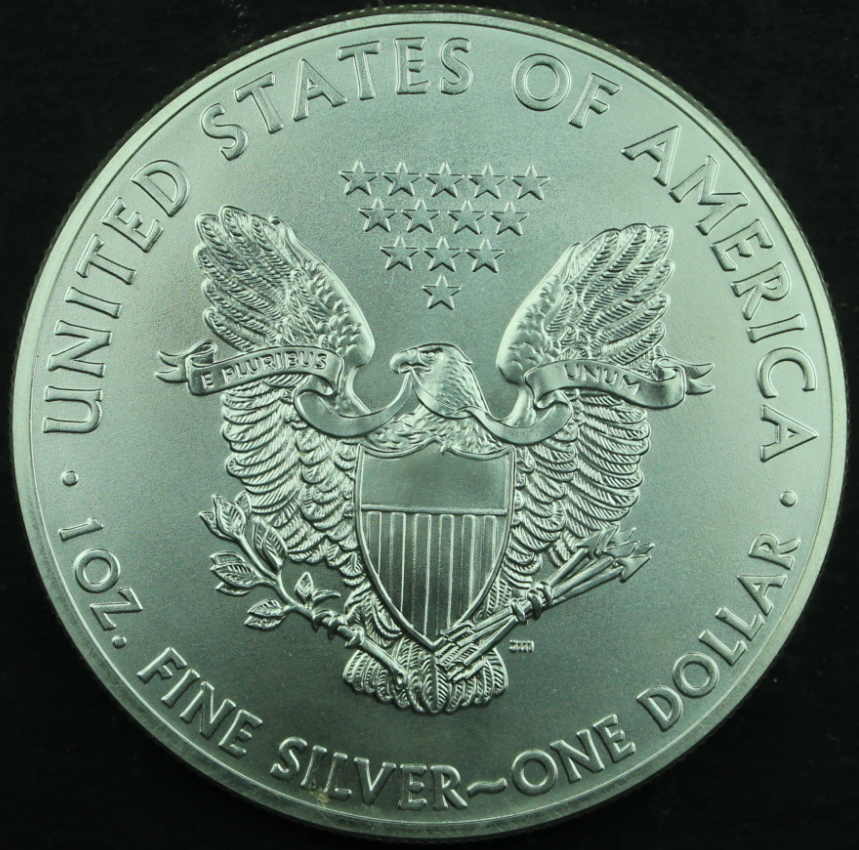
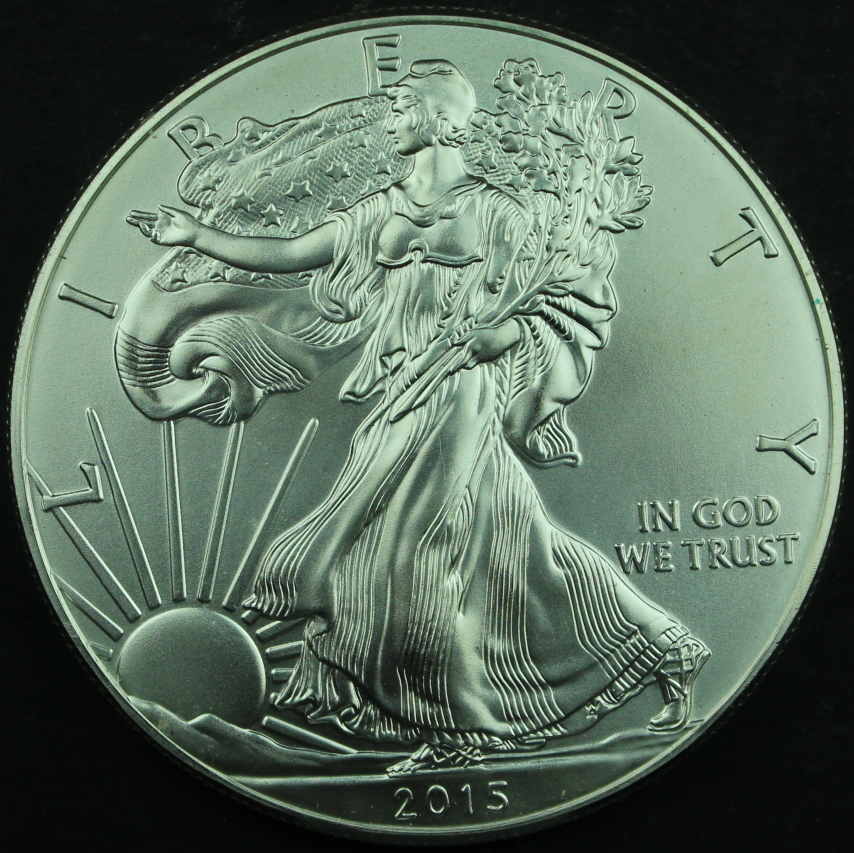
I don't know how big these images were originally, but plan on this being 1/4 the size of your originals. It's a ton of magnification right there, when you think of it.

Now, the previous post.
Quote:
I'll get one of the kids to help Me remove the MS programing and see what that does.Hopefully one of 'em knows how.
I'll get one of the kids to help Me remove the MS programing and see what that does.Hopefully one of 'em knows how.
Perhaps the first time you hooked the camera up to your computer, it asked you what you wanted it to do and you told it to open with the Microsoft program. No biggie; it just remembered that's your preference and the kids can undo that. It's called "file association."
So, you'll want the Canon software (Zoom Browser) to open with the camera. If you have it installed, it should appear on your list of options for what to do when the camera is plugged in, and you can choose it then and Windows will remember. Or, you could choose not to do anything right there, close that box and just start Zoom Browser like any other program on your computer. It will let you "go get the camera," so to speak.
Just make sure the camera is plugged in to the computer and turned on (I do it in that order) before you start the software.
My experience with the 18-55 is that you can't get the front of the glass closer than about 10" from the coin to achieve focus either automatically or manually. I liked my versions of it best at 50mm for sharpness. Still needed a little postprocessing to be at its' best.
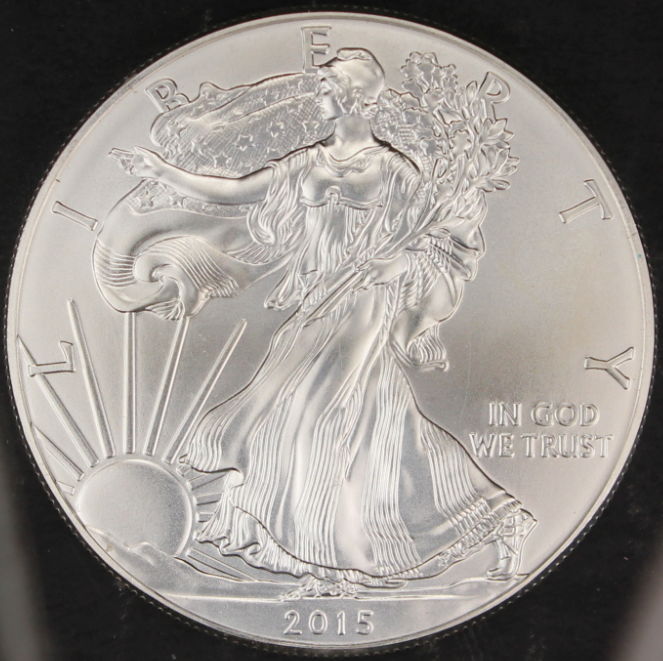
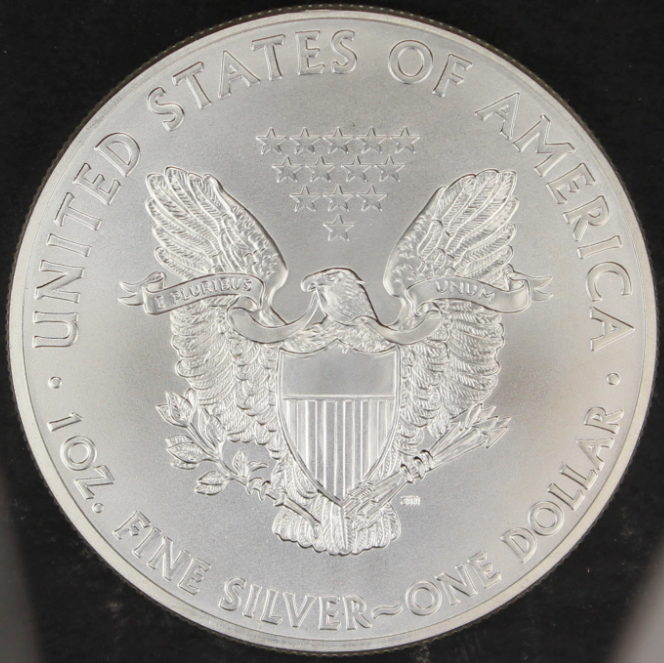
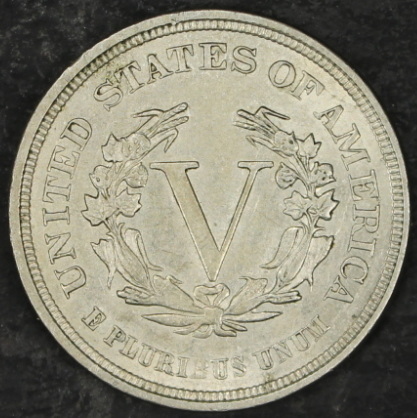
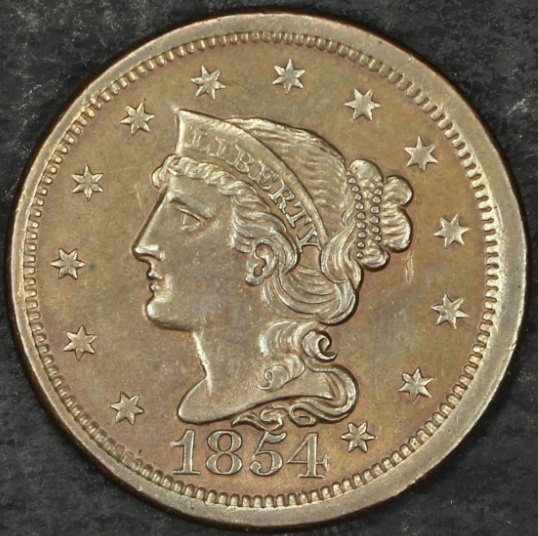
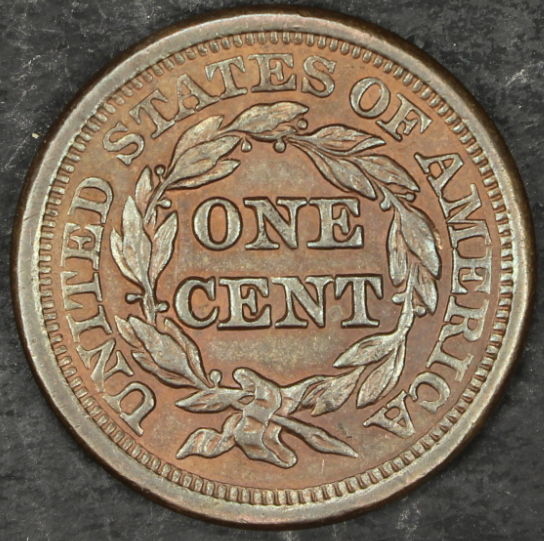
Your images are, to me, a little less sharp than I think your lens should be capable of. They are also slightly underexposed, and the aperture is a bit open to be comfortable that you're getting enough depth of field. It has White Balance issues as well.
When depth of field is a bit too thin, you get into a situation where you sometimes get great shots and sometimes lousy ones, depending on where in that depth you actually focus. Closer to the tops of the devices, and you have what looks like a sharp picture. Closer to the fields, and the devices appear out of focus and nobody likes you.
Or, narrow the aperture a bit and get some more depth of field.
Settings for the obverse were ISO 100, 1/320sec @ f/5.6. It is a bit underexposed. If you're using full Manual, I'd like to see what happens at ISO200, f/8 and 1/200(ish). I want the coin a tad brighter - we'll worry about specific light placement later, the thing looks gorgeous lit from this angle - and otherwise unchanged. An alternative is Aperture Priority (A on the dial) and set aperture to f/8, ISO at 200 (makes more light available for free, essentially, let's use it) and the camera can choose the exposure.
Ray is going to come along and suggest you use Exposure Compensation to help you tweak the amount of light, and he'll be correct. Exposure Compensation overrides whatever the camera is thinking, and is capable of making more subtle differences than the major settings changes I outlined. However, Exposure Compensation works equally nicely both ways - less as well as more - and I'd like to get you in the habit of coming as close as possible without it first. That will make Exposure Compensation all the more powerful for you. But if you're using Aperture Priority, you will want to be ready to use it immediately because you won't be able to alter exposure. Aperture Priority lets the camera choose the exposure; Exposure Compensation lets you tweak the camera's thinking.
Confused yet? Good.
Check the distance between lens and coin. Your version of the lens is newer than the ones I worked with, and it may be able to focus closer than mine did, but 4-5" would have been too close for me. That may be the cause of the imperfect focus. If you're not letting it autofocus, give it a try. It's been my experience with Canon lenses that they're not awful bad at figuring out what you want to focus on in a Macro setting.
And all the focus stuff will go away when you can do it on the monitor anyway.
Since you don't have enough to do yet, research and implement Custom White Balance settings on the camera. Once you have light positioning where you like it, you can pretty much shoot full-face images all day of any kind of coin and the slight changes you'll make in light position won't change the White Balance setting. I have a "stock" Custom White Balance I use, for my camera exactly where it's set up. Just something I don't need to worry about any more because I've figured out how to recreate the light at will.
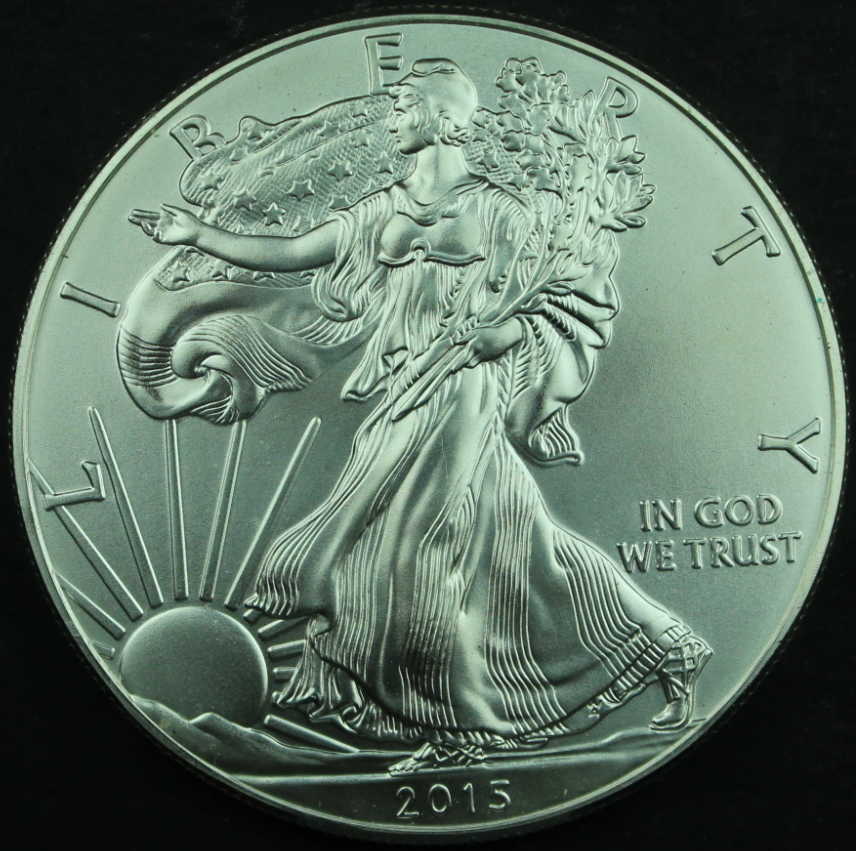

 I want to get better!And with your help,I'm sure We'll get there.