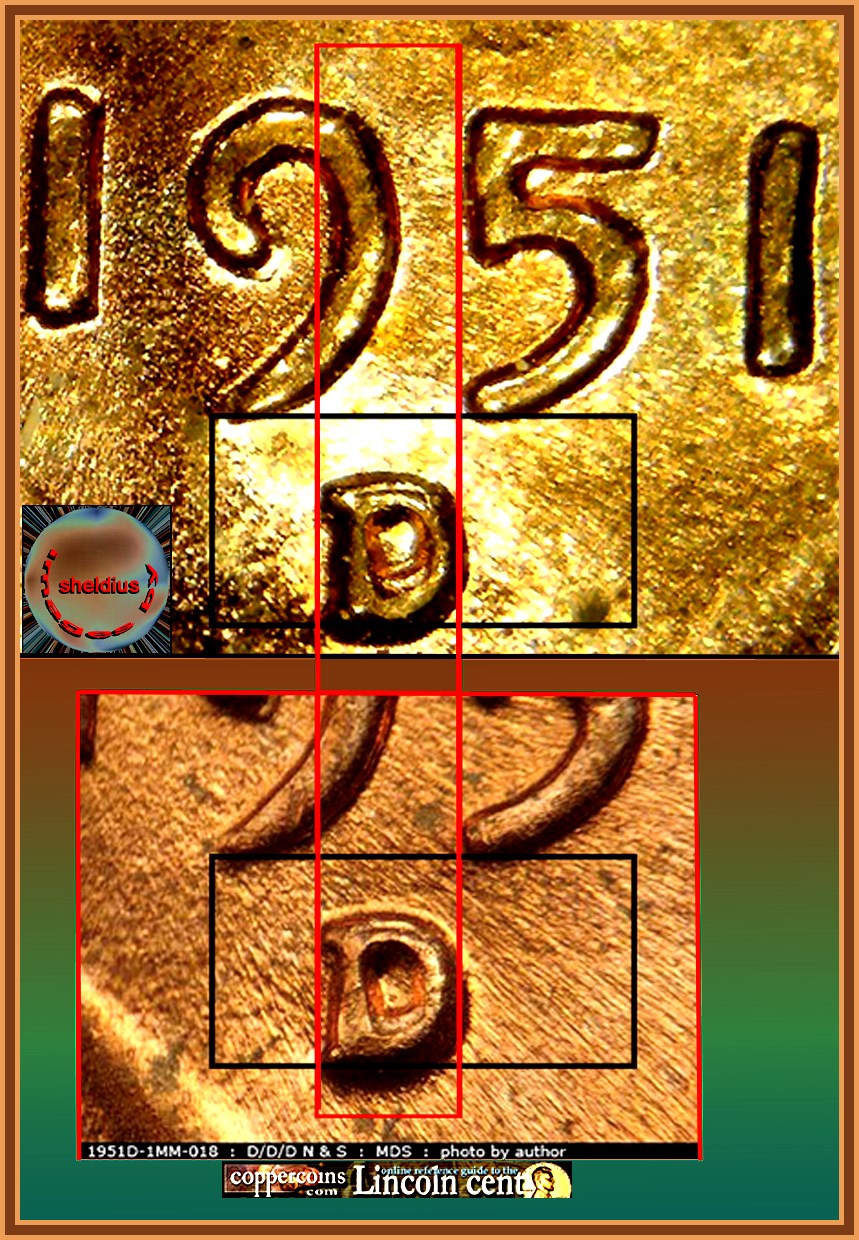
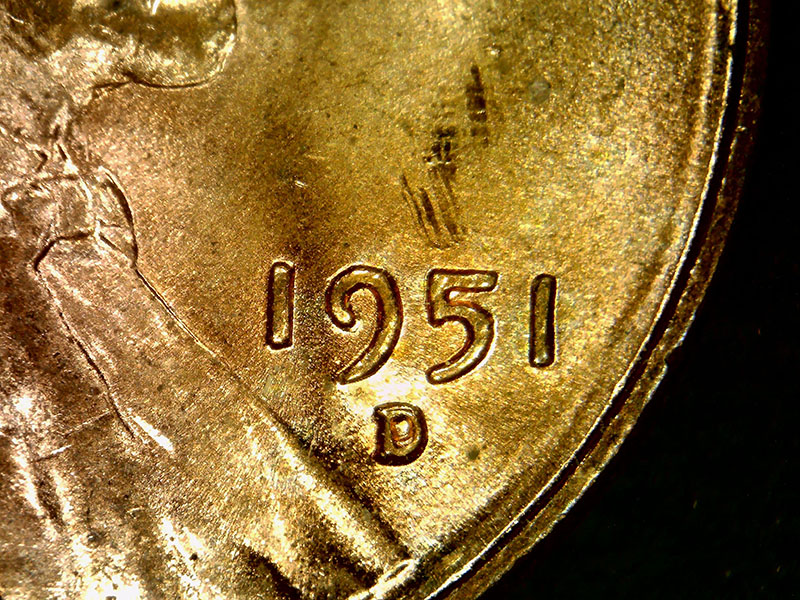
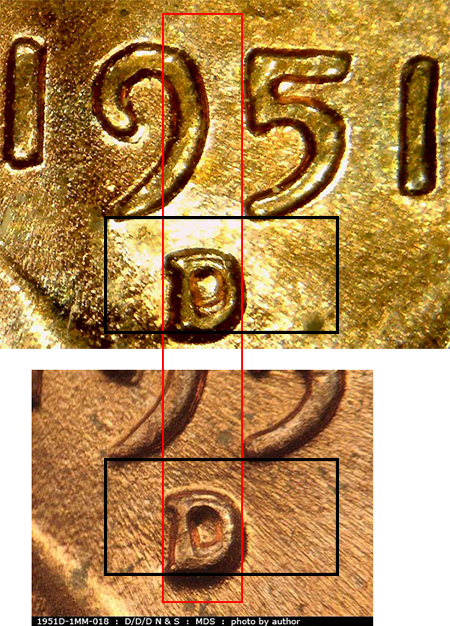
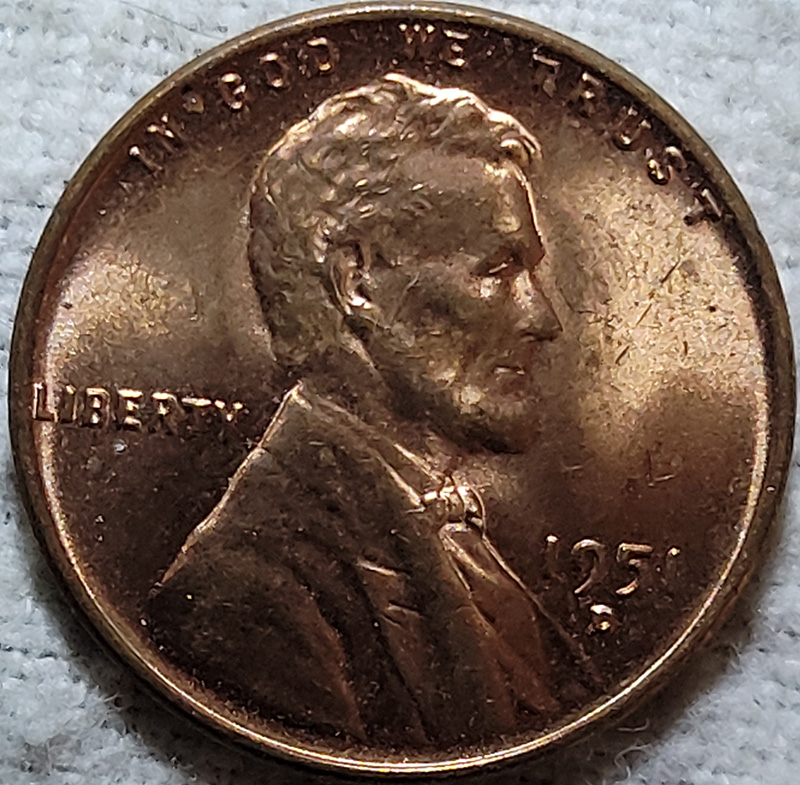
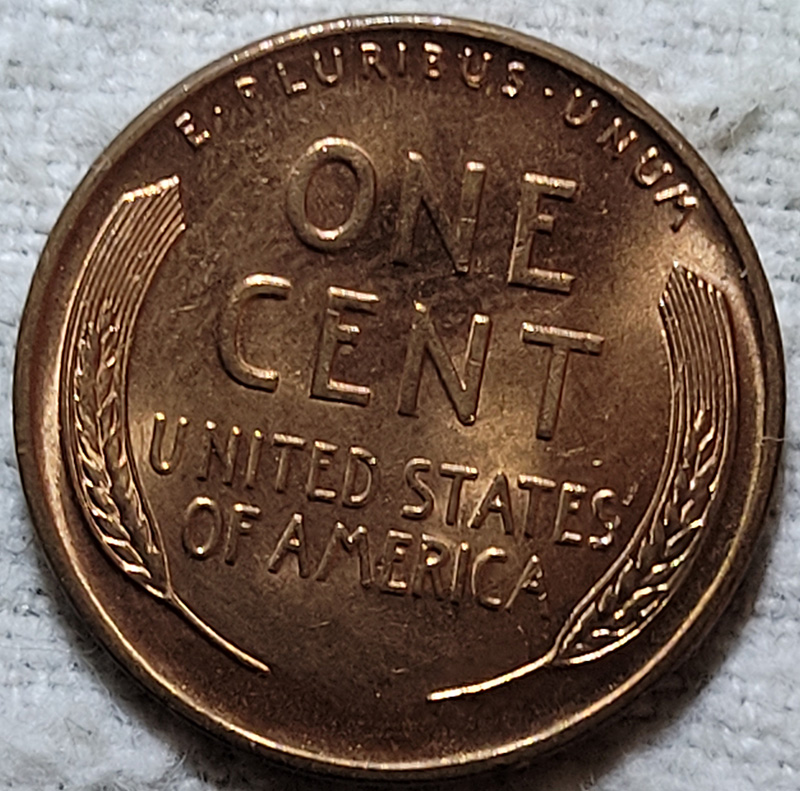
So I was looking through the Red and Red Brown coins that came in a Wheat cent back. Caught a 1951 D RPM - D/D/D 1951D-MM018 according to copper coins.
Thanks all. I use the boxes in photoshop because I couldn't figure out how to easily to straight lines like you do COOP. Then I found that copying the box allowed me to line it up automatically (program aligns with the sides). So it was less work and I'm lazy.
My method of getting straight lines is to turn the image, and use the underline to get the lines. The strength of the lines matters. You large, then it hides the edges of the devices. Too thin makes it harder to see. But your setup is great. If you need three images, place the extra in a 4 image pattern, side by side. The two reference images offset like one-2 (2 first reference image) Second row. 3 (reference image)-second example. With this pattern you could check horizontal alignment and vertical alignment. Top row (horizontal) - bottom row. (Vertical alignment). Test image - reference image Reference- different test image. So you could check two different coin examples, and still use test lines. Sometimes they are very close, often are not real obvious. So you could compare two different test pieces, or two different reference images. Just a suggestion.
Disclaimer: While a tremendous amount of effort goes into ensuring the accuracy of the information contained in this site, Coin Community assumes no liability for errors. Copyright 2005 - 2026 Coin Community Family- all rights reserved worldwide. Use of any images or content on this website without prior written permission of Coin Community or the original lender is strictly prohibited. Contact Us | Advertise Here | Privacy Policy / Terms of Use












 Posted 03/21/2021 4:54 pm