| Author |
 Replies: 40 / Views: 6,126 Replies: 40 / Views: 6,126 |
|
|
|
Valued Member
 United States
84 Posts |
I just went back to electronics to look at the camera. It's not in stock.
|
|
Valued Member
United States
84 Posts |
Does anyone know anything about this type of setup? View this Walmart product Wireless Digital Microscope, Mini Pocket Handheld WiFi USB 50x to 1000x Magnification Microscope Camera 8 LED HD 1080P Compatible with Android Smartphone, iPhone, Tablet, Windows Mac-Black http://www.walmart.com/ip/Wireless-...ho/243640737 |
|
Valued Member
United States
84 Posts |
I ended up deciding on the Canon that I posted the link on. They had it back in stock overnight, and since I do work at that store I do get a discount on it. Maybe it will be a great starter camera and I can upgrade several years down the road.
|
|
Valued Member
United States
84 Posts |
So I am playing with my new camera to see what it can and cannot do. I have not mastered the art of lighting or zooming yet but we will use my 1905 O Barber half dollar as the subject matter, cell phone vs Canon eos Rebel t100... 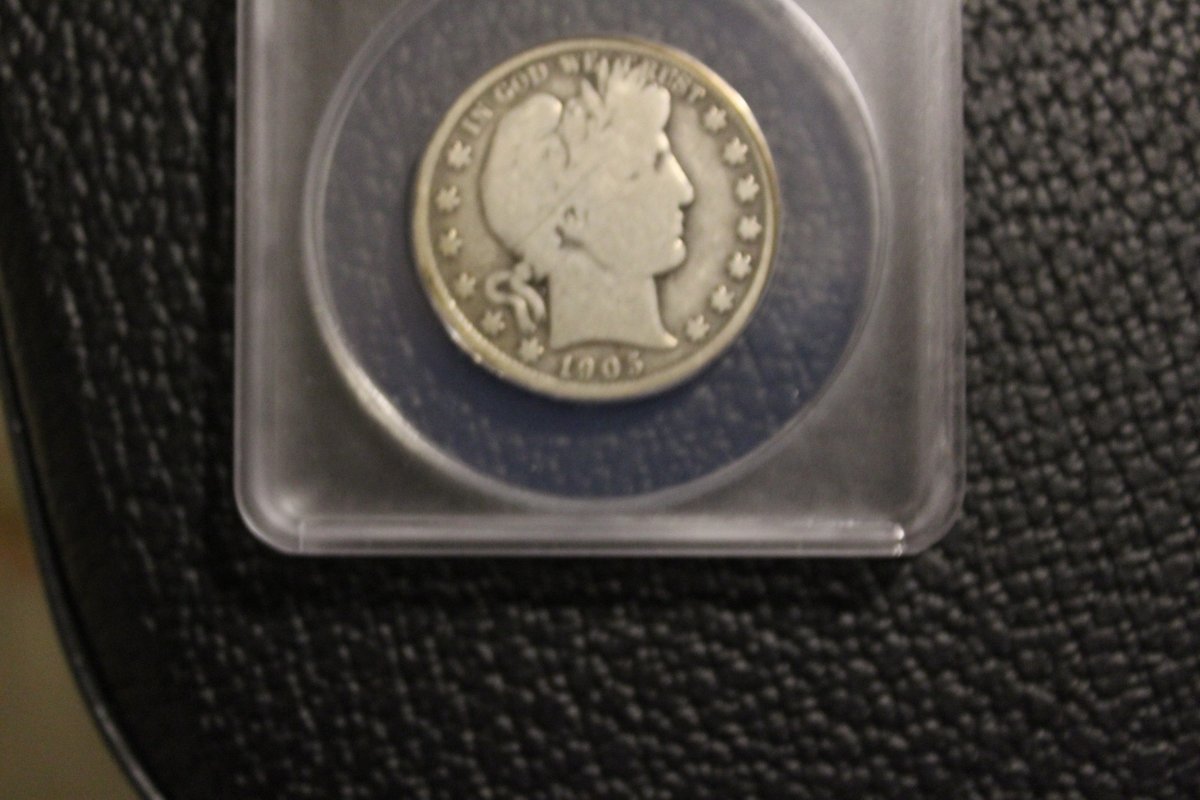 That is the Canon. 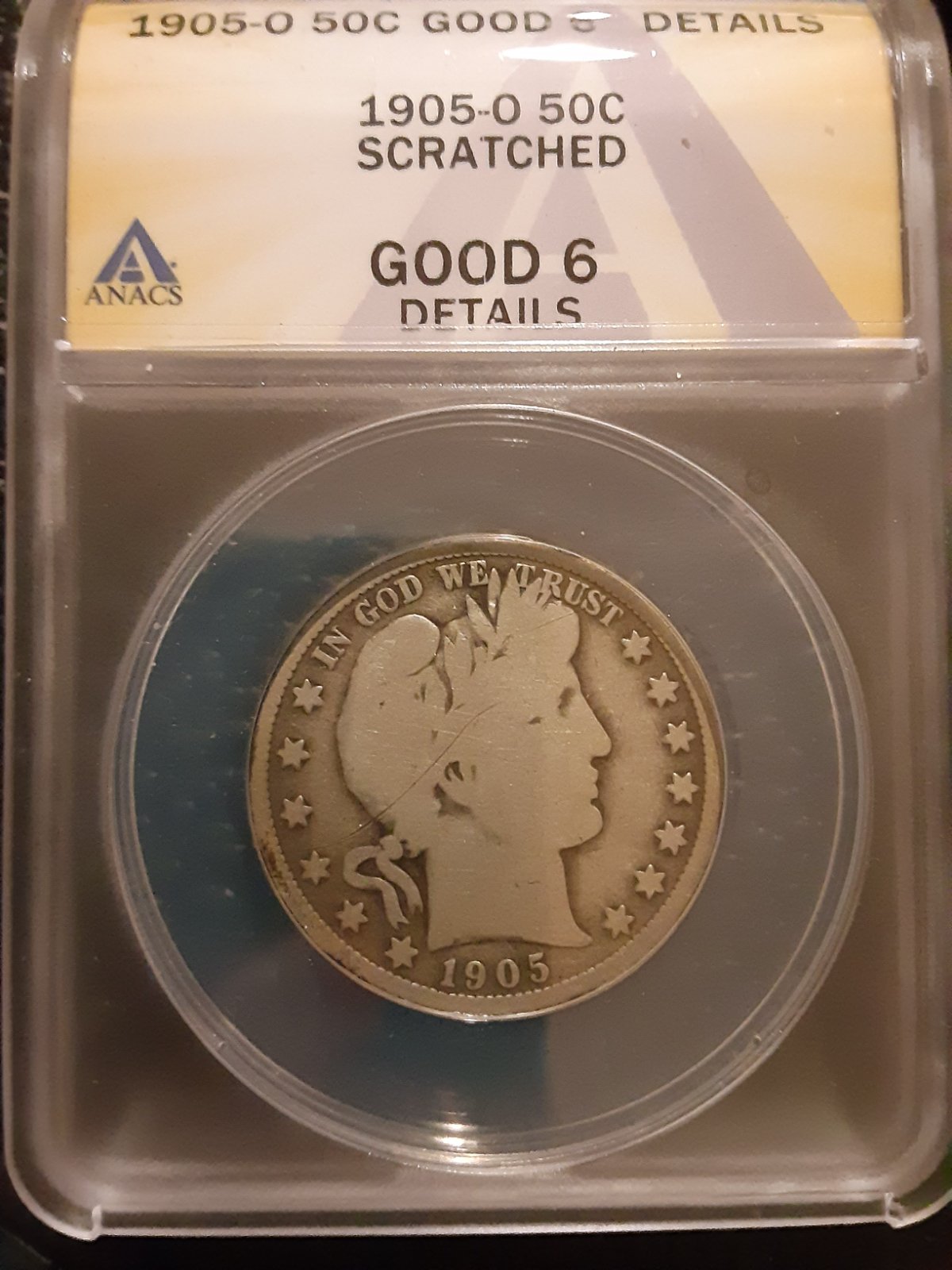 That is the cell phone. No flash or tripod on either image. On review I think the lighting is a little better on the Canon (I used the exact same setup). The blue on the Canon is likely nerves. I noted that it picked up on the scratch at a slightly farther distance on the Canon. This is fine. I wanted to see if it would do that. Now to test the zoom and lighting. At this point I am happy that the camera is capturing images and sharing them on WiFi. |
|
Valued Member
United States
84 Posts |
Ok so I have been playing with the camera and found out for zooming in on some of my flowers the lens that came with it is okay, but for coins, no. They gave me a choice of two lenses which I may have to purchase used or refurbished. Here is what Canon says is compatible with the camera. Does anyone know anything about these lenses?
If you want to zoom in beyond 55mm you would need a telephoto lens like the EF-S 55-250mm f/4-5.6 IS STM lens or the EF 70-300mm f/4-5.6 IS II USM lens.
Thank you.
|
|
Pillar of the Community
 United States
4051 Posts |
The cellphone pic is way better than the Canon, but the biggest issue is it's out of focus. Get an in-focus pic and maybe it would be a bit better.
I did warn you above that the 18-55mm lens would maybe do OK for Dollars, but not for smaller coins. Did you go with the 18-55mm? The 55-250 and 70-300 are both going to work far worse on coins than the 18-55.
Contact me for photographic equipment or visit my home page at: http://macrocoins.com |
|
Valued Member
United States
84 Posts |
You did...I couldn't remember who it was but I scrolled up and saw it. The camera lens is supposed to be interchangeable. Canon has theirs set up so if it's an ef lens it should be interchangeable. I just don't know what I can interchange it with and be able to zoom in.
|
|
Valued Member
United States
84 Posts |
Ok so I've put in a bid on an EF 100-400 mm Macro lens for the Canon. It's used, but it appears to have no damage and the seller says it has been tested, and this may be the only way I can afford it. So I played with the Canon a bit more tonight, taking pictures of one of my Eisenhower silver dollars and a Kennedy half dollar. 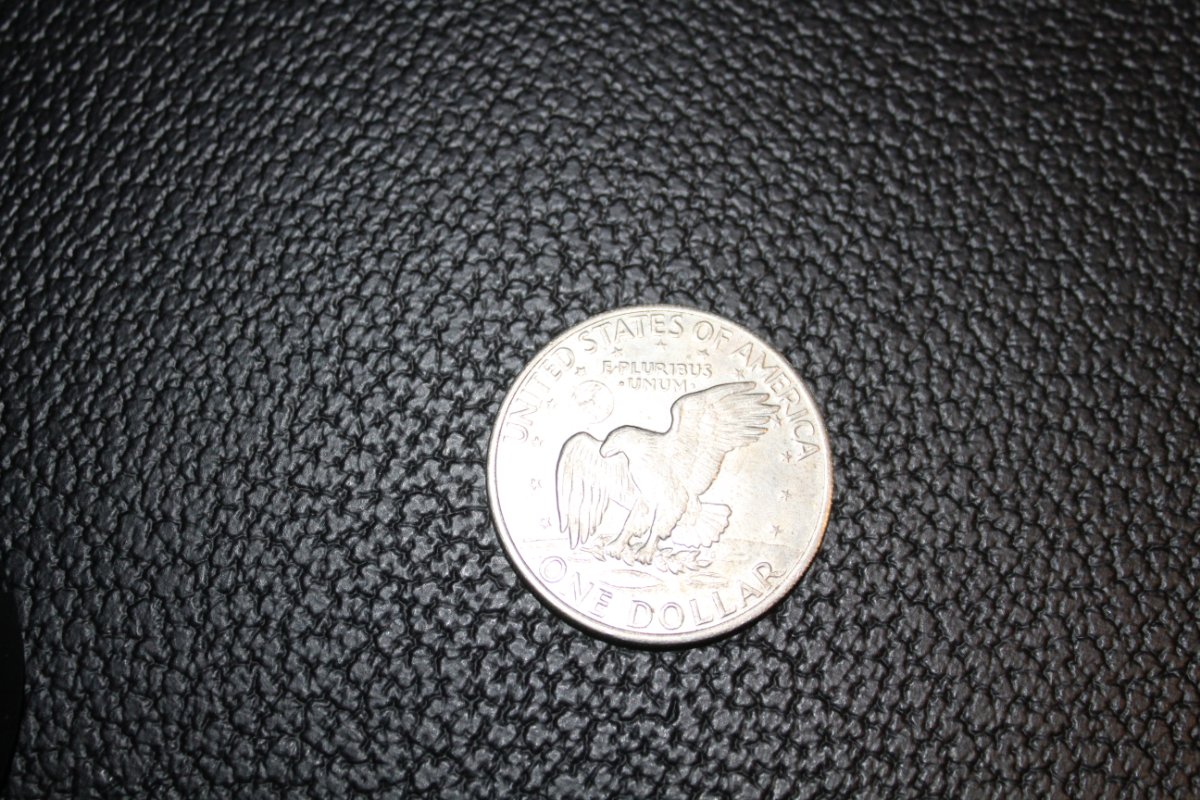 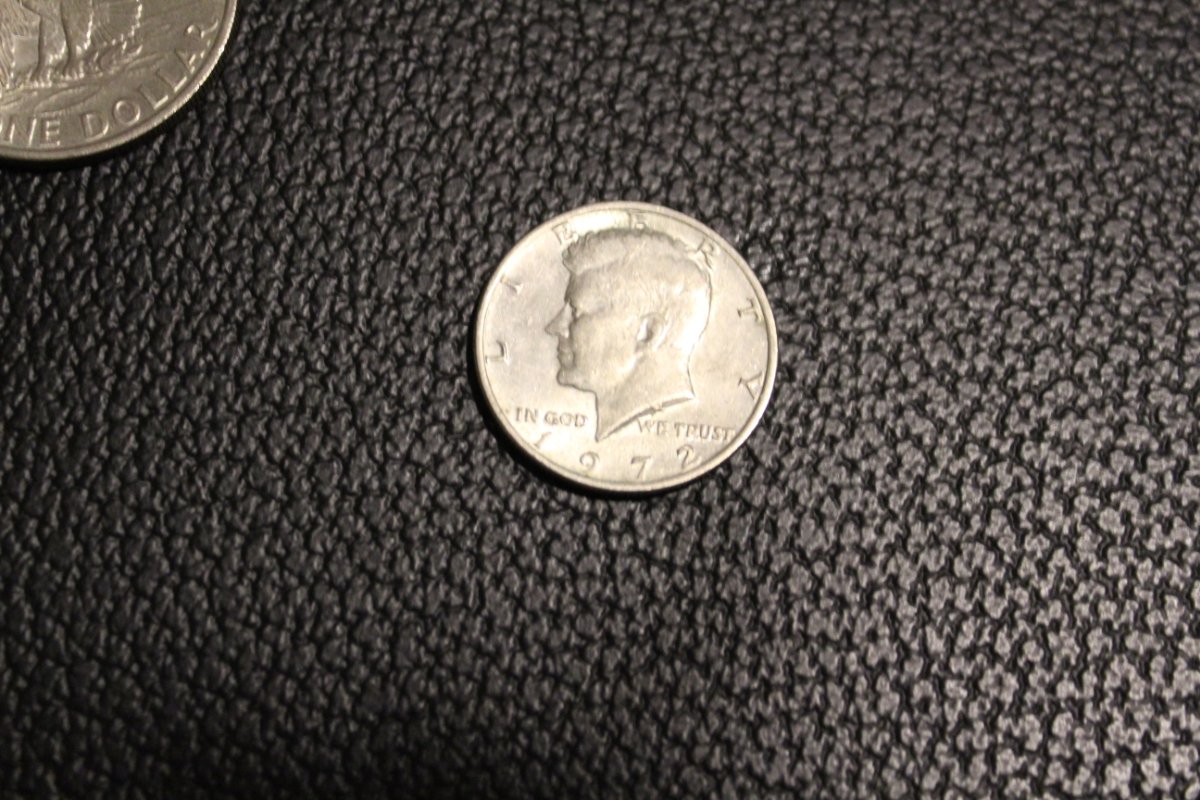 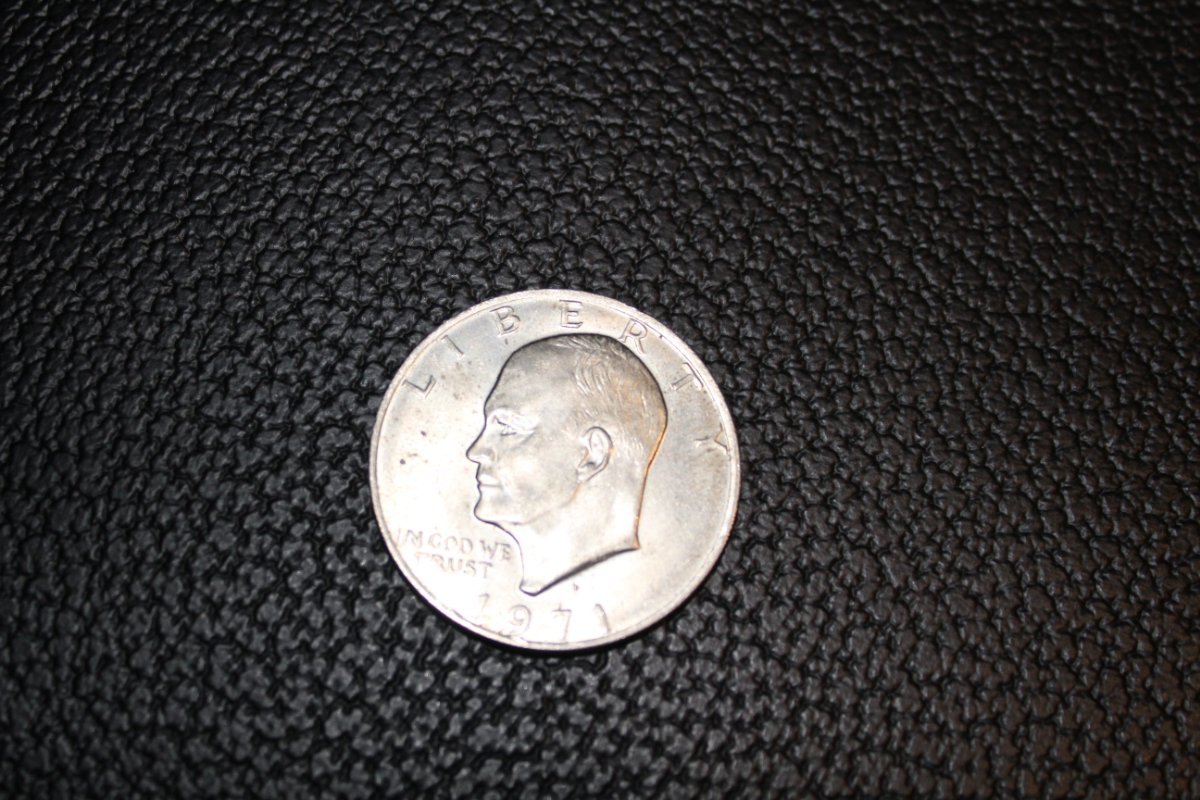 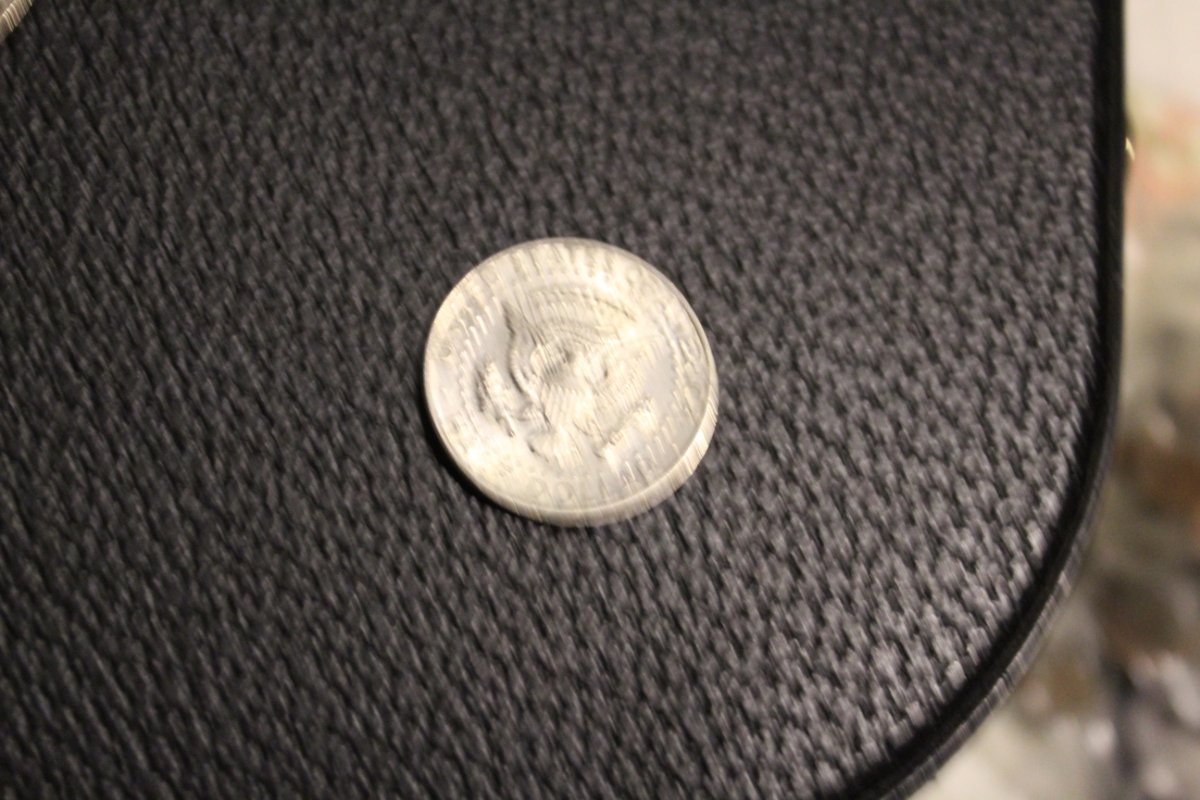 |
|
Pillar of the Community
Canada
9927 Posts |
Are you using the soft ware that comes with the Canon?
If not get it and use it to focus and adjust and crop your pics, if you have ? ask.
|
|
Valued Member
United States
84 Posts |
Are you using the soft ware that comes with the Canon?
If not get it and use it to focus and adjust and crop your pics, if you have ? ask
There is an app that I haven't mastered yet. Other than that my mom is borrowing my laptop so no, I'm not using the software. I haven't downloaded the software. Just the app.
So before I go any further...will I be able to crop it after I take the picture (using the camera's software or app), instead of using the phone's?
|
|
Pillar of the Community
United States
7396 Posts |
Missy lyn did you see my post on taking pictures? http://goccf.com/t/406383I actually posted because of your post and Dearborn's |
|
Pillar of the Community
Canada
9927 Posts |
Quote:
So before I go any further...will I be able to crop it after I take the picture (using the camera's software or app), instead of using the phone's? Yes -First you open EOS Utility then hit live view this turns the camera on -with the coin in camera view you make all your focus adjustments along with all other things that need to do done. -when reedy you hit the photo button with the mouse - now the pic will come up in DPP (digital photo pro.) -chick on the pic and it comes up, you now make all your crop, size, colour -after that is done you hit the top right button and bring it down to a size that is usable on CCF and also place it in a file that you want. That is the basic of it with some smaller thing left out but if you do use it we can give you more info. |
|
Pillar of the Community
Canada
9927 Posts |
This one took about 5 minutes to do.  |
|
Valued Member
United States
84 Posts |
Missy lyn did you see my post on taking pictures? http://goccf.com/t/406383I actually posted because of your post and Dearborn's Actually, yes and no. I saw it once and had to go back and reread it. Right now I don't have a tripod. I'm working on that though. I'd rather buy from the store where I work if possible. So my camera is a Canon EOS Rebel t100 with an 18-55 mm lens. It is DSLR. Pretty basic but I got it because Canon EF and ES lenses are pretty much interchangeable so I can at least upgrade that lens. So would your technique work with this camera? From what I'm understanding it may very well work, but I want to be sure I'm reading it right. Thank you. |
|
Pillar of the Community
United States
7396 Posts |
My technique would work with any camera. It's the process not the camera.
|
| |
Replies: 40 / Views: 6,126 |








 First Page


 Posted 08/23/2021 8:33 pm


