Well your looking in the wrong areas. Look at the centers of the devices to see if they are wider. Don't look at the outside edges. That is where you will always find
Machine Doubling. Try making side by sides, to see if they are the same or if the devices are enlarged:
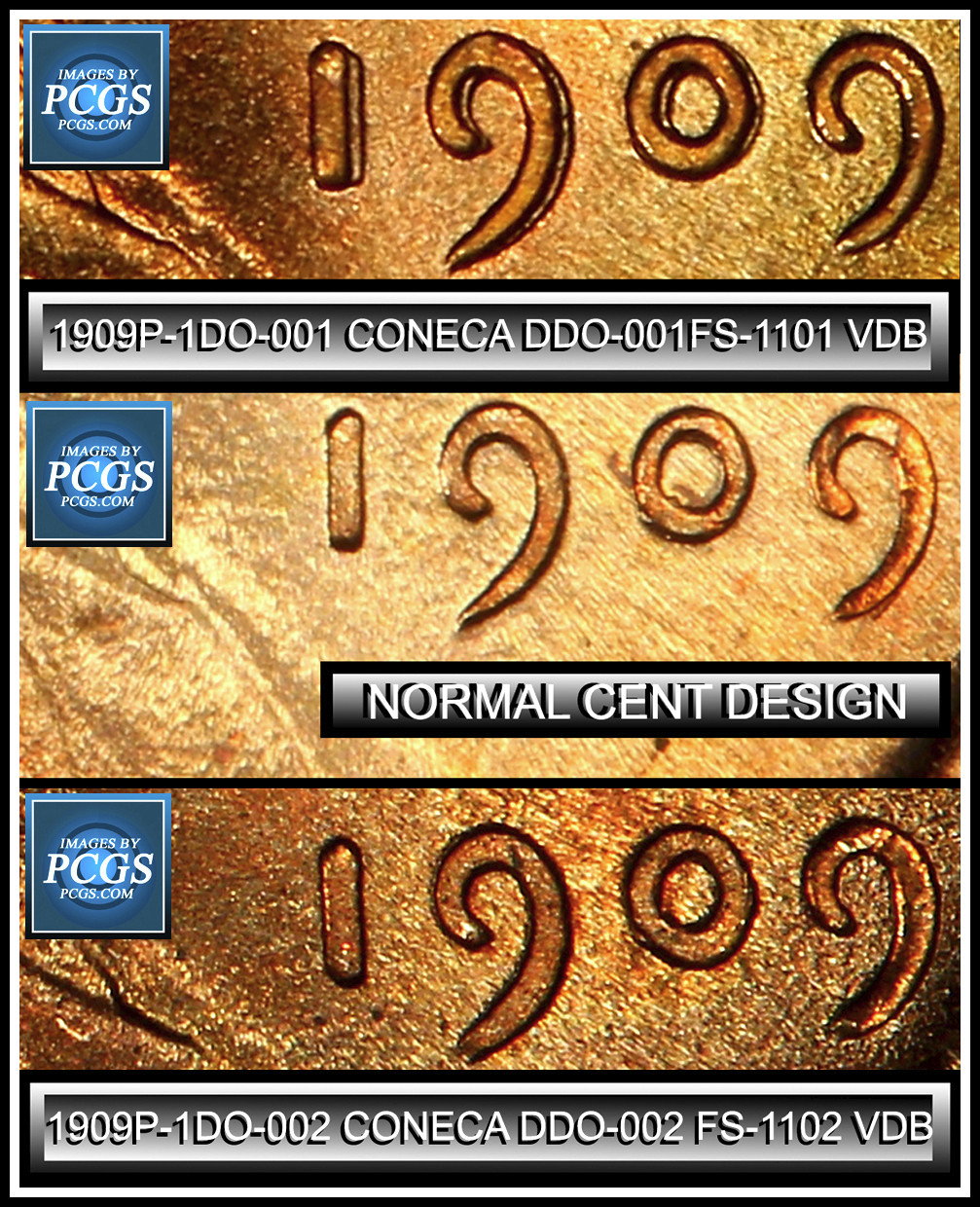


Note the center image on this one is showing
Machine Doubling. The reduction of the devices if the removal of the contour of the devices where they are reduced, shoved aside. See what you need to be looking at. The centers of the devices. for spread. A widening on the centers.


Note the difference on a Machine doubled date and a normal date:
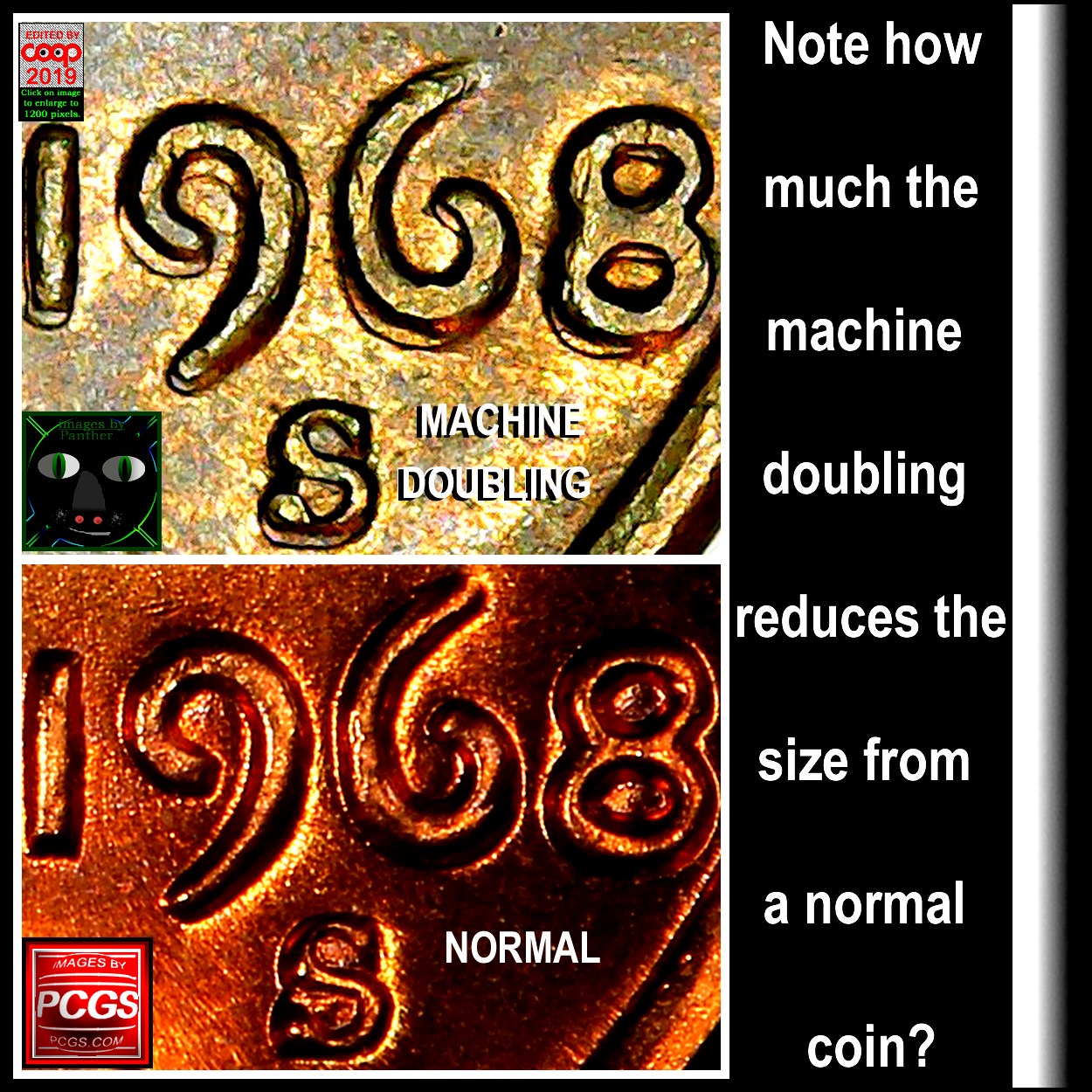
Side by sides help you to determine if it is showing spread/showing a normal coin or just showing circulation flattening that is more common on the wheat cents.

Big spread on this one.
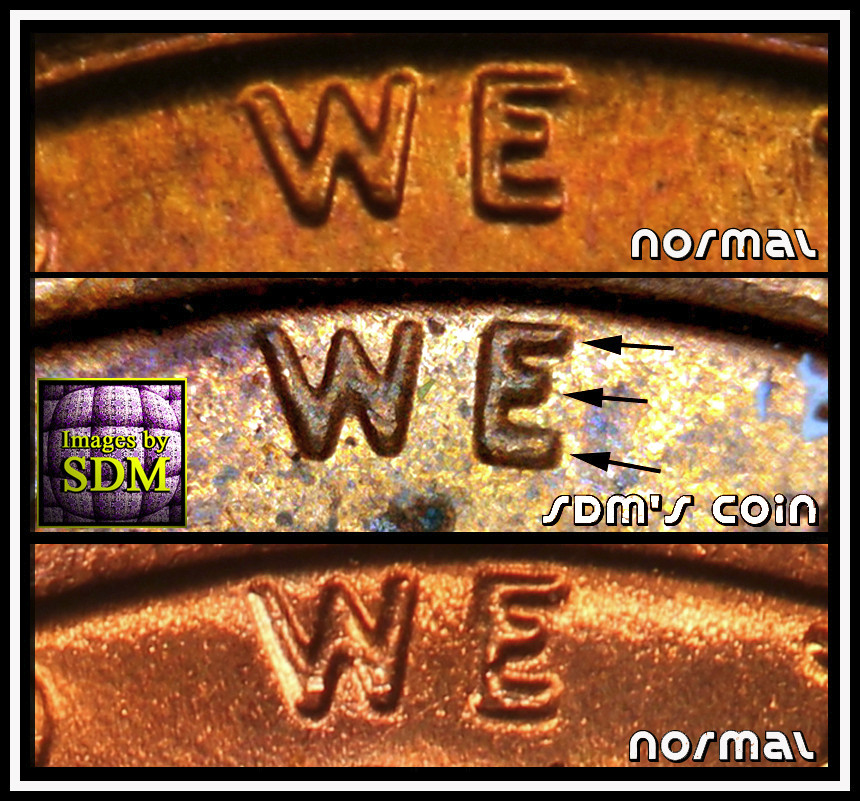
Sometimes you think there is spread, but the side by sides will help you to see the truth easier. Note the middle example is normal? There is no spread. So that shows up in the line up.


You just crop the two images exactly the same and make them the same size. If you don't have software to put them side by side, then make two images of the same size and crop off as much of the top image, on the lower part and on a second image remove the upper area above the second image. So when you post both images, they will appear closer together to make the same affect.
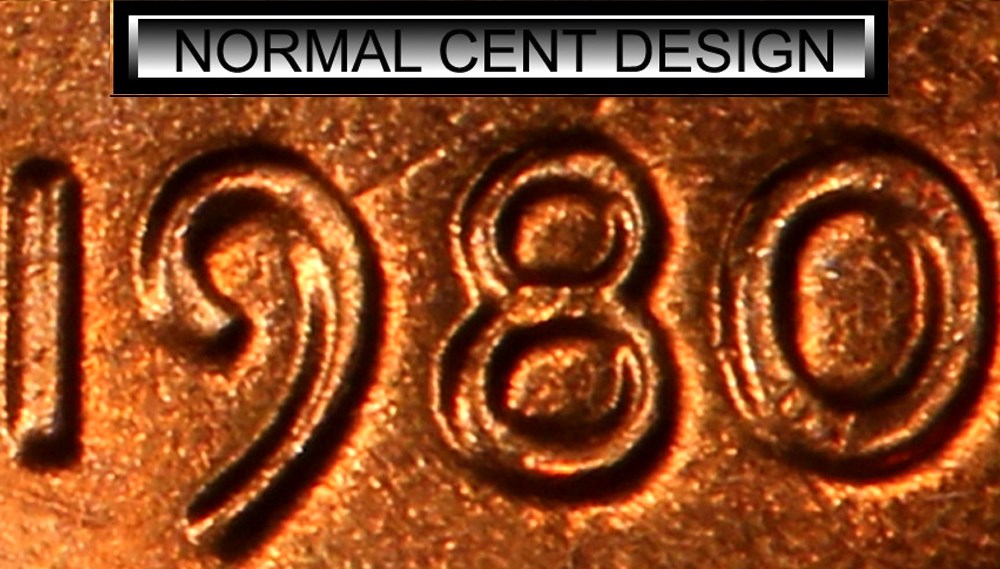

Note post two images on the thread will make them look side by side of you can't post them as a single image. Try this on looking not on the edges of the devices, but on the centers of the devices. If it is not on the center, move on to the next coin. It when you start looking on the outside/inside edges that you will find the
Machine Doubling you don't want to find. Also the top on how to make them look like side by sides, but they are two images cropped to the same size the the screen puts them together for you.
CoopHome:
How can I make my images appear on the screen a side by sides, with two images rather than on just one image?






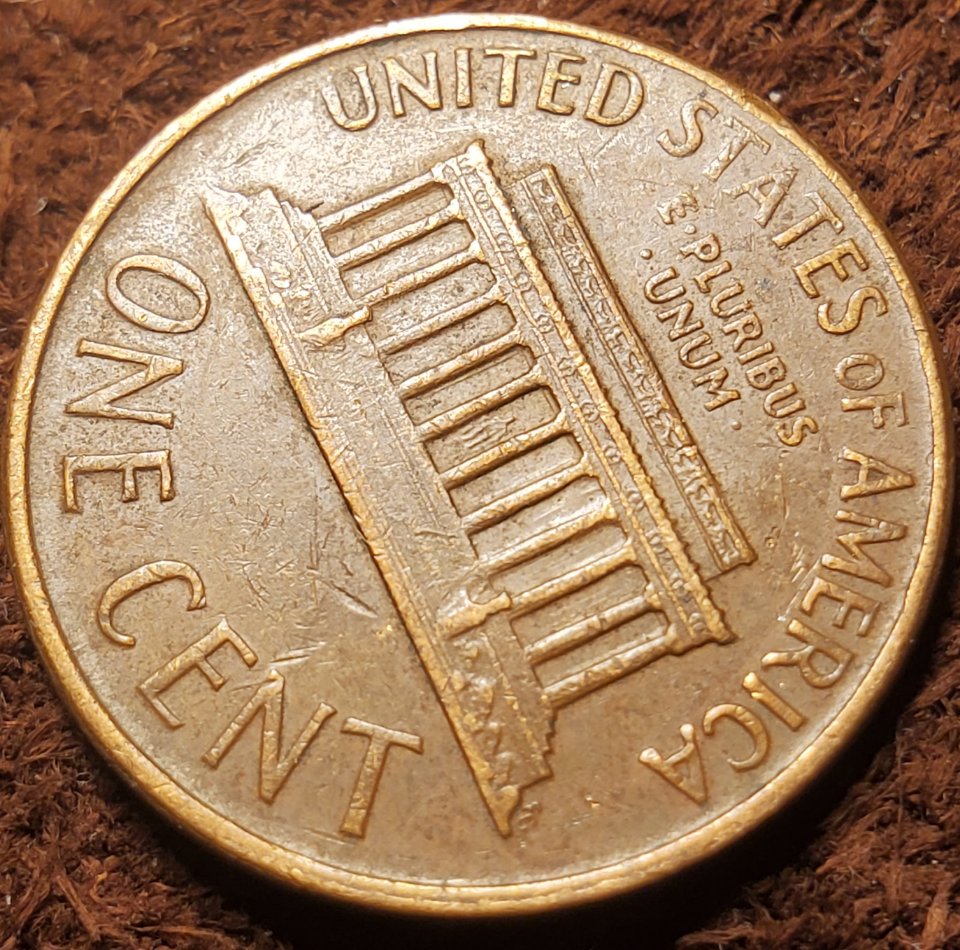
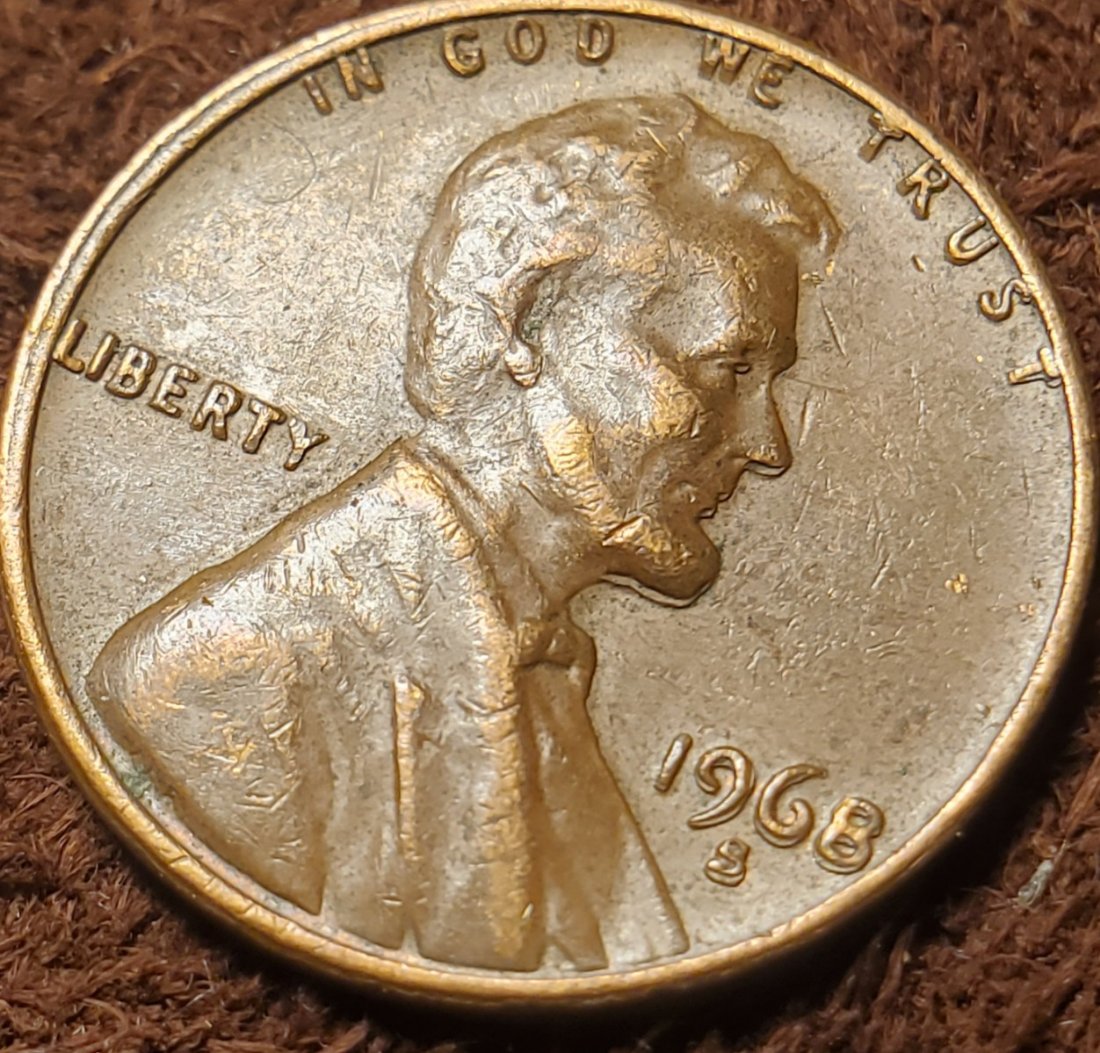
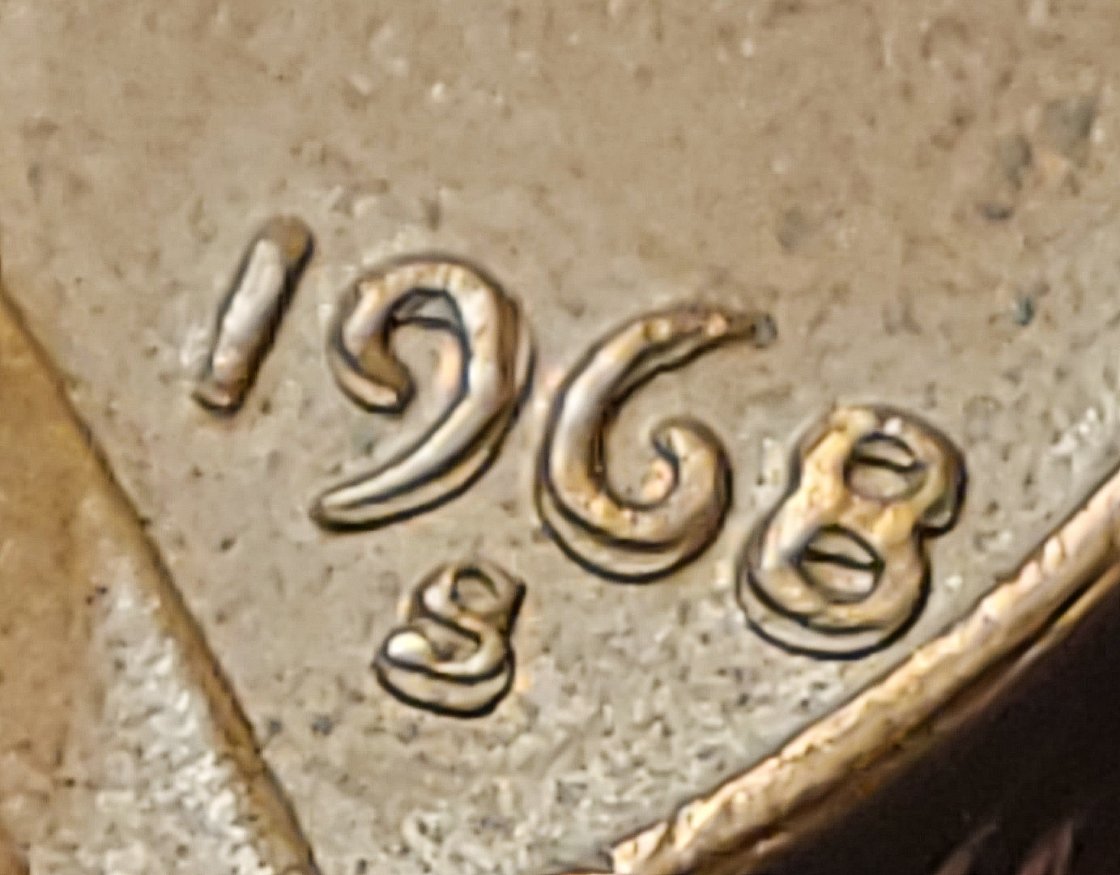
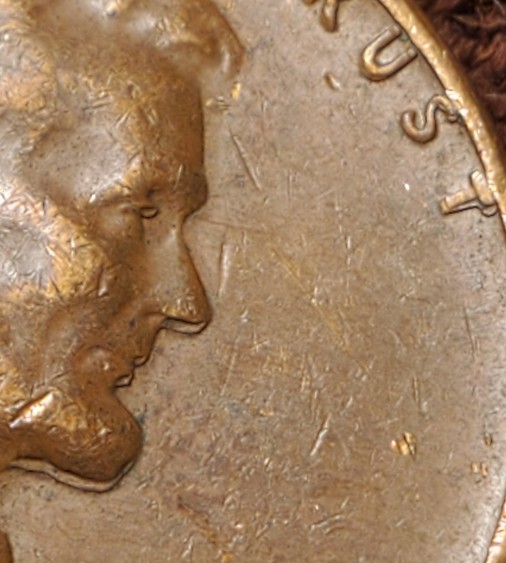


 Posted 01/04/2022 07:03 am





 Doubled die makes me cry!


