This coin has been in contact with many other coins. So the devices start to show contact marks, then flattening happens. That is what you are seeing on the this coin. Devices are normally this size, so there is no spread on this one. This is what spread looks like on a doubled die:
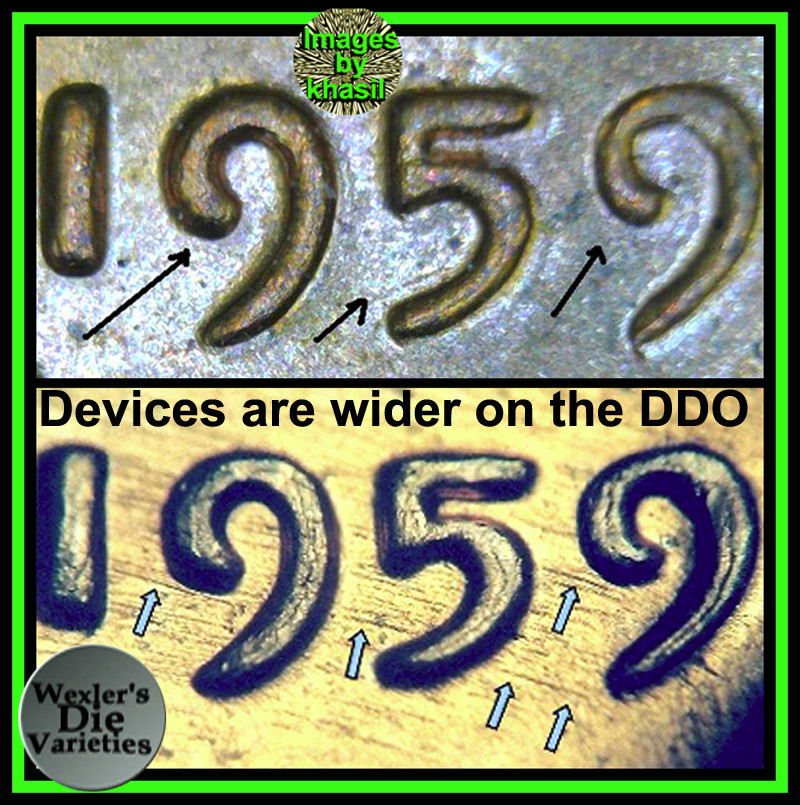
Note the extra width of the devices on the centers of the devices. The top image is what size the normal ones look like. So look for the spread on the centers of the devices.
Machine Doubling and die wear happen on the outside edges of devices. So don't look there.
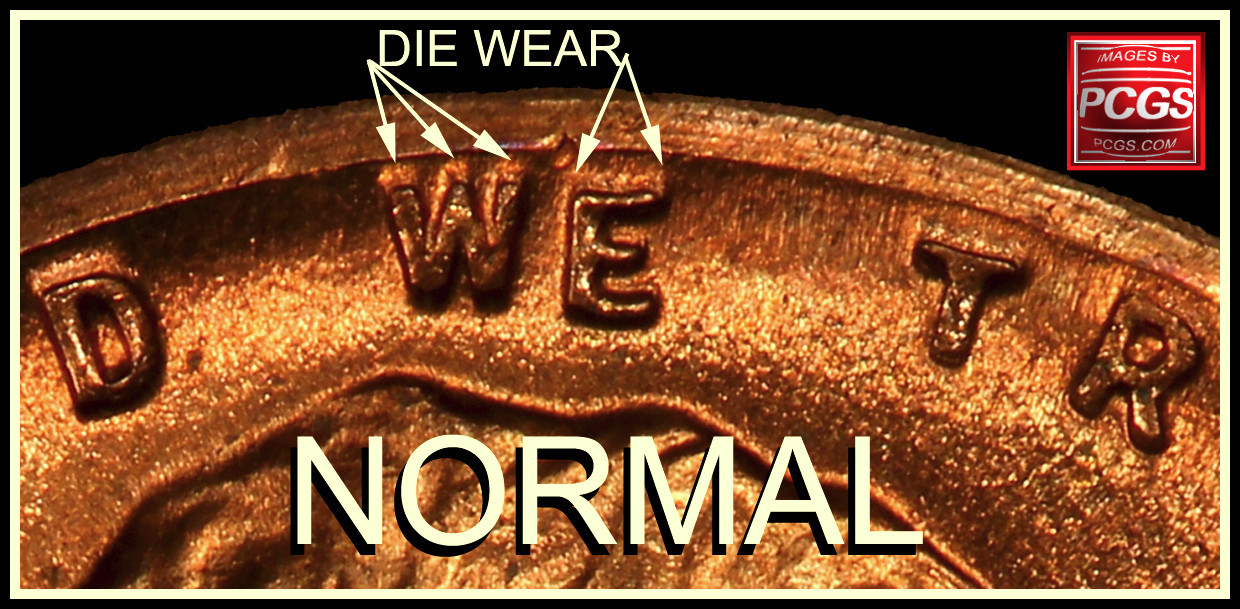
This occurs between the tops/sides of the devices towards the rim direction.

Note on Liberty the spread on the centers of the devices. This year had examples of this on the Die 2 example from Philly. The date was normal.
On the DDO-001 the date was enlarged on the devices with the spread/enlarging on f the centers of the devices:

Look at the center of the devices. See the spread, then same them. Don't see a spread, then move on to the next coin. (Don't look on the outside edges of the devices) Move on to the next coin. Look hard enough, you will find
Machine Doubling, but that is a waste of time. If you are going to open a new roll of coins that are a fresh original roll, take the time first and view the sites to see what to for on that year first. Then you will save yourself the time to not go back over to see what you missed after you looked up the information later. Traveling you often need a map. Do you check it after to get to your destination, or before? Same on the sites. Look up the information first, then you will know what to look for on that year. Save the strain on the eyes and save time. Check first, then search. After doing this several times, then you will remember what to look for when searching coins.







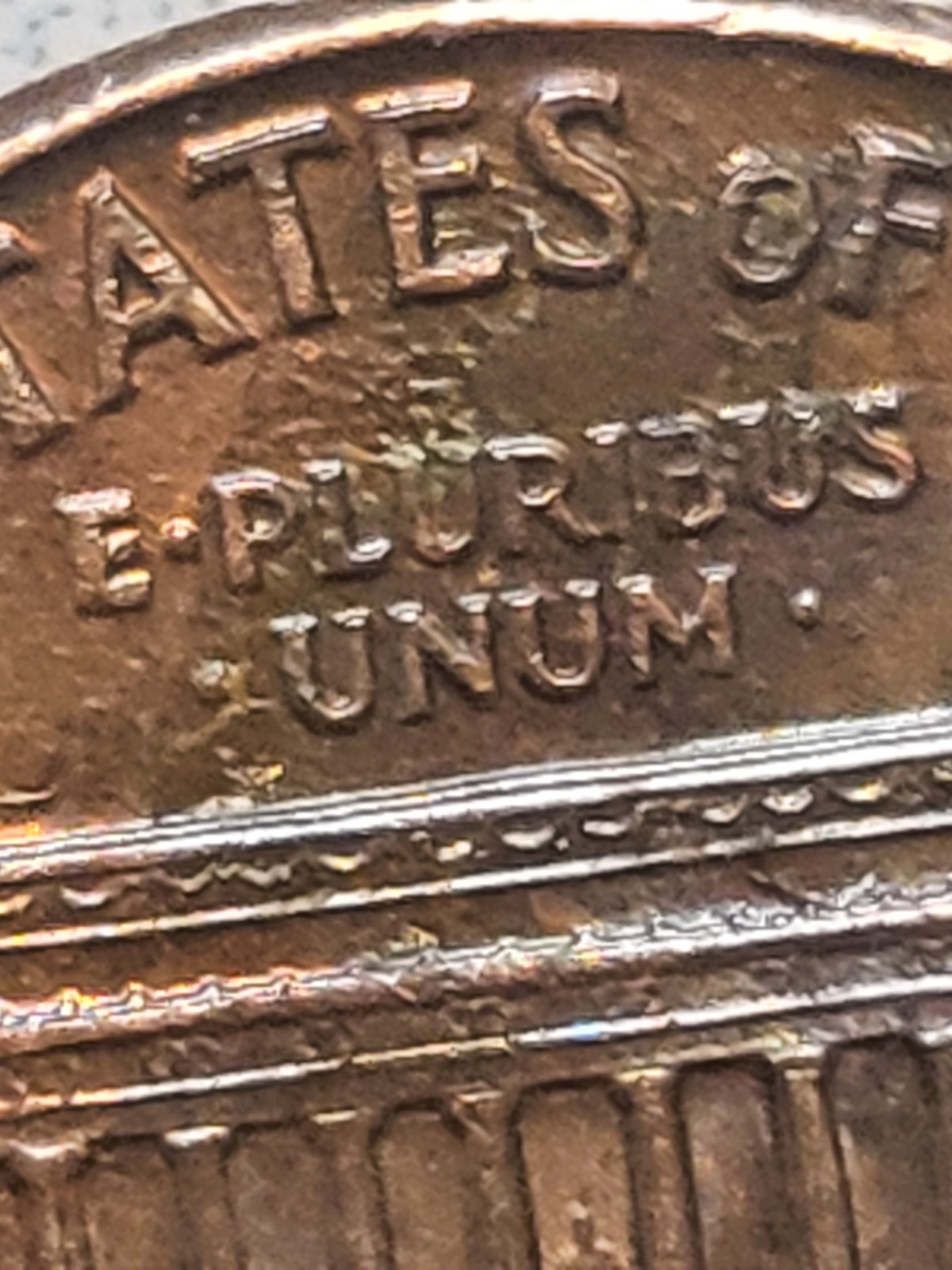
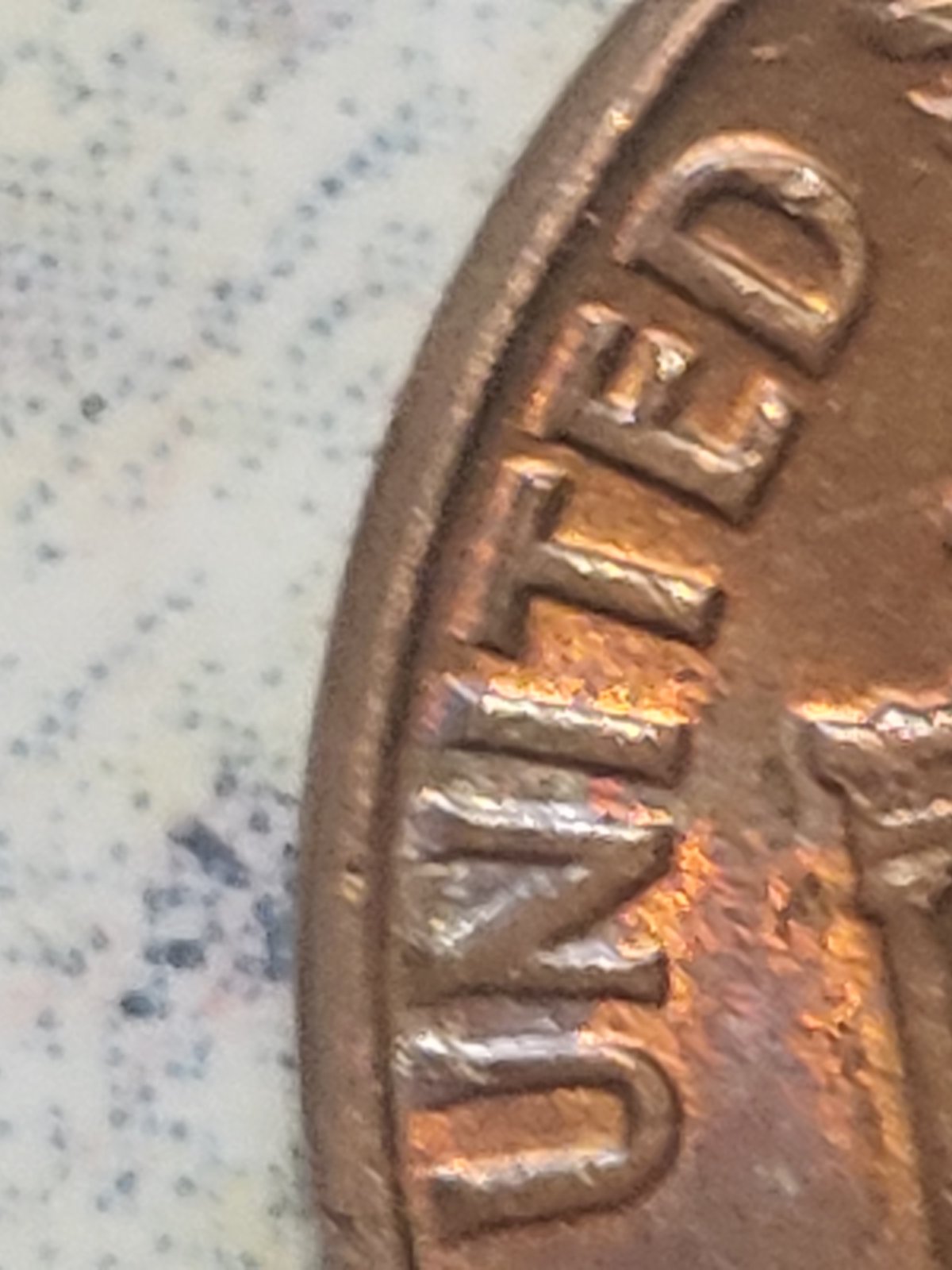


 Posted 03/30/2022 04:33 am


 . Could use better photos,but I see no doubled die cent.




