| Author |
 Replies: 30 / Views: 4,218 Replies: 30 / Views: 4,218 |
|
Valued Member
United States
109 Posts |
Apologies in advance for being a pleb and I hope I don't come off the wrong way, especially since I'm asking for help, but I'm not looking to buy a new camera, lens' etc. Was just wondering if there was any hope of doing better than what I am right now. I've read through the best I can get for $400 thread and I'm just not there. I'm not looking to turn pictures of my coins into another hobby in of itself, I just want pictures I won't be ashamed of if I post them for grading or selling a few on the bay. Which is where I'm right now. I guess the biggest question I'm asking is, is there something I can fix with lighting and technique or is it just a matter of caring enough to buy a camera and setup? All I'm working with right now is a little digital 16MP Sony Cyber-shot (DSC-H70 FWIW) a regular desk lamp and some grey/black construction paper. Am I wasting my time hoping for better than this off of what little I have?   Thanks. |
|
|
|
Rest in Peace
10197 Posts |
The conversations on this thread seemed to have a couple knowledgeable photographic folks. I cant remember his name but there is a pro around the forum too. http://goccf.com/t/283676Edited by Crazyb0
04/12/2017 8:58 pm
|
|
Pillar of the Community
United States
1475 Posts |
In my opinion, it all about the lights. I used an inexpensive light box setup to take photos of jewelry some time ago using Nikon digital camera.(not DSLR, but a decent Nikon Coolpix) Pictures came out pretty good. Good enough to use in online e-commerce business. You might want to try that first. I love coins, but I also love old cameras, especially Rolleiflex Twin Lens!! It's all about the lights... Here is ebay link to light box setup. http://www.ebay.com/sch/Cameras-Pho...+box&_sop=12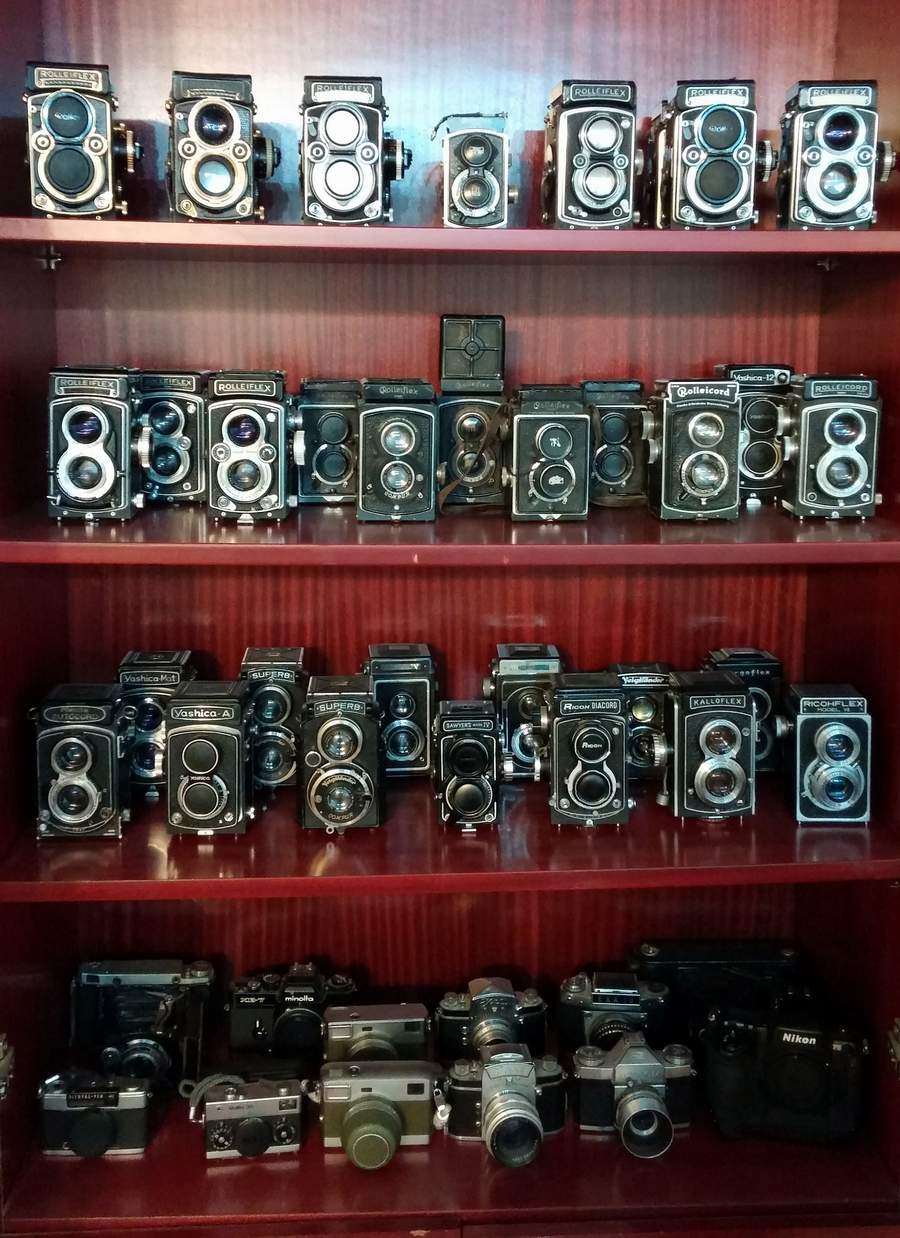 Edited by Coconutjoe
04/13/2017 01:01 am
|
|
Pillar of the Community
United States
917 Posts |
Photos look ok/good. You could add a 2nd desk lamp to improve lighting.
Assume that you have the camera secure with a tripod.
Other area is if you are remotely triggering the photo via a cable or using the timer function. This would help on sharpness of photo.
|
|
Pillar of the Community
United States
9395 Posts |
It looks like these coin images are oval in shape. Was the camera exactly square above the coins when these pics were taken? Also, the focus seems a bit off. Fixing these two problems should help a lot.
The next thing is to experiment with lighting until you get the results you are looking for -- one light/two lights, vary the angles (high/low/etc.), more or less diffusion, etc.
|
|
Valued Member
United States
441 Posts |
Your cameras should be more than sufficient to get good pics.
FWIW, it appears that the coin is not perpendicular to the camera lens, hence the top of the coin being slightly clearer, but overall still blurry.
As previously mentioned, camera needs to be mounted solidly in some fashion, albeit a tripod, A-stand, enlarger stand, etc to help minimize vibration. A 2second delay taking the pic may help this.
The overall lighting could be improved a bit with more than one light, with placement at 10 and 2, or where you can get good contrast and overall light coverage without bright blowouts (diffused lighting helps).
|
|
Pillar of the Community
United States
2403 Posts |
Your photo looks great for just starting out.Love the toning. Quote:
In my opinion, it all about the lights  I too use a black piece of construction paper as my background. Having 2 lamps will help but make sure at least one of them is easy to adjust i.e. a swinging arm clamp on desk lamp works wonders. Allows you to easily adjust the angle and height of your lighting. A 5200K (natural light) bulb will help as well. A regular goose neck lamp will be fine for a second choice. The blurriness in your photo is caused by the angle of the camera to the coin. Because it isn't straight on and your focal point is the center of the coin the edges blur out. I am assuming you took picture like this to show toning better. Next time put camera at same the angle the coin is. you will still get the toning in the shot. This will take practice. It is the angle of the lighting to the COIN not to the CAMERA that exposes the toning. For Grading purposes I would lay coin flat and put camera directly above making sure lens is pointed straight down. We want to see surface clearly for grading not the toning. Hope this helps...Mont @Coconutjoe Nice collection of cameras. I think I have a few like the ones on your bottom shelf sitting somewhere in a box. Edited by MontCollector
04/13/2017 05:03 am
|
|
Pillar of the Community
United Kingdom
1273 Posts |
Hello :)
Yes camera needs to be on a tripod directly above the coin. I actually use a spirit level ontop of the camera to make sure it is exactly level! You could buy a remote shutter, or control the camera through USB to your computer. Because just pressing the shutter button on the camera manually does create the tiniest of shake enough to blurr a photo very very slightly. Depends how delicate you are ! :P :P
Something that really helps is to always stand the coin ontop of a thin cork, making sure it is perfectly flat. Wood dowling works. Its so the camera can focus on the coin alone and separate it from the background. It just makes it easier for the camera to focus on the subject I think.
For lighting I have two full white 4500k lights, inside of photographic light boxes to diffuse the light. You've got to diffuse the light really, you can even put tissue paper around the light (not on the light obviously), as harsh light will reflect too much off the coin.
Hope to see some more photos and see how they have improved ? :D
|
|
Valued Member
 United States
109 Posts |
Really appreciate the time and help guys. Very nice looking ensemble of cameras Coconutjoe :)
I'll pick up a little tripod or stand and look into what I can do for lighting. Knew that was of the reasons for the blurriness, just thought I could steady through it. Don't know if I'll look into the light boxes or try and jerry-rig something myself.
Thanks for the tips, I'll post some update pics when I can.
|
|
Valued Member
United States
109 Posts |
|
|
Pillar of the Community
Canada
2784 Posts |
these are good photos. you are doing a great job.
|
|
Bedrock of the Community
United States
10065 Posts |
That Merc pic is really nice. Here is a thread by Darth Morgan - takes some stunning pictures using... an unmodified cell phone. His complete setup is shown. http://goccf.com/t/160092Edited by Earle42
04/17/2017 8:31 pm
|
|
Pillar of the Community
United States
4211 Posts |
Very nice! Much improved the second time around.  |
|
Pillar of the Community
United States
9395 Posts |
These new pics look very good (except for the out-of-focus one). They almost look like photos taken with axial lighting, with not too much diffusion.
One improvement would be to make sure the coins are rotated so the lettering is exactly horizontal in all cases.
|
|
Pillar of the Community
 United States
4051 Posts |
The Merc images really catch my eye!
Contact me for photographic equipment or visit my home page at: http://macrocoins.com |
|
Valued Member
United States
109 Posts |
 Another try at the Roosevelt reverse. |
| |
Replies: 30 / Views: 4,218 |










 Posted 04/12/2017 8:58 pm


