| Author |
 Replies: 15 / Views: 1,651 Replies: 15 / Views: 1,651 |
|
|
New Member
Canada
21 Posts |
|
|
|
|
Bedrock of the Community
United States
79187 Posts |
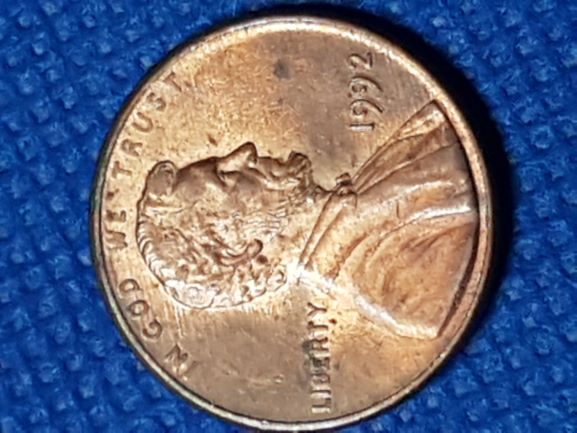
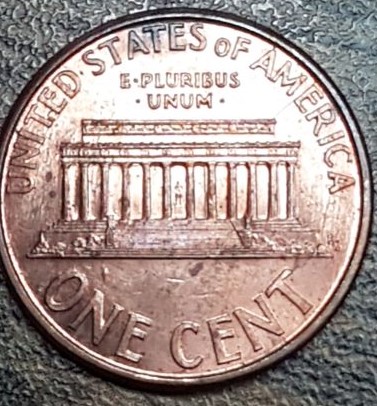
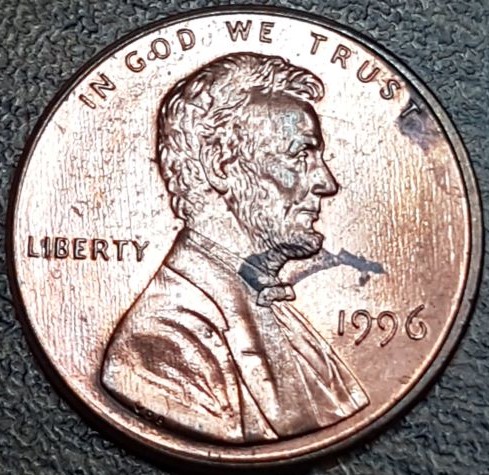
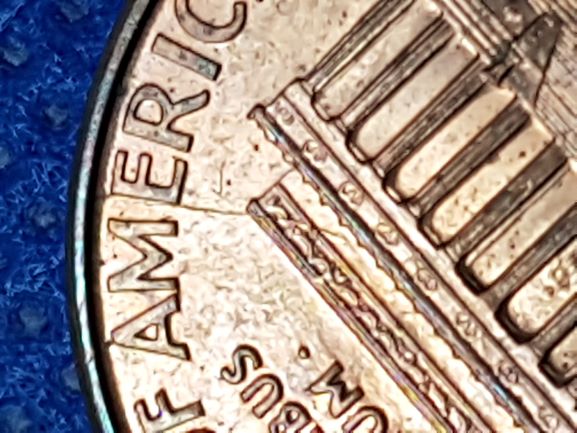
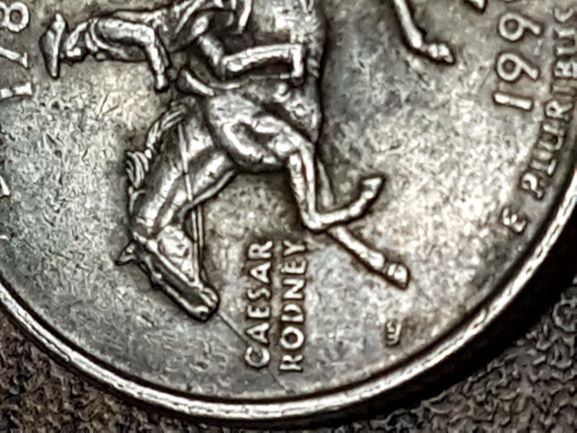
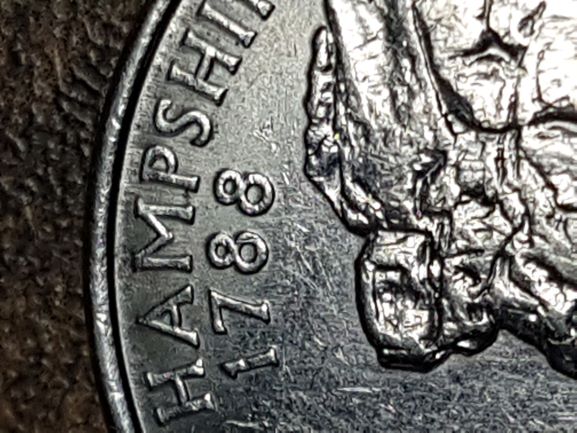
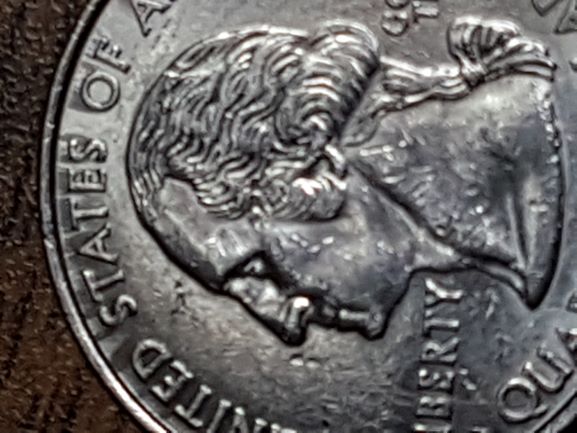
Those are good finds that you have! You did great for this week.  Errers and Varietys.
|
|
Pillar of the Community
United States
1901 Posts |
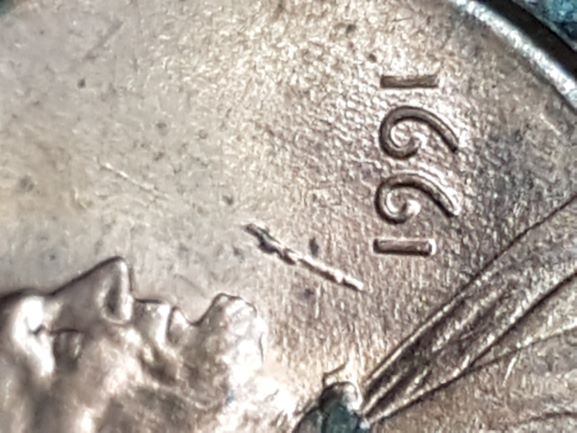
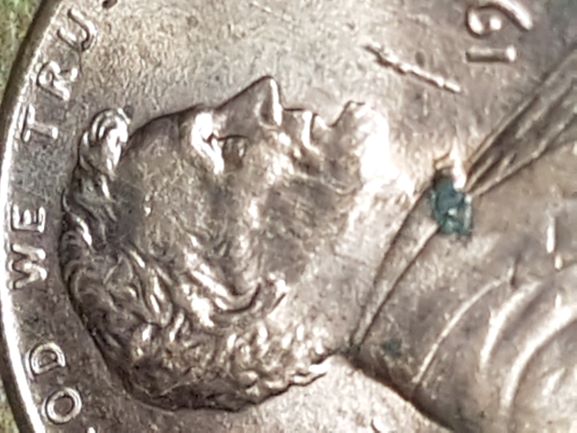
The 1991 looks like a linear bubble it should push it down with a toothpick
|
|
Moderator
 United States
56855 Posts |
Use the pre-view button before submit button. There are a lot of pics that need to be rotated properly. Some nice finds in there. John1  |
|
New Member
 Canada
21 Posts |
 Good morning all. Sorry for the rotated pics. Thank you for the tip John 1. I'll know more for the next time  |
|
Moderator
United States
195742 Posts |
Nice finds! |
|
Pillar of the Community
United States
5029 Posts |
Well done. Some nice goodies in there! |
|
New Member
Canada
21 Posts |
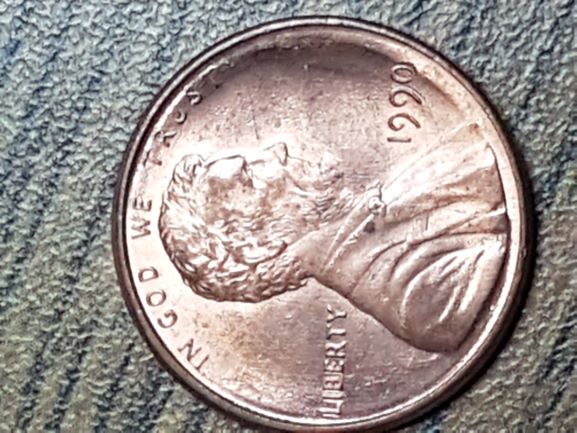
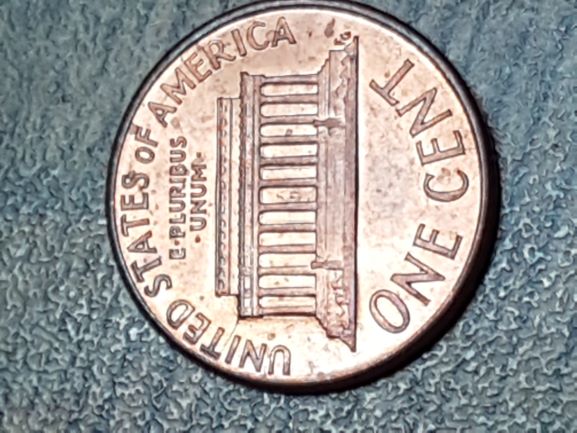
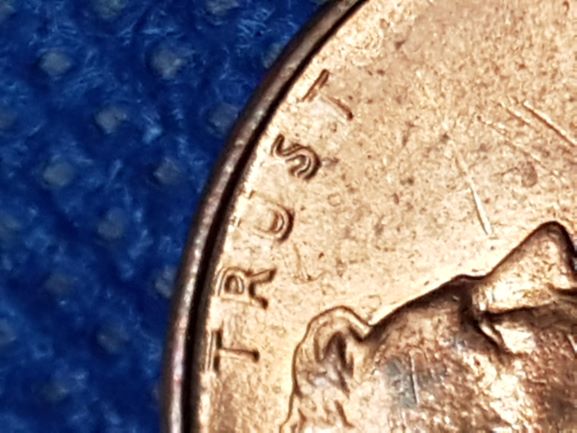
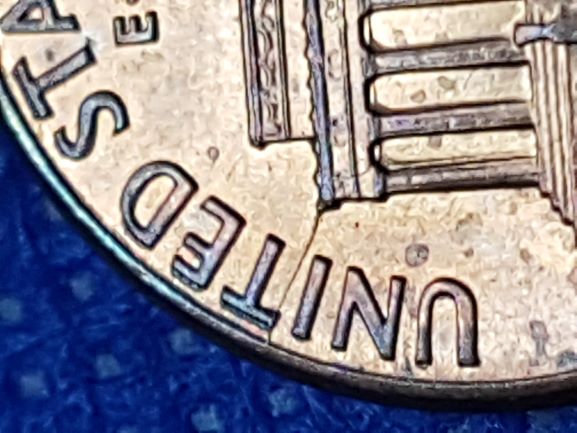
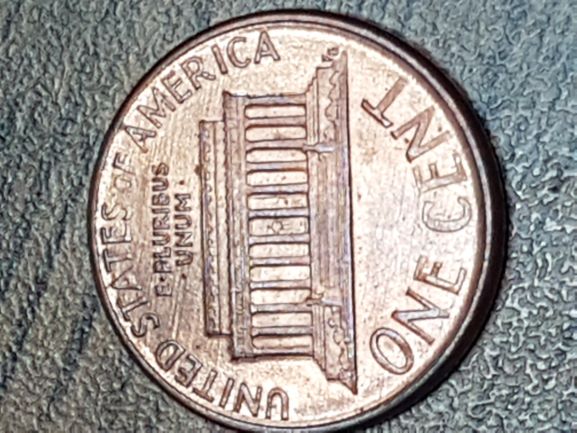
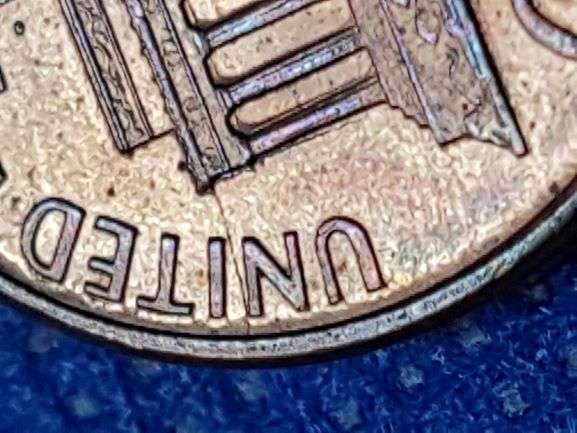
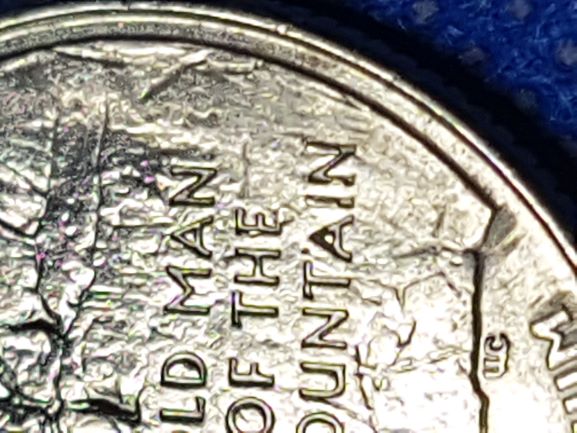
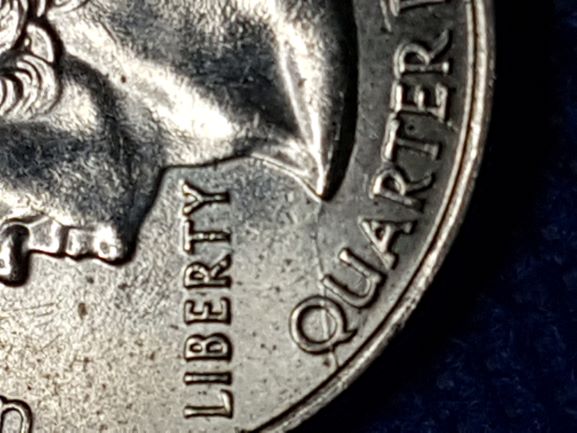
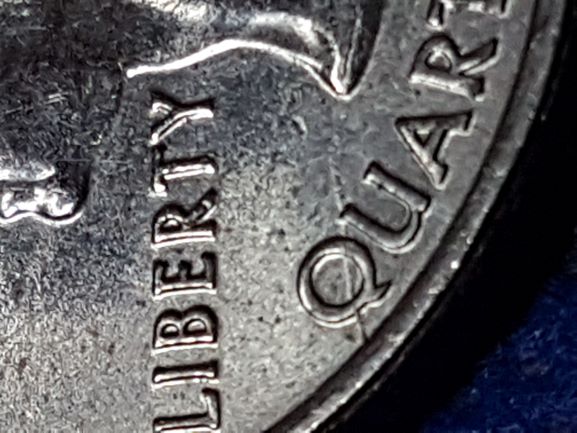
Good morning all, I have been reading about mechanical error and double dies. Just to get some clarification, this is a double Die am I right? 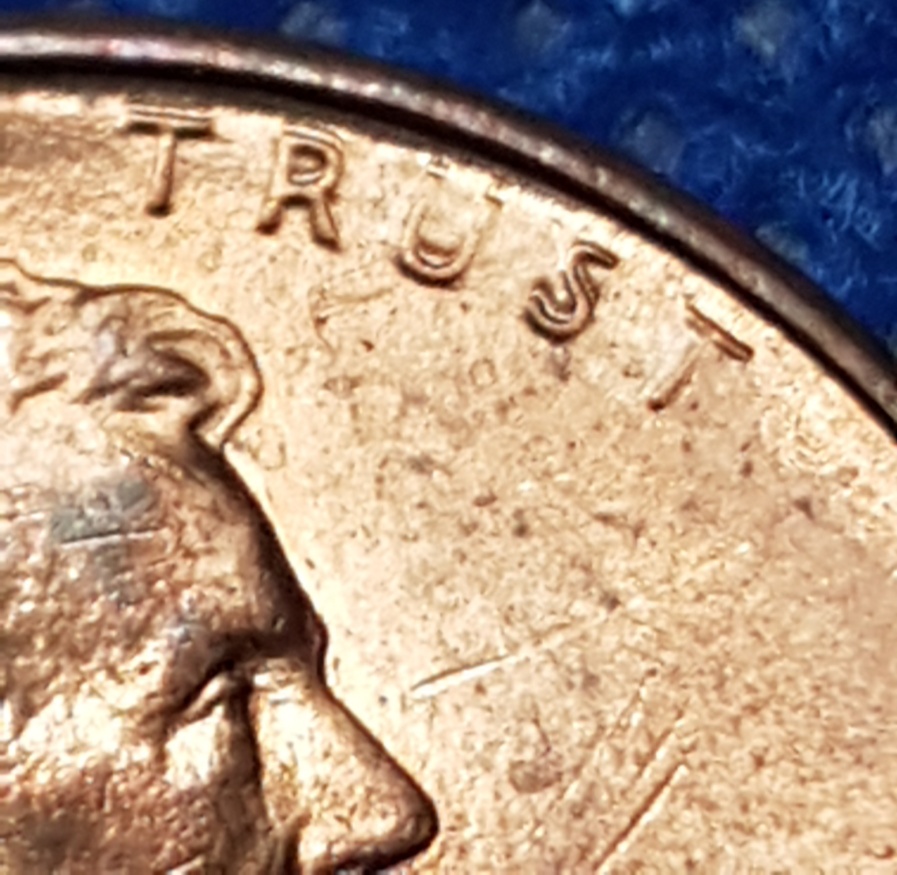 |
|
Pillar of the Community
United States
8715 Posts |
|
|
Pillar of the Community
United States
7592 Posts |
 with Silver Dollar |
|
Bedrock of the Community
United States
62064 Posts |
If you know how to write the [img[ [/img[ (Turned them not to work) then you can build your thread on a word program, get all the spelling correct, add the links, then copy paste the whole message at one time. Then you don't have to worry about loosing them. I've had some real long ones sometimes with 100+ images on them. That is the way I do it. Get it all ready and boom, your done. One paste. I even include the topic title on the top. Post the message first, then copy the title and post it on the post title line. Then check to see if they loaded all right, then post. You're done.
|
|
New Member
Canada
21 Posts |
I still have so much to learn about Double Dies. Thank you greatly to all. That's some wonderful advise Coop, thank you much for that.  |
|
Pillar of the Community
United States
2775 Posts |
Questions for Coop. Should start with an open [ bracket and end with a close bracket ]? Guessing what you mean by turned them. Quote:
If you know how to write the [img[ [/img[ (Turned them not to work) then you can build your thread on a word program, get all the spelling correct, add the links, then copy paste the whole message at one time. Second when compiling a lengthy word document with images, are you linking to previously uploaded images or are the images included in the word document? Thanks, Doug. Edited by Halo1st
09/18/2018 4:00 pm
|
|
Moderator
United States
195742 Posts |
He means this: [im
Example:
[im
|
|
New Member
Canada
21 Posts |
Oh ok, and thats to turn the pictures? [/img]
|
|
Moderator
United States
195742 Posts |
|
| |
Replies: 15 / Views: 1,651 |
|









 Posted 09/17/2018 12:29 am





