| Author |
 Replies: 17 / Views: 2,484 Replies: 17 / Views: 2,484 |
|
New Member
United States
10 Posts |
I'm going through my old coins and figured showing one off once in a while wouldn't be bad. I'll try to stick to some of the more interesting ungraded ones! Let me know if this is interesting. 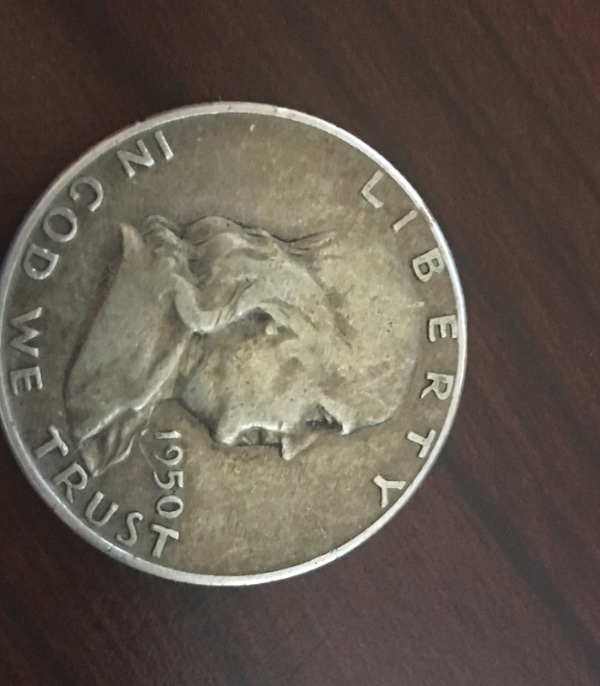 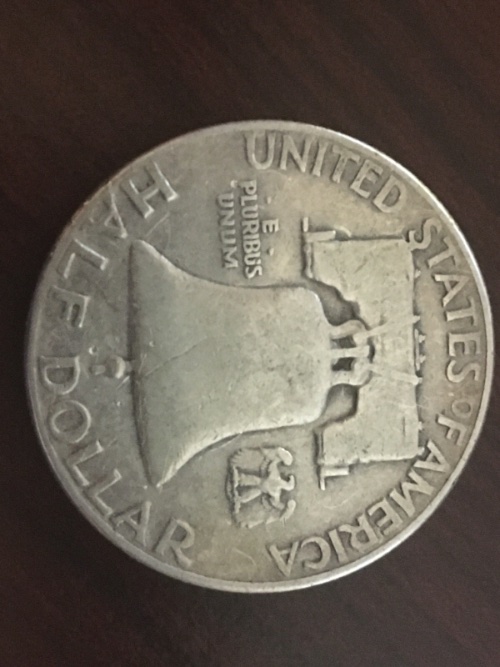 |
|
|
|
Bedrock of the Community
United States
94367 Posts |
I'd say VG or so. Showing your images right-side up will pull in more replies. We are not laying on our sides.   to the CCF! |
|
Pillar of the Community
United States
612 Posts |
Quote:
Showing your images right-side up will pull in more replies. We are not laying on our sides. My emoji is .........  Edited by KauaiHawaiiGuy
06/04/2021 2:23 pm
|
|
New Member
 United States
10 Posts |
I'll have to retake them later; my phone doesn't take great pictures so I've had to borrow another when I take photos. Thanks for the rating!
|
|
Bedrock of the Community
United States
94367 Posts |
Use the Preview button to check the orientation of your pics before posting. |
|
New Member
United States
10 Posts |
Thanks Coinfrog, that makes sense!
|
|
Bedrock of the Community
United States
94367 Posts |
Thanks and welcome to the forum.
|
|
Bedrock of the Community
United States
19539 Posts |
Lower VF feels about right.
|
|
Pillar of the Community
United States
4233 Posts |
It appears you already ran the image through the Image Opimizer and there is a rotate icon in the upper left when you hover over the image. Crop the image while you're there. Like this. 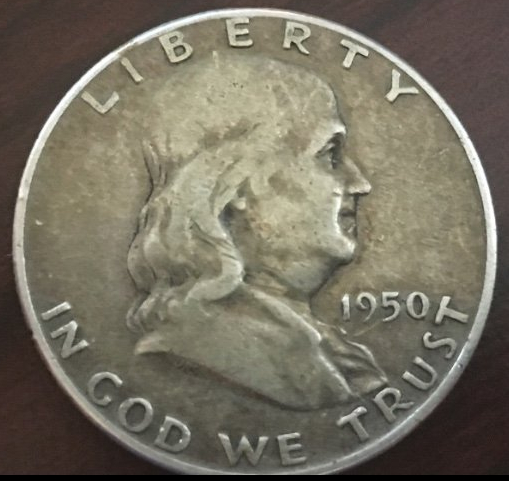 |
|
Moderator
 United States
195142 Posts |
Quote:
Use the Preview button to check the orientation of your pics before posting. That does not always work. The problem is there are two ways to orient and image: The way the image data is stored in the file or in the metadata added to the image file. Smartphones tend to always store the image data in the "portrait" format and rely on metadata to display the orientation (portrait or landscape) on the device. The problem means the image almost always looks correct on the device, even when it looks wrong to us. I blame Apple.  All that being said, you should always use the Free Image Optimizer or some other program to process the images (crop, resize, etc) before uploading to CCF. |
|
Bedrock of the Community
United States
94367 Posts |
Thanks for that. My 20-year old Kodak doesn't have that problem!  by the way, what's a smartphone? |
|
Moderator
United States
195142 Posts |
Quote:
My 20-year old Kodak doesn't have that problem! Same.  However, my 20 year old Kodak Easy Share does not take good coin photos. Not that my Moto android phone is much better.  |
|
Rest in Peace
United States
18456 Posts |
Quote:
Thanks for that. My 20-year old Kodak doesn't have that problem! by the way, what's a smartphone? I think a smartphone lets you know when to flush your toilet . Edited by T-BOP
06/04/2021 6:16 pm
|
|
New Member
United States
10 Posts |
Thanks for the notes regarding the image optimizer rotate tool! I'd thought I'd done so but it came out turned. Guess not! 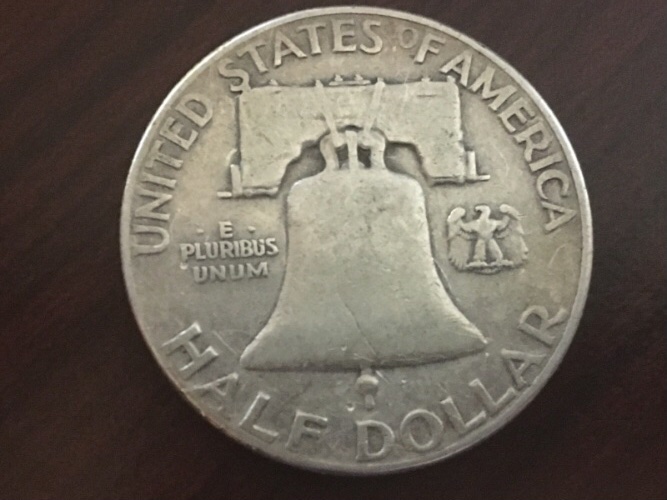 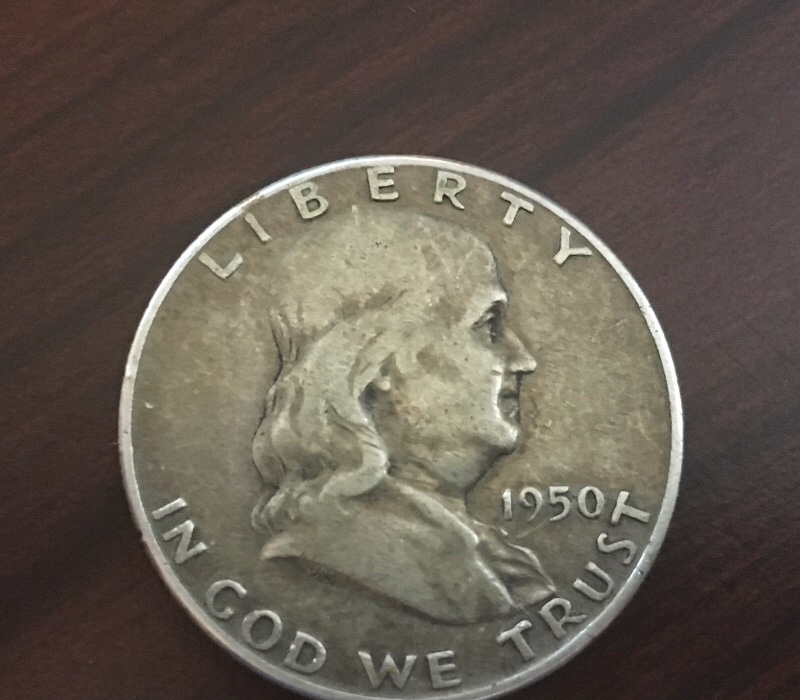 Edited by CuriousCoinGuy
06/05/2021 07:35 am
|
|
Pillar of the Community
 United States
5288 Posts |
|
|
Pillar of the Community
United States
4992 Posts |
Fairly worn but a really nice honest example. F-15, perhaps. Not FBL :)
|
| |
Replies: 17 / Views: 2,484 |










 Posted 06/04/2021 2:22 pm


