| Author |
 Replies: 11 / Views: 5,272 Replies: 11 / Views: 5,272 |
|
|
Valued Member
United States
65 Posts |
I am back at trying to find as many Errors and Varieties of Lincoln Cents, as a way to have a little fun, and add to my collection.
Right now I am using 12, 20 and 30 power loupes, but this is very tedious when sorting through thousands of coins. My eyes tend to get pretty tired, as well as my fingers.
I am wondering if these new simple electronic digital microscopes might be the answer. Even with my 30X loupe, I am having difficulty with what I call the fat variety double dies. It's very difficult to separate these from the poorly struck coins, or those who are just worn. It may very well be that I just don't know what I am looking for. But right now I wish to find something that will help me view the coins in a more detailed manner than rotating a coin under a loupe.
Another positive about these microscopes is I do believe you can snap a picture of the coin, and submit that picture online, if you need help with IDing a particular coin.
Anyone recommend these devices, and if so, which one do you prefer?
Thanks in advance for any suggestions
|
|
|
|
Pillar of the Community
United States
3344 Posts |
Hey, uslc. I have the Celestron USB scope. It works pretty well and does take photos. I would prefer one that has an adjustable light source, though. Using these scopes can be tedious as well. But, better than a loupe maybe. I still use my magnifying glass for initial checking and put under the scope for more detailed inspection. Have fun!
"Nummi rari mira sunt, si sumptus ferre potes." - Christophorus filius Scotiae
|
|
Pillar of the Community
7234 Posts |
Scope hooked up to view through your monitor! And it don't have to be a fancy one, mine (Plugable 2.0) cost $30 and works great for viewing and taking pictures.
Edited by Mark1959
10/04/2017 8:44 pm
|
|
Rest in Peace
United States
17900 Posts |
Mark - please elaborate on type and what computer type you use.
|
|
Bedrock of the Community
United States
79001 Posts |
Mark, I would like to know about the type and what computer compatibilitys it has. I have a Chromebook and would like to know if your type is compatible with my computer. Most USB camera scopes are compatible with Chromebooks.
Errers and Varietys.
|
|
Moderator
 United States
34549 Posts |
@uslccollector, you can try researching the answer to your question in the photography section of CCF. Some of the regular posters there have pretty advanced set-ups, byt others are more modest and oriented toward higher throughput such as you will need. Personally, I also use a cheap USB camera connected to a wintel desktop computer to look at my coins and find that it is way better than my eyes straight or even with a loupe.
"If you climb a good tree, you get a push."
-----Ghanaian proverb
"The danger we all now face is distinguishing between what is authentic and what is performed."
-----King Adz
|
|
Pillar of the Community
7234 Posts |
I bought mine off of Amazon I think they raised the price to 34.99 though. I run windows 7 on a HP tower with ViewSonic monitor.. And I don't know what Chromebook is, This is what the scope says about Chrome - I have no idea what this means: Chrome OS Our microscopes can be used with the default Camera app that comes with Chrome. Some Chrome machines with built-in cameras may need to have the device pointer changed. This can be done by going to Settings > Advanced Settings > Privacy > Content Settings > Camera, and change the device in the dropdown to "USB Microscope" 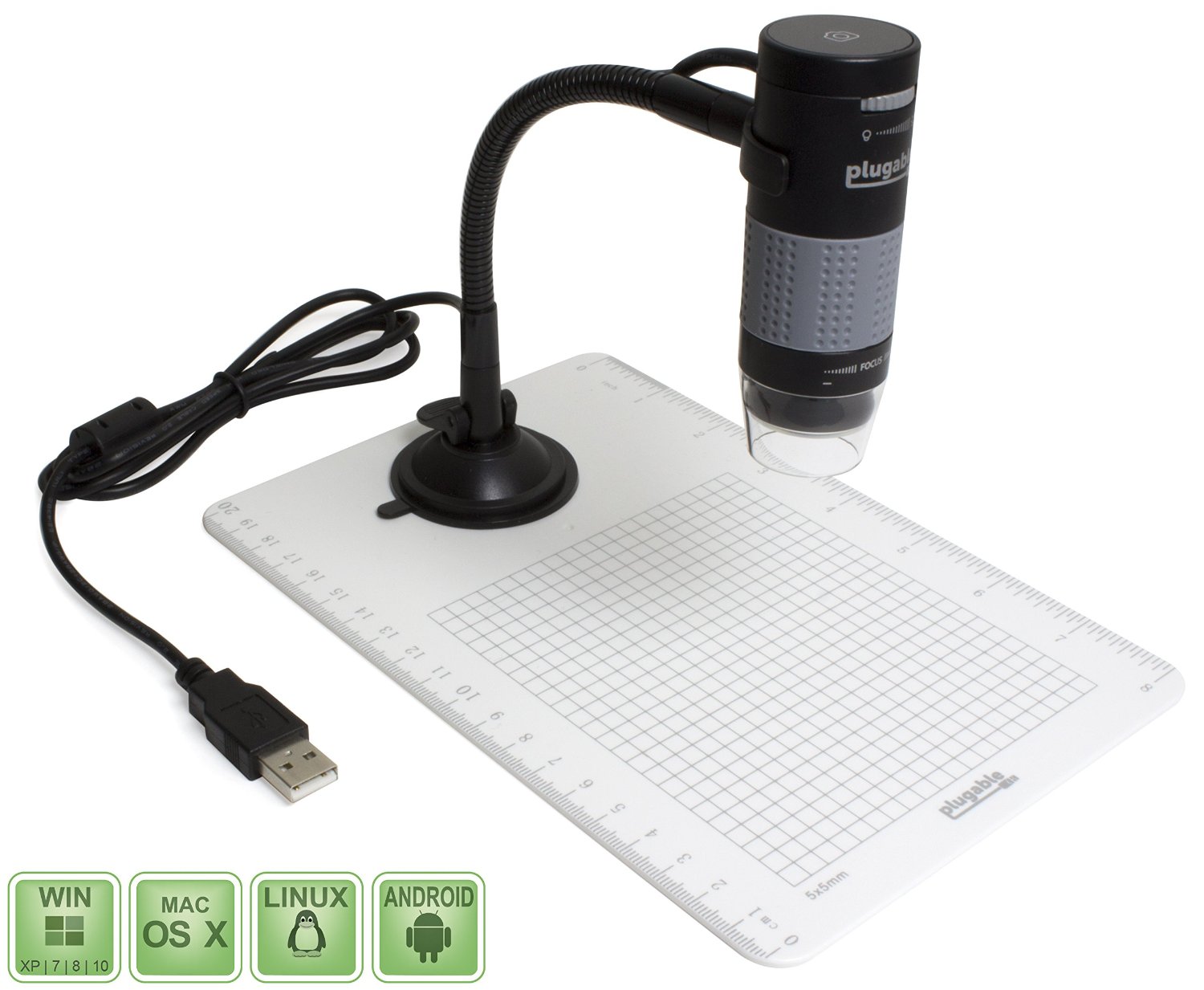 http://wonderfulengineering.com/10-...development/ http://wonderfulengineering.com/10-...development/Edited by Mark1959
10/04/2017 9:28 pm
|
|
Bedrock of the Community
United States
79001 Posts |
Well Mark, that's great news then because my Chromebook is compatible with the USB camera you have. Here's the link on the Chromebook if you want to know what to is. https://www.laptopmag.com/articles/...uying-advice. Basically, it's a computer that's run by Google instead of Windows. Google chrome is the OS on it. Chromebooks are great if you just browse on the internet or need to do anything related to HW as a example. Errers and Varietys.
|
|
Rest in Peace
10197 Posts |
Mine's a cheap one cost $45 on Amazon. Only thing had to do was extend the tube to get pix of dollar size coins. Supposed to work on Win10, Mac10.6 and above 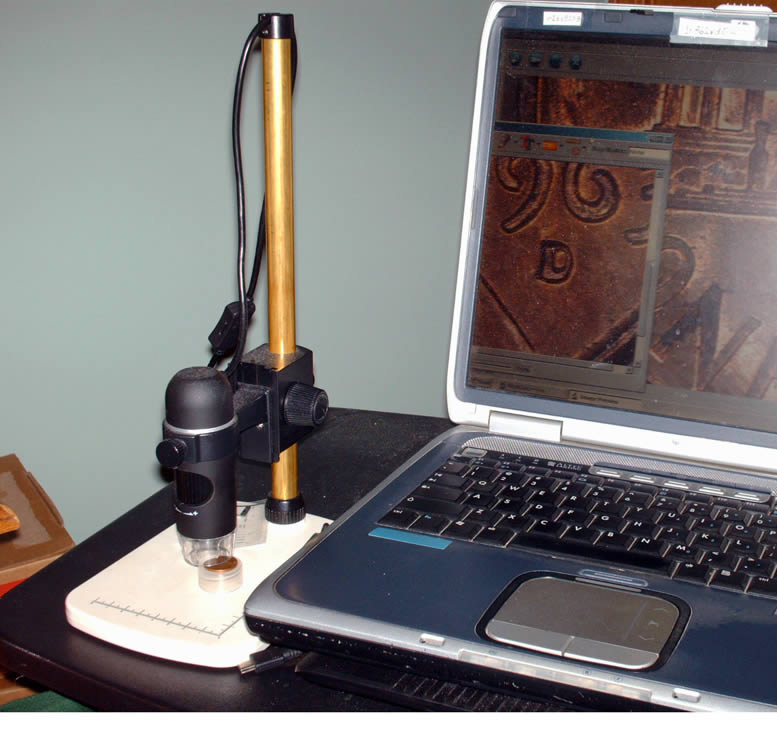 |
|
Valued Member
 United States
65 Posts |
Thanks so much for your responses. It looks like I am on the right track on this subject. I also have looked at these devices on Amazon, and they seem to be quite simple to set up and use. With my aging eyes, anything that makes things easier for me to see helps. Right now I can only go through about 50 to 100 coins before my eyes tire. A microscope projecting the image on my computer screen will help immensely. And the way things are going with this go around, looking through coins, I may need the device to publish pictures here on the forum to get help on some coins. Thanks again for your answers. |
|
Rest in Peace
10197 Posts |
Look forward to seeing your pix, these pix posts do get addictive very quickly, our twelve step group all with aging eyes are here to help!  |
|
Pillar of the Community
5464 Posts |
|
| |
Replies: 11 / Views: 5,272 |
|








 Posted 10/04/2017 8:42 pm


