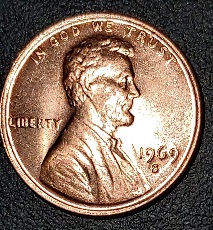
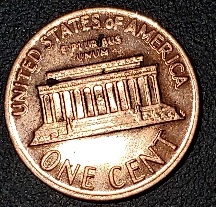
The areas are white. is probably what you are talking about. That is glare on the flat surfaces causing
Machine Doubling to be hidden.
The glare is what we see, while you actually see the
Machine Doubling.
Machine Doubling is not a doubled die. On doubled dies they show a spread on the centers of the devices.
Machine Doubling is seen on the outside/insides of devices. The spread is seen in the centers of doubled dies, and it make the devices wider/taller still having the contours on all sides of the devices. The real DDO-001 is very strong doubling:

Note, the normal size devices (first image)
Machine Doubling on the second image, and the doubled die side by side to show you the differences? (note how much larger the devices are on this example)
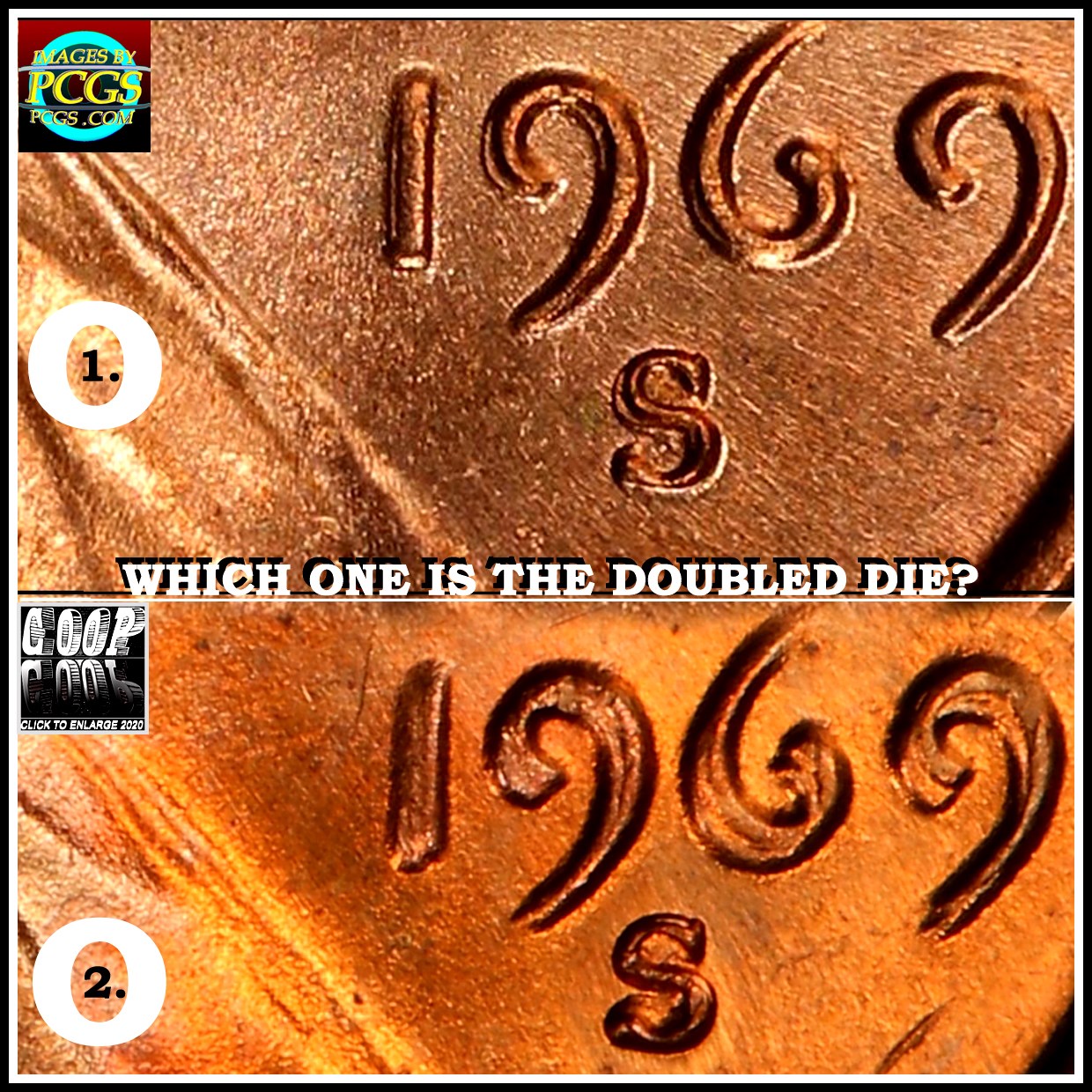
Note the date is the normal size but slight reduced on the
Machine Doubling on top image, and the doubled die on the lower image. Note how much the devices are enlarged on the doubled die.
Machine Doubling removes the contour of the devices. The contour is what you see, when you use a single light source, and the top of the device fades from light to dark on the lower parts of the devices. On MD this is no longer seen, as that area of the devices are removed by the glare the
Machine Doubling reflects of the light source. Because this is done by the machine after the strike, even doubled dies (which has the doubling on the die) can be affected by
Machine Doubling:
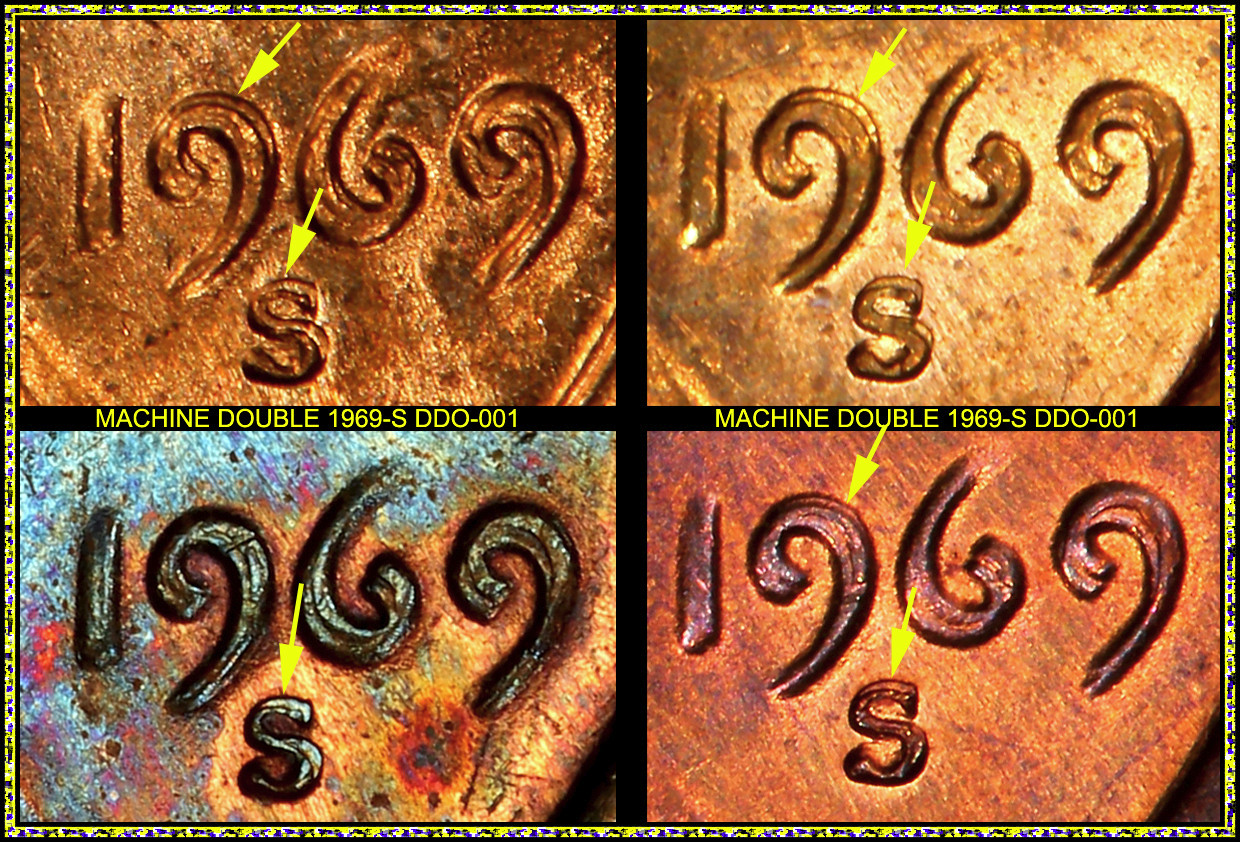
Note the dates on these 4 images, they are all of the DDO-001.
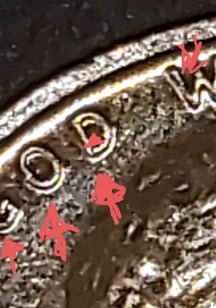
But now notice the yellow arrows? Those are the areas affected by
Machine Doubling. So it is the machine that damages these devices right after the strike and this can happen on doubled dies as well.
Probably less than 50 total of the DDO-001's, as they were noticed, this doubled die and was pulled from production. But a few examples got out.
So how do I know about the glare and
Machine Doubling issue? Well, I found a way to show what you are seeing, and remove the glare that is hiding what we can not see on a normal image. It uses a inverting of the colors, and this remove the glare from blocking the view that you see, but we can't see. It is an inverting of the colors:
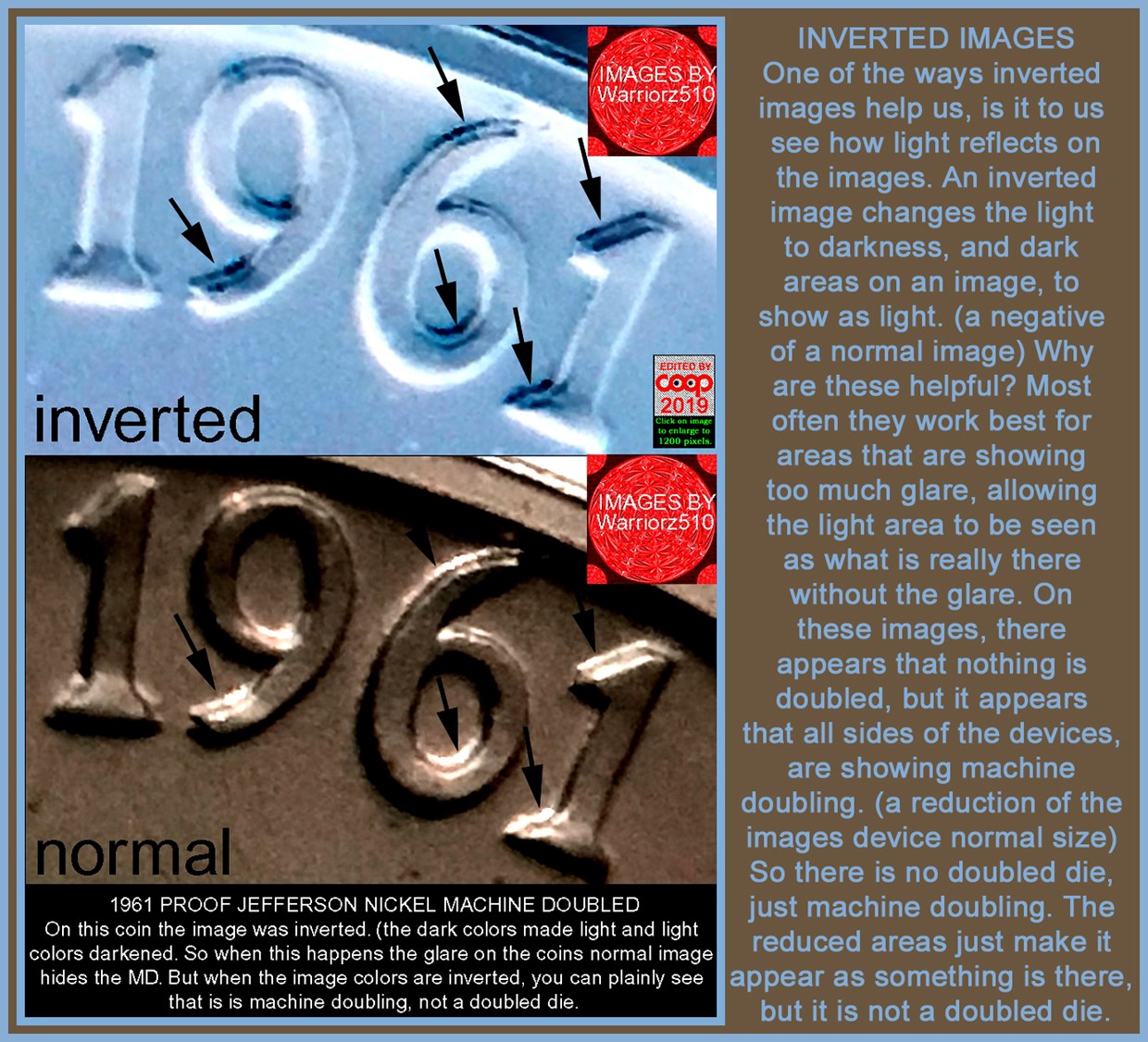
Note the lower image. That was what was posted here. On the top image I inverted the colors to the opposite and now we can see the
Machine Doubling, that the glare hid from our view, but you can see on you magnifier. It is the lighting that creates this glare. More examples?

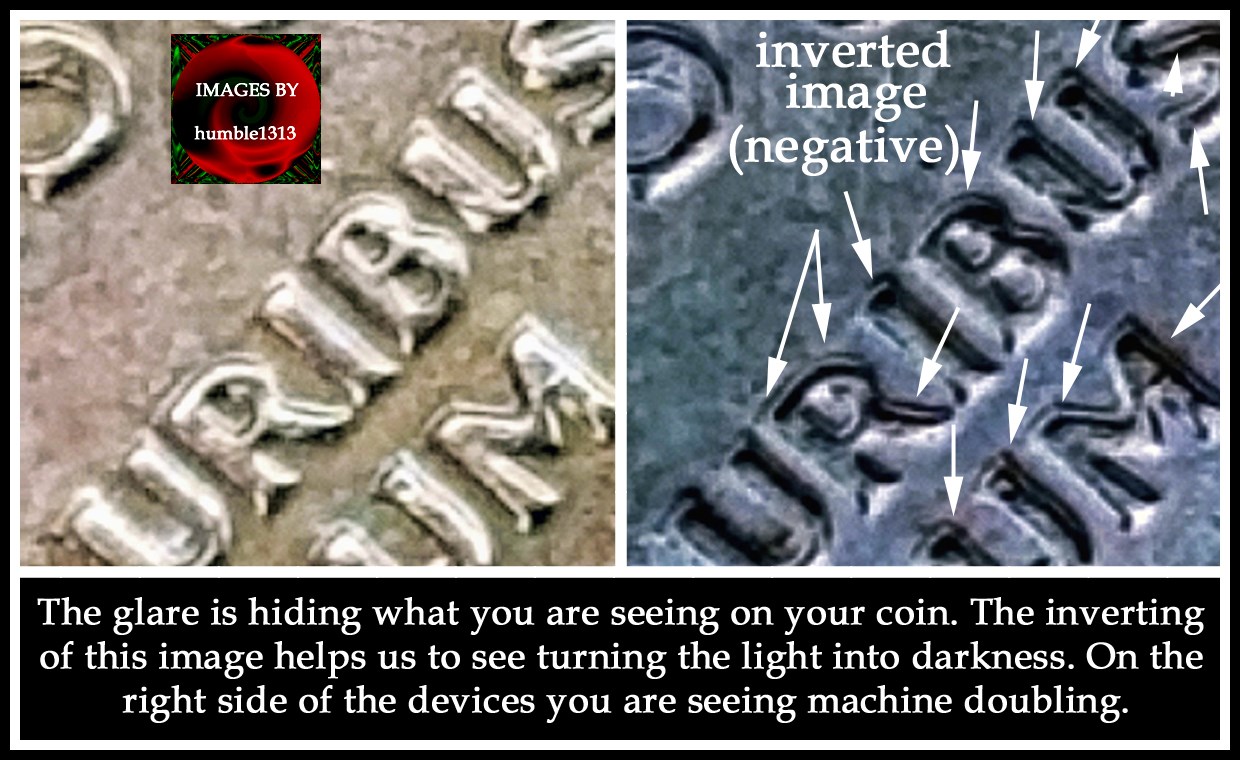

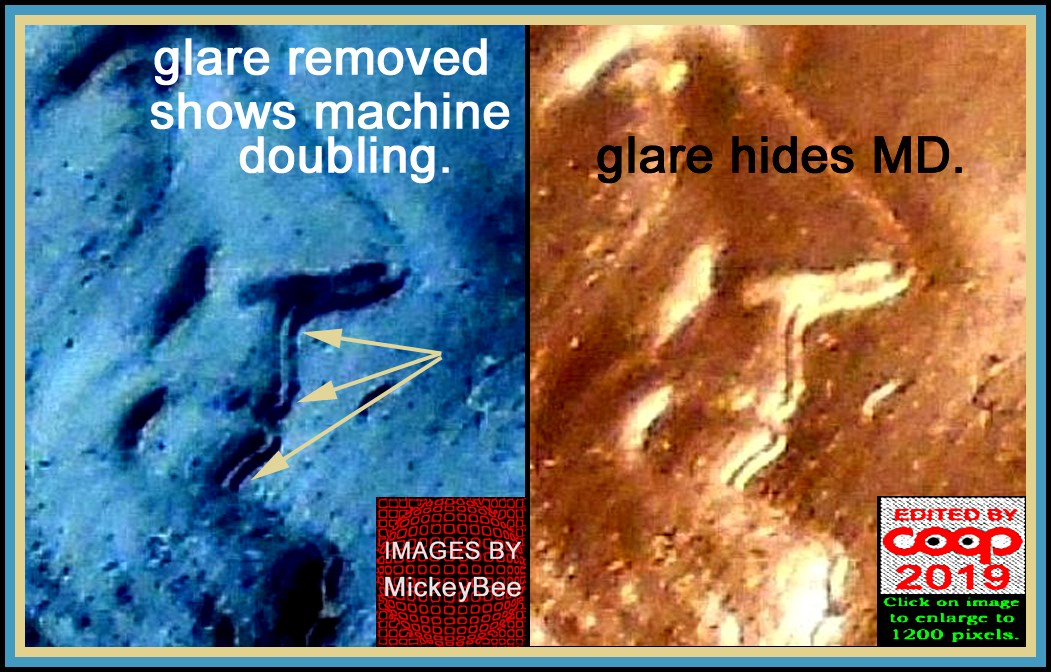
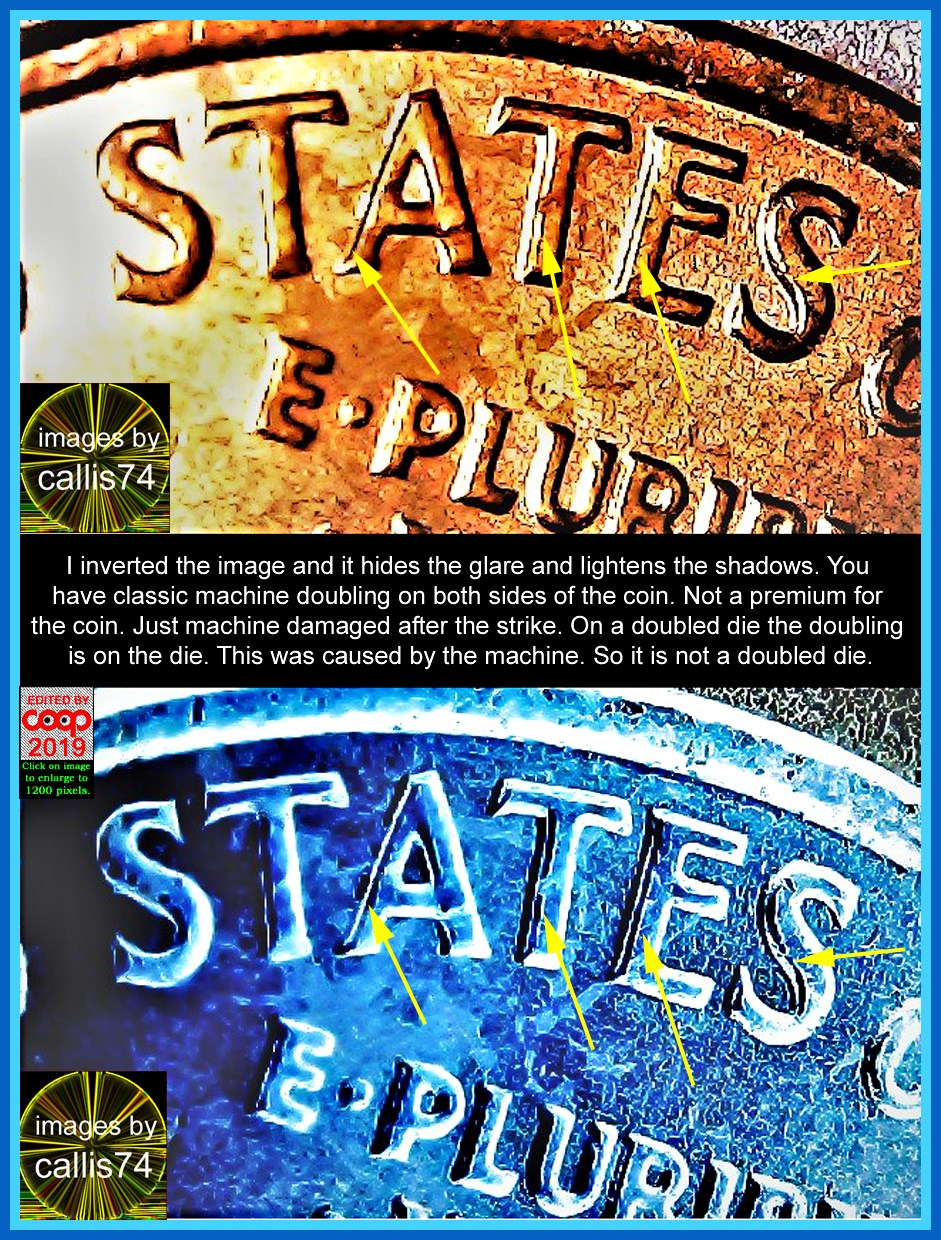
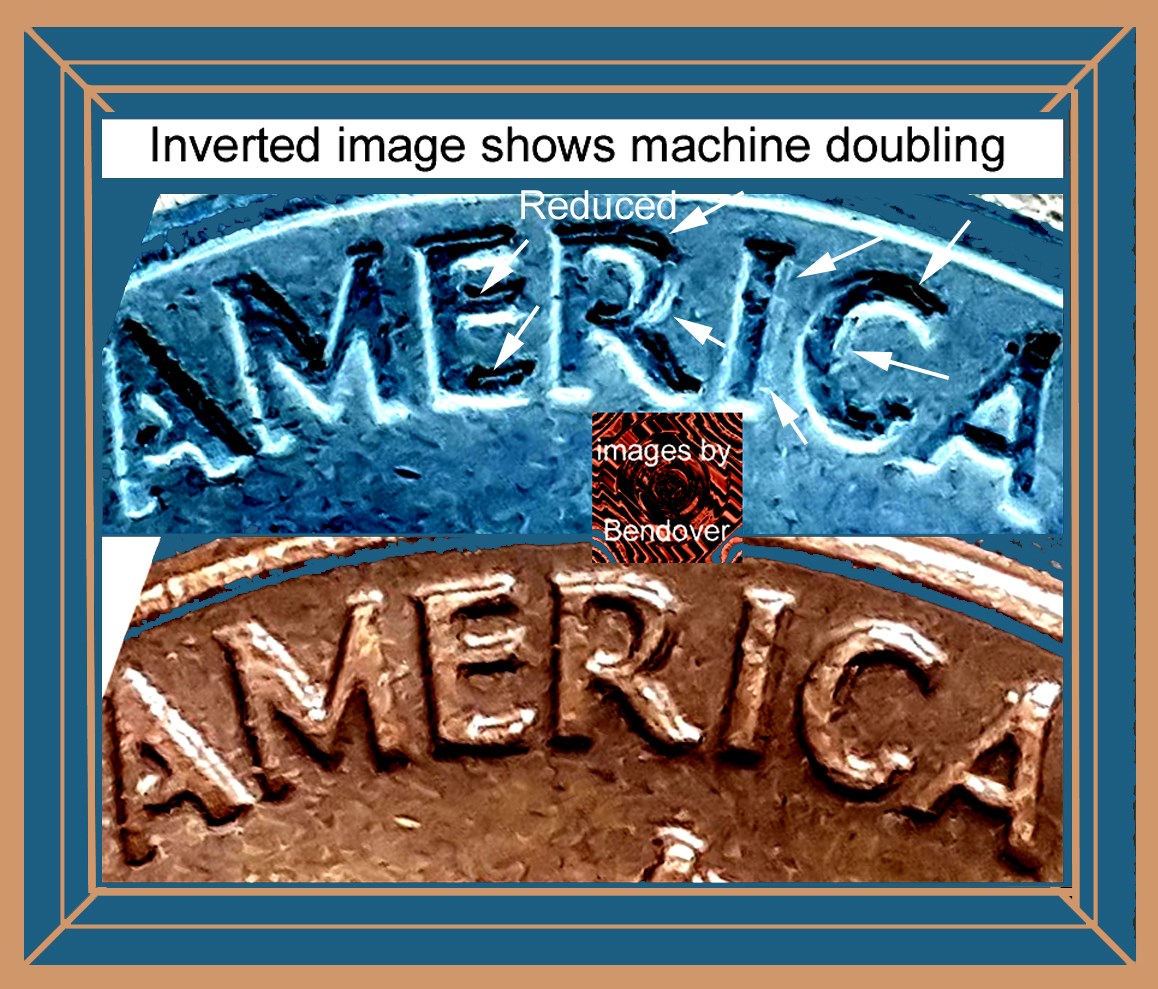
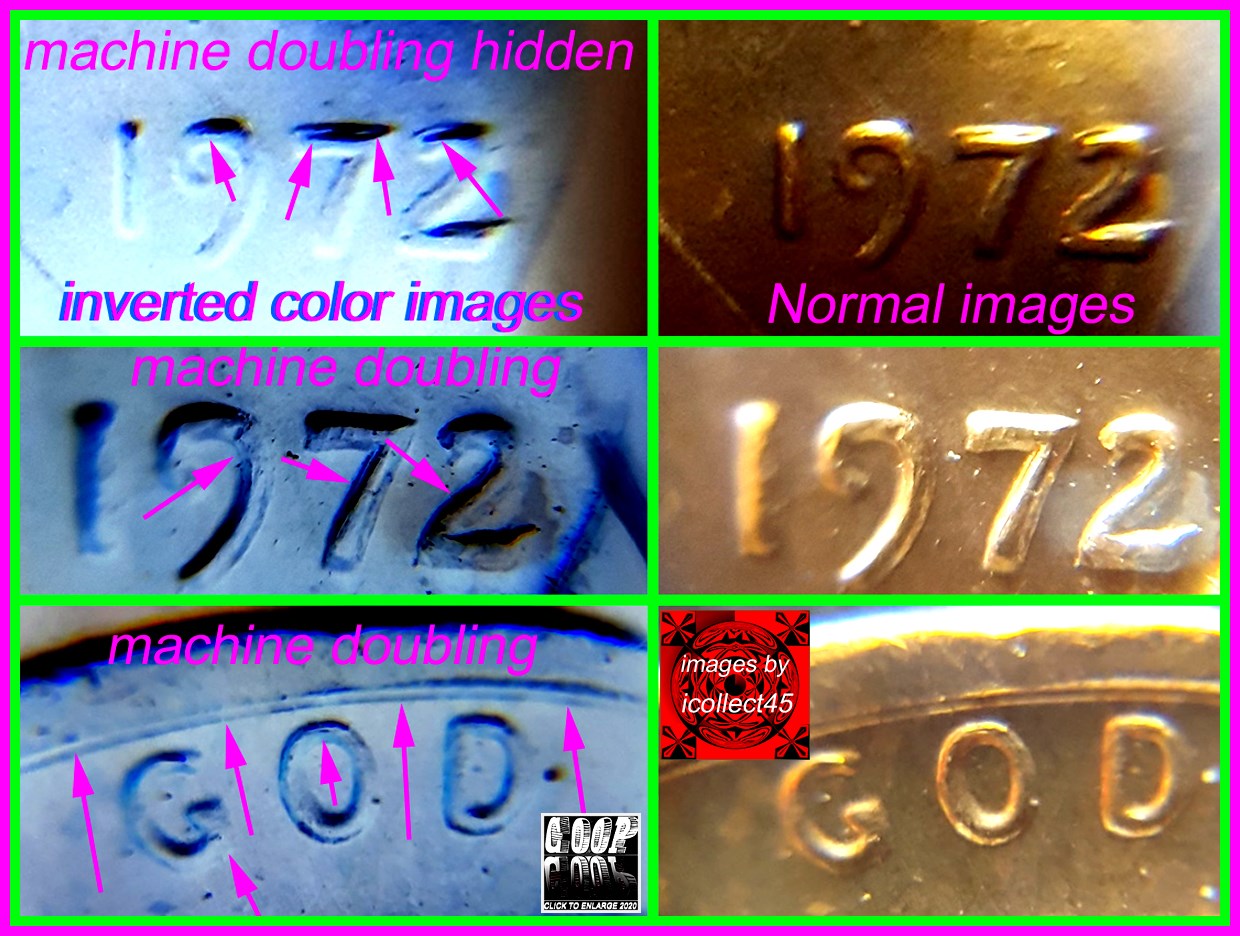
So the inverted images show us what you are seeing and what the glare most of the time hides. Hope this helps.
CoopHome:
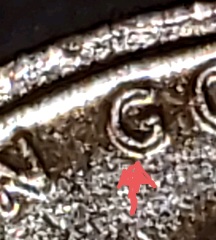
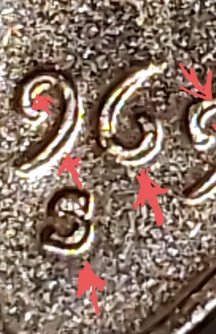
Why can't you see what I see in my images? (Light inverted to remove glare)









 Posted 08/25/2021 12:34 pm